About Paste to Props
Stop adding array items one by one.
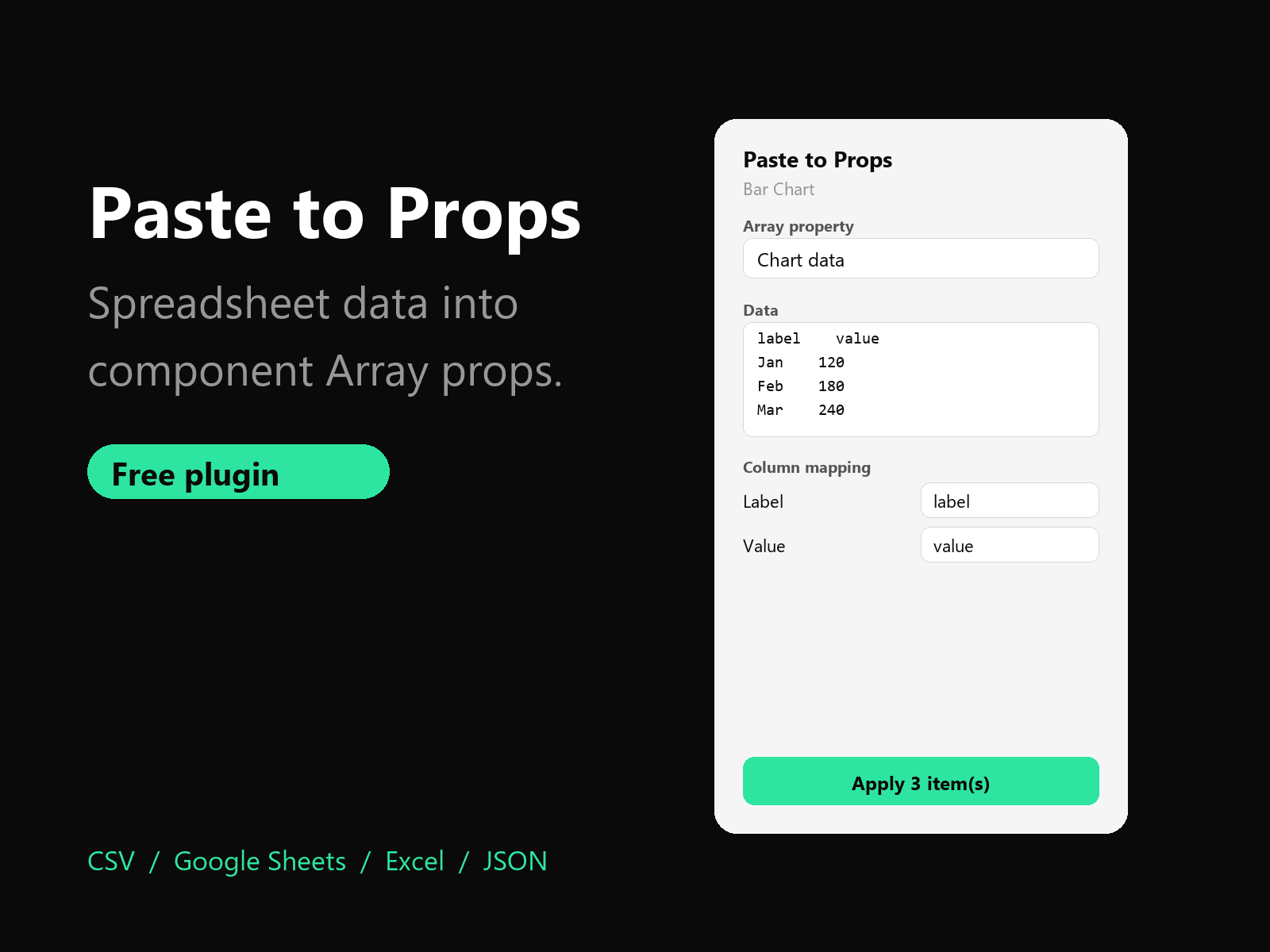
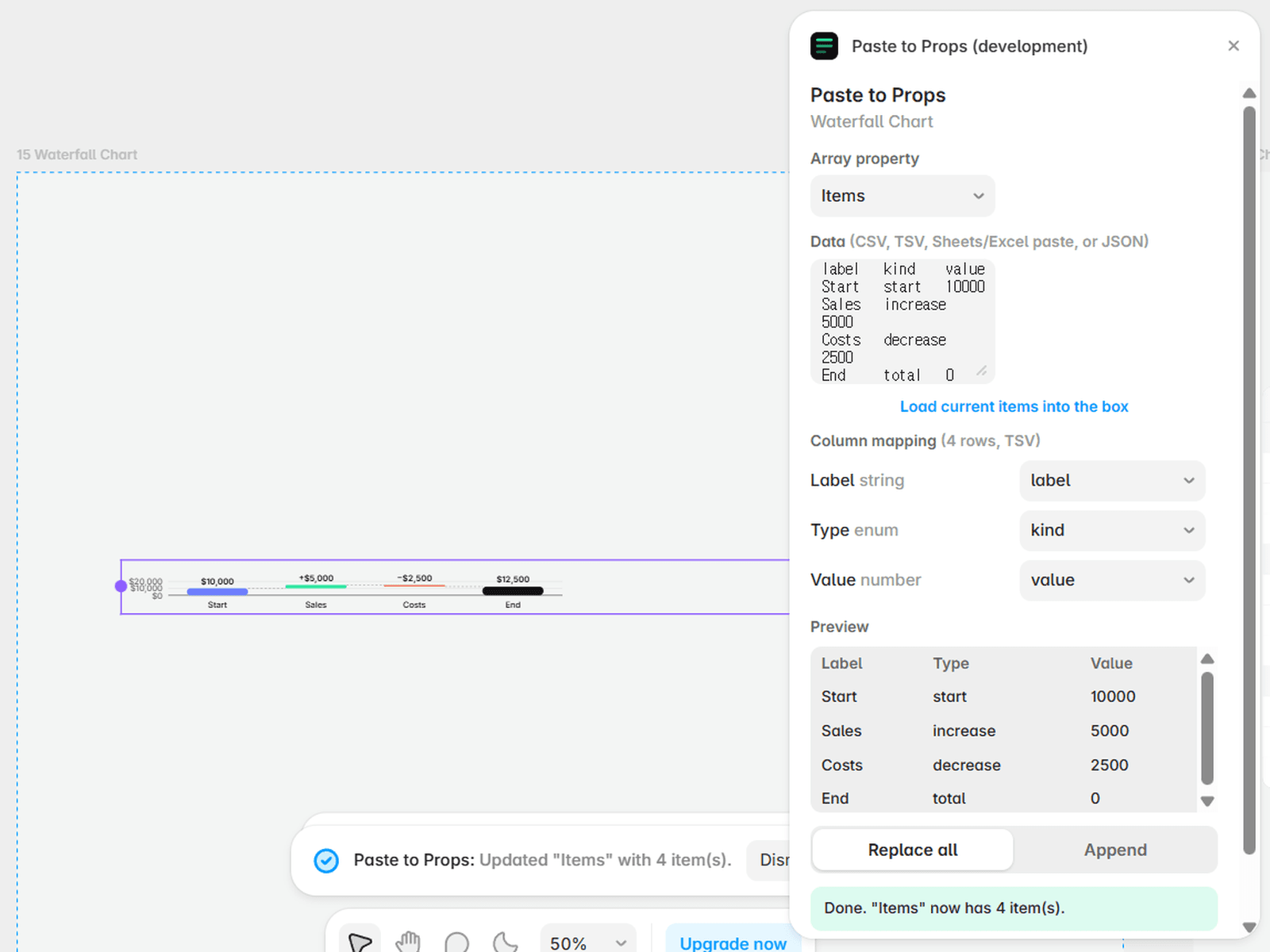
Paste to Props fills the Array property of a code component straight from a spreadsheet. Select a component, paste a table from Google Sheets, Excel, a CSV file or a JSON array, check the preview, and apply.
How it works
1. Select a code component that has an Array property (chart data, list items, slides, pricing rows...).
2. Pick the property and paste your data.
3. Columns are matched to the item fields by name. Adjust the mapping if needed.
4. Choose Replace all or Append, then click Apply.
Features
• Paste from Google Sheets, Excel, CSV, TSV, semicolon CSV or JSON
• Automatic column-to-field matching with manual override
• Number, boolean, enum, text, color and link fields are converted for you
• Live preview and clear warnings for cells that cannot be converted
• Replace all items or append to the existing ones
• Load the current items back into the box to edit them in a spreadsheet
• Light and dark mode
Privacy
Everything runs inside the plugin window. No account, no network requests, no tracking.
Notes
• Image and file fields inside array items are left unchanged.
• Works with code components that expose an Array property control.
Made by BrandingUp — brandingupstudio.com