About Picktime Booking
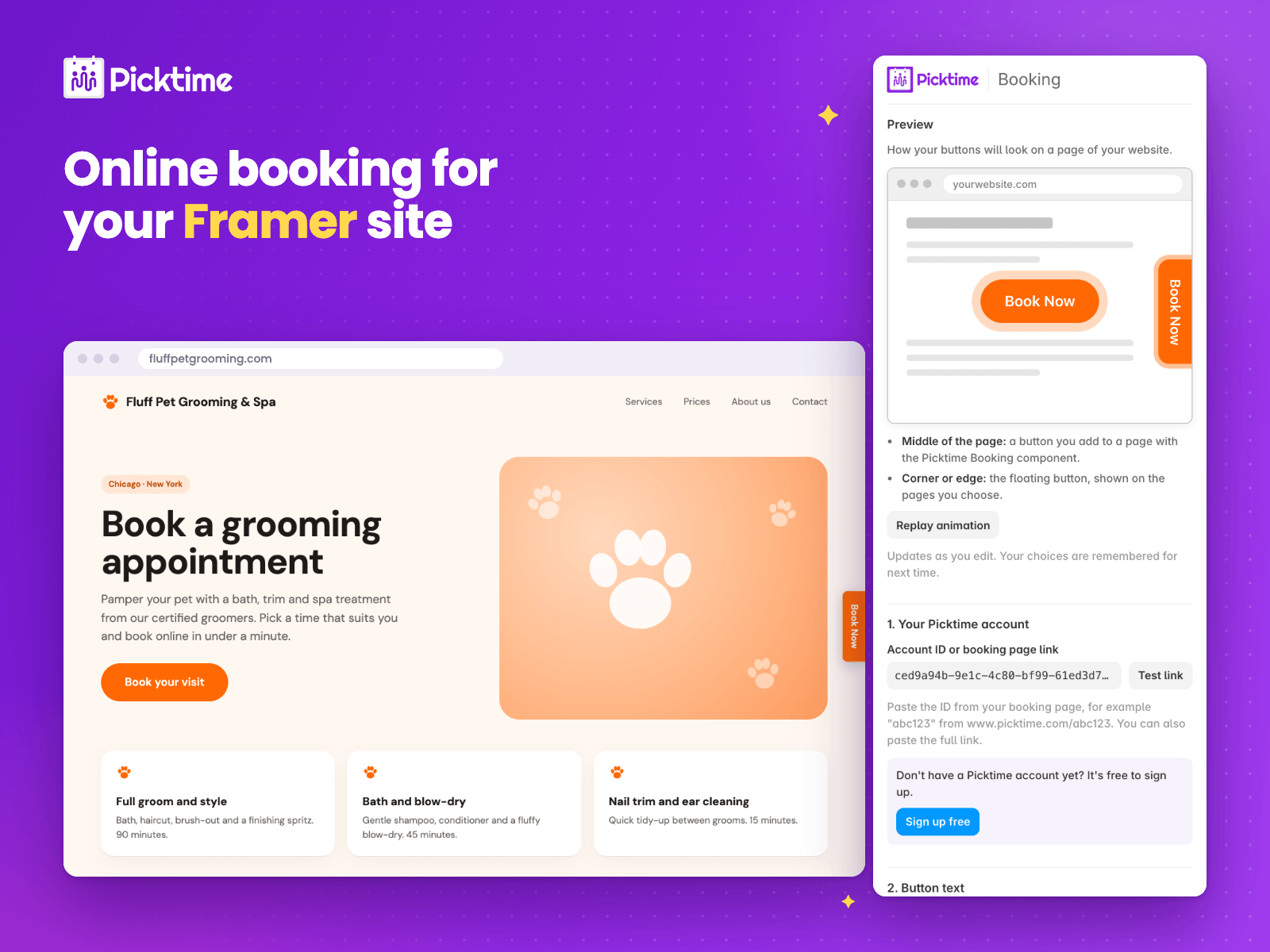
Let visitors book appointments, classes and services without leaving your Framer site. Picktime Booking connects your site to your free Picktime booking page.
What you get
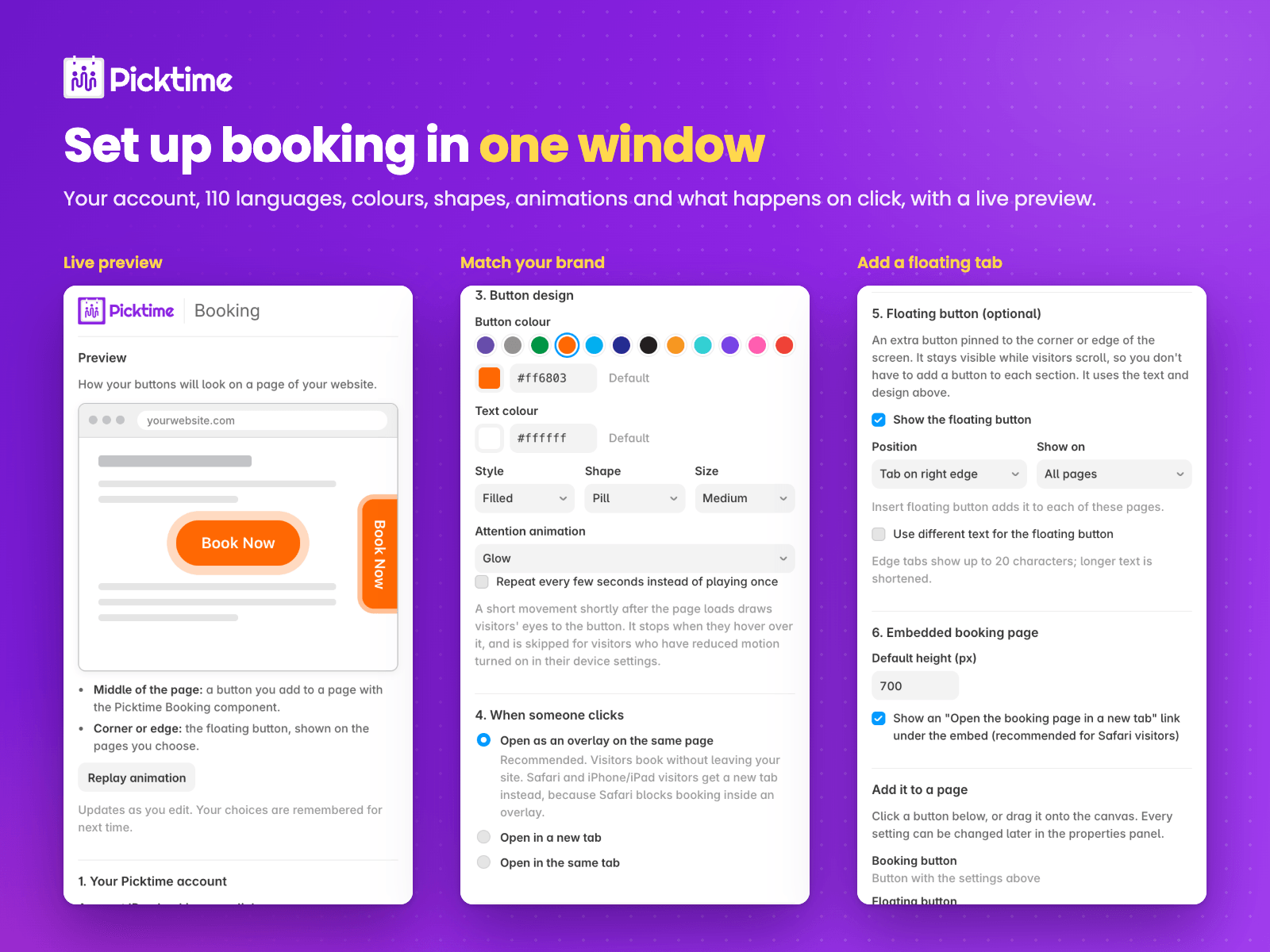
- A Book Now button in 110 languages, or your own text
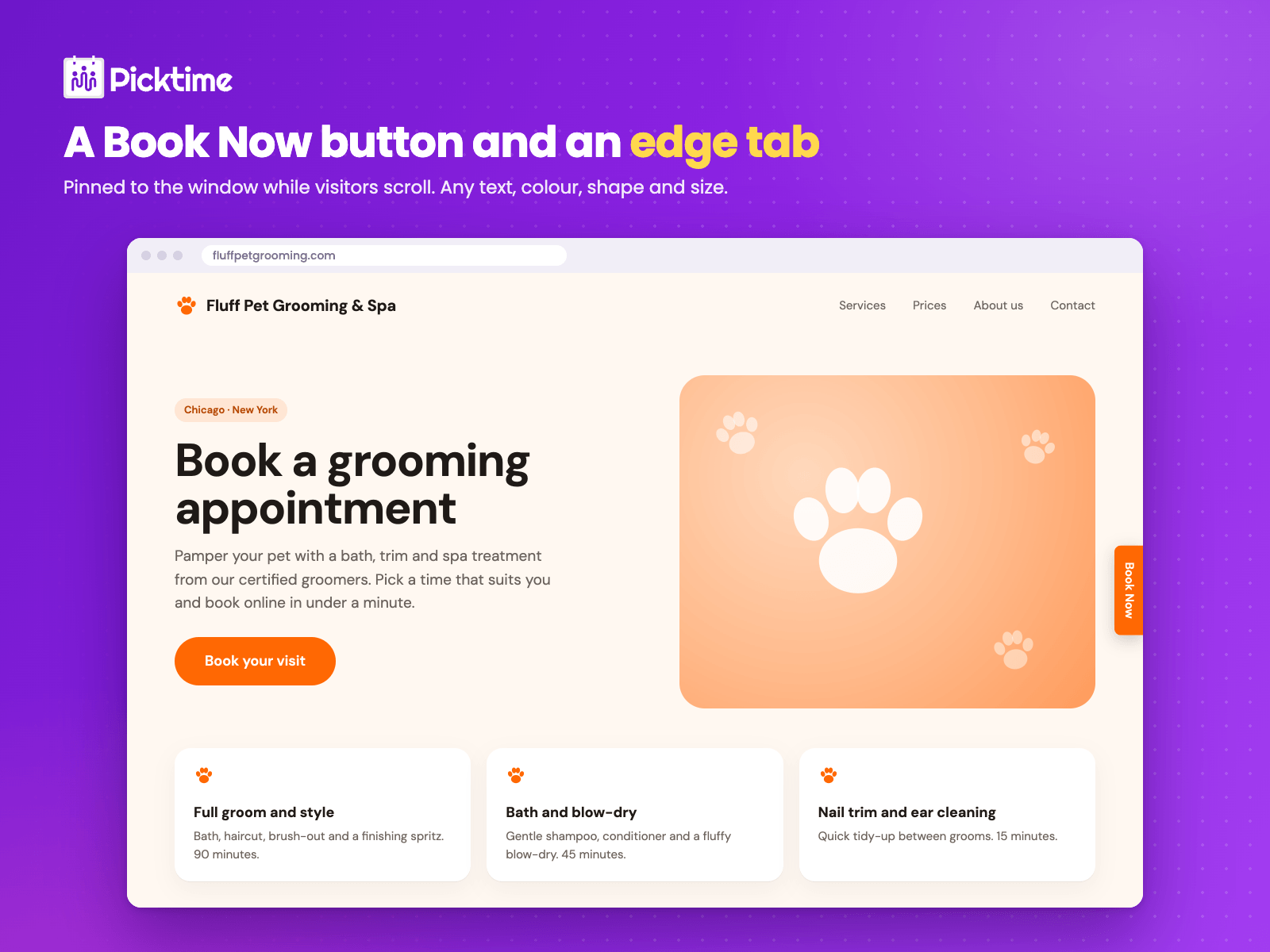
- A floating button or edge tab that stays visible while visitors scroll
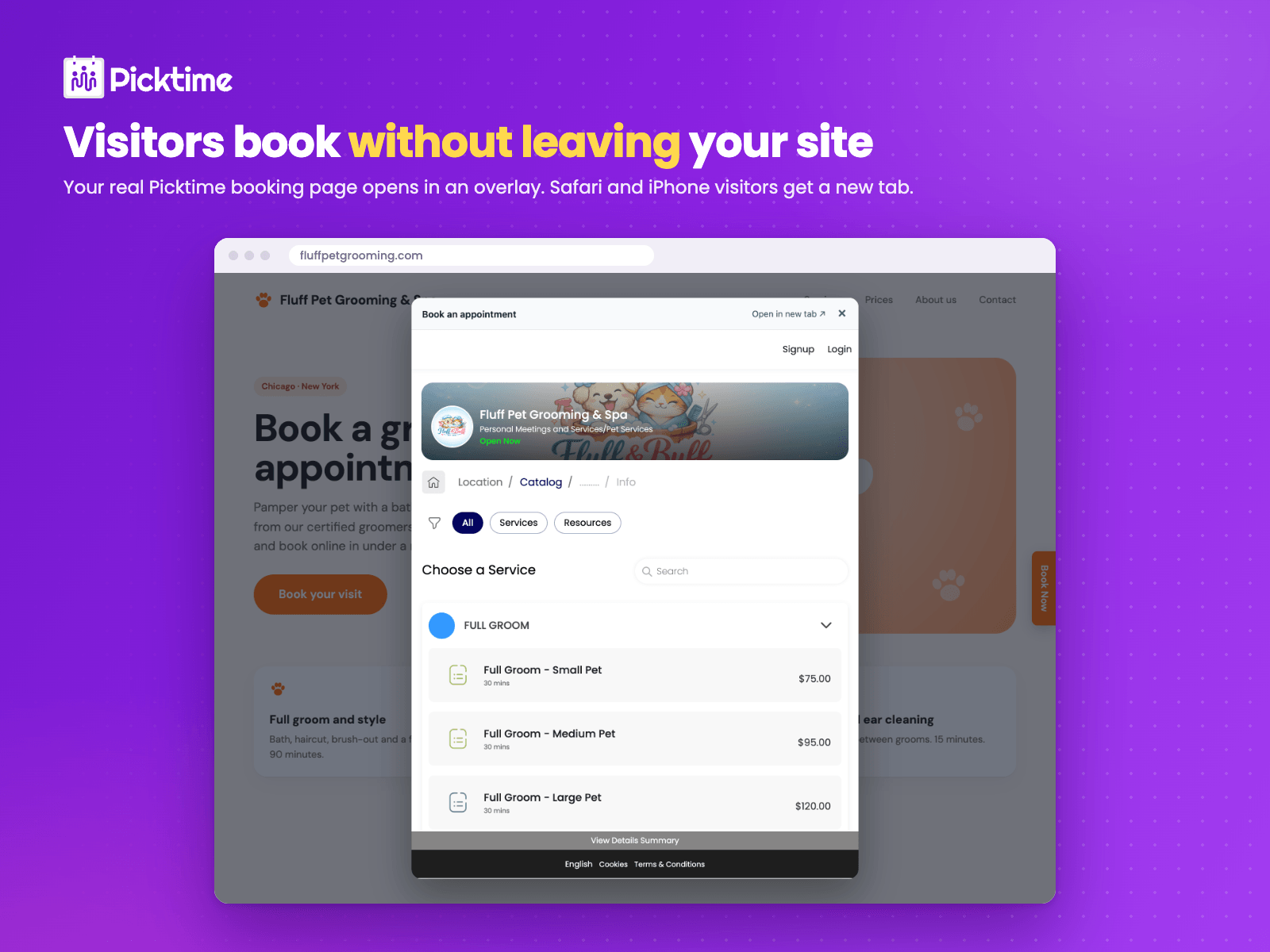
- Booking in an overlay on the same page, a new tab or the same tab
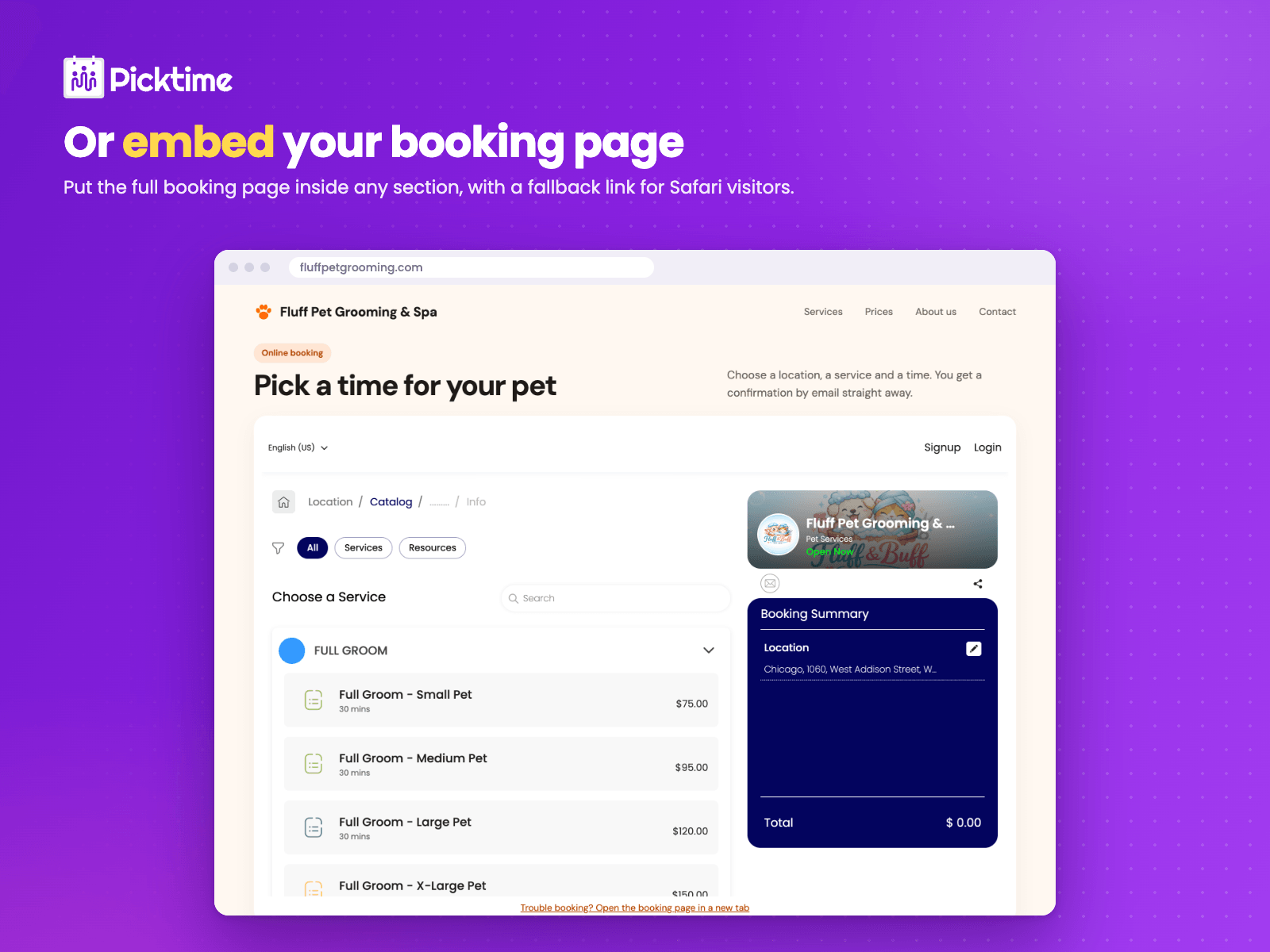
- Your booking page embedded right in the page
- Picktime colours or any colour, filled or outline, square, rounded or pill, three sizes
- Subtle attention animations (pulse, wiggle, bounce, glow) that respect reduced-motion settings
How it works
1. Open the plugin and paste your Picktime Account ID or booking page link.
2. Pick the text, colours and click behaviour. The preview updates as you go.
3. Click Insert or drag onto the canvas. Every option can be changed later in the properties panel.
Do more in your Picktime dashboard: take payments with Stripe, Square or PayPal, send email and SMS reminders, sync Google Calendar and Outlook, add Zoom links, run classes, waitlists and packages, schedule staff and resources, and collect reviews.
No Picktime account yet? Sign up free at picktime.com.
Safari and iPhone/iPad visitors get the booking page in a new tab, because Safari blocks booking inside an overlay.
Support: live chat on www.picktime.com or support@picktime.com