About Product Demo Builder
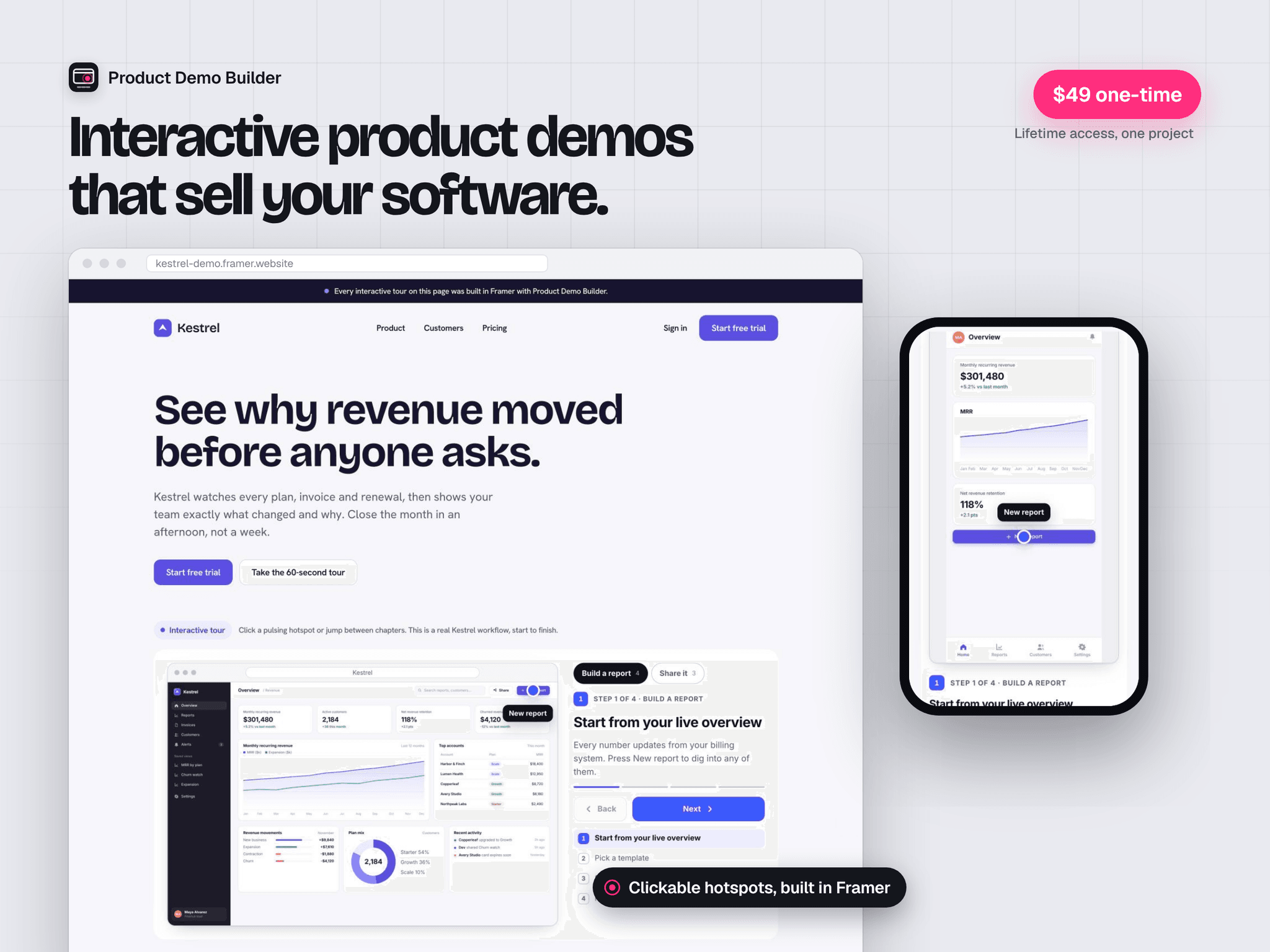
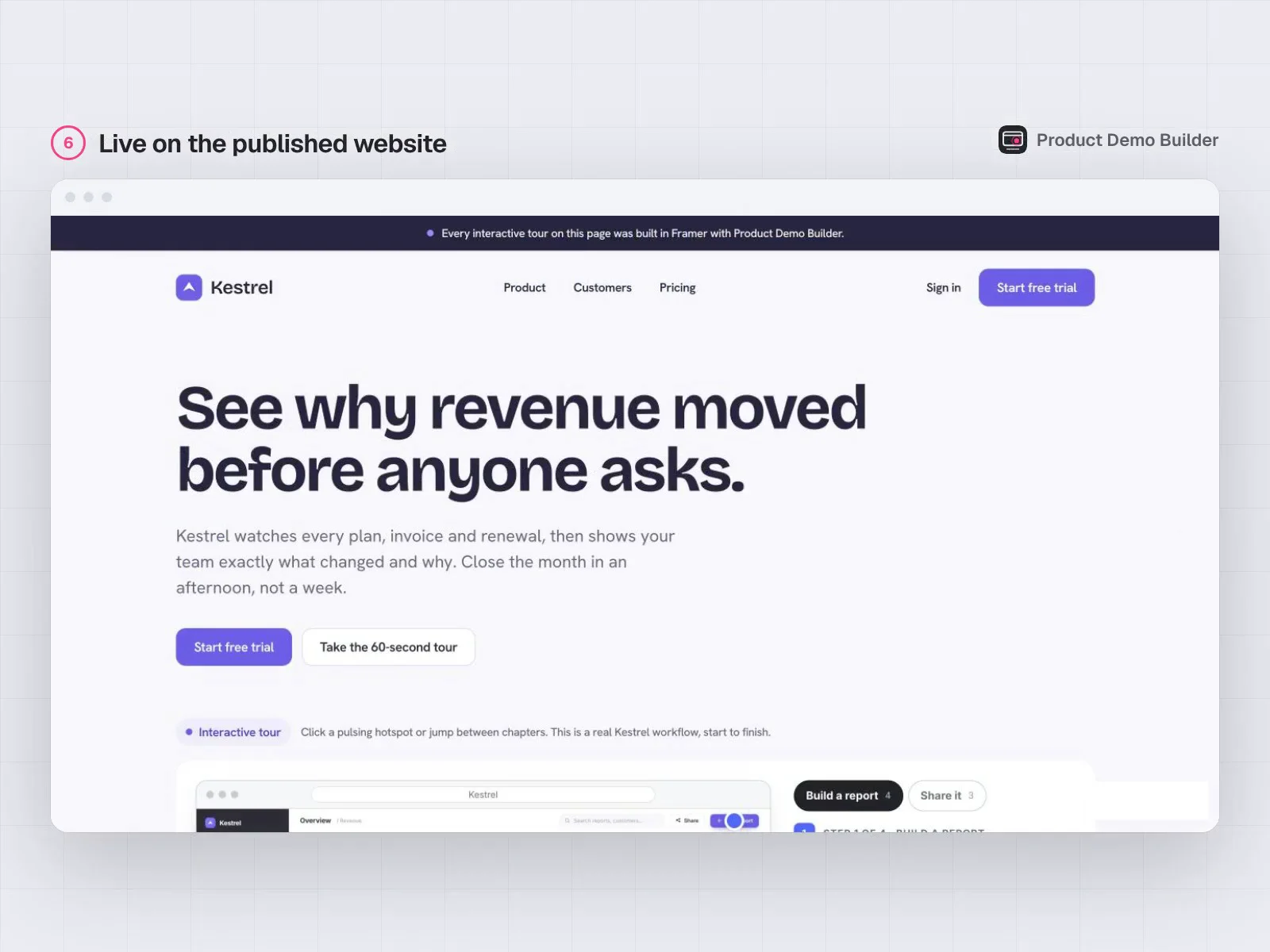
Turn your app screenshots into interactive product demos directly inside Framer.
Product Demo Builder gives you a visual workspace for creating guided product tours, feature walkthroughs and clickable software demonstrations. Import your screenshots, arrange the steps, place hotspots and show visitors how your product works.
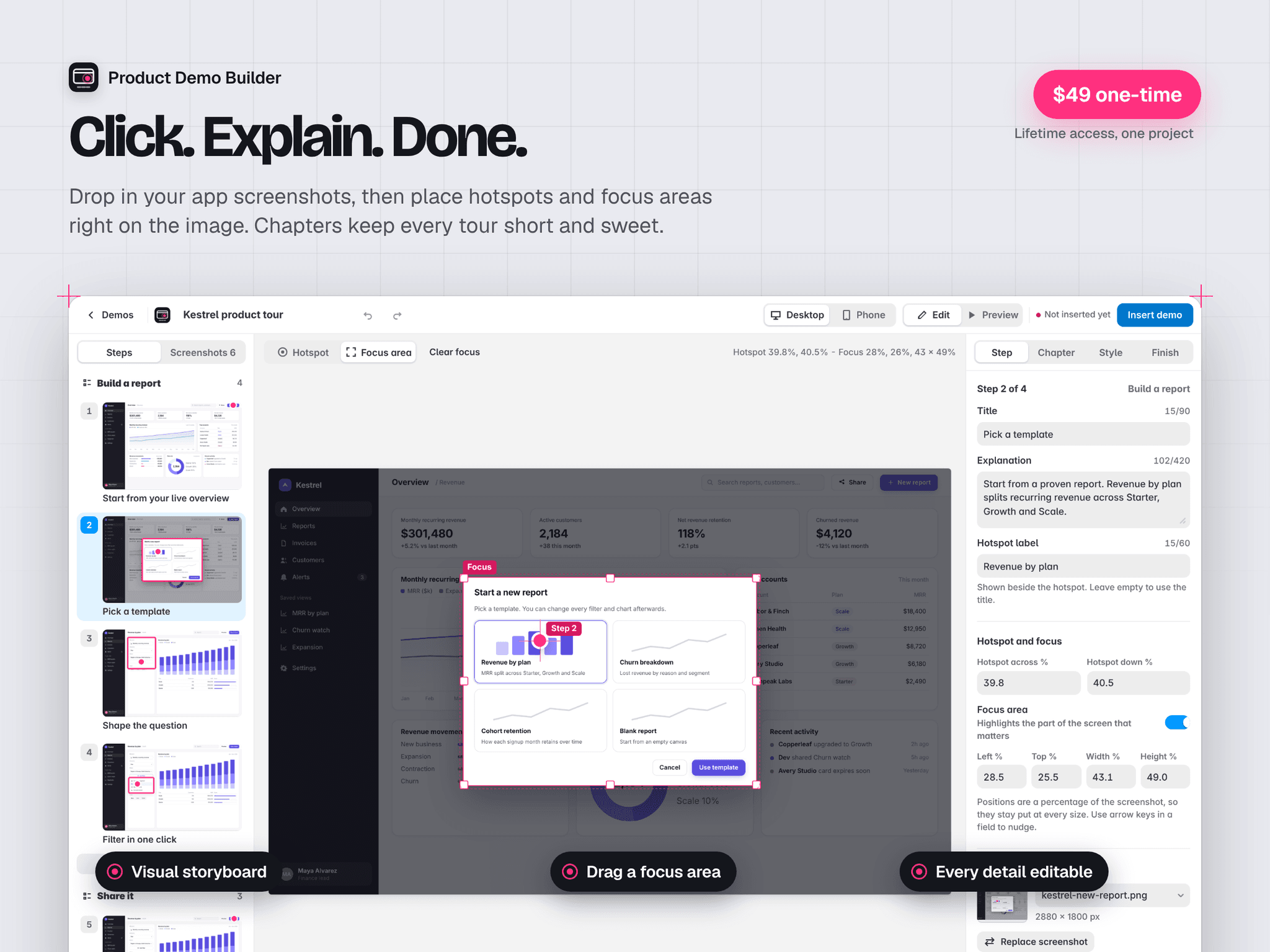
Build visually
Arrange screenshots in a clear storyboard. Click to position hotspots, choose a focus area and write a short explanation for each step. Preview your changes as you work.
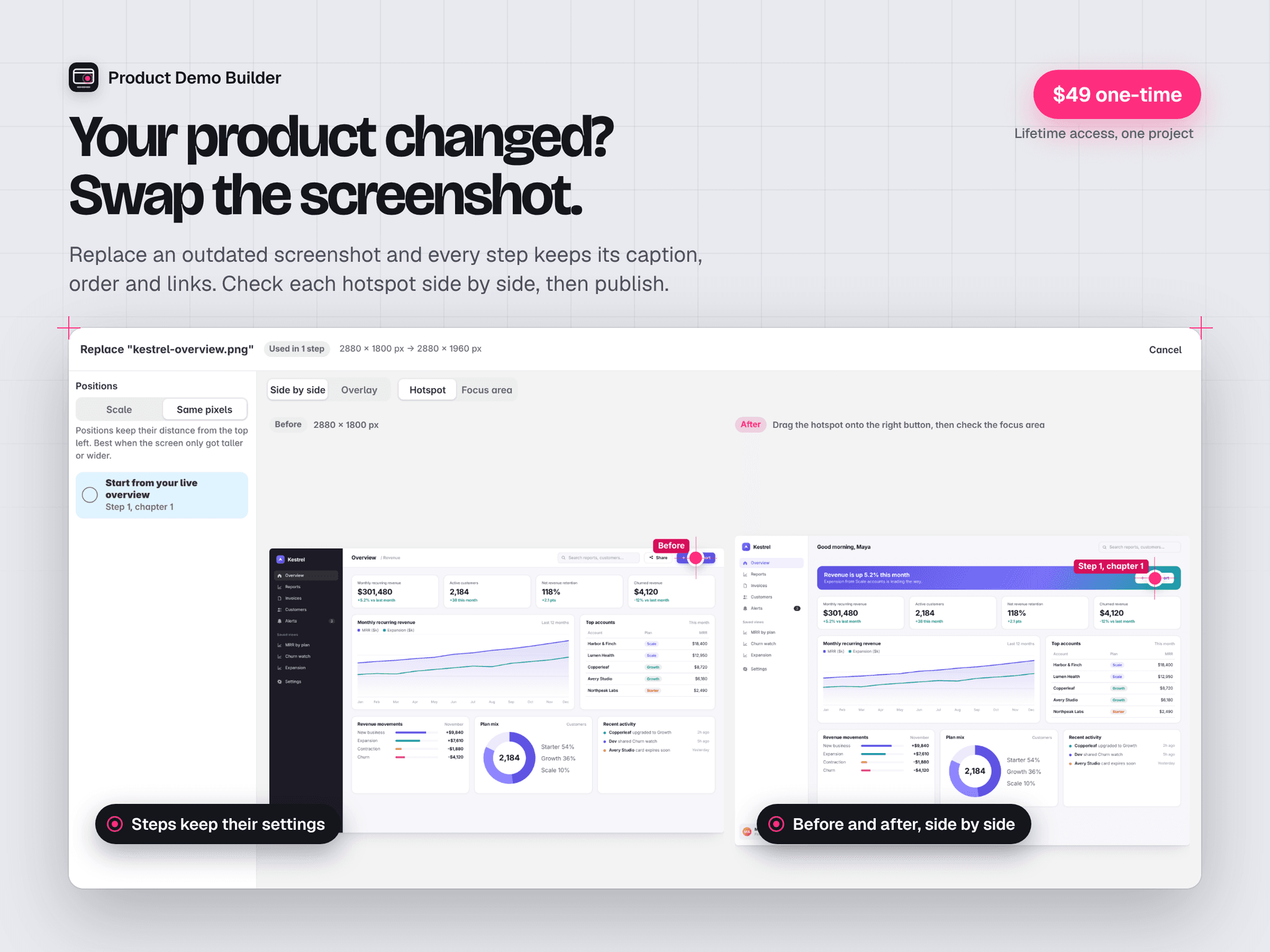
Keep your demos up to date
Reopen an existing demo whenever your product changes. Replace screenshots while preserving captions, scene order and saved hotspot positions, then review the affected steps before updating your site.
Show the right workflow
Organize longer demonstrations into short chapters so visitors can choose the feature or task they want to explore.
Make every step readable on mobile
Preview desktop and phone layouts inside the editor. Adjust focus regions and use captions beneath the screenshot to keep explanations easy to follow on smaller screens.
Match your website
Choose from Studio, Cinema and Editorial presentation styles. Customize colours, typography, frames, navigation and calls to action.
Included
Visual screenshot storyboard
Clickable hotspots and focus regions
Guided steps and chapter navigation
Desktop and mobile previews
Reusable styling within your project
Screenshot replacement with retained step settings
Reopening and editing of inserted demos
Keyboard controls and reduced-motion support
Custom links and final calls to action
Made for SaaS websites, software landing pages, app showcases and product walkthroughs.
You supply the screenshots. Published demos run as part of your Framer site.
$49 once. Lifetime access for one Framer project.
Create unlimited demos within your licensed project, with no monthly plugin subscription or per-view plugin fee. Your regular Framer hosting plan applies.