About Product Sync
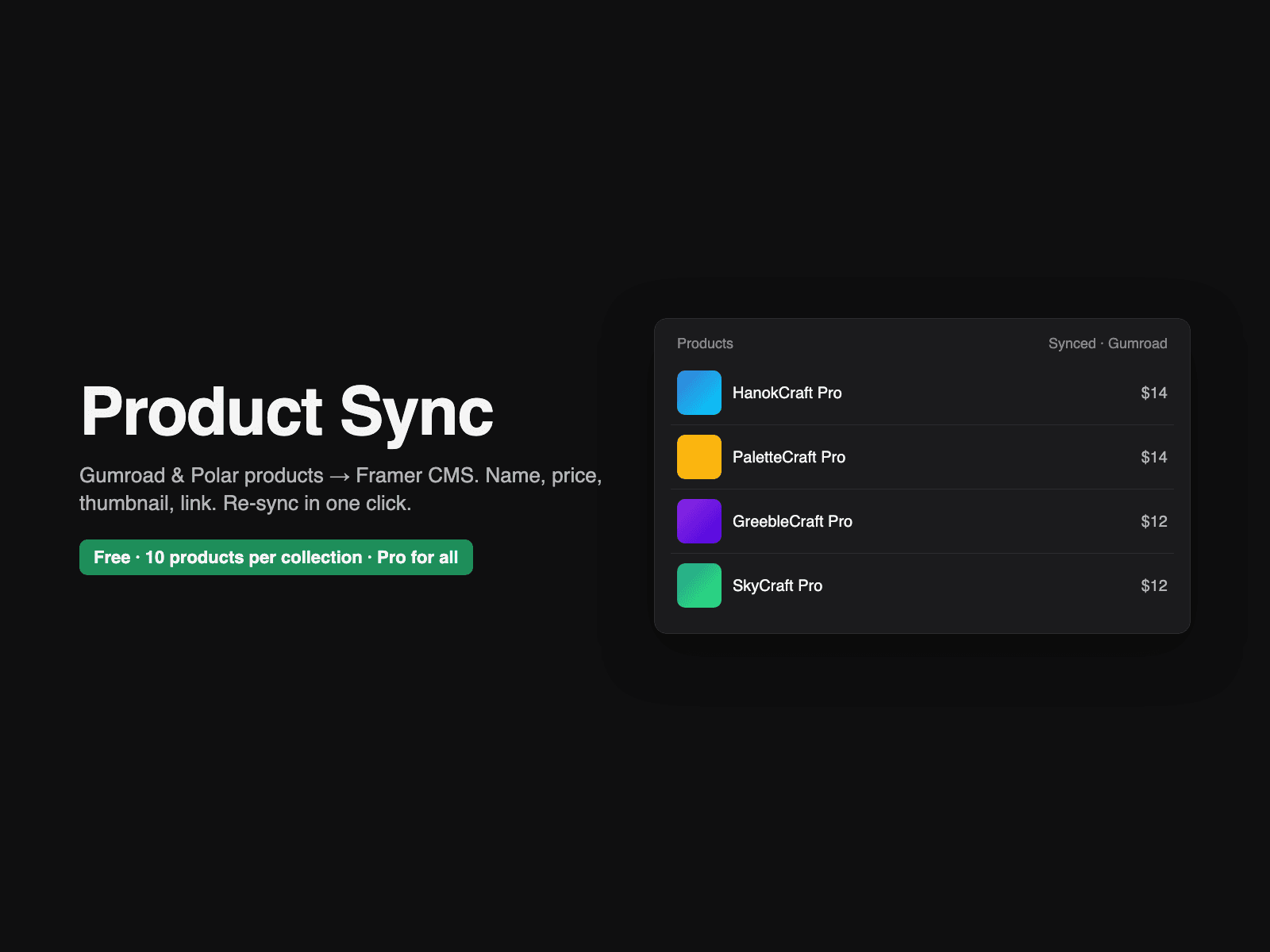
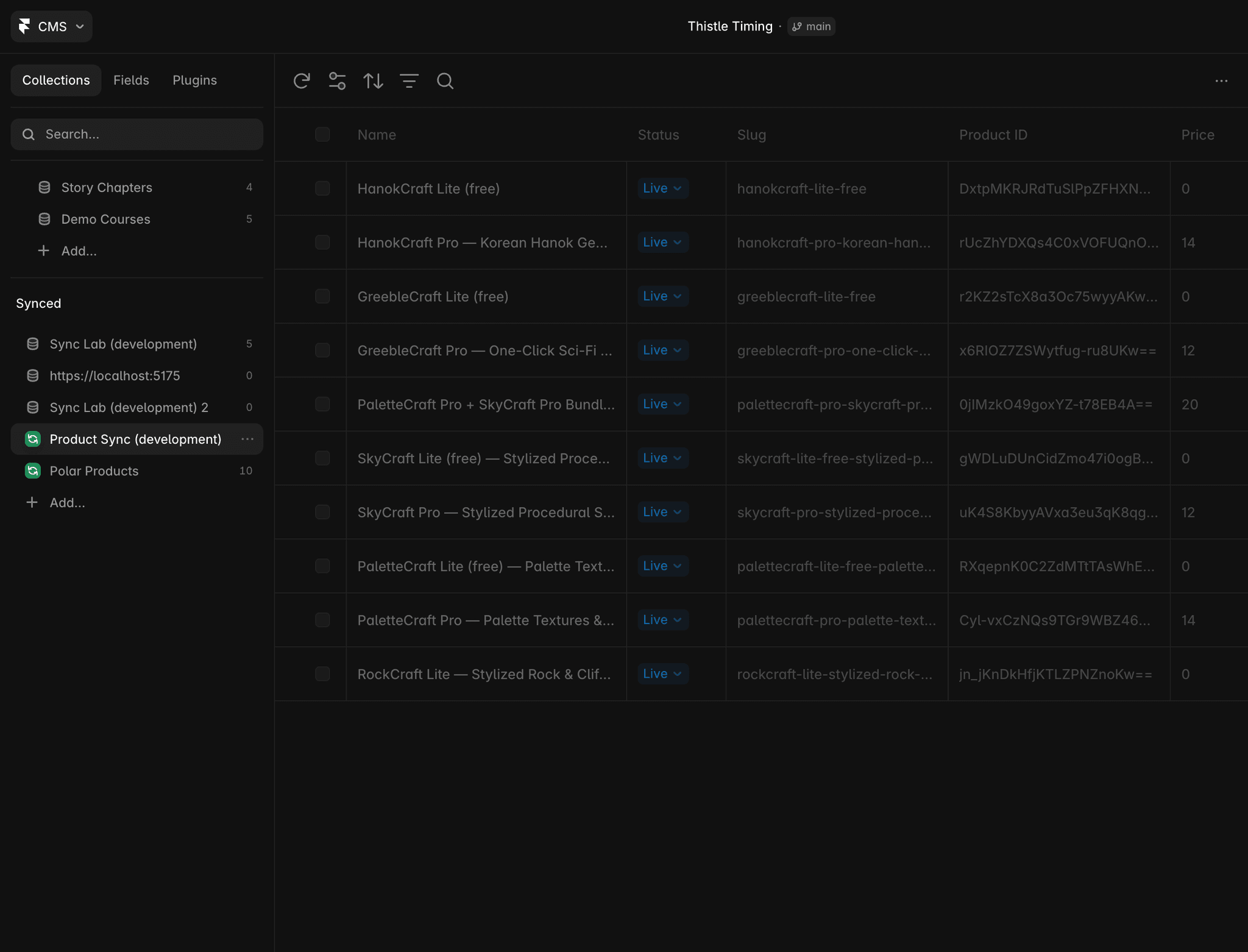
Product Sync pulls your Gumroad or Polar products into a Framer CMS collection, so a product grid on your site stays in step with your store.
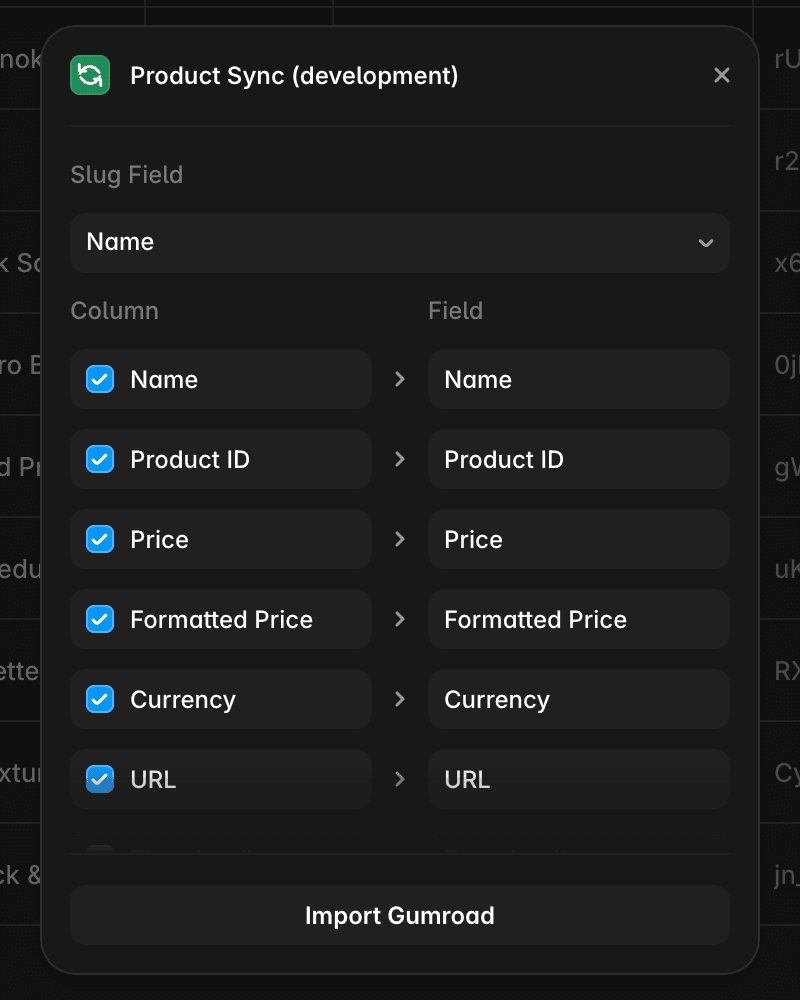
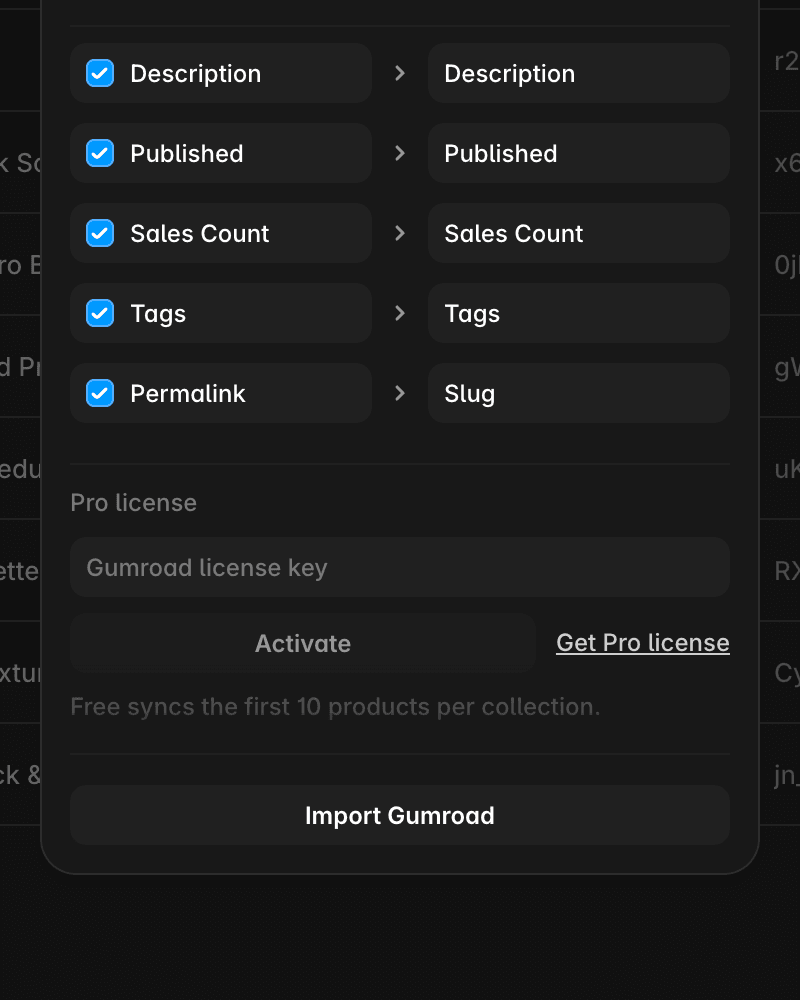
What it syncs (11 fields): name, price, currency, thumbnail, description, product URL, slug, product ID, published flag, created date, store.
How it works
1. Add a CMS collection with Product Sync.
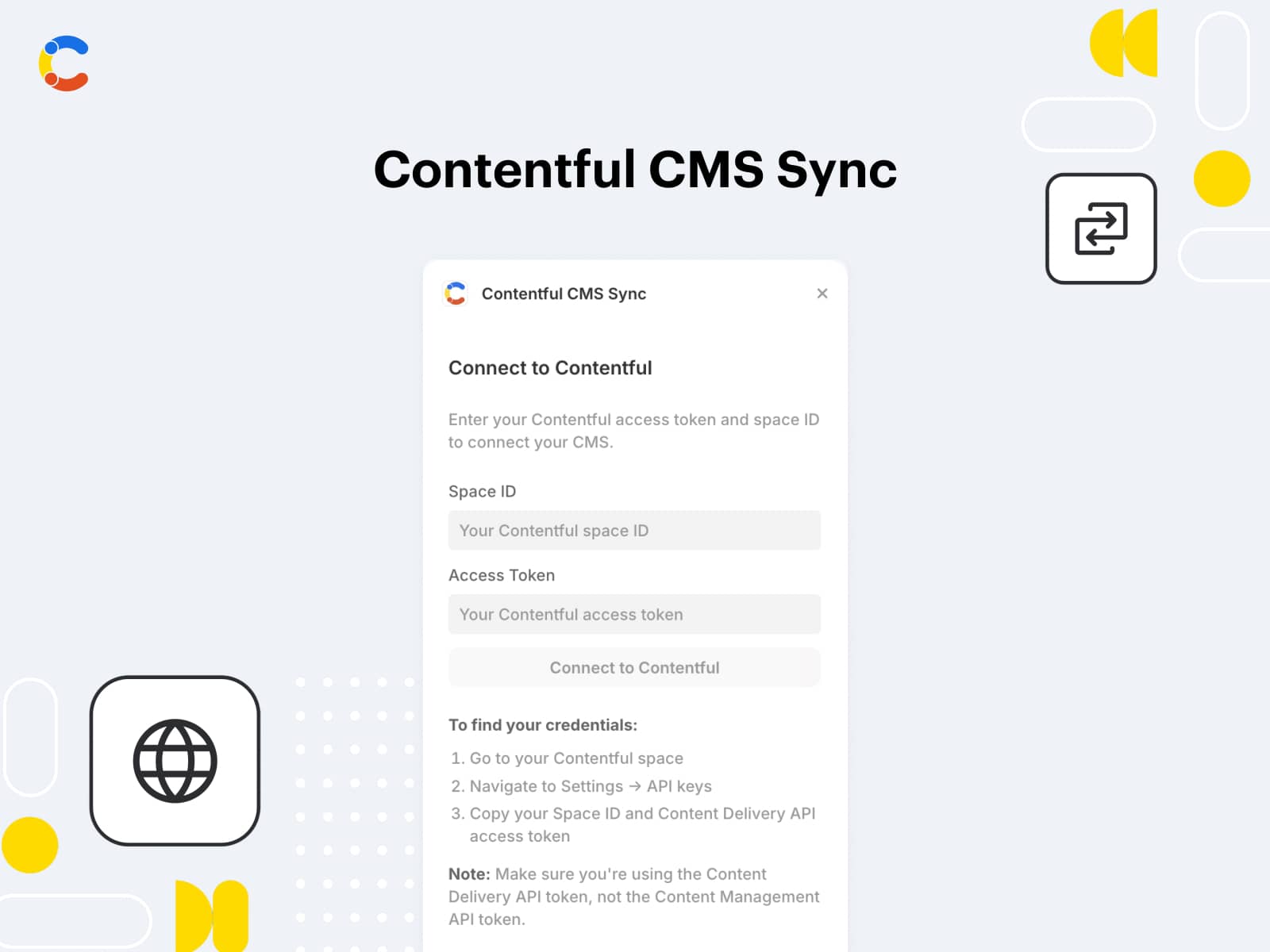
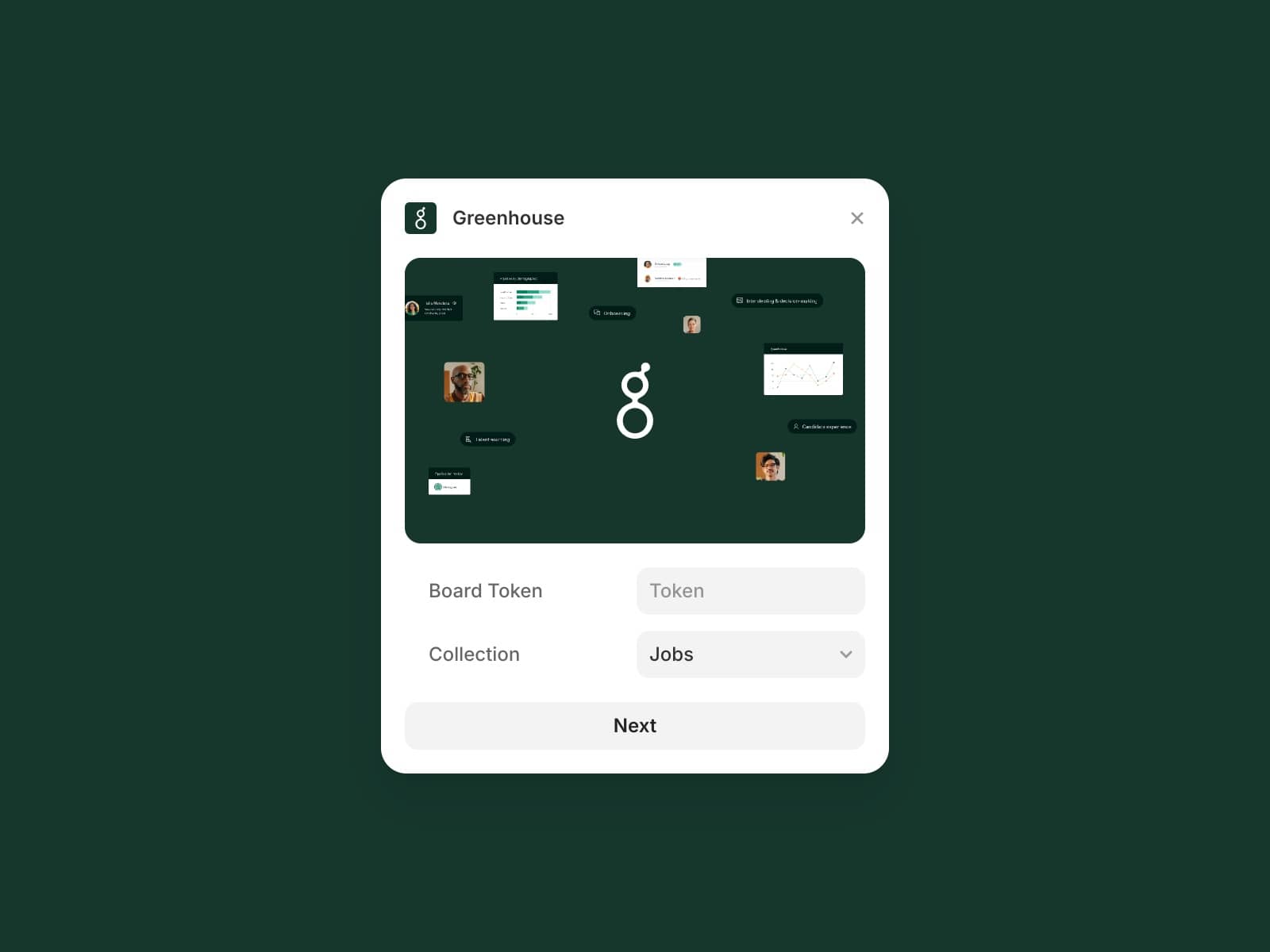
2. Pick Gumroad or Polar and paste a read-only access token. The token stays in your browser — it is never written to the project or sent to anyone but the store's API.
3. Map fields, choose the slug column, Import.
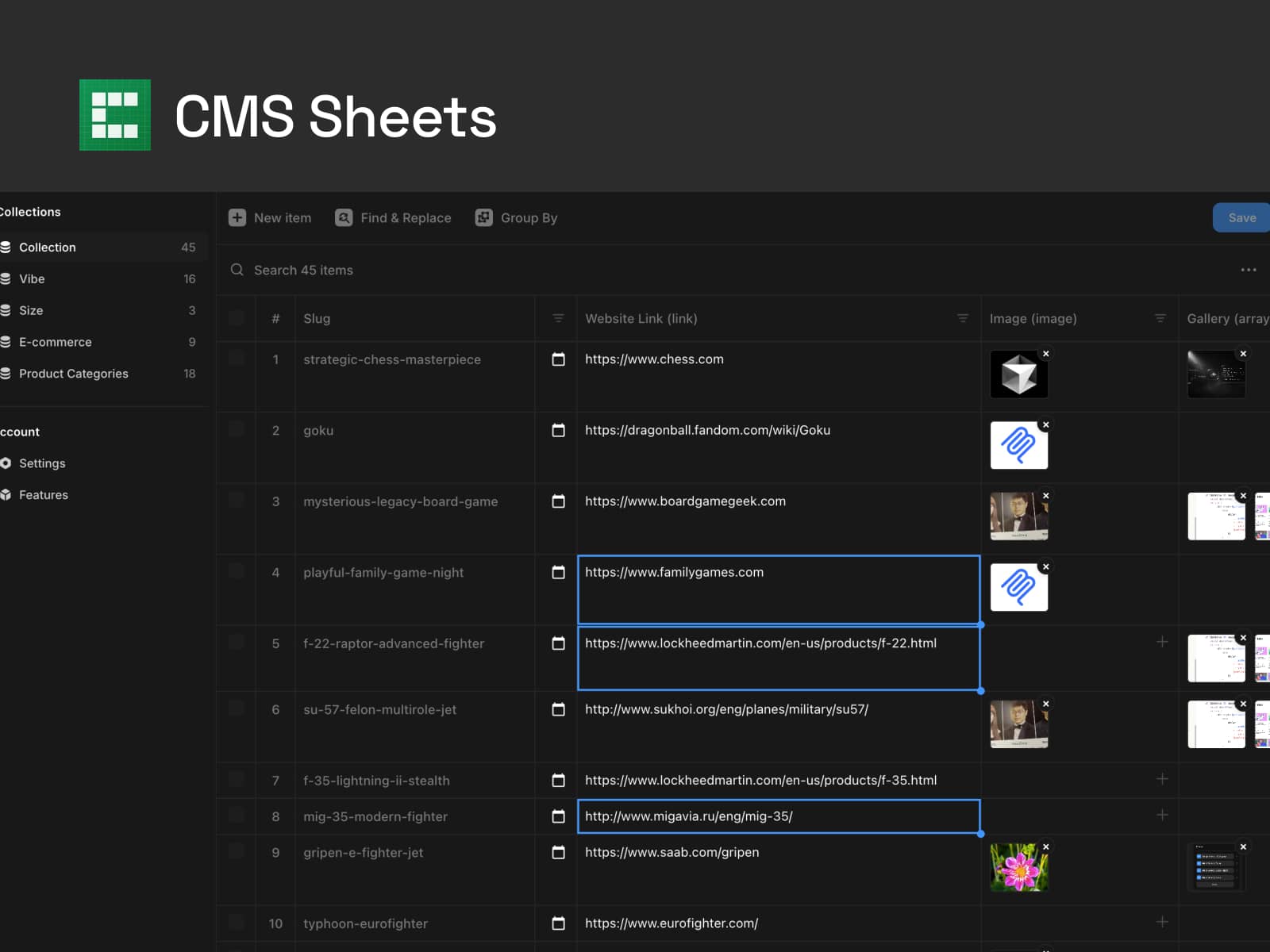
4. Re-sync any time with the sync icon in the CMS toolbar. Removed products are removed; renamed fields keep your names.
Free and Pro
Free syncs the first 10 products per collection. Pro is a one-time $19 license per Framer project for unlimited products (Gumroad license key, checked by the plugin — no account with us).
Tested 10/2026: Gumroad store with 10 products and Polar store with 10 products. Thumbnails are re-hosted by Framer on import. Korean product names get numbered slugs when they collide.
Not yet: Lemon Squeezy and Payhip (their APIs need a proxy server; coming after launch), product variants, webhooks. If a store returns an error, the toast shows the store's message — send it to me and I will fix it.