About Publora
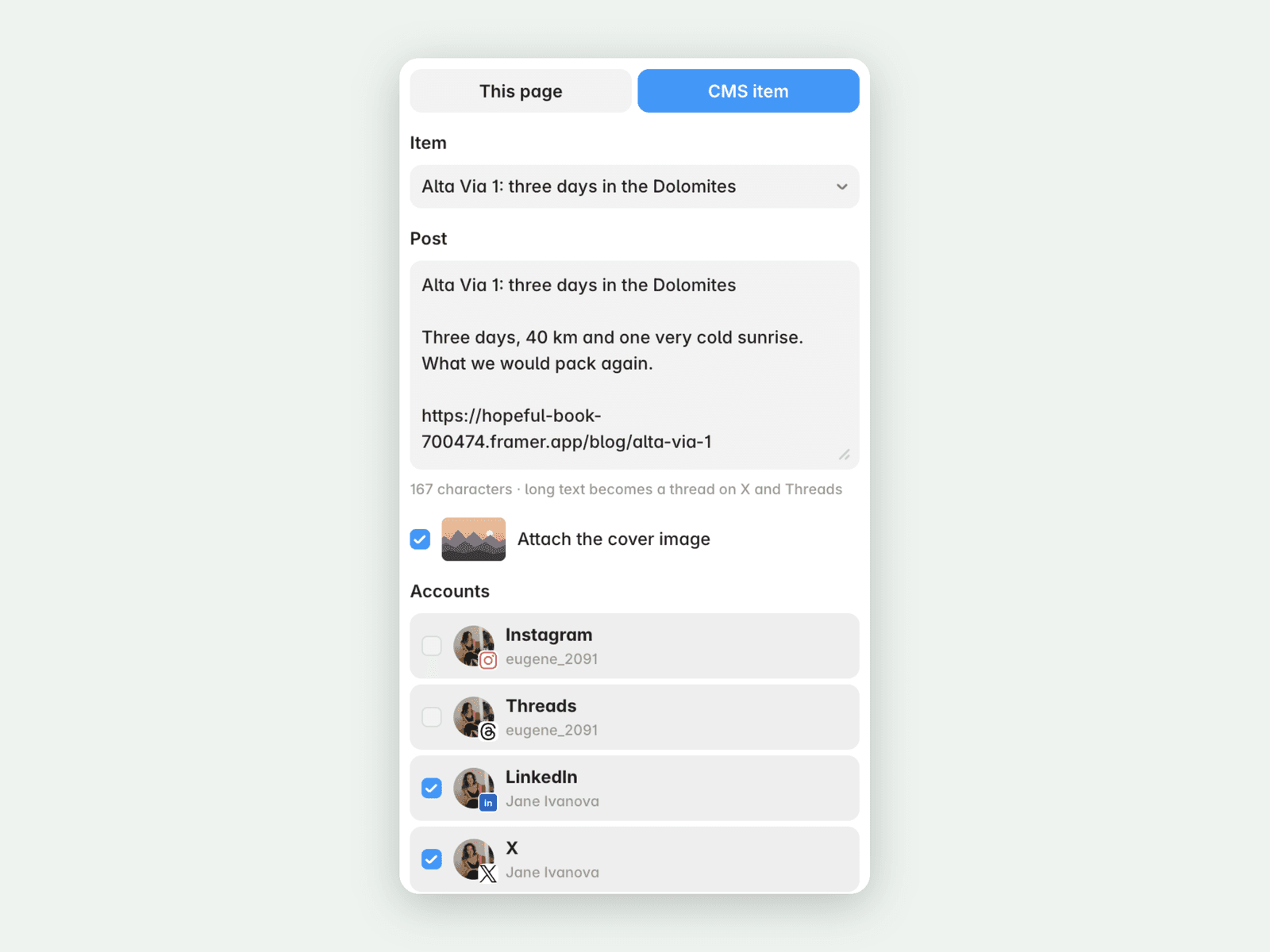
Share a blog post from your Framer CMS to LinkedIn, X, Threads, Instagram and other networks without leaving Framer. Pick a CMS item and the plugin writes a first draft from its title, summary and cover image, with a link to the item's page on your live site. Edit the text, tick your accounts, then publish now, schedule it or save a draft.
How it works
Open Publora from the Plugins menu or from a CMS collection.
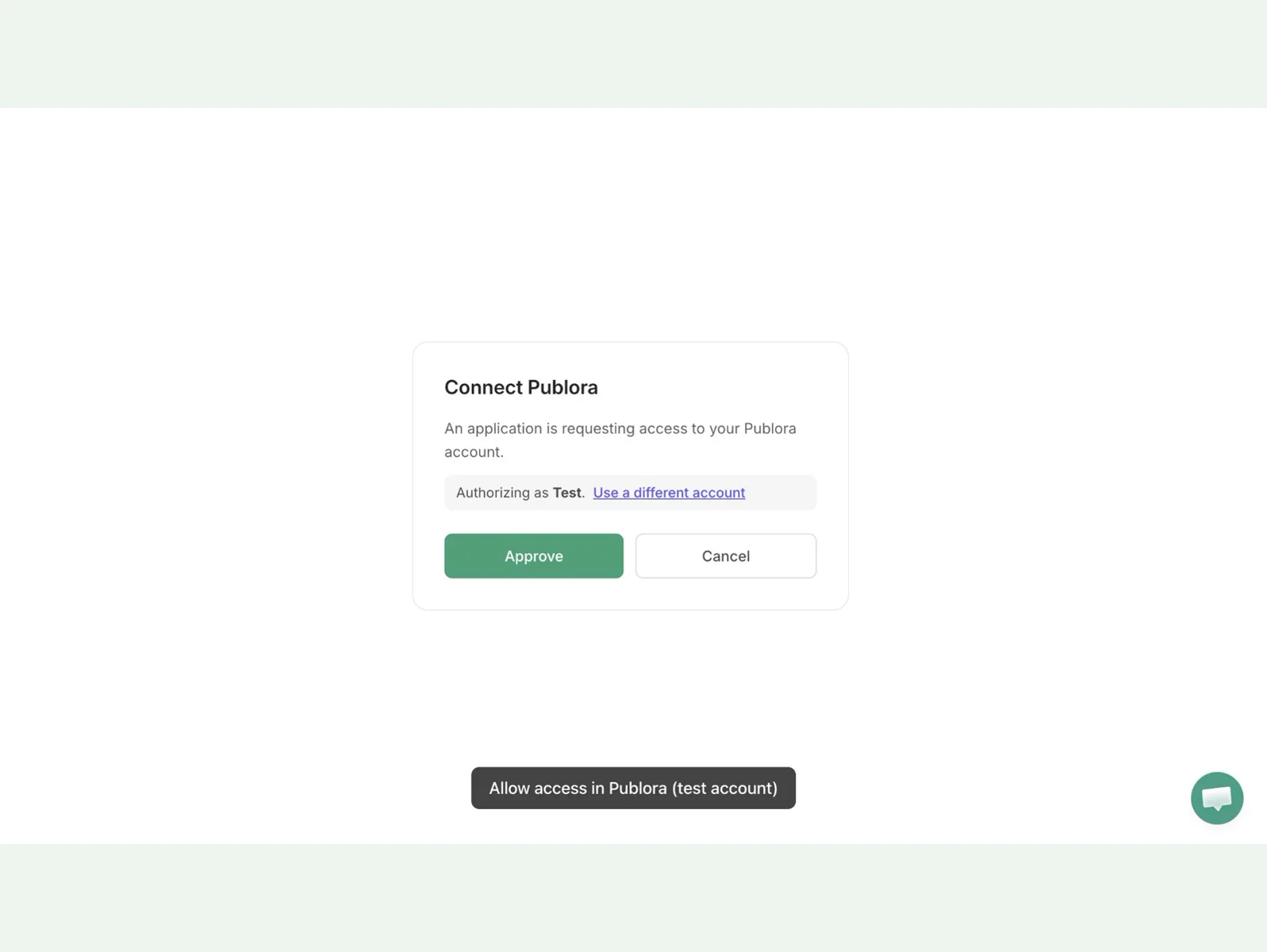
Sign in with your Publora account. There is no API key to copy.
Pick a CMS item or the page you're on, check the text and choose accounts.
Publish now, schedule for later or save a draft in Publora.
What it takes care of
Warns when the text is too long for a network you picked, before you send it
Turns long posts into a thread on X and Threads
Adds an optional first comment on LinkedIn, X, Threads, Bluesky and Mastodon
Attaches the cover image, which Instagram and TikTok require
Skips CMS drafts, since they have no page to link to yet
Supported networks
LinkedIn (profiles and company pages), X, Threads, Facebook, Bluesky, Mastodon, Telegram, Instagram and TikTok. YouTube accepts only video, so it isn't offered here.
Account and pricing
Publora is a separate service, and you need a Publora account with your social accounts connected there. The free plan covers 3 social accounts and 15 posts a month, scheduling up to 7 days ahead, on every network except X, with no card required. Posting to X and higher limits need a paid plan: publora.com/pricing.
Privacy
When you press Publish, Schedule or Save draft, the plugin sends the post text, cover image link, chosen accounts, time and first comment to Publora (publora-sites.publora.workers.dev and api.publora.com), which posts it to those accounts. Nothing else from your project is sent. Your sign-in stays in the plugin's browser storage, not in the project. To remove access, disconnect "Publora for Framer" in Publora under MCP → Connections. Privacy policy: publora.com/privacy