About PullPage Asset Export
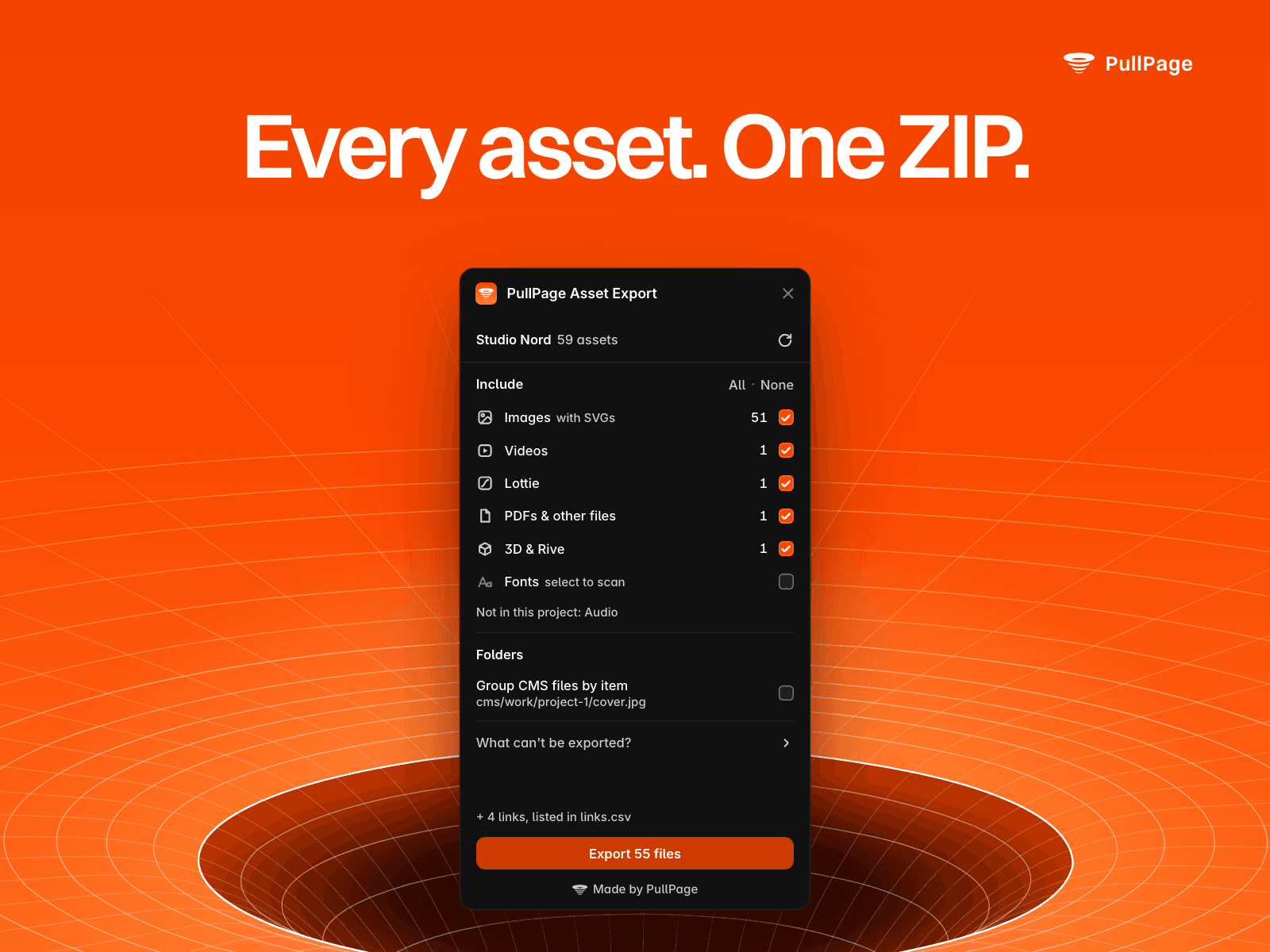
Download every asset of your Framer project in one go, in original quality and neatly organized.
What it finds
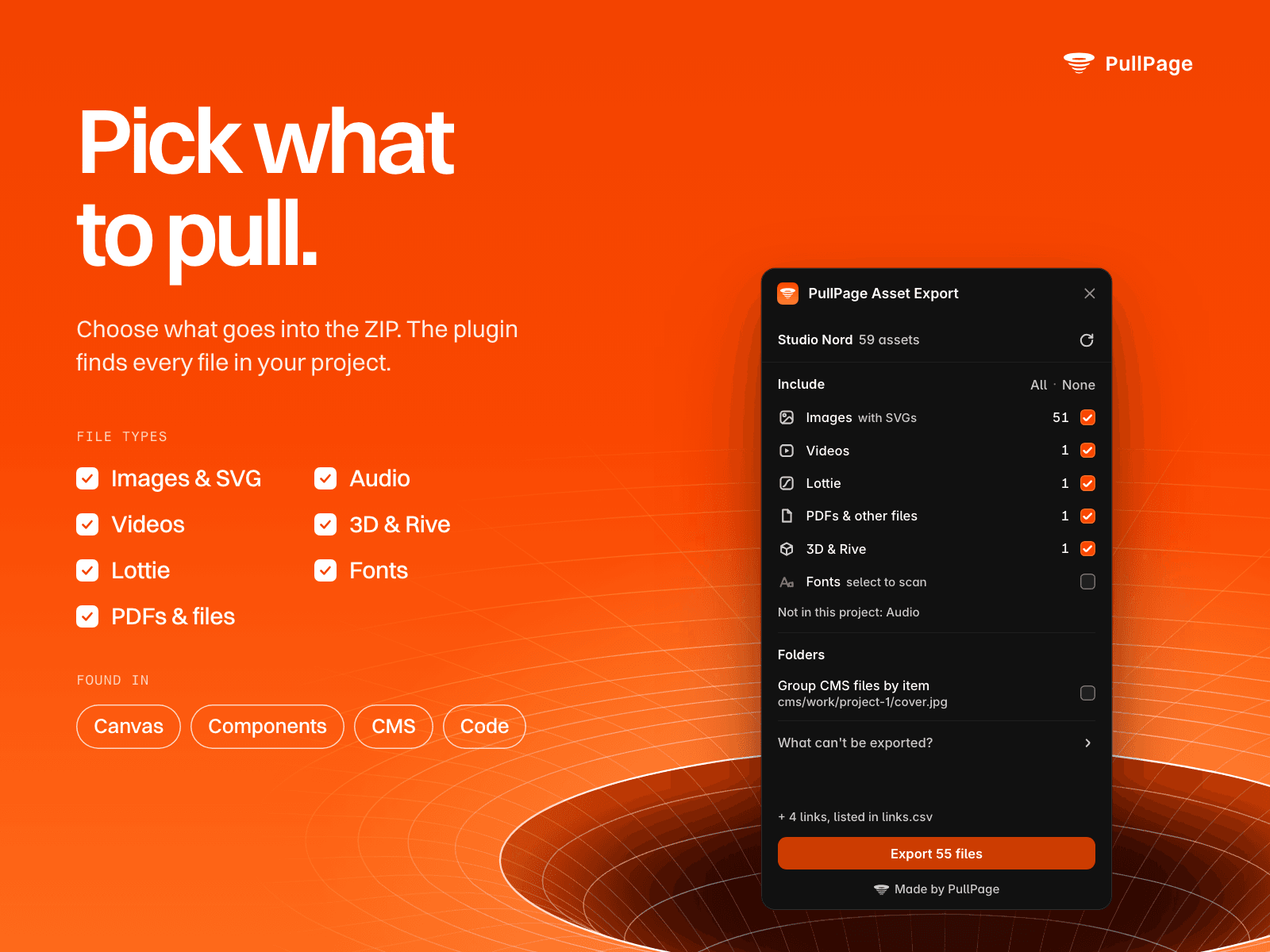
Images, SVG layers and background fills on every page and component
Videos, Lottie, audio, Rive and 3D files from Framer's media components and your code components
CMS images, galleries, files and images inside rich text, across all collections
Files you link to, like a PDF behind a button
Framer-hosted files referenced in your code files
Fonts used in text layers and text styles (optional)
Files hosted elsewhere
The plugin downloads only from Framer's own file storage and Google Fonts, always in original quality. Media embedded from other services, like YouTube, Vimeo or Cloudinary, isn't requested: it's listed with its link in links.csv, so you know what to save yourself.
Clear when something goes wrong
If part of the project can't be scanned, you see which pages or collections are missing and can scan just those again. If a file can't be downloaded, you see which one and why, can jump to the layer or CMS item that uses it, and can retry it. Cancel a long scan or export at any time and keep what's already found.
Organized output
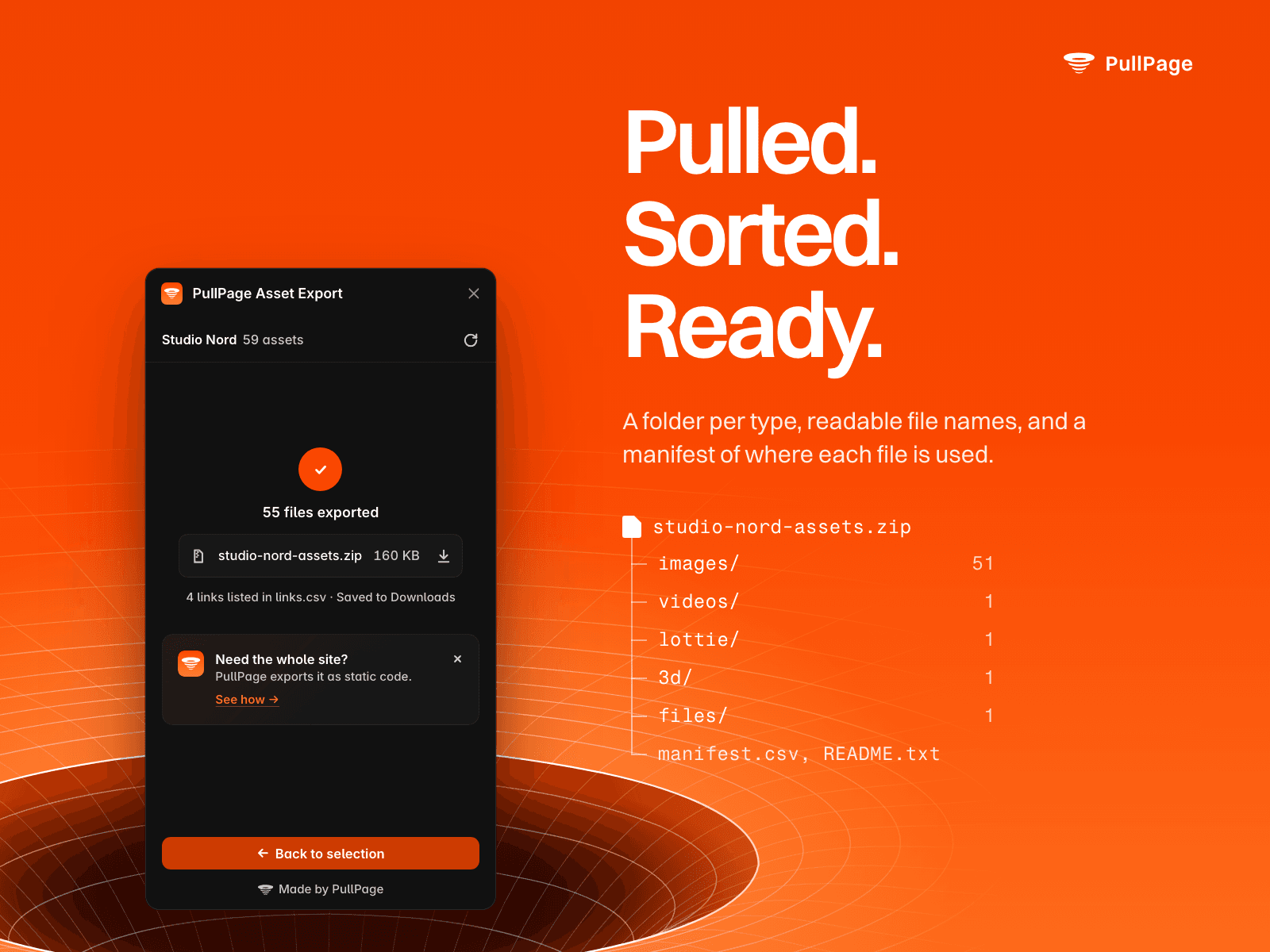
Folders by type, or optionally one folder per CMS item, with readable file names taken from your layer names and CMS items. A manifest (CSV and JSON) shows where each file is used, its alt text and its original URL.
Data and privacy
Runs entirely in your browser: no account, no server, no tracking. Your project data stays in Framer, and the plugin only downloads from Framer's file storage and Google Fonts. Your selection is saved locally.
Good to know
Framer's plugin API doesn't expose the favicon, the social image, localized image variants, vectors drawn in Framer or custom fonts. The plugin tells you which ones to export manually. Fonts keep their own licenses.
Made by PullPage (pull.page). Questions or ideas: support@pull.page
PullPage is an independent product and not affiliated with Framer B.V.