About QookieQloud
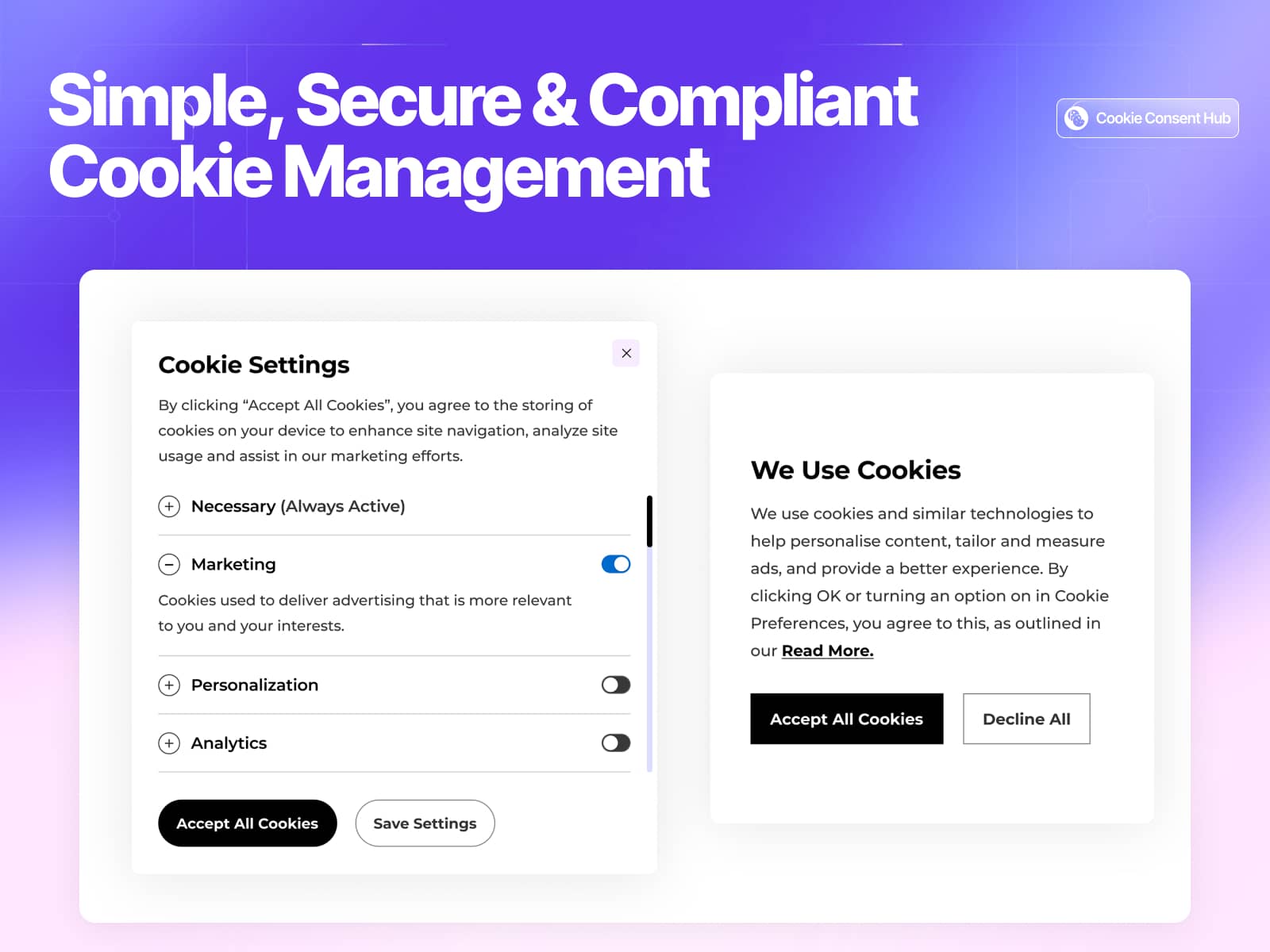
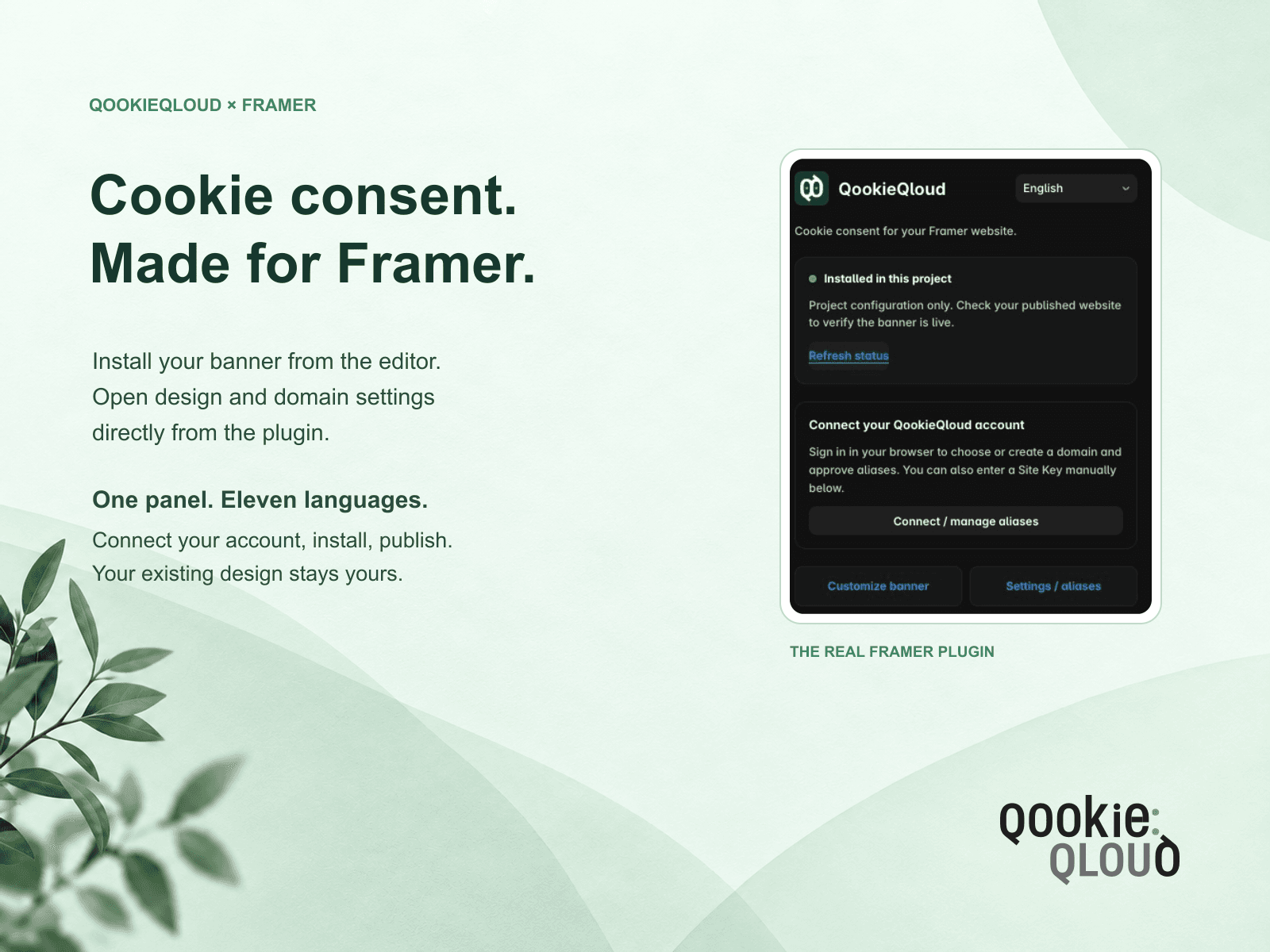
Add QookieQloud cookie consent to your published Framer website. Connect your account in the browser, review your website addresses and install the banner directly from the editor.
Connect, install and publish
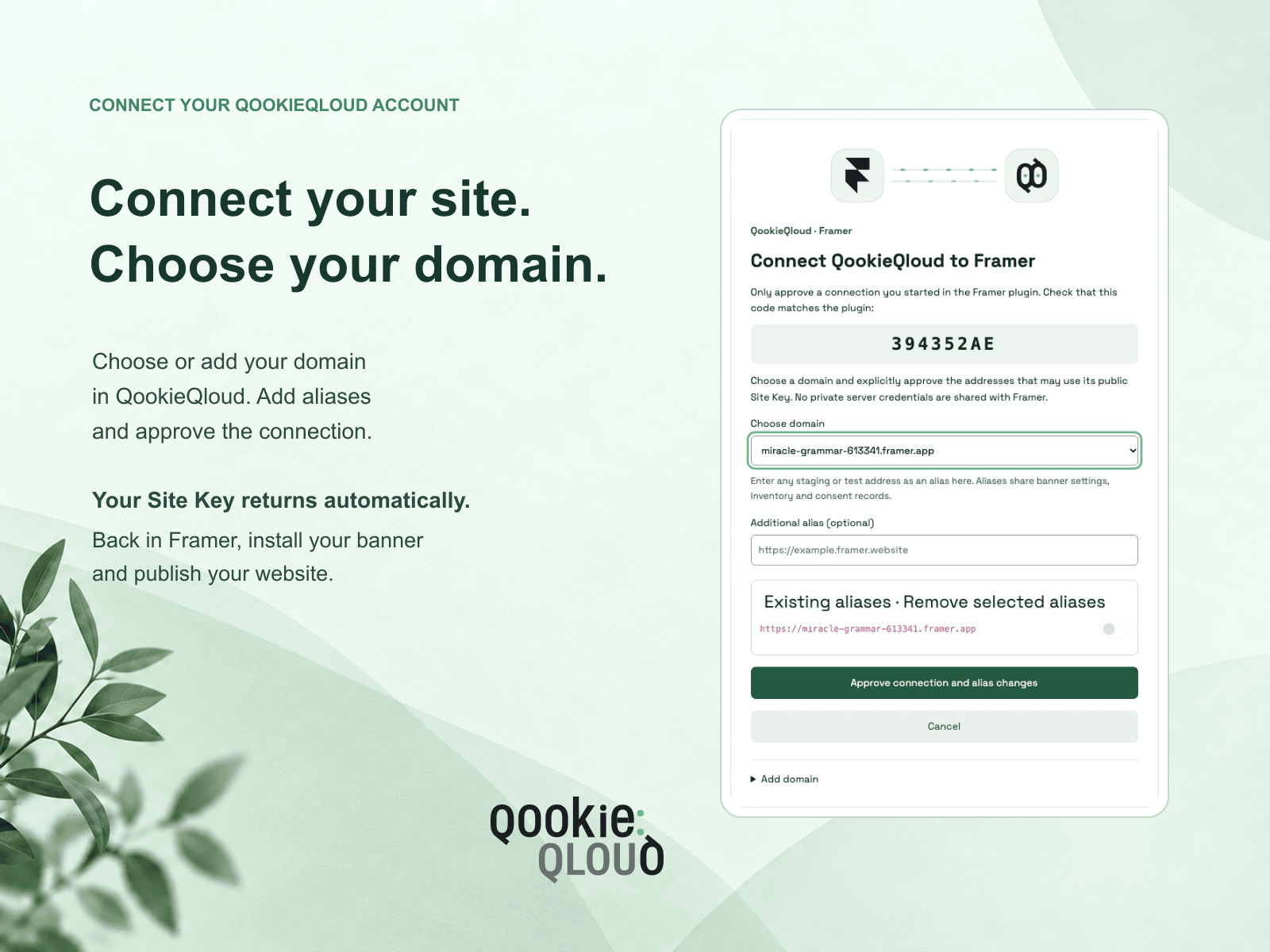
The plugin detects your published address and reuses or creates its QookieQloud domain when you approve. A separate staging address is offered as an alias, so you can review the addresses before connecting. You can also install with an existing public Site Key.
Made for your workflow
Install, update or remove the plugin’s banner script while preserving unrelated Custom Code.
Open the connected domain’s banner customizer and alias settings directly from the plugin.
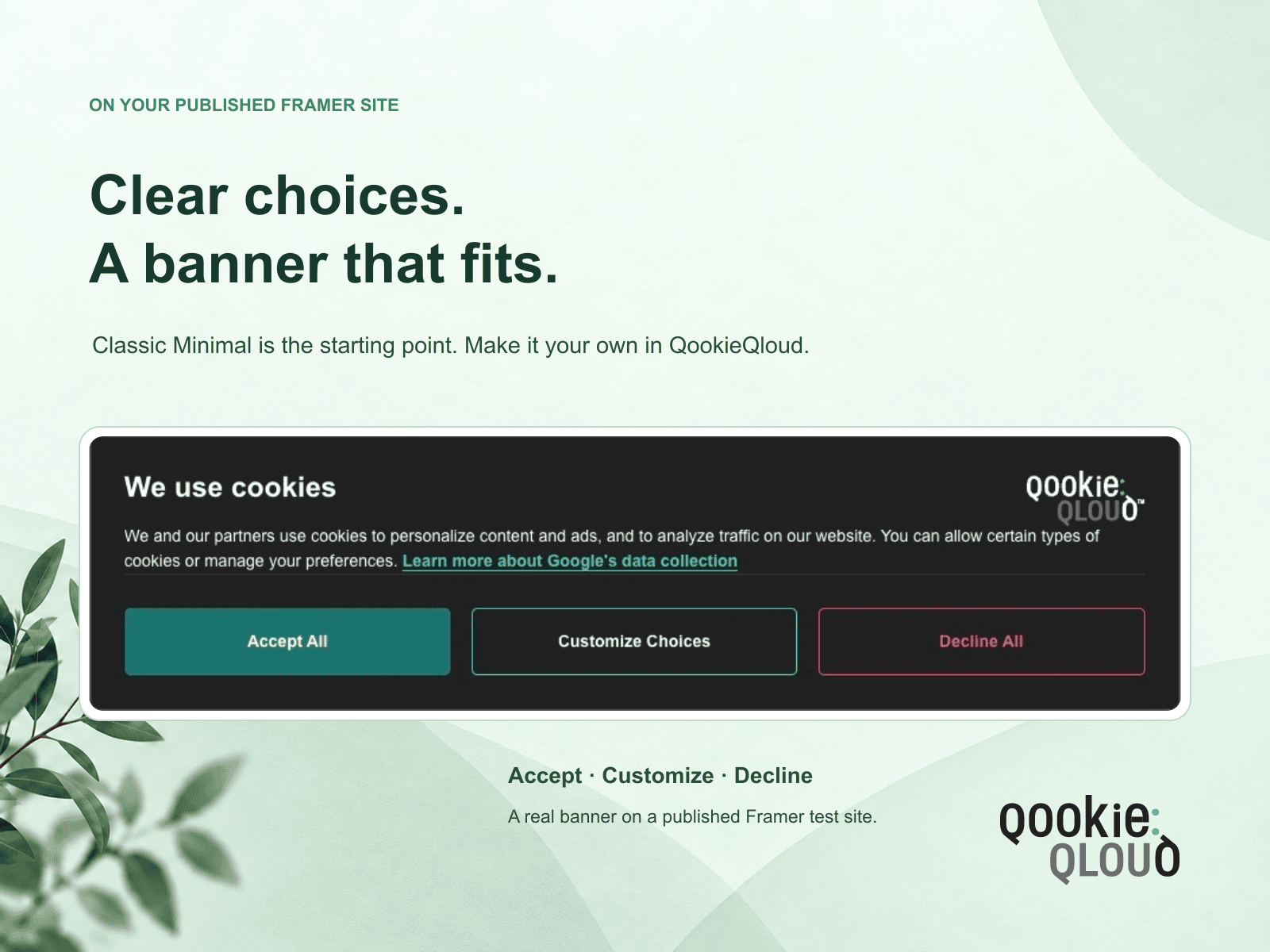
Start with Classic Minimal and a reopening eye on the left when the domain has no saved design. Existing saved designs are preserved when reconnecting.
Use the plugin and account connection dialog in Danish, Dutch, English, Finnish, French, German, Italian, Norwegian, Portuguese, Spanish or Swedish.
Connect without storing account credentials or private server keys in your Framer project.
Publish your Framer website after installing, updating or removing the banner to make the change live.
Requirements and pricing
A QookieQloud account and a Framer project with Custom Code available are required. QookieQloud service plans, usage limits and paid features apply. Available customization options depend on your plan. The plugin does not purchase or change a subscription.
Plans and pricing · Help and support · Privacy policy · Terms of Service