About Quoin
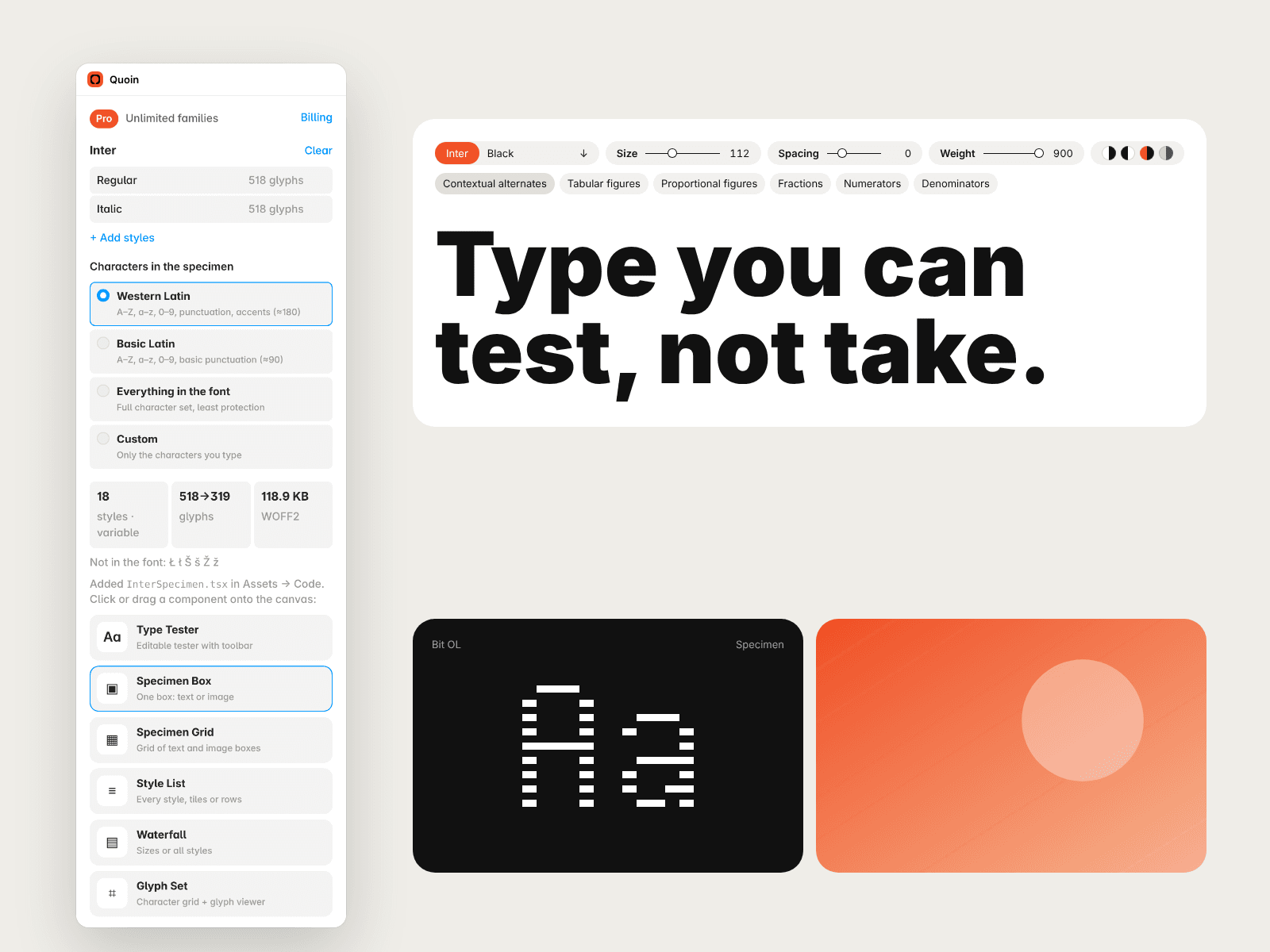
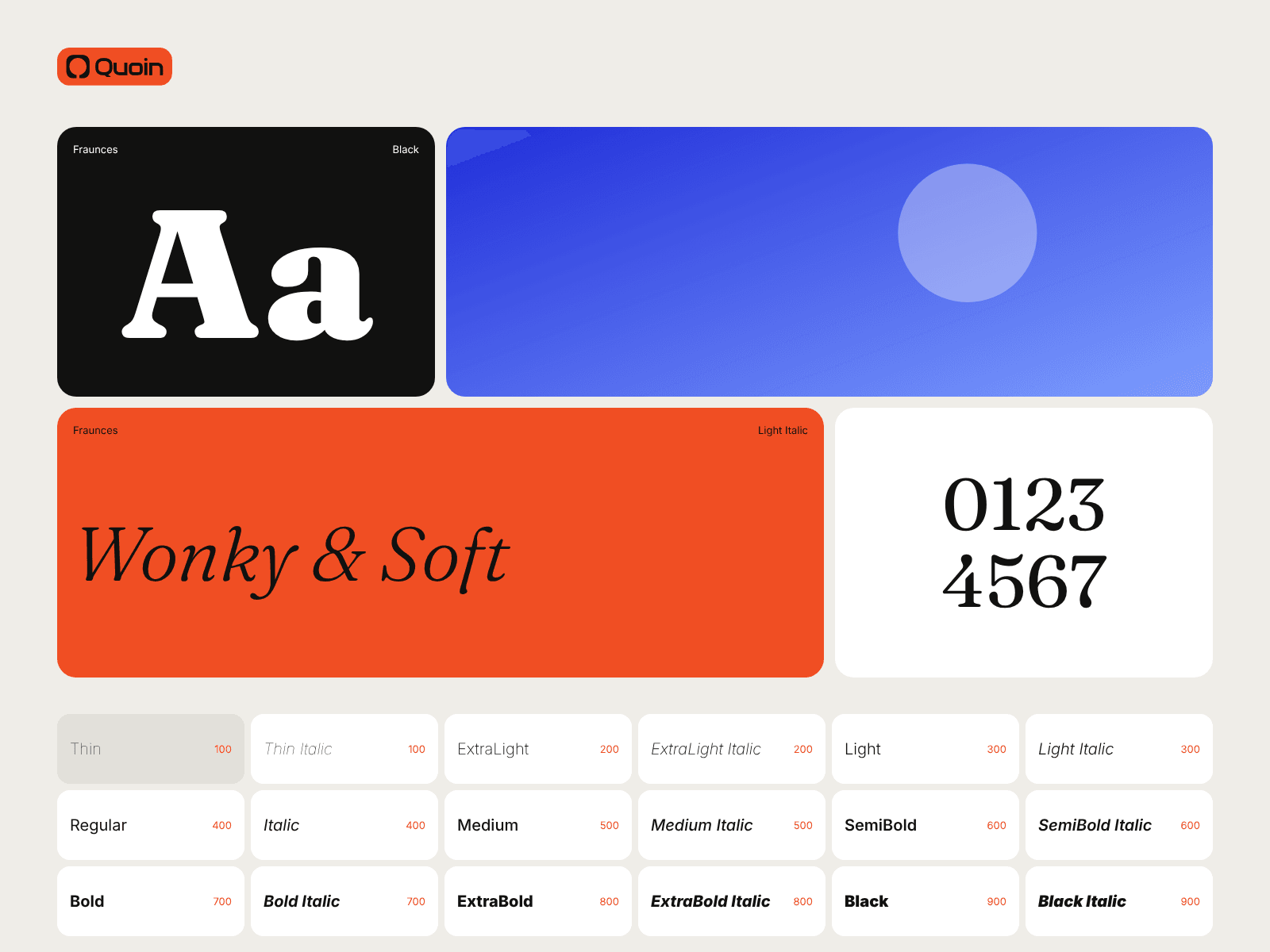
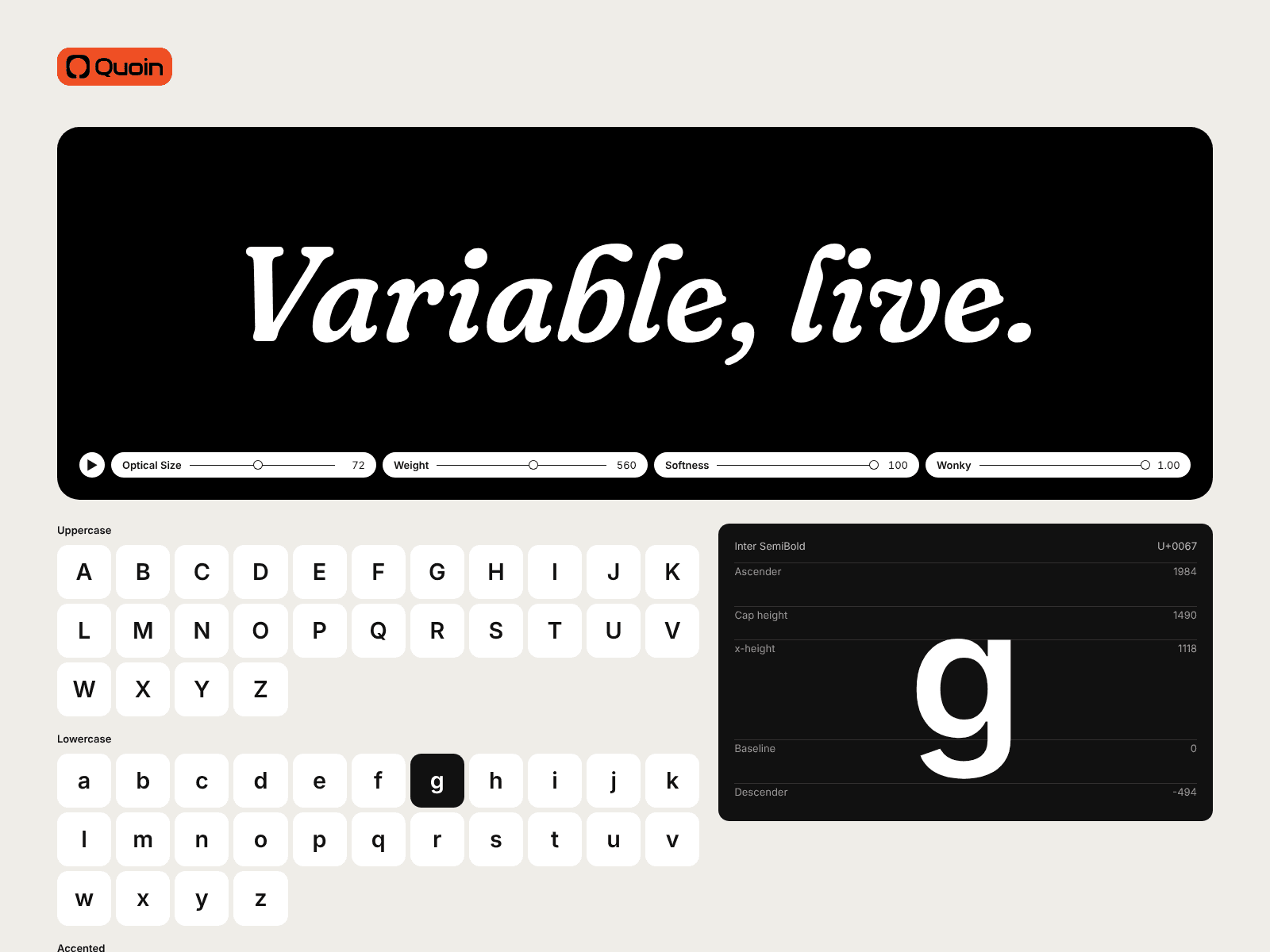
Quoin lets type designers show their fonts on a Framer site without handing them over. Drop in a font family and Quoin adds ready-made, fully styleable components to your project: a type tester with a toolbar, specimen boxes and grids (text or images), a style list, a waterfall and a glyph set. Variable fonts, OpenType features and every style in the family are supported.
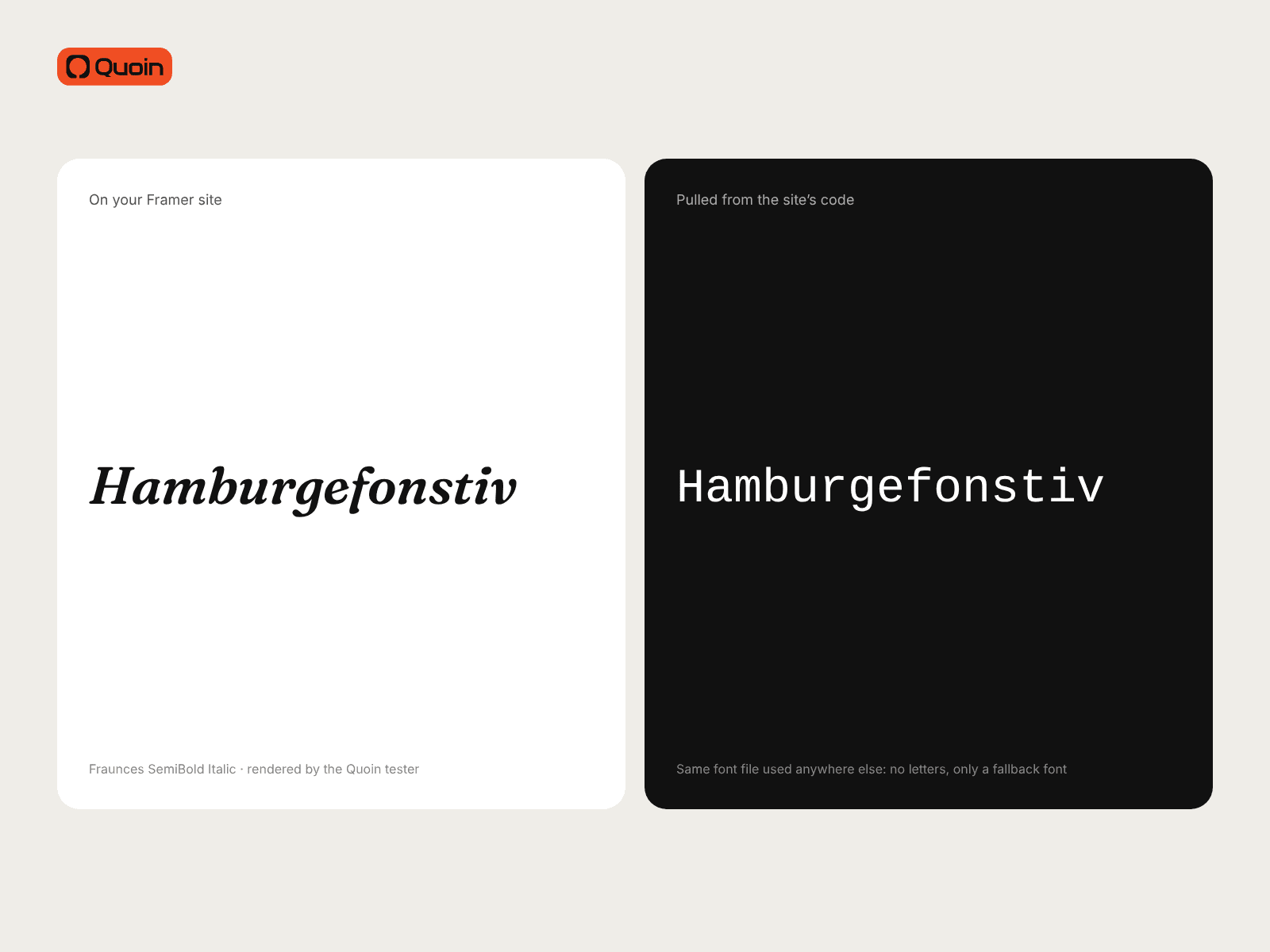
Before anything reaches your site, Quoin protects each font in your browser: it keeps only the characters you choose, scrambles the character map, renames the glyphs and the font, and stamps a build ID. The tester shows and copies normal text, but the font file pulled from your site's code shows nothing useful anywhere else. Your original fonts never leave your computer.
How it works
1. Open Quoin and drop in a font family (OTF, TTF, WOFF or WOFF2).
2. Choose which characters to include and click Protect & add to project.
3. Click or drag the components onto the canvas and style them in the properties panel: colours, boxes, rounded or straight corners, images, layout.
4. After you update a font, click Refresh protection to rebuild the files. Components on the canvas keep working.
Pricing
Free: 1 font family.
Quoin Pro: $29/month for unlimited families. Upgrade from inside the plugin; manage or cancel any time through Stripe.
Support