
About Razorpay Payment Gateway
Accept payments on your Framer site with Razorpay — no code needed.
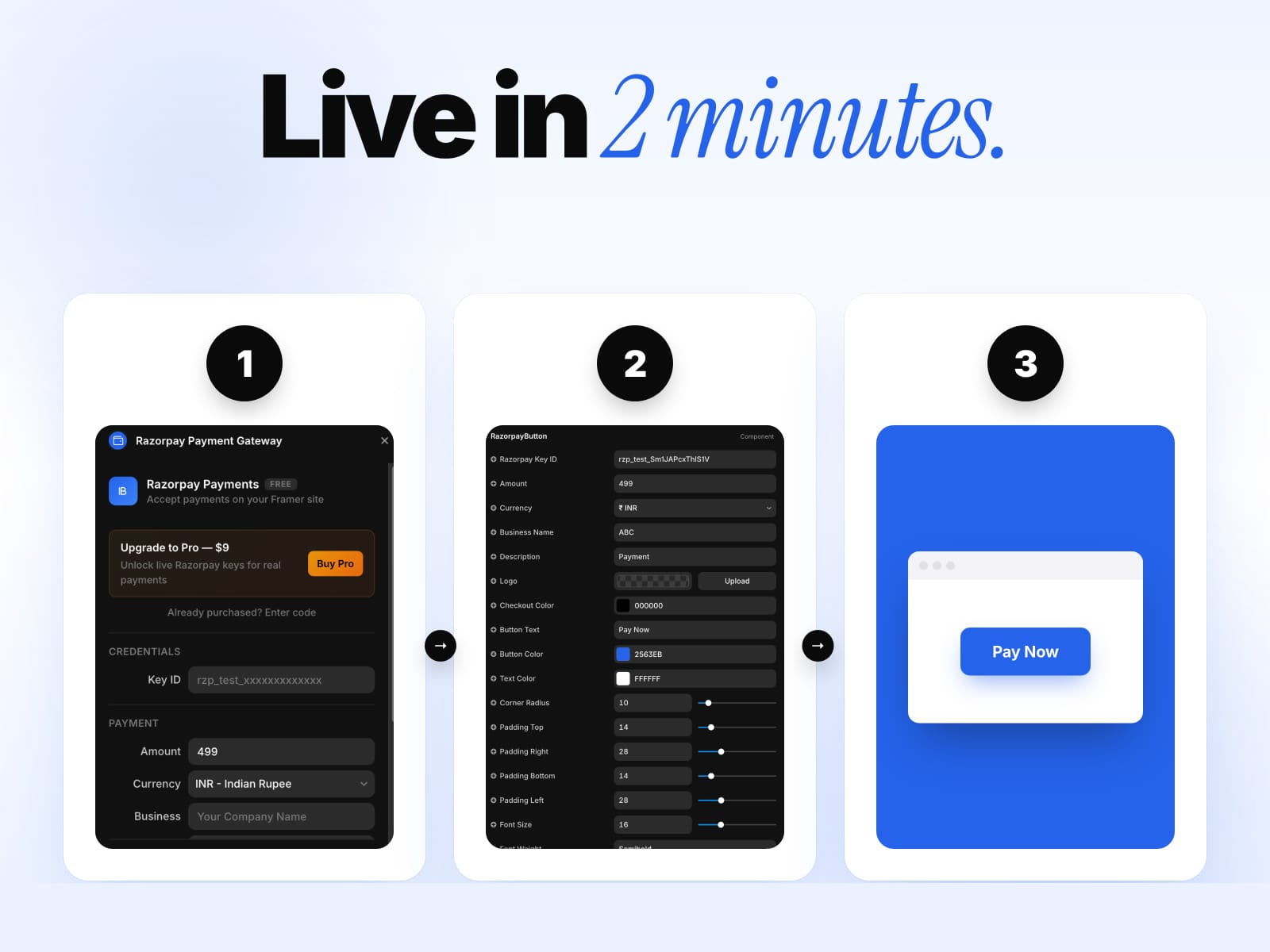
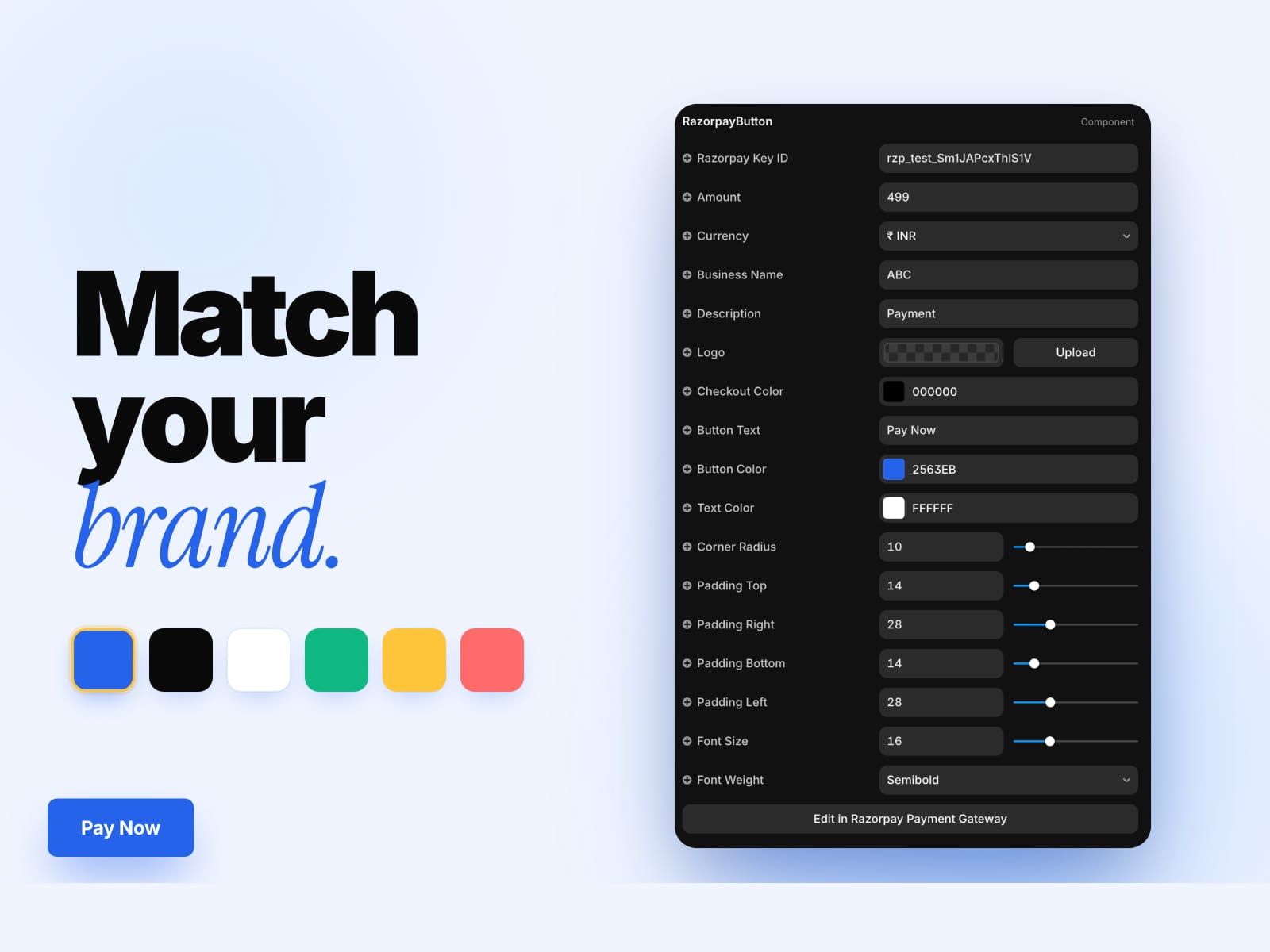
Open the plugin, paste your Razorpay Key ID, customize the button, and insert. Your payment button is ready in seconds.
Supported payment methods:
- Cards (Visa, Mastercard, Amex, RuPay)
- Netbanking (all major Indian banks)
- Wallets (Paytm, PhonePe, Mobikwik)
- Pay Later (Simpl, LazyPay)
Features:
- Fully customizable button (color, text, radius, padding, font)
- Multiple currencies (INR, USD, EUR, GBP, SGD, AED, MYR)
- Upload your business logo for the checkout popup
- Works on any Framer page — just drag and drop
- All settings editable from the properties panel
- Clean, lightweight code component
How to use:
1. Get your Key ID from the Razorpay Dashboard
2. Open the plugin and fill in your details
3. Click "Insert Razorpay Button"
4. Drag the component onto your canvas
5. Publish your site — payments work instantly
Free to use. Razorpay account required.
HOW CHECKOUT LOADS: on your published site the inserted component loads Razorpay's official checkout script (checkout.razorpay.com) at runtime — Razorpay requires their hosted script for the secure card entry and 3-D Secure flow, so it can't be bundled into the plugin. Only that exact official URL is ever loaded, and the button shows a clear error state if the script can't load.