About re:Capture
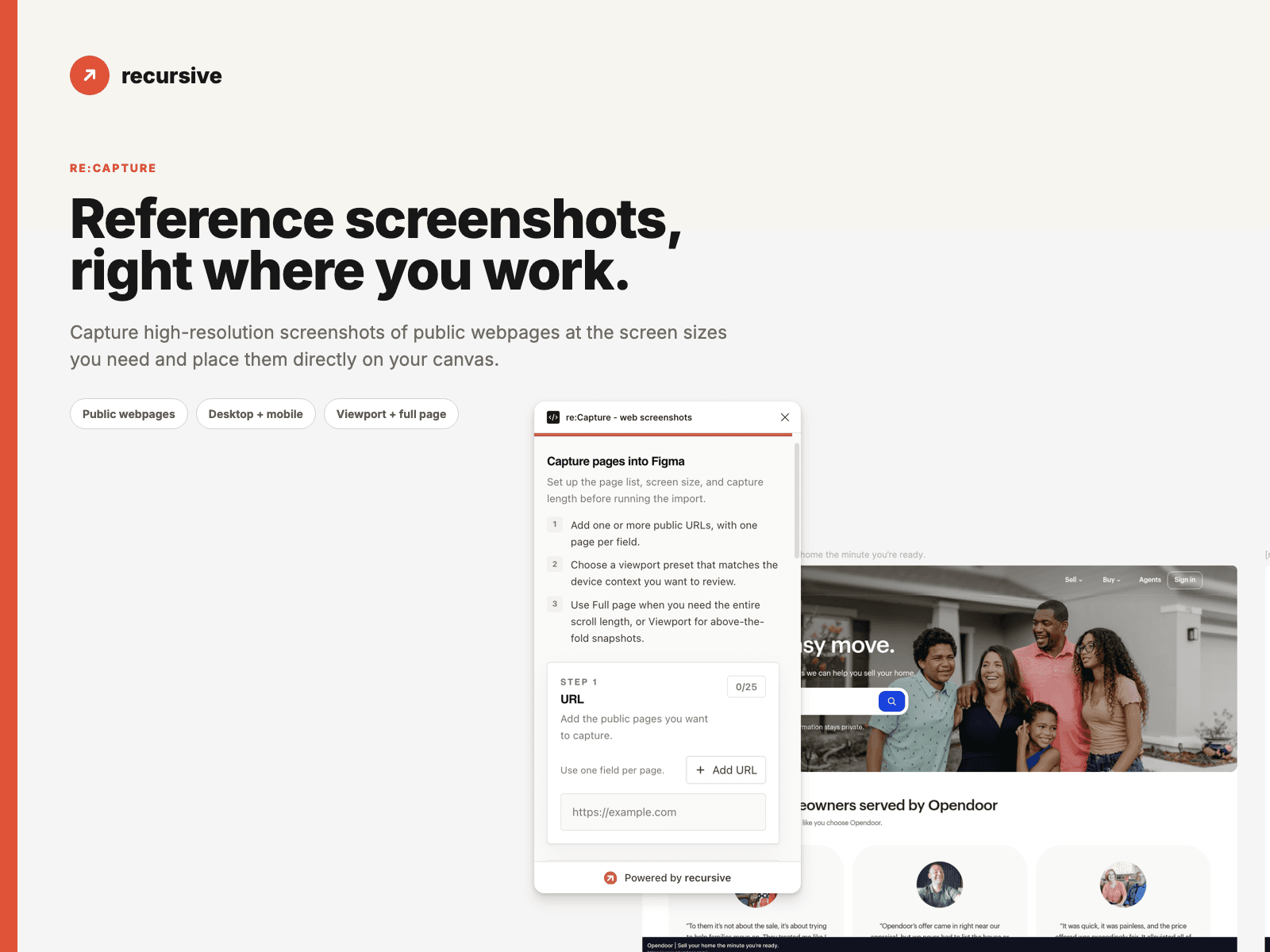
Bring live webpages into Framer without manually taking, naming, importing, and arranging screenshots.
re:Capture creates high-resolution captures of public webpages and places them as clearly labeled layers in Framer. Capture one page or queue multiple URLs for research, competitive analysis, presentations, and design QA.
What you can do
Capture public webpages from a URL
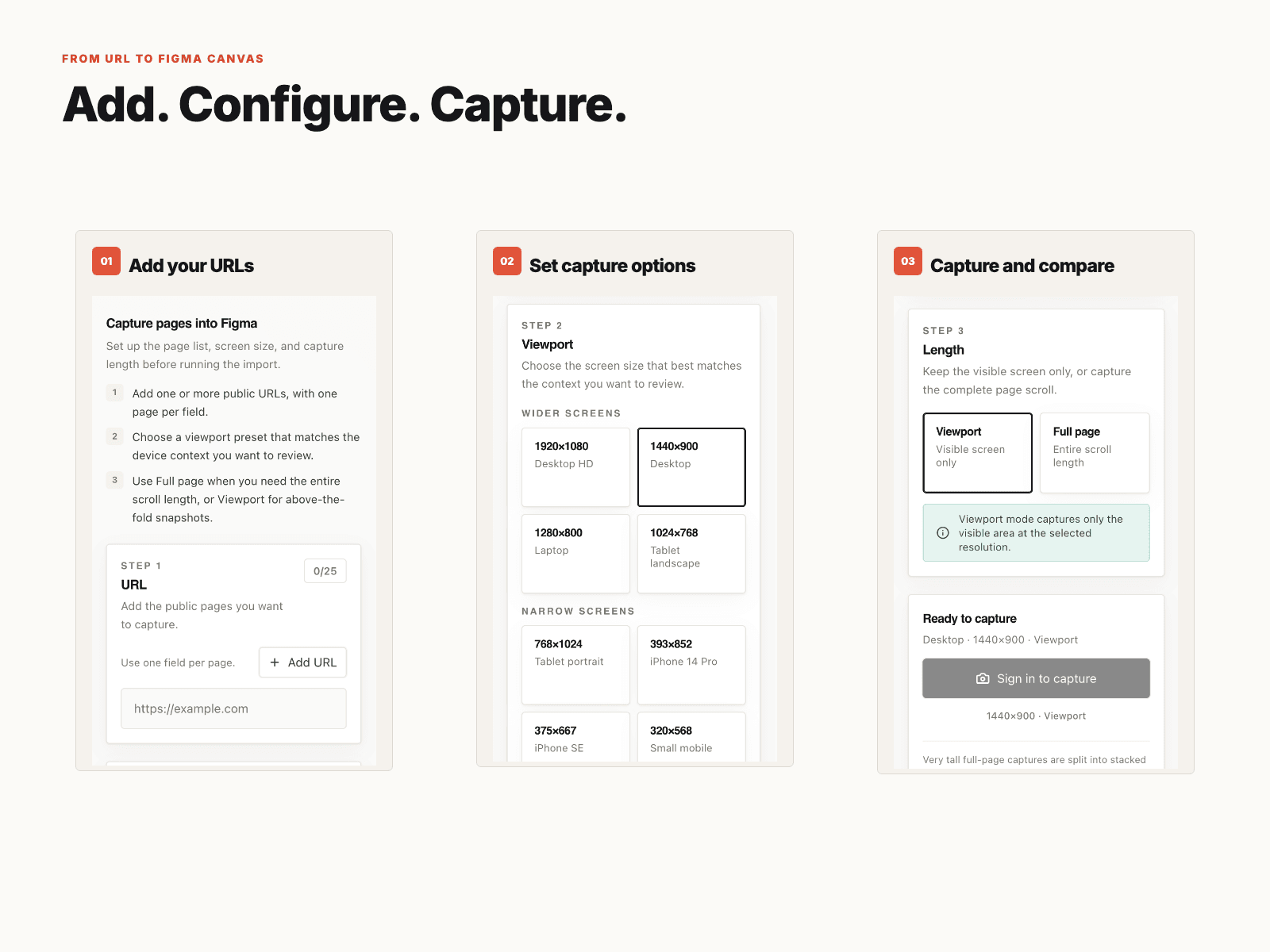
Queue up to 25 URLs
Select screen sizes and breakpoints
Capture above the fold or full pages
Receive labeled screenshots in Framer
Capture long pages as organized image sections
Compare sites and breakpoints side by side
Great for
Competitor and UX research
Visual-reference and inspiration boards
Comparing live webpages with designs
Reviewing responsive behavior
Documenting sites before a redesign
Audits, workshops, presentations, and client reviews
How it works
Add one or more public URLs.
Select your screen sizes.
Choose above-the-fold or full-page capture.
Run the capture.
Review the screenshots in Framer.
What to know before installing
Can it capture password-protected pages? No. re:Capture only accesses publicly available webpages.
Does it create editable Framer elements? No. Captures are high-resolution screenshot images.
Can it capture very long pages? Yes. Long pages are organized into image sections for easier use in Framer.
Will it always match my browser? re:Capture captures the public page as available. Personalized, authenticated, location-dependent, or restricted content may differ.
Does it use credits? Yes. Recursive uses credits, with free credits included when you create an account. No credit card is required to begin.
Privacy Submitted URLs are processed to generate screenshots. Do not submit private, confidential, or access-restricted URLs.