About Replium Live Chat
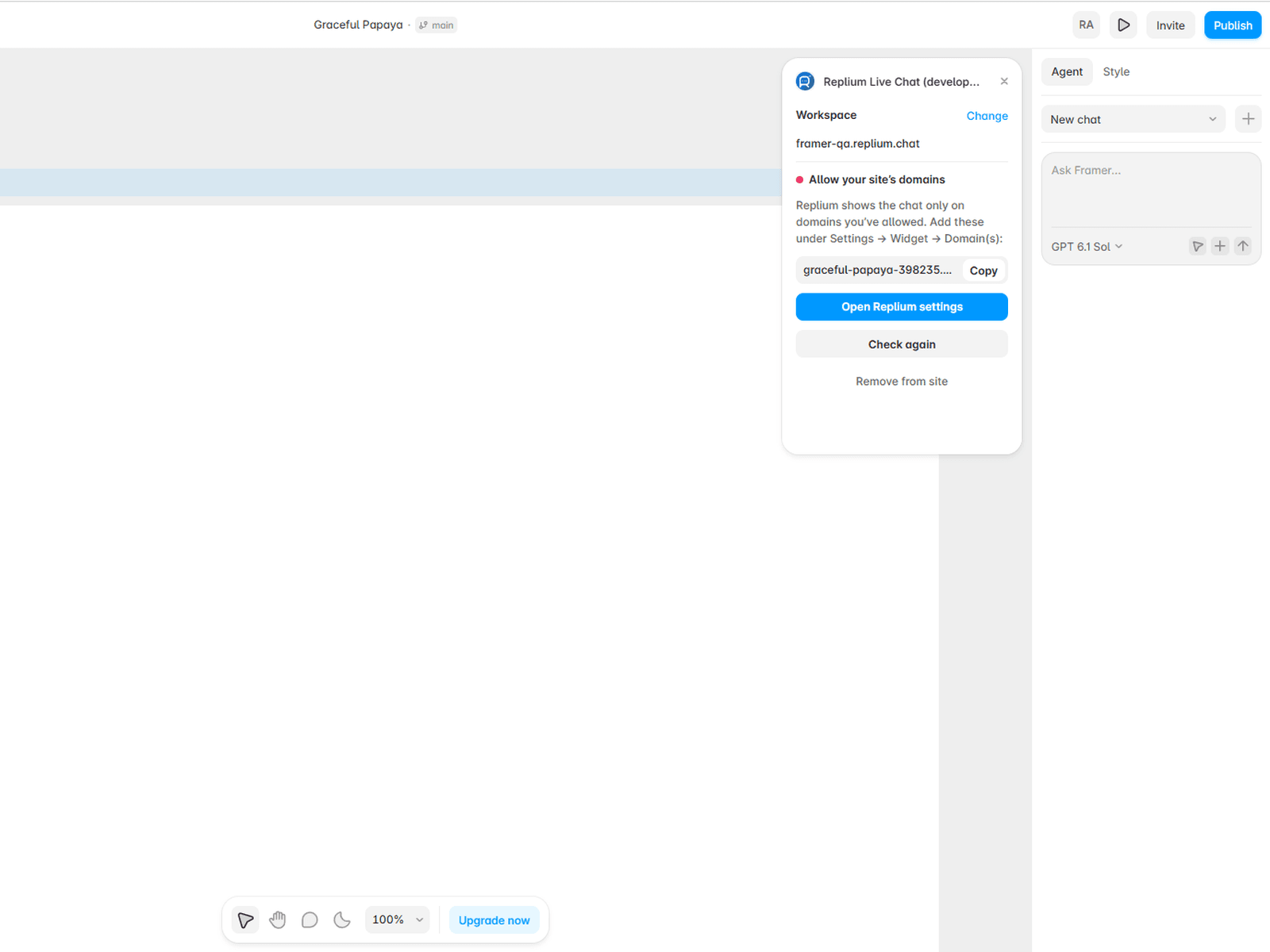
Install the Replium chat widget on your Framer site without touching code. Enter your workspace name (for example acme or acme.replium.chat). The plugin checks that the workspace exists, then adds the widget script to your site's custom code. Your other custom code stays untouched.
The plugin also shows which of your site's domains still need to be allowed in Replium, and tells you once the chat is connected. To check this, it sends your site's published domains to your Replium workspace.
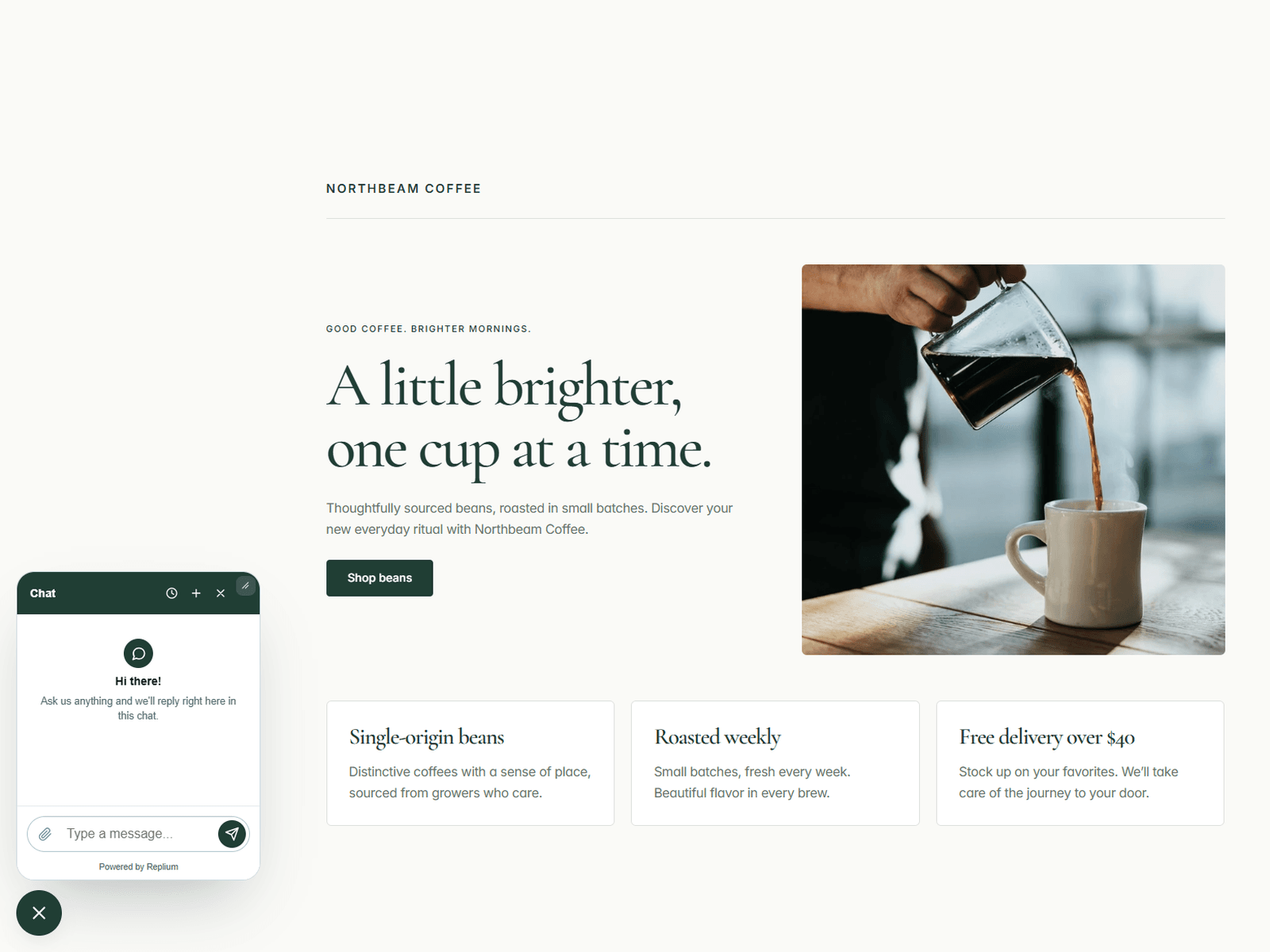
On Framer's free plan, the "Made in Framer" badge sits in the bottom-right corner and covers the chat button. Set the widget position to bottom-left in Replium (Settings → Widget → Position).
Need a workspace? Sign up at replium.chat.