About Sanity Sync
Sanity Sync connects your Sanity.io content to Framer CMS collections in one click — no code required.
How it works
Enter your Sanity Project ID and dataset
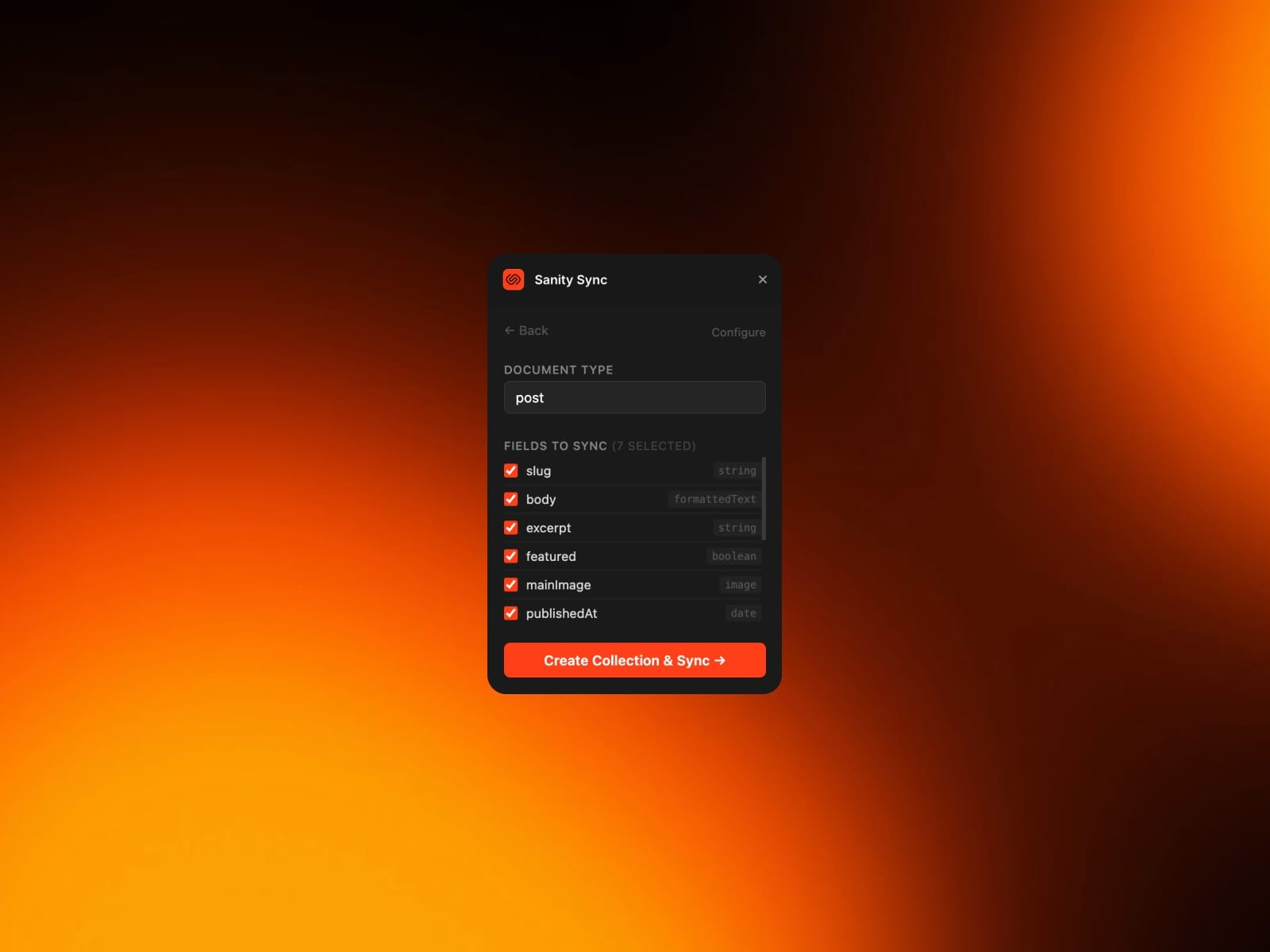
Browse your document types and select which fields to sync
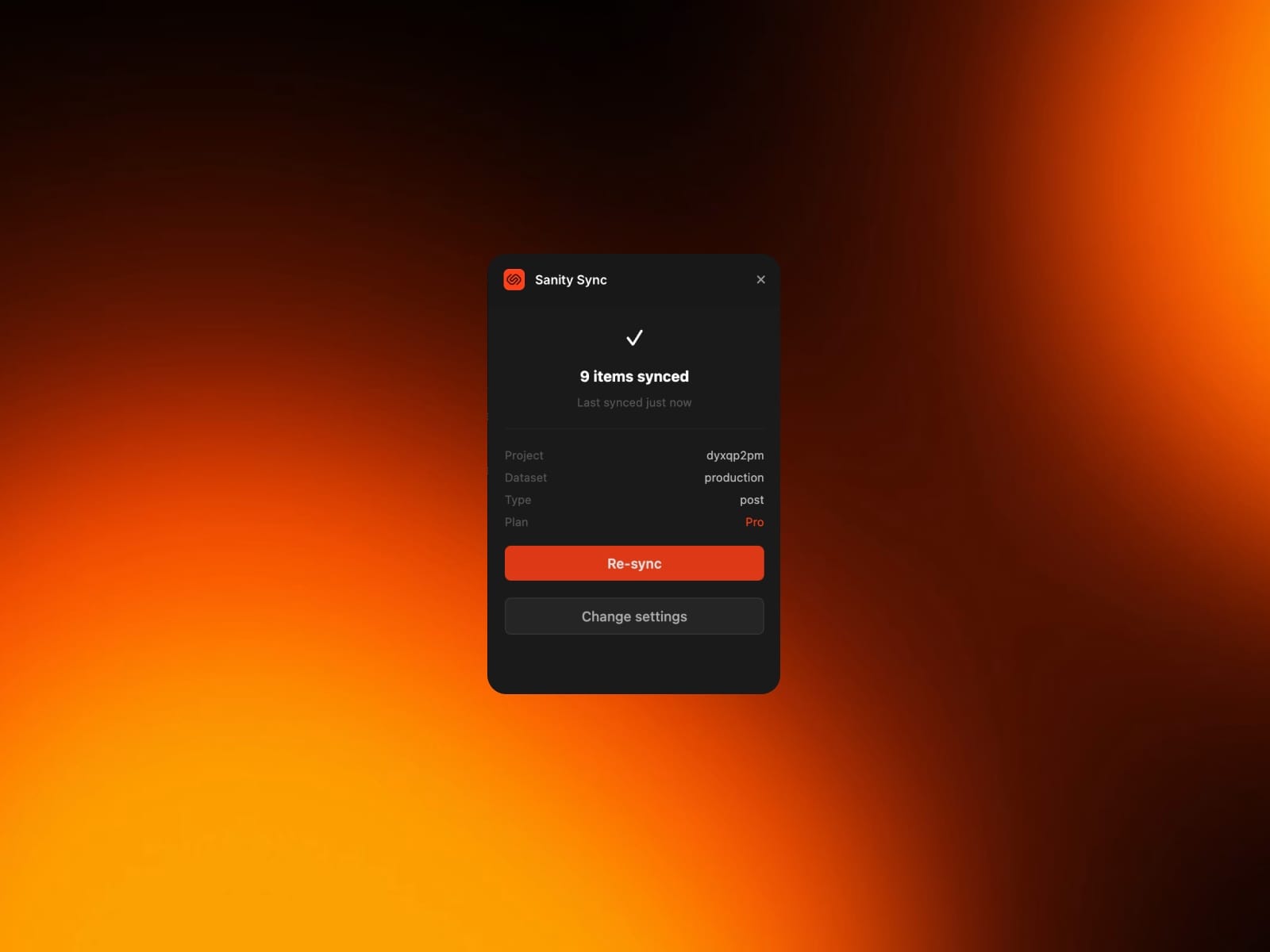
Click sync — your content appears in Framer CMS instantly
Re-sync anytime with one click to pull in updates
Supported field types
Text, numbers, booleans
Dates and datetimes
Images (resolved from Sanity CDN)
Rich text / Portable Text → Framer formatted text
Slugs, references, arrays
Free & Pro The free plan syncs up to 50 items per collection. Upgrade to Pro for unlimited items, unlimited document types, and priority support.
Setup Your Sanity project needs to allow requests from the plugin origin. Add your Framer site URL to the CORS origins in sanity.io/manage → API → CORS Origins.