About Scenes
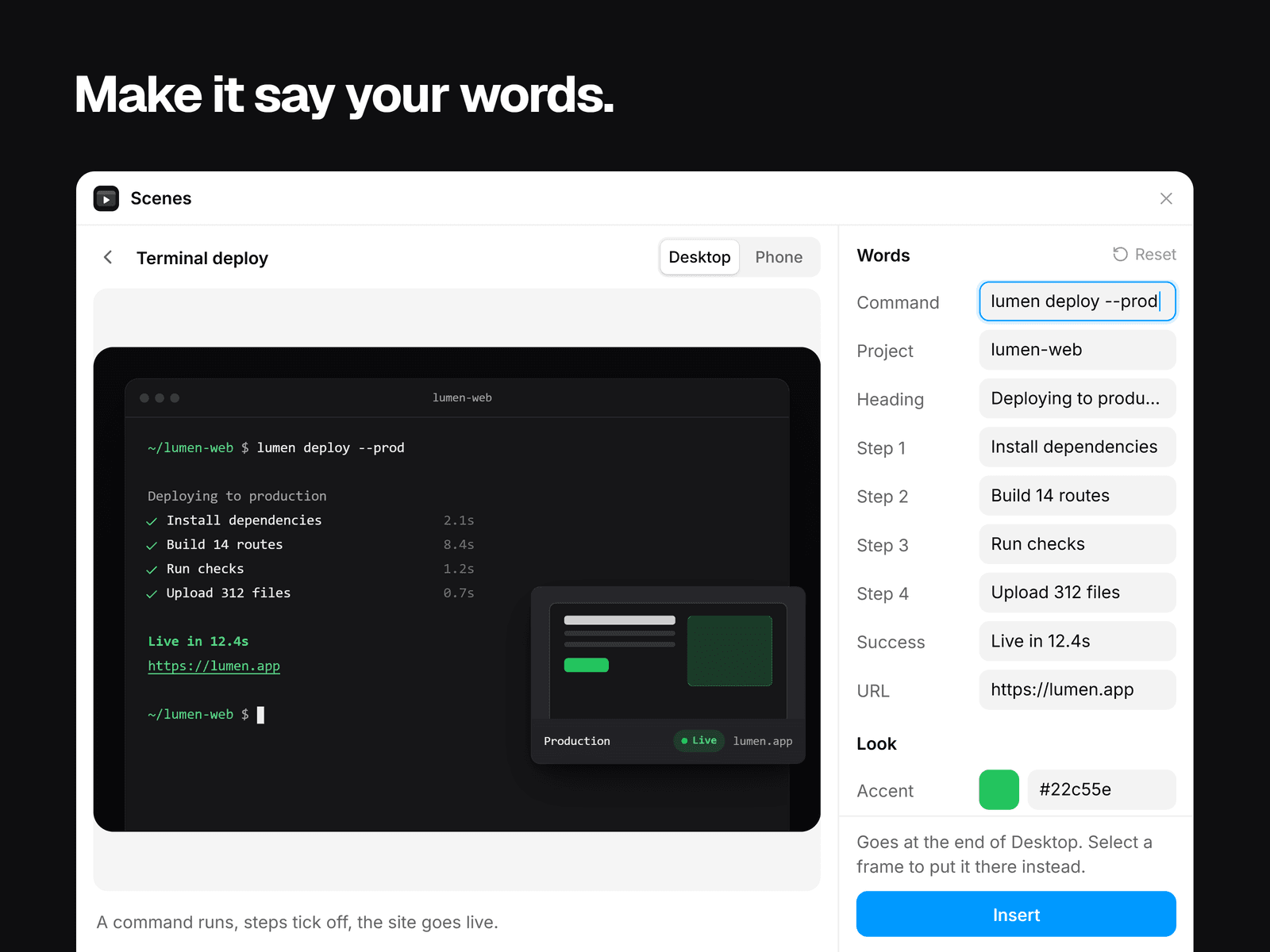
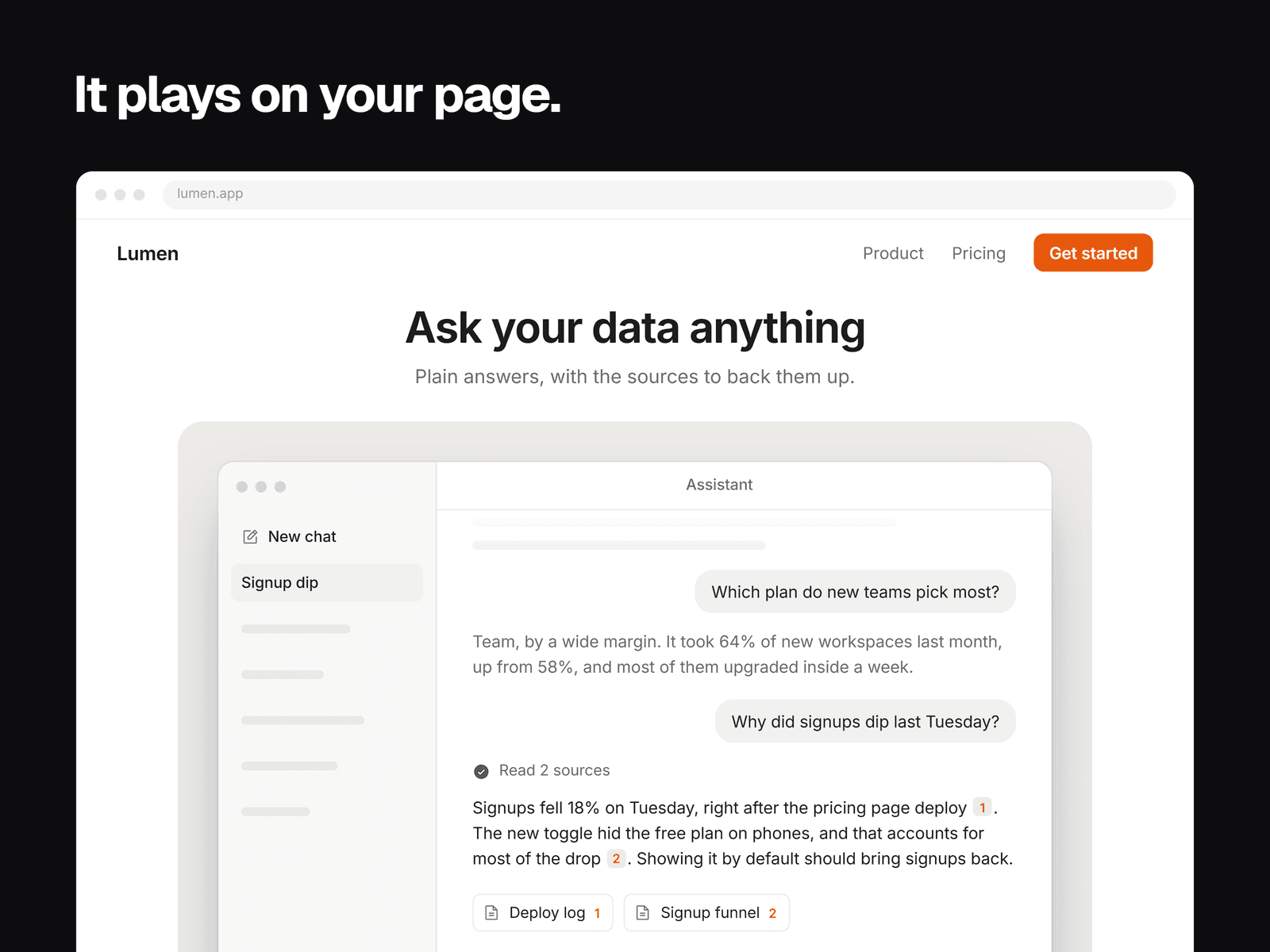
Scenes adds short animations of product UI to your Framer pages, like an AI chat answering a question or a terminal deploying a site. Insert one, type your own words, pick an accent color, and it plays on your published site.
Each scene is a code component drawn live with HTML and CSS. A video would weigh more, and you couldn't change its words.
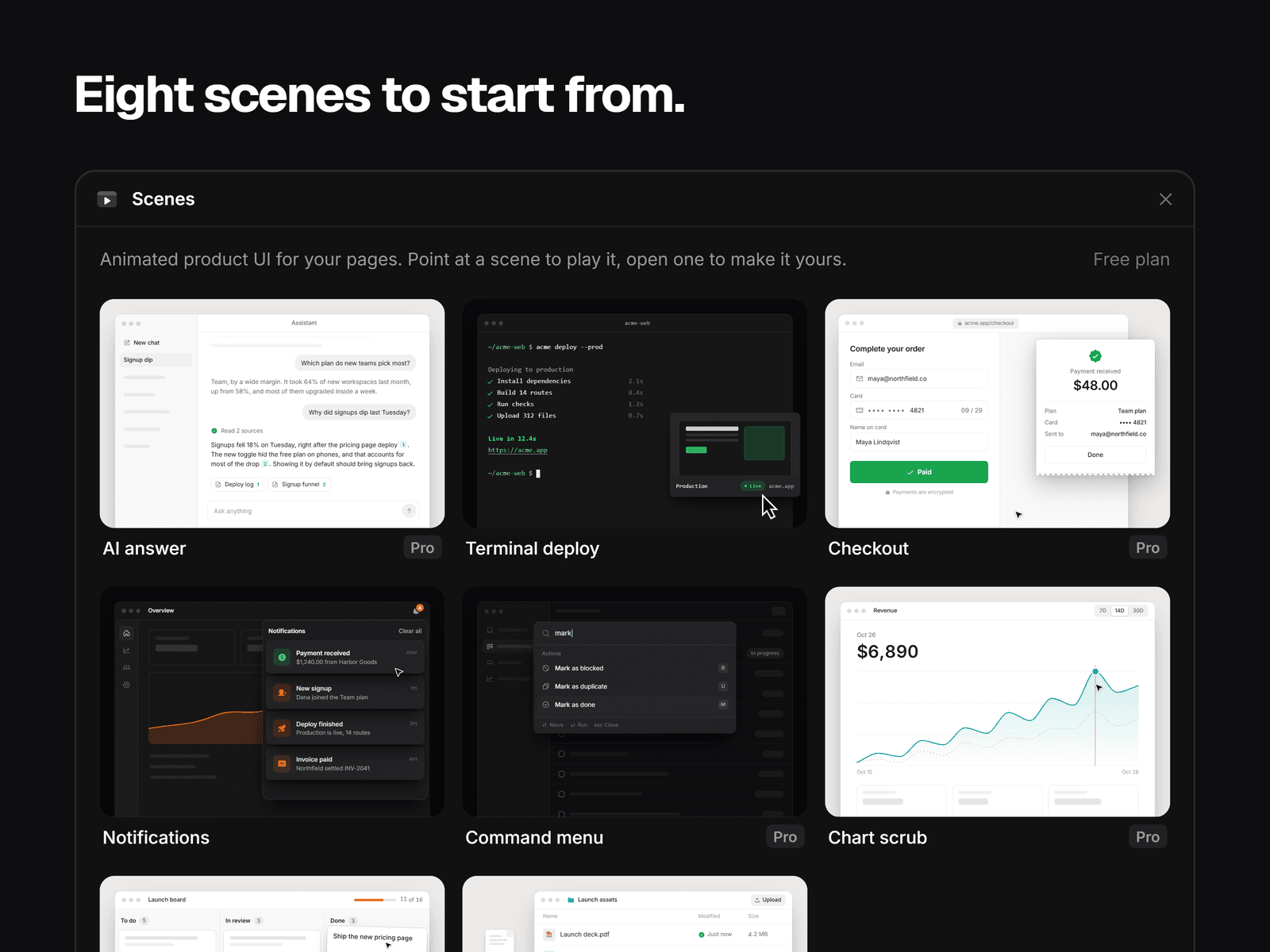
The eight scenes
AI answer: a question is sent and the answer streams in with citations
Terminal deploy (free): steps tick off and the site goes live
Checkout: the total rolls down, Pay runs and the receipt lands
Notifications (free): they pile up and the bell rings
Command menu: Cmd K, a few letters, Return, and the app changes
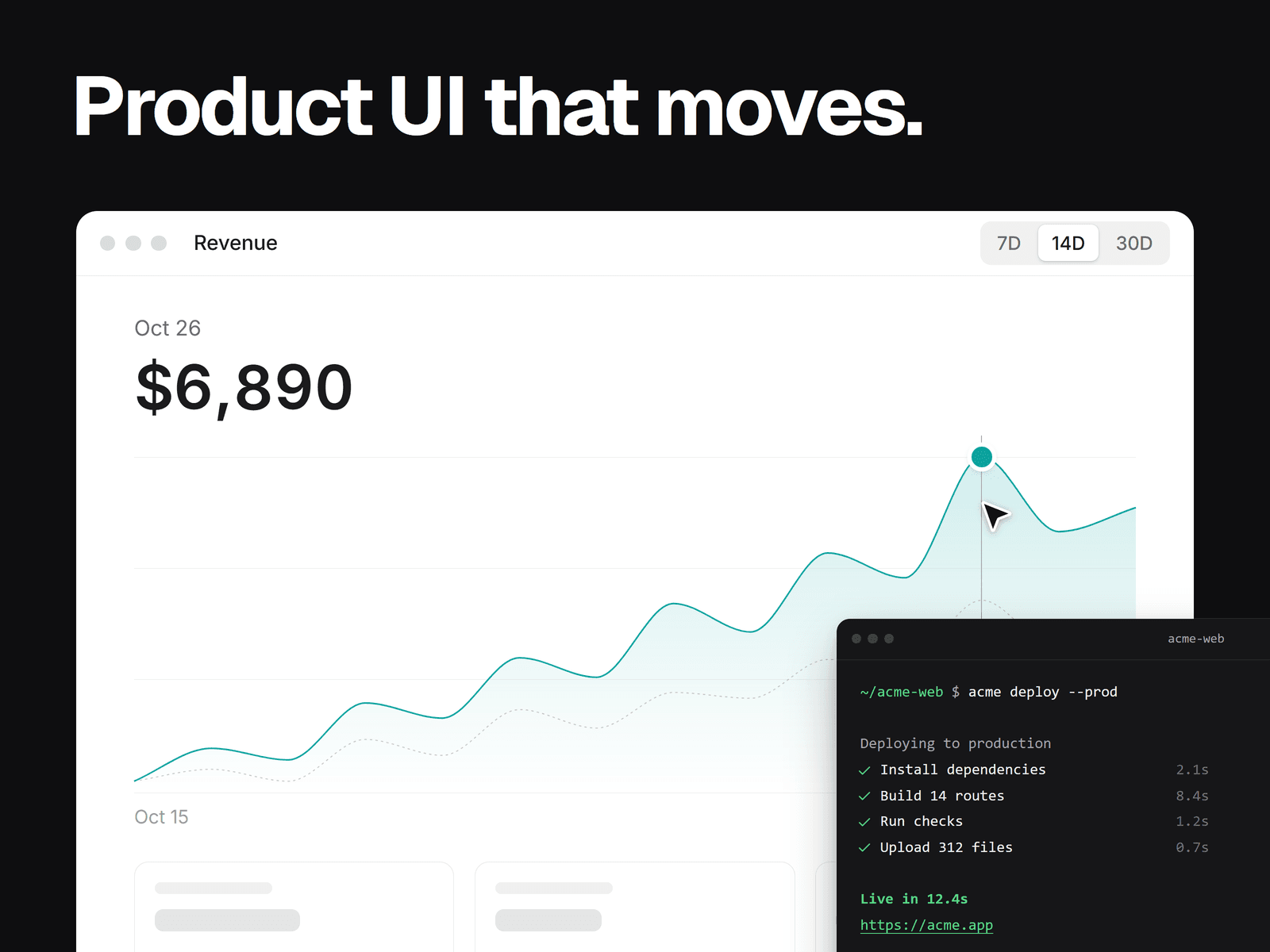
Chart scrub: a pointer runs along your numbers and the value rolls
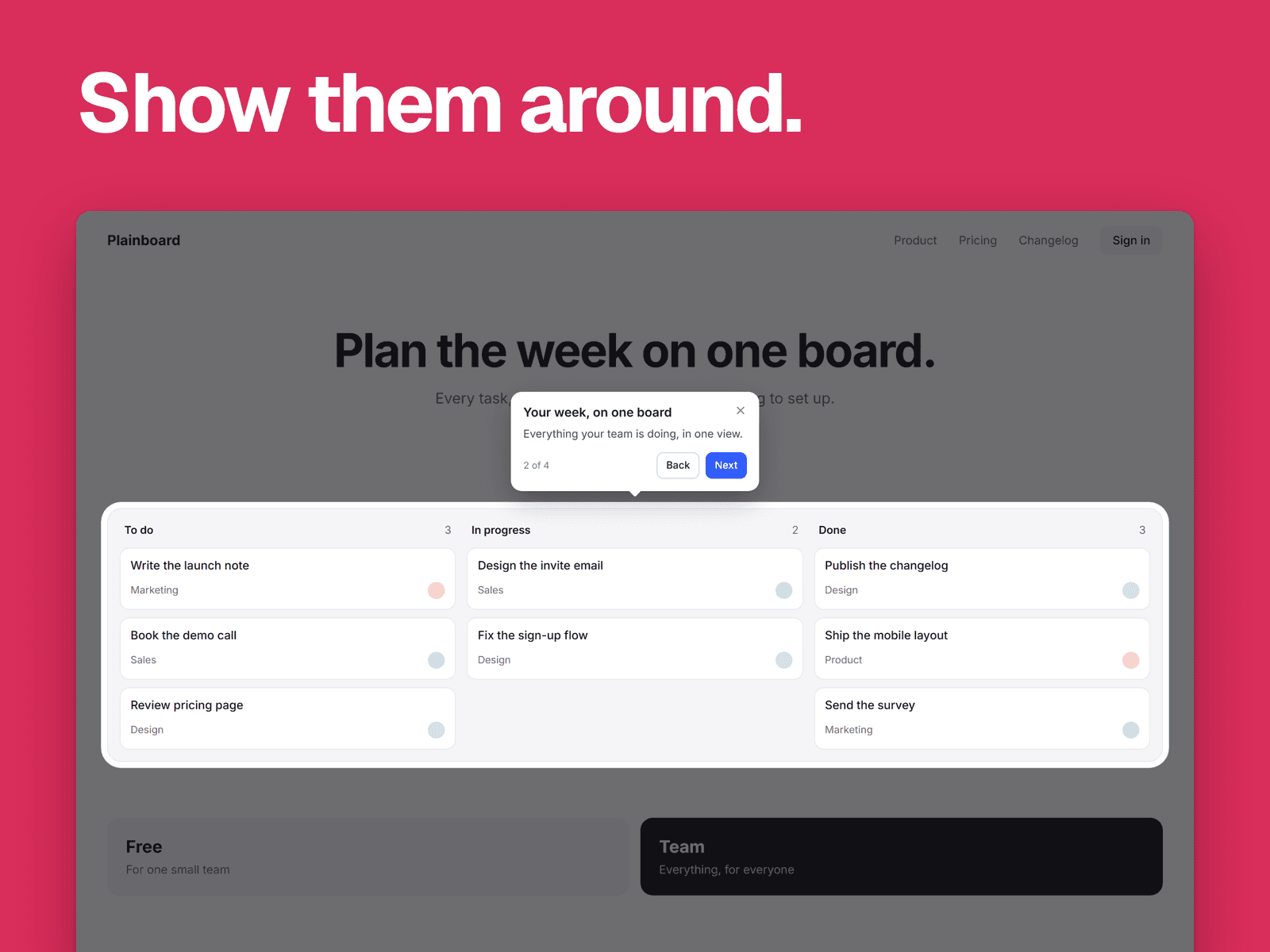
Kanban drag: a card drops into Done and the counts roll
File upload: a file is carried in and its bar fills
Pricing
Terminal deploy and Notifications are free to insert, and you can customize the other six before you pay.
Scenes Pro is $15 USD once, with no subscription, on as many sites as you like. We add new scenes every month, at no extra cost. You pay in your browser and get a license key by email. Enter it on our activation page to get an unlock code, then paste it into Scenes. Pro stays on in that browser, and the same code works in other browsers. Scenes you've inserted keep working with or without Pro.
What you can change
Every word, the accent color, light or dark, the font, speed, looping, corner radius, shadow and backdrop. The layout and the order of events are fixed.
On your site
A scene shows as a still frame before any script runs, and plays only while in view. Visitors who ask for reduced motion see the still frame. Below 560px it switches to a phone layout. It has only been run in Chrome so far, so check other browsers.
Your data
Scenes checks your code on your computer and sends nothing about your license. The scenes make no network requests on your site.
Support: syaokay@gmail.com