About SearchFuel Publisher
SearchFuel Publisher for Framer
Publish your SEO-optimized blog posts from SearchFuel directly into Framer's CMS.
What gets synced
• Title, slug, and excerpt
• Full article content (auto-converted to HTML)
• Featured image
• Meta title and meta description
• Author, category, and tags
• Published date
• Content score and article type
How to set up
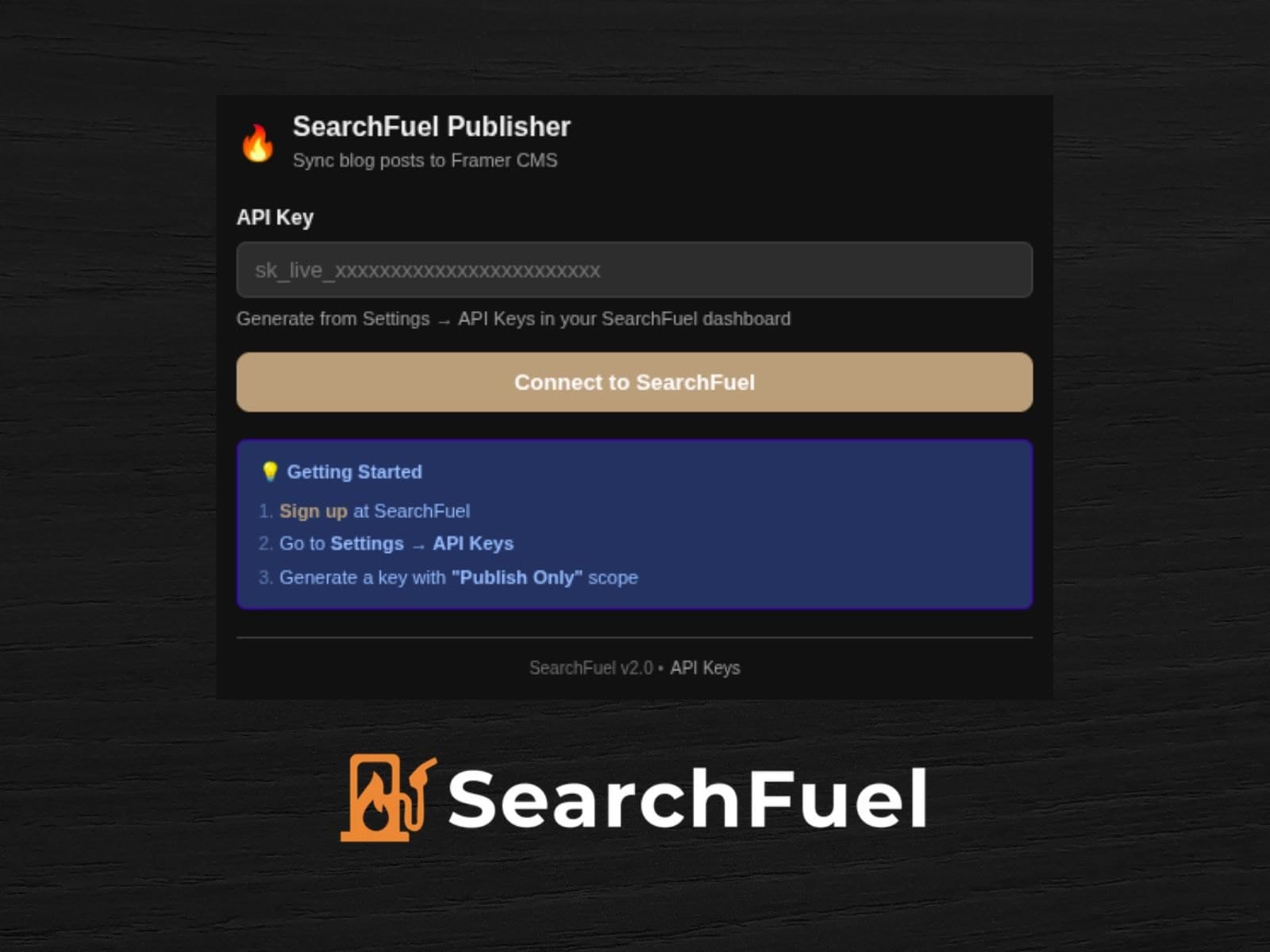
Step 1 — Generate your API key
Go to app.trysearchfuel.com → Settings → API Keys → click "Generate New Key" → select "Publish Only" permissions → copy the key (it won't be shown again).
Step 2 — Connect the plugin
Open SearchFuel Publisher in Framer → paste your API key → click "Connect to SearchFuel" → wait for verification.
Step 3 — Create your CMS collection
In Framer, go to the CMS panel → click "Add Collection" → select "SearchFuel Publisher" as the source. This creates a managed collection with all 14 fields pre-configured.
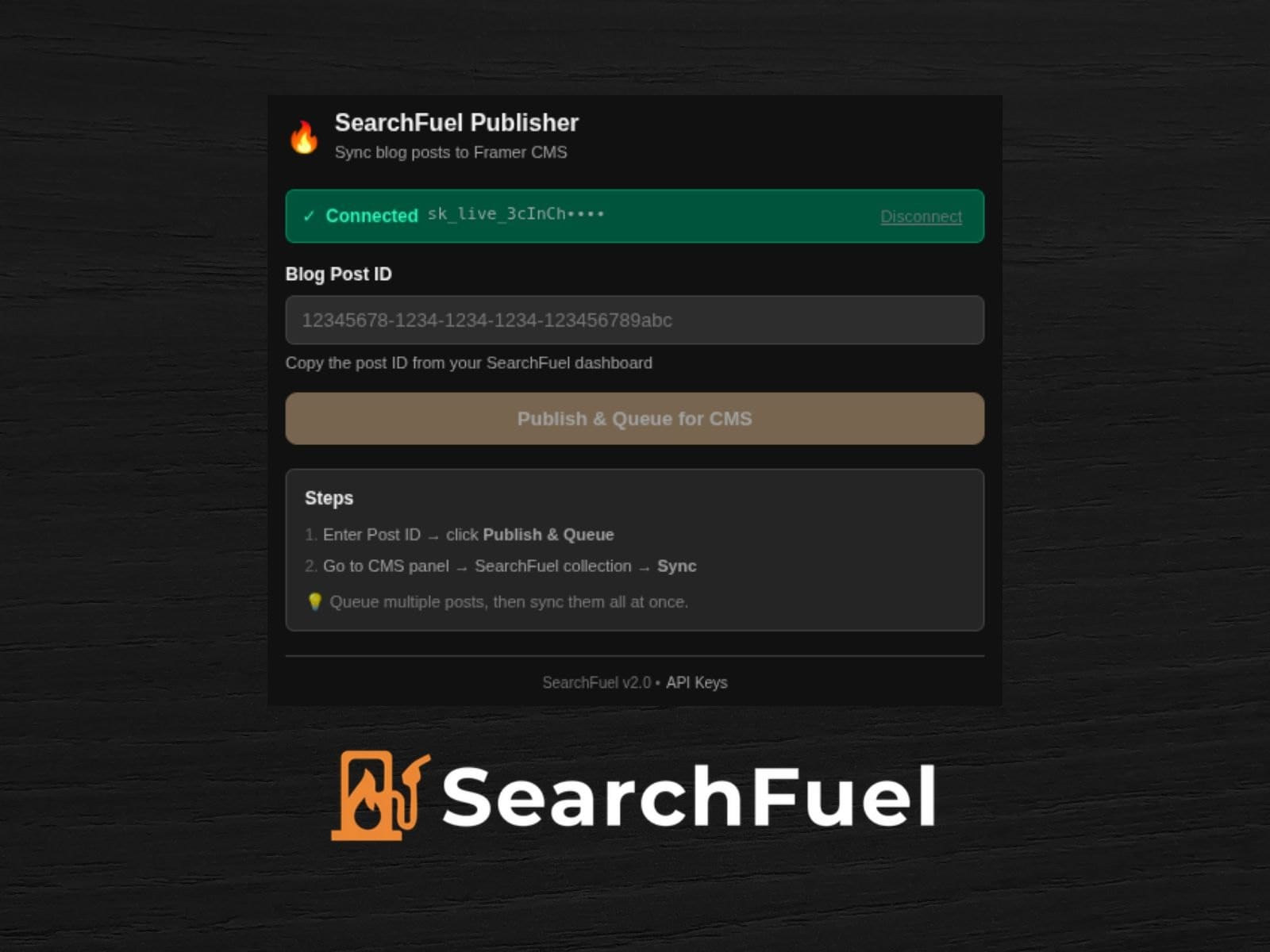
Step 4 — Publish a post
In the plugin, enter your Blog Post ID (from your SearchFuel dashboard) → click "Publish & Queue for CMS". You can queue multiple posts before syncing.
Step 5 — Sync to CMS
Go to CMS panel → click your SearchFuel collection → click the "Sync" button. The plugin fetches your posts from SearchFuel, converts the content to HTML, and creates the CMS items automatically.
Features
• One-click sync from SearchFuel to Framer CMS
• 14 fields mapped automatically
• Batch publishing — queue multiple posts, sync them all at once
• Markdown automatically converted to HTML for rich text fields
• Works in light and dark mode
• Secure API key authentication with scoped permissions
Support
• Website: trysearchfuel.com
• Email: support@trysearchfuel.com