About Setfold
Got a folder of SVG icons? Drop it once and get a Framer vector set, every icon named, instead of adding them one by one.
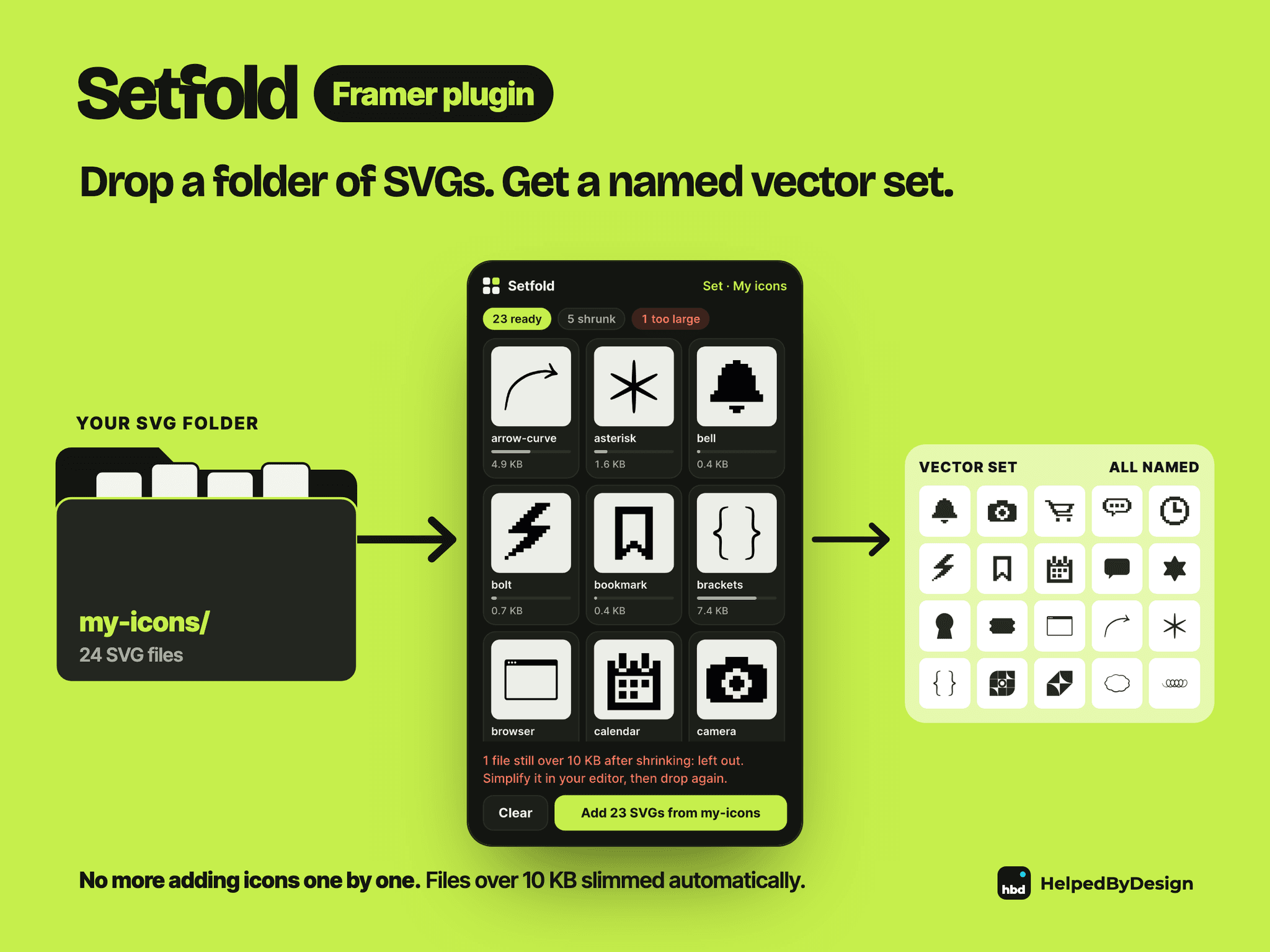
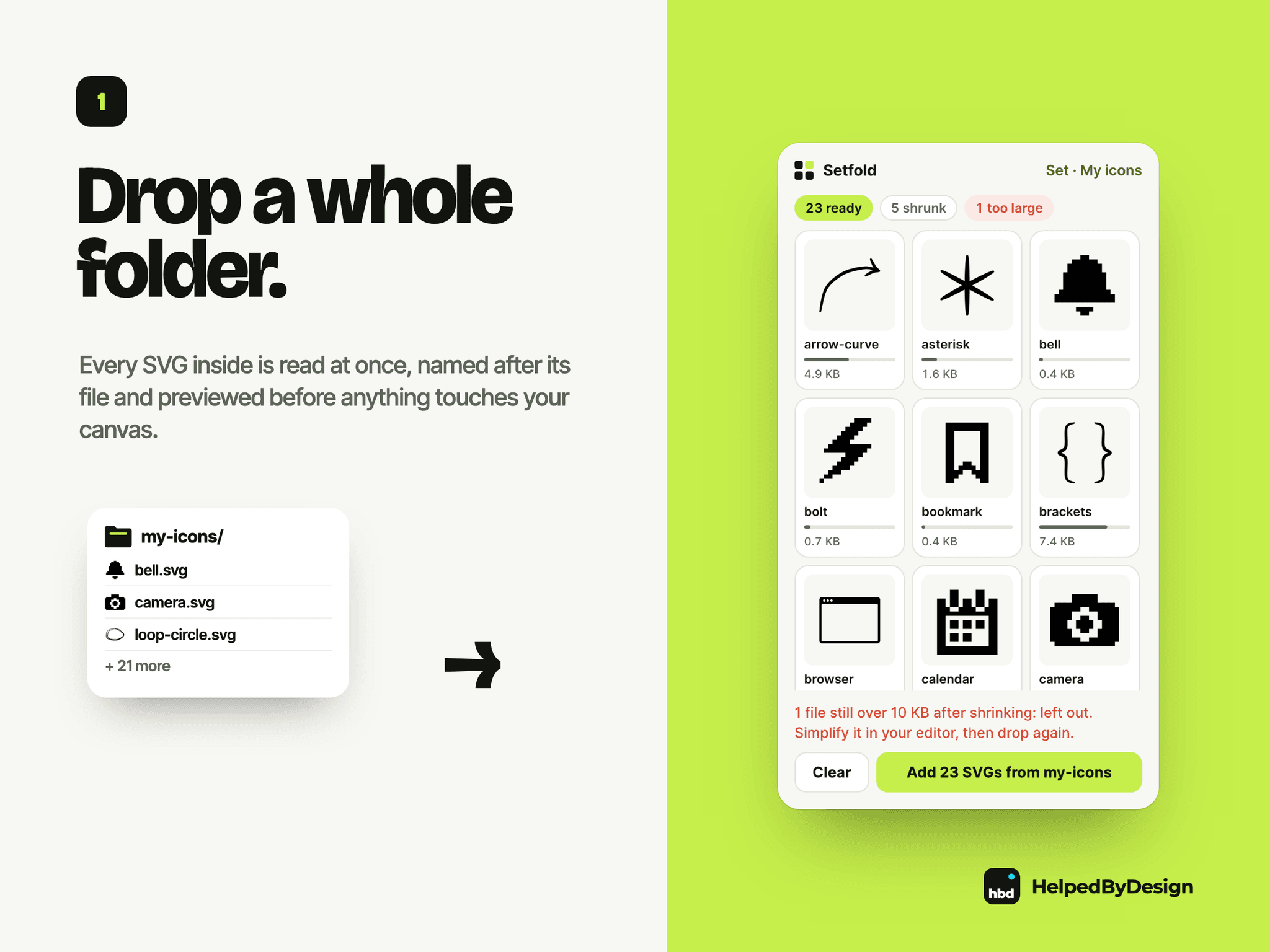
24 SVGs in, one vector set out. Setfold reads the whole folder, names each icon after its file, slims any file over 10 KB with the same look, and places everything ready for your set.
Bulk import: drop SVG files or a folder (or use Choose a folder). Every SVG inside is read at once.
Names from file names: arrow-curve.svg becomes "arrow-curve". Duplicates get a number.
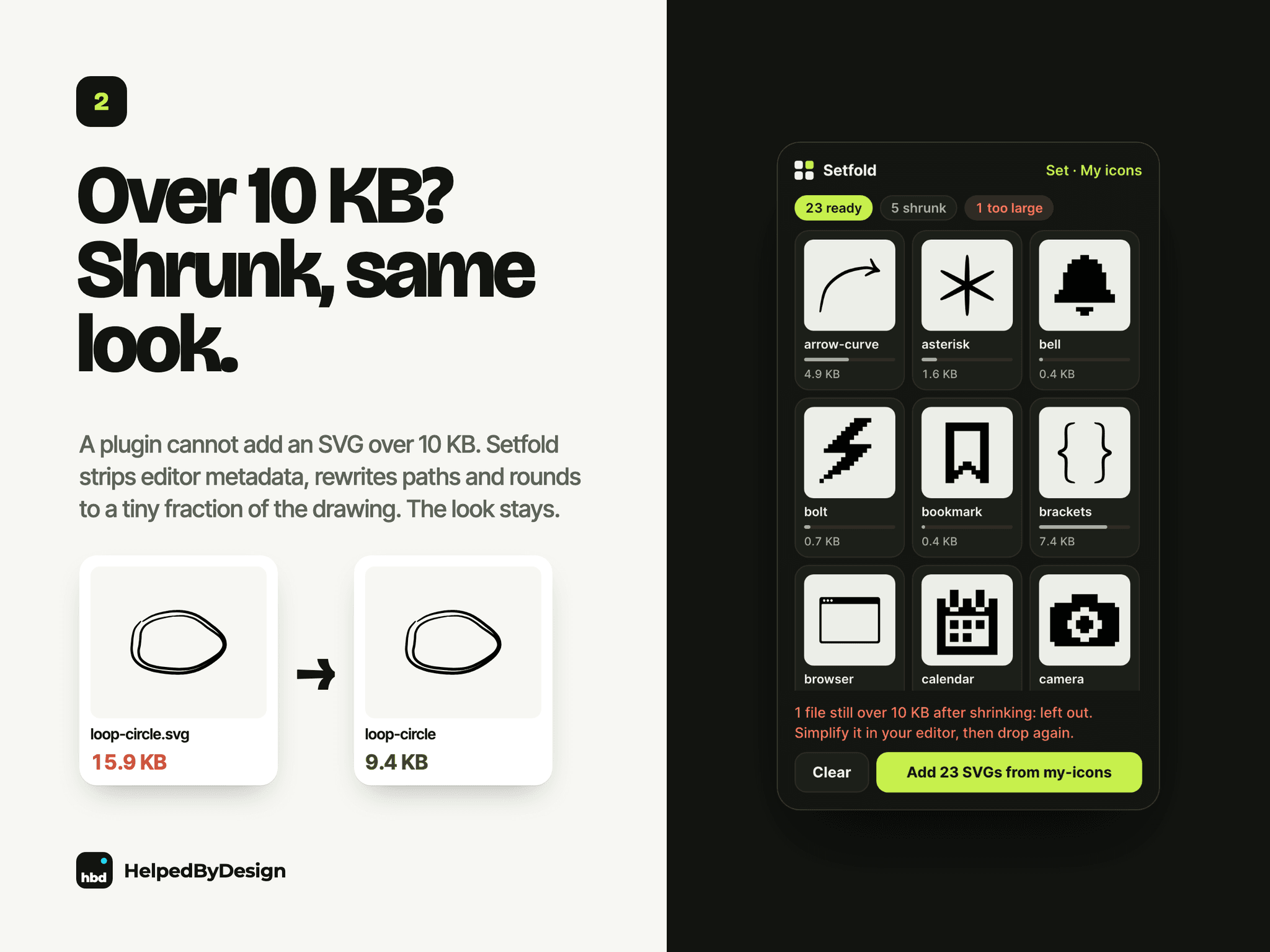
Heavy files slimmed, same look: editor metadata removed, paths rewritten in relative coordinates, numbers rounded to a tiny fraction of the drawing. Each tile shows its size before and after.
Honest limits: a very dense file that is still over 10 KB after slimming is flagged "Too large" and left out. It is never simplified behind your back.
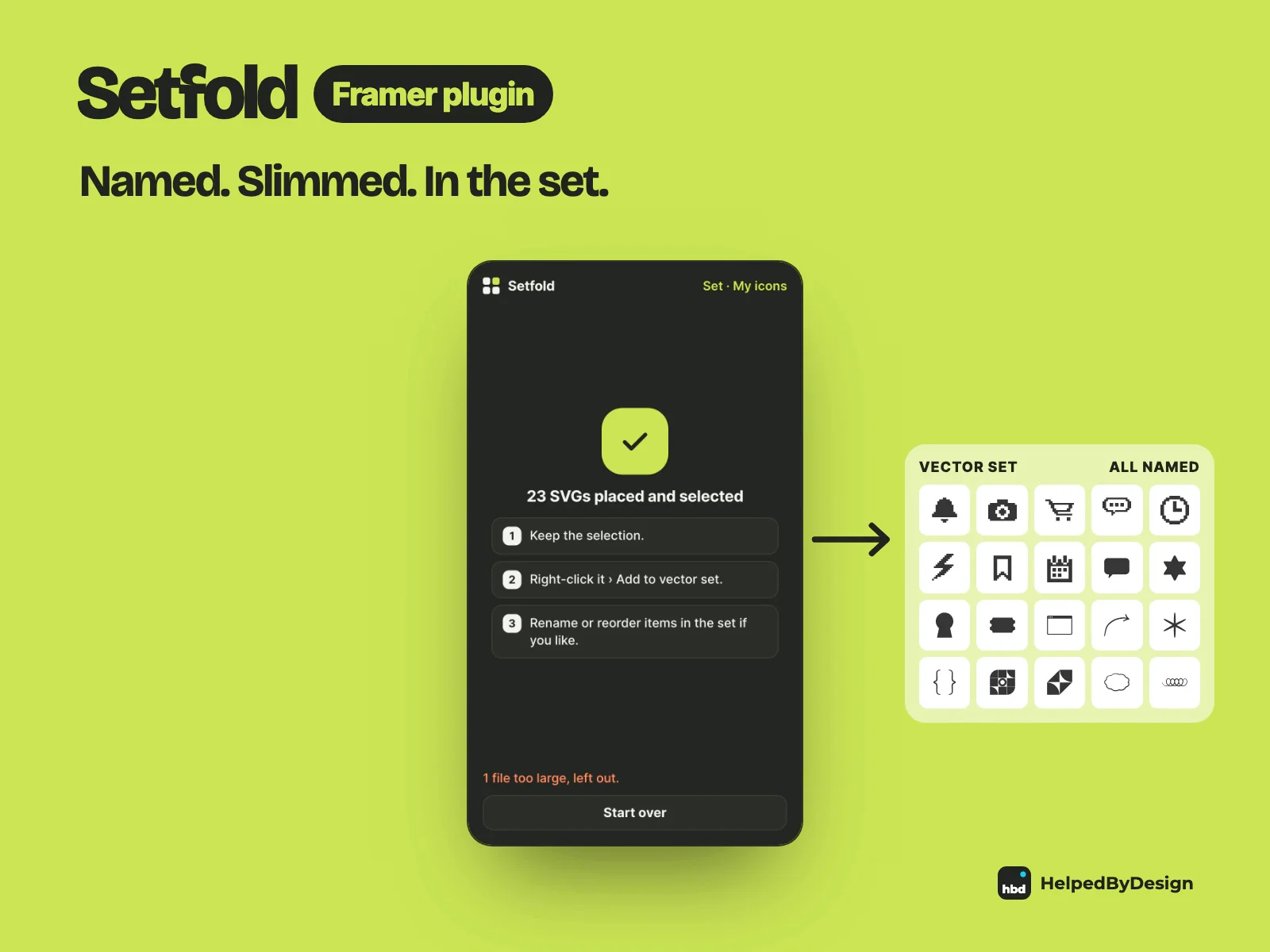
Stop any time: what is already placed stays placed and selected.
One right-click to finish: on a vector set, right-click the selection › Add to vector set. The plugin API cannot add items to a set by itself, so this last click stays manual.
Light and dark mode. Nothing leaves your browser: no upload, no account, no tracking.
How to use
Open the vector set you want to fill (Assets › Vector sets), or any page.
Run Setfold and drop a folder of SVGs (or click Choose a folder).
Check the tiles: sizes, slimmed files, any file marked Too large. Click Add.
Keep the selection, right-click it › Add to vector set.
Troubleshooting
Dropping a folder does nothing: use Choose a folder (some browsers block folder drops).
A file is marked Too large: simplify it in your editor (fewer points, no embedded images), then drop it again.
Items are on the canvas but not in the set: select them, right-click › Add to vector set.
Made by HelpedByDesign
Need SVGs to fill a set? Our vector packs and templates are on our creator profile. Questions: use the contact on the same profile.