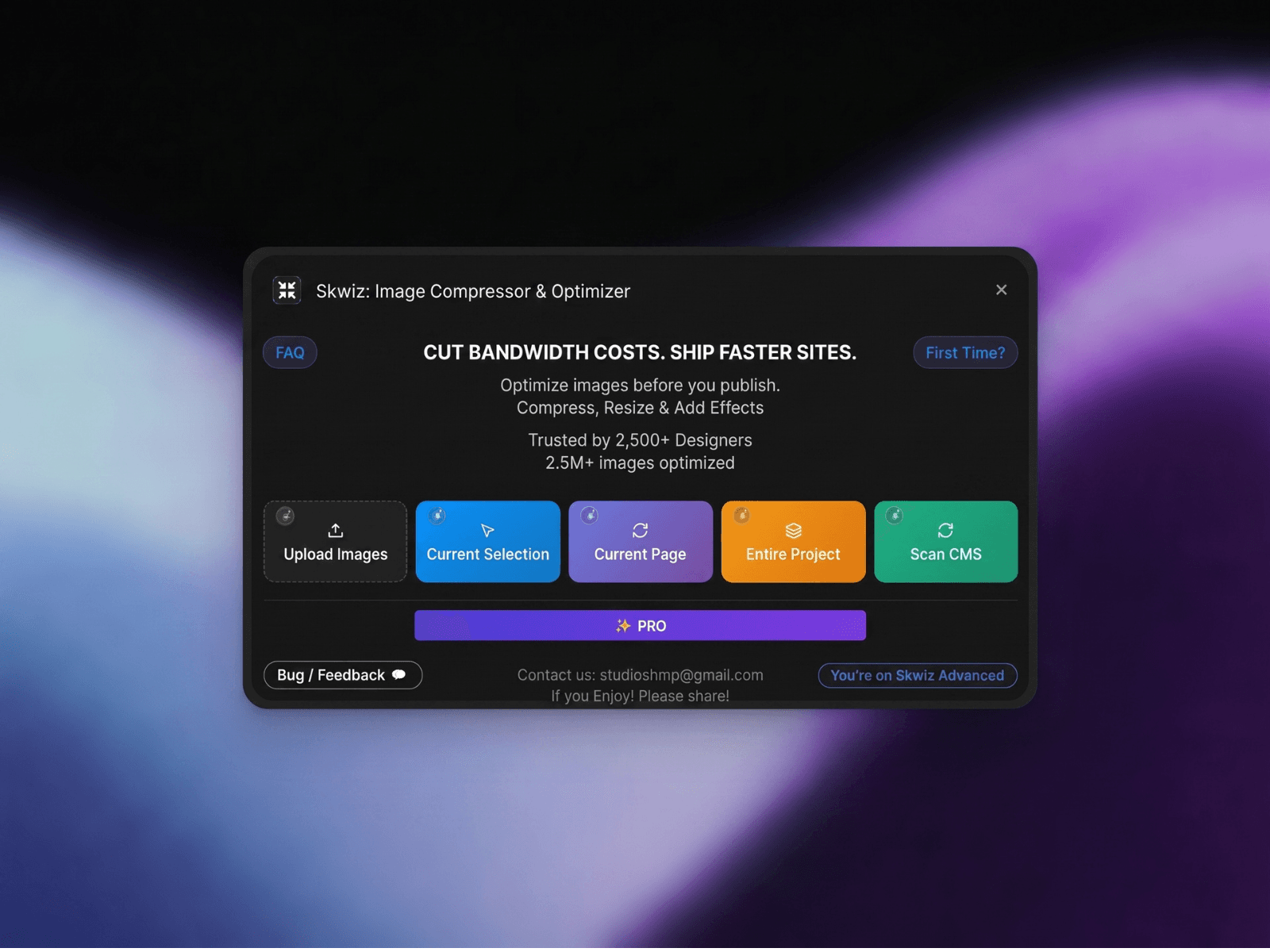
About Skwiz: Image Compressor & Optimizer
SKWIZ: Full-Project Image Optimization for Framer
Framer optimizes delivery.Skwiz optimizes your images.
Take full control of image format, quality, and dimensions - from single assets to entire projects, CMS collections, galleries, and components - all without leaving Framer.
Powered by Google Squoosh WebAssembly encoders, delivering one of the best quality-to-size ratios available.
What You Can Do with Skwiz
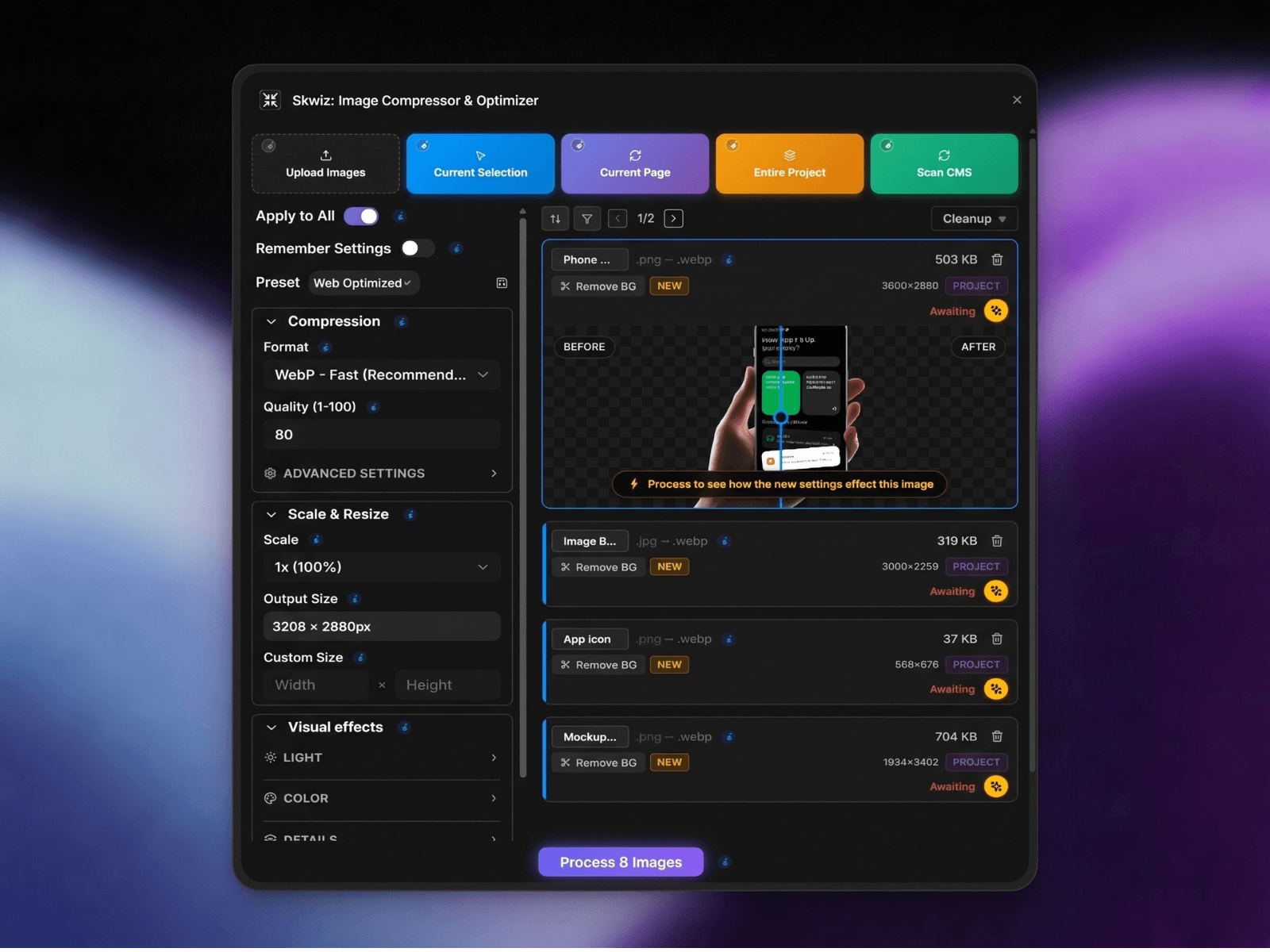
Optimize entire Framer projects - not just individual images.Process CMS collections, galleries, components, and full pages in intelligent bulk batches built for scale.
Compress images up to 95% without visible quality loss.Powered by professional-grade encoders (MozJPEG, libwebp, oxipng) for industry-leading efficiency.
Convert between WebP, JPEG, and PNG.Choose the optimal format for performance and compatibility.
Fine-tune every detail.Control quality, chroma subsampling, progressive rendering, lossless modes, compression effort, and output dimensions.
Resize with precision.Eliminate oversized assets and reduce wasted bandwidth.
Preview before replacing.See real-time comparisons and stay in control.
Apply optional visual adjustments.Grayscale, invert, brightness, and contrast - directly in your workflow.
Sort and Filter.Grayscale, Load entire workflows, sort and filter by your needs !
All processing happens locally.No uploads. No servers. Your files never leave your machine.
Built for Real Design Workflows
• Works directly inside Framer• Supports canvas, edit mode, CMS, and galleries• Non-blocking, fast batch processing• Flexible export naming• Designed for large-scale projects
Smart Performance Auditing
Skwiz provides intelligent, context-aware advice for every image in your project.
Resolution Optimization
Actionable Insights
Automated Rescaling
Project Health Scan
Professional license. Lifetime updates. Cancel anytime.
For support or feature requests: studioshmp@gmail.com
Learn more on : skwizforframer.com