About SkynetAccessibility Video Subtitle
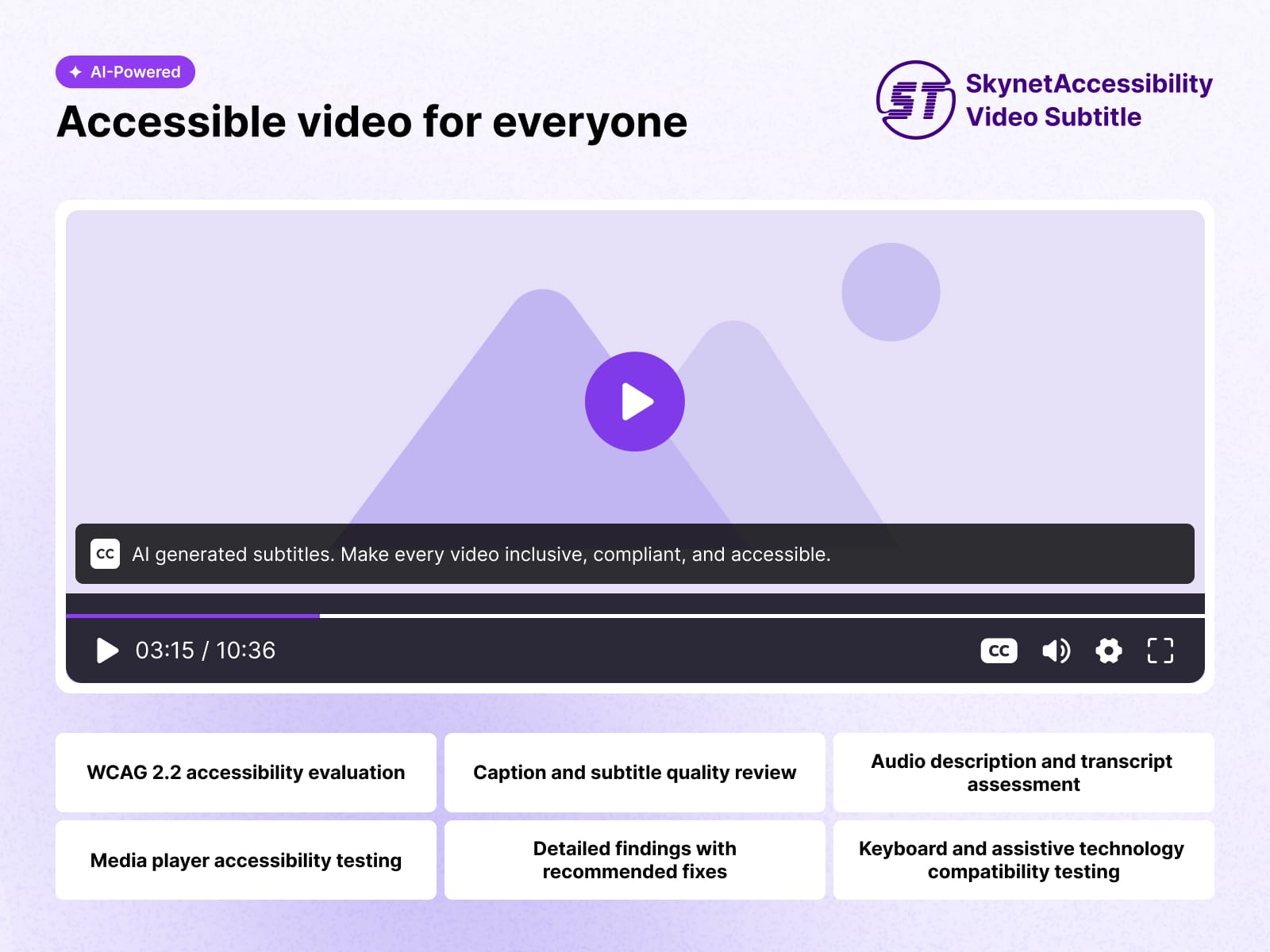
SkynetAccessibility VideoSubtitle is an AI-powered video accessibility plugin for Framer that automatically generates synchronized subtitles for website videos using advanced speech recognition.
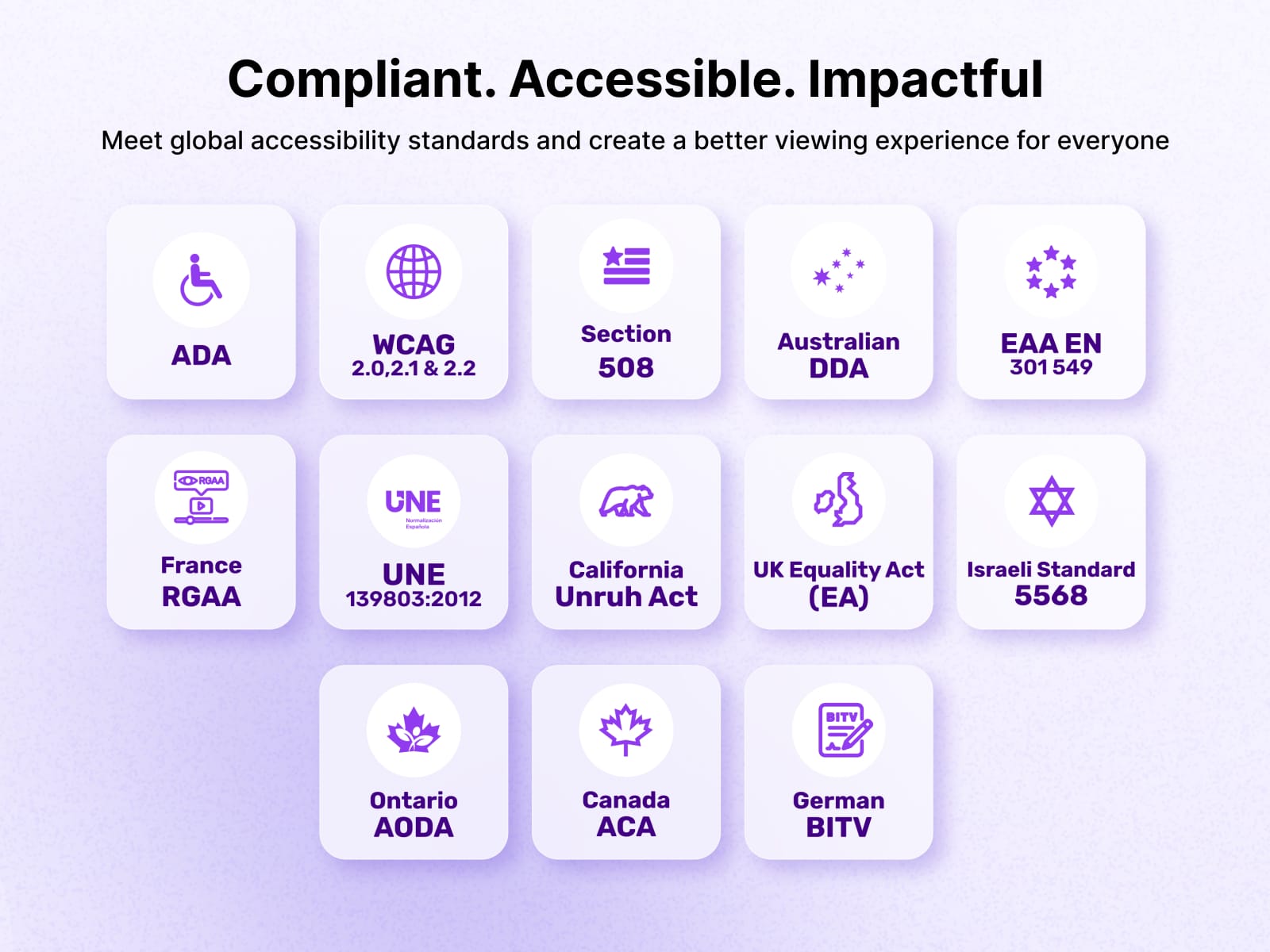
Improve the accessibility of website videos by automatically generating synchronized subtitles using AI-powered speech recognition. It integrates with Framer, making it easier to publish accessible multimedia content without manually creating captions. Supports accessibility initiatives aligned with WCAG 2.1, 2.2, ADA, Section 508, and EAA EN 301 549, where applicable.
Features
Quick subtitle processing
Compatible with YouTube, Vimeo, and self-hosted video platforms
Audio and video summary report
Simple installation and configuration
Support for existing and newly published videos
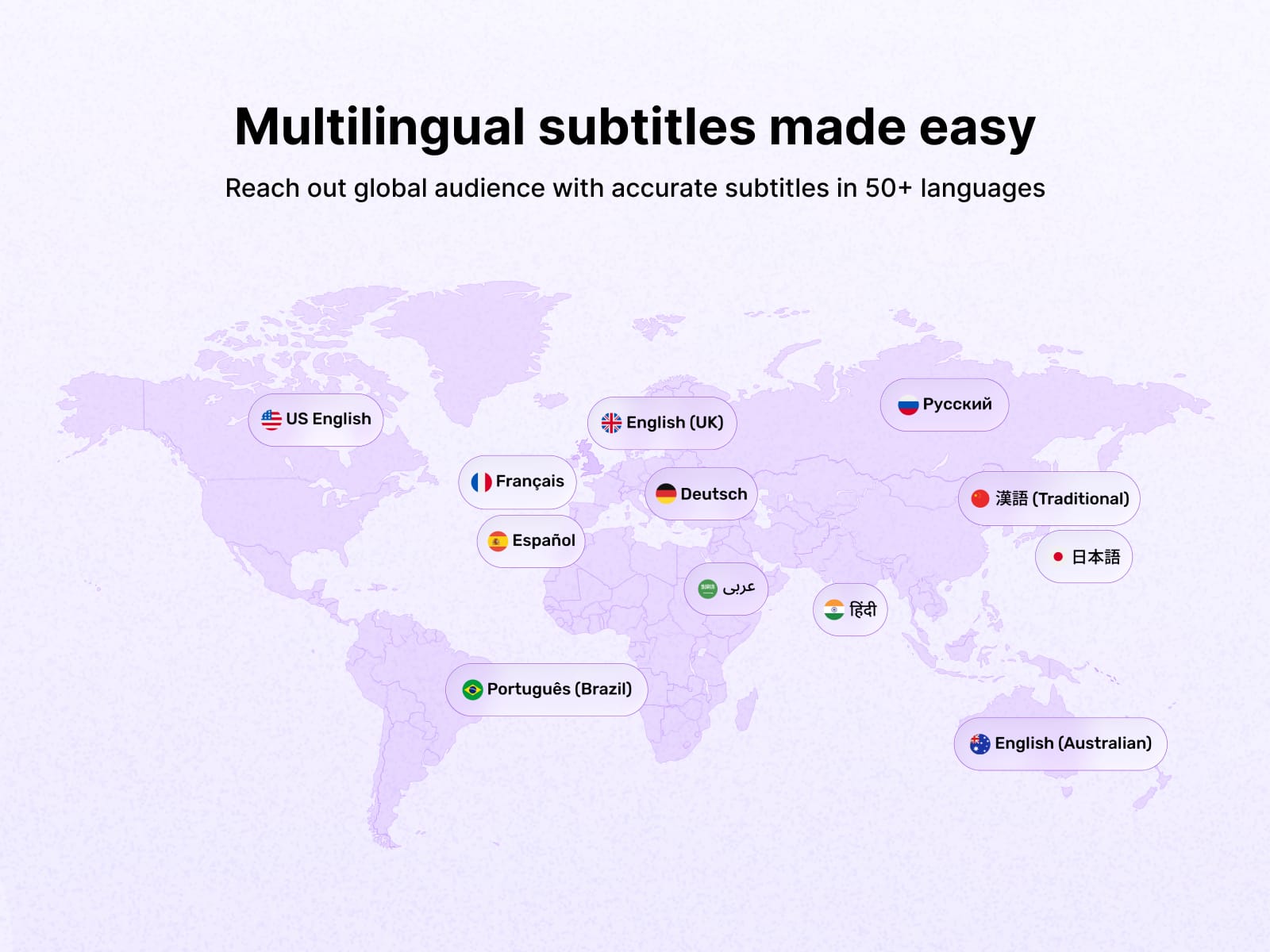
Supporting over 50+ multi-languages
Unlimited video subtitle processing throughout the selected plan
Usage dashboard inside Framer, with spent and remaining playback time
Subtitle language toggle, driven by your accessibility widget language
Ideal For
Blog videos, news videos, tutorials, landing page videos, announcements, interviews, webinars, and embedded media.
Installation
Install the plugin from the Framer Marketplace, or open it in a project from Plugins → SkynetAccessibility Video Subtitle.
Your site must be published before the plugin can do anything. Video Subtitle works per domain: the plugin reads the published domain from Framer and registers it automatically the first time you open the panel. Until a site is published, the Subtitle Dashboard button stays disabled.
Support Options
Submit a Support Request Please visit our support page and fill out the form. Our team will get back to you as soon as possible.
Send Us an Email Alternatively, you can send an email to our support team: hello@skynettechnologies.com