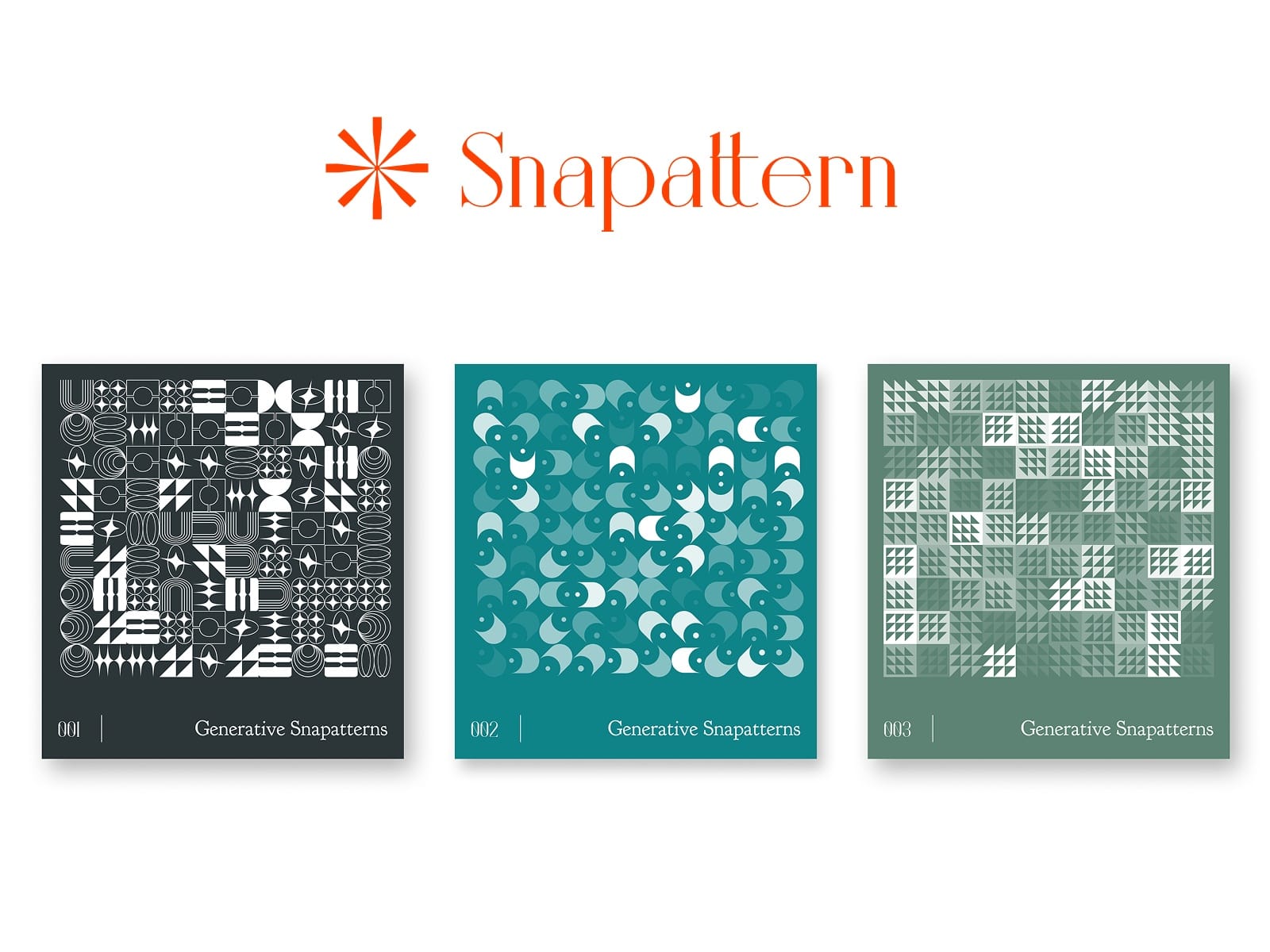
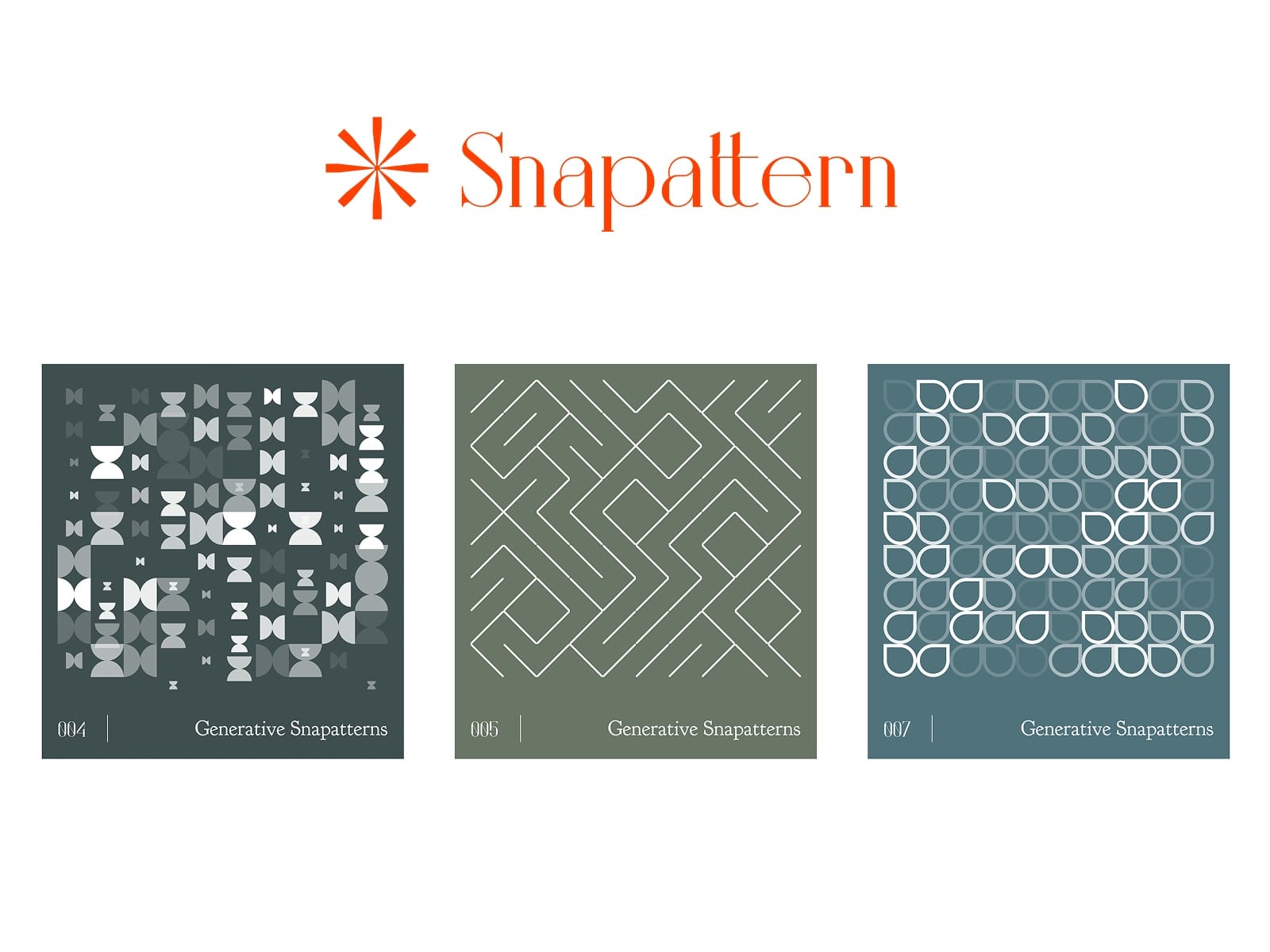
About Snapattern
Snappattern - Turn anything into dynamic patterns
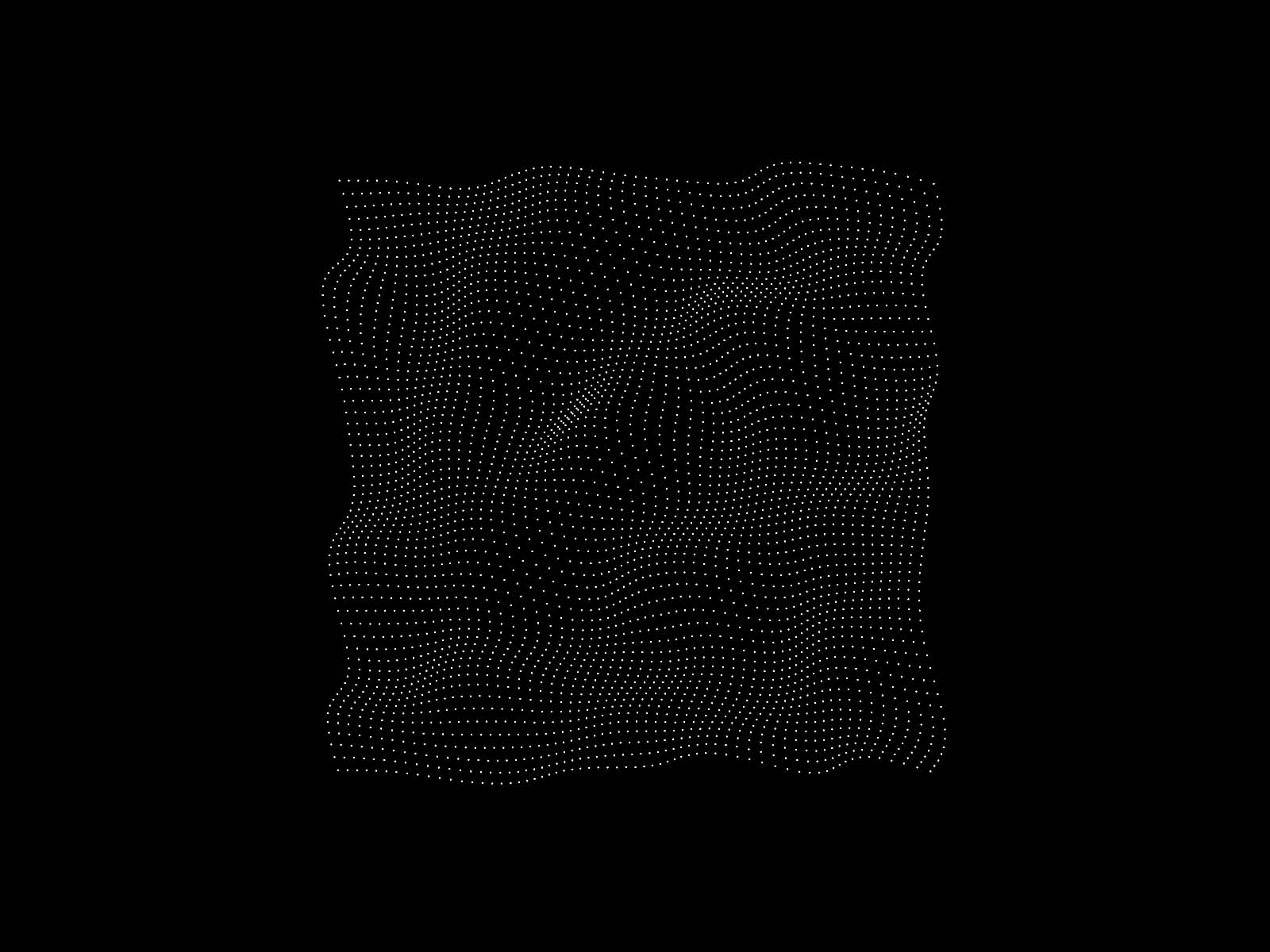
Snapattern lets you transform any layer — shapes, text, icons, images, frames — into generative, customisable patterns inside Figma. With simple, powerful controls, you can create visually stunning repeated patterns for backgrounds, branding, illustrations, and more in just a few clicks.
Key Features :
Any Shapes, text layers, images, icons, groups, and frames - anything can be selected and be generated as a pattern.
Supports Repeat, grid based patterns.
Ability to generate patterns based on components/instances.
Adjust opacity for layering effects
Add rotation for circular effects
Adjust directions for patterns
Scale elements to add depth and variations.
Pricing :
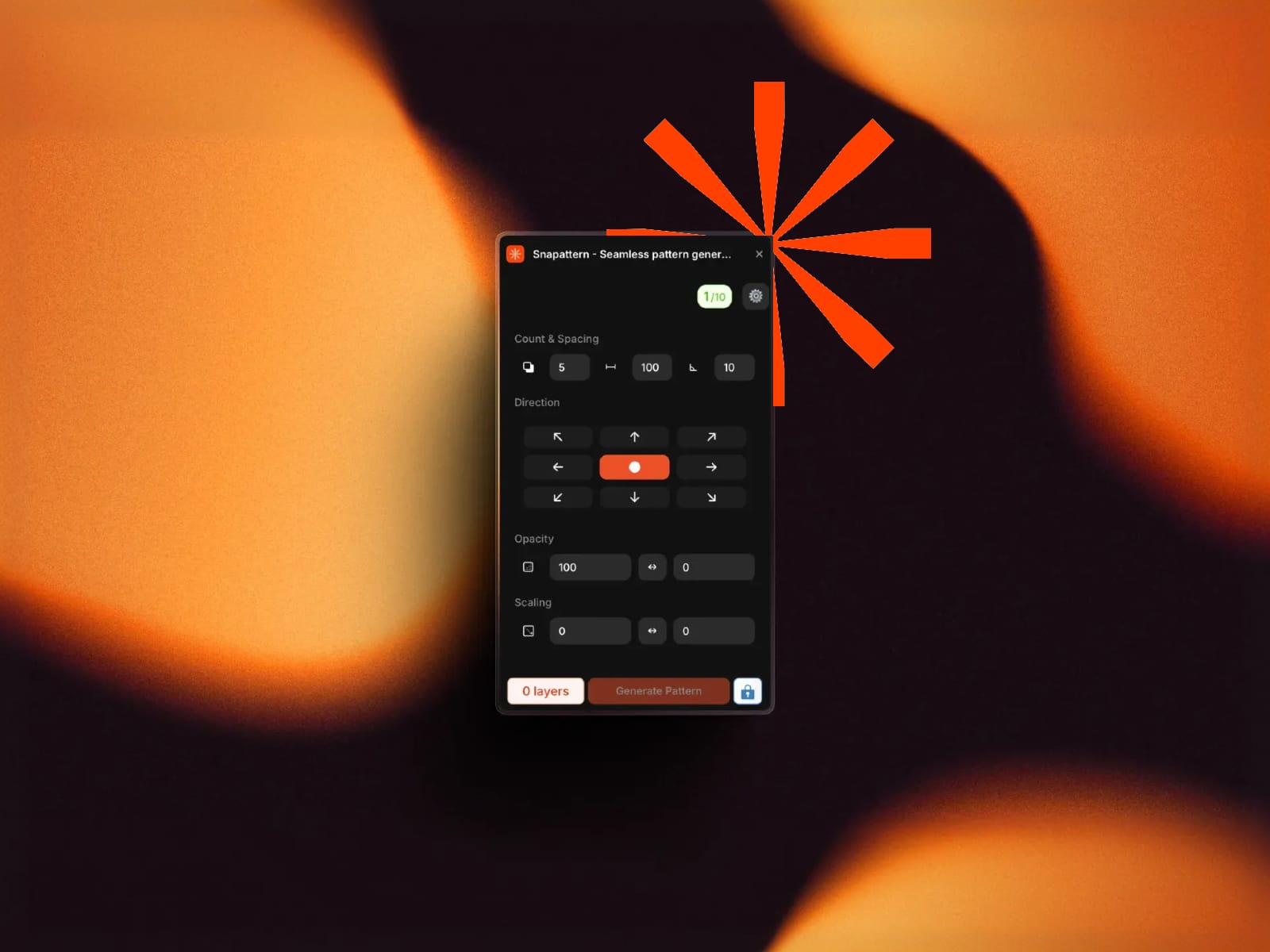
Free : Up to 10 free pattern generations to explore and test the plugin.
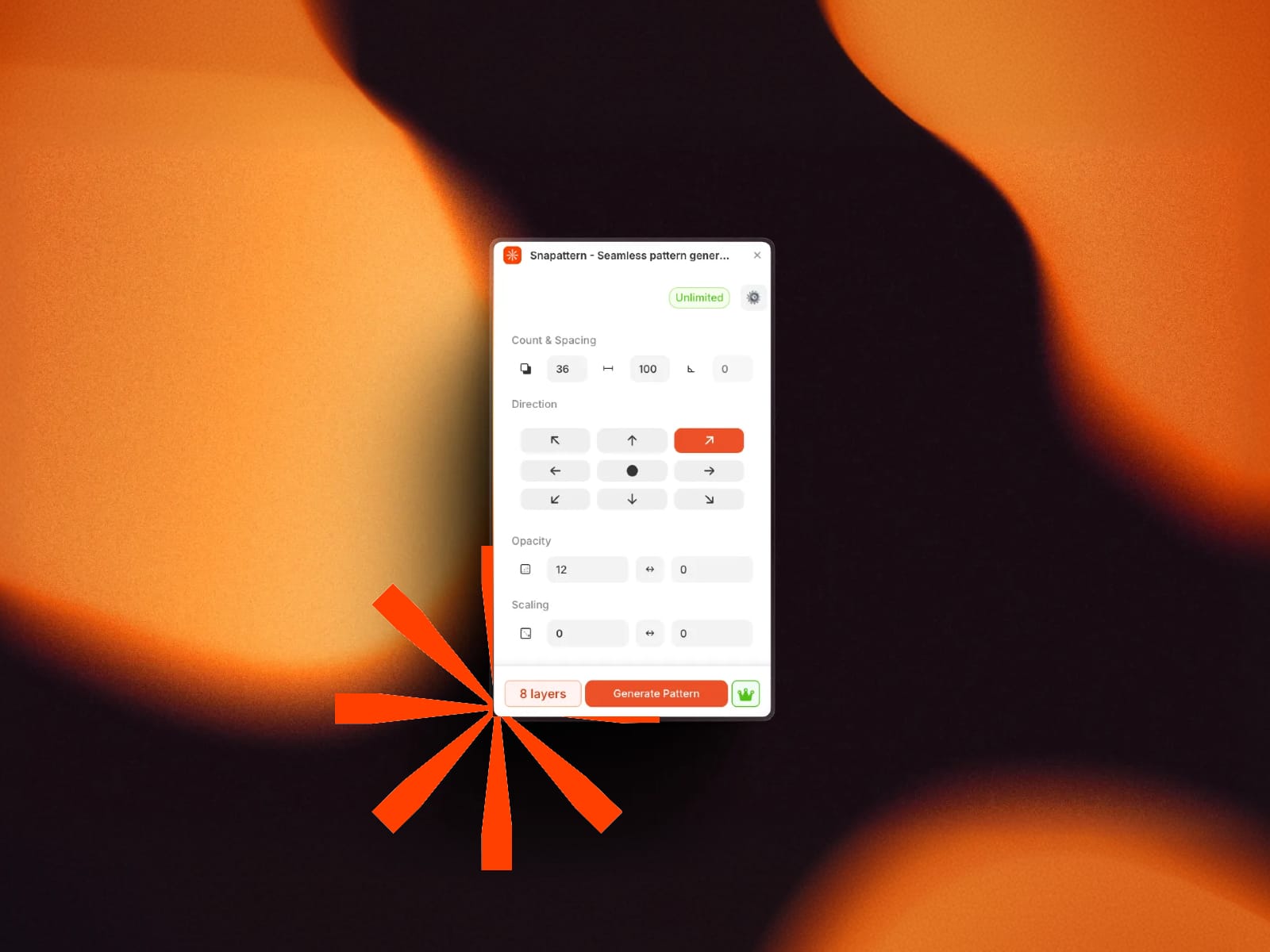
Premium : Unlimited pattern generations at a price of coffee.
How to use the Plugin :
Open the Snapattern plugin
Set how many duplicates you want
Set the gap between duplicates
Choose the direction for the repeats
If direction is middle, set the rotation angle
Set the opacity range (0→100 or 100→0)
Set the scale range (small→large or large→small)
Click Generate Pattern
For any issues/Queries : Hello@manivannan.design