About Style Board
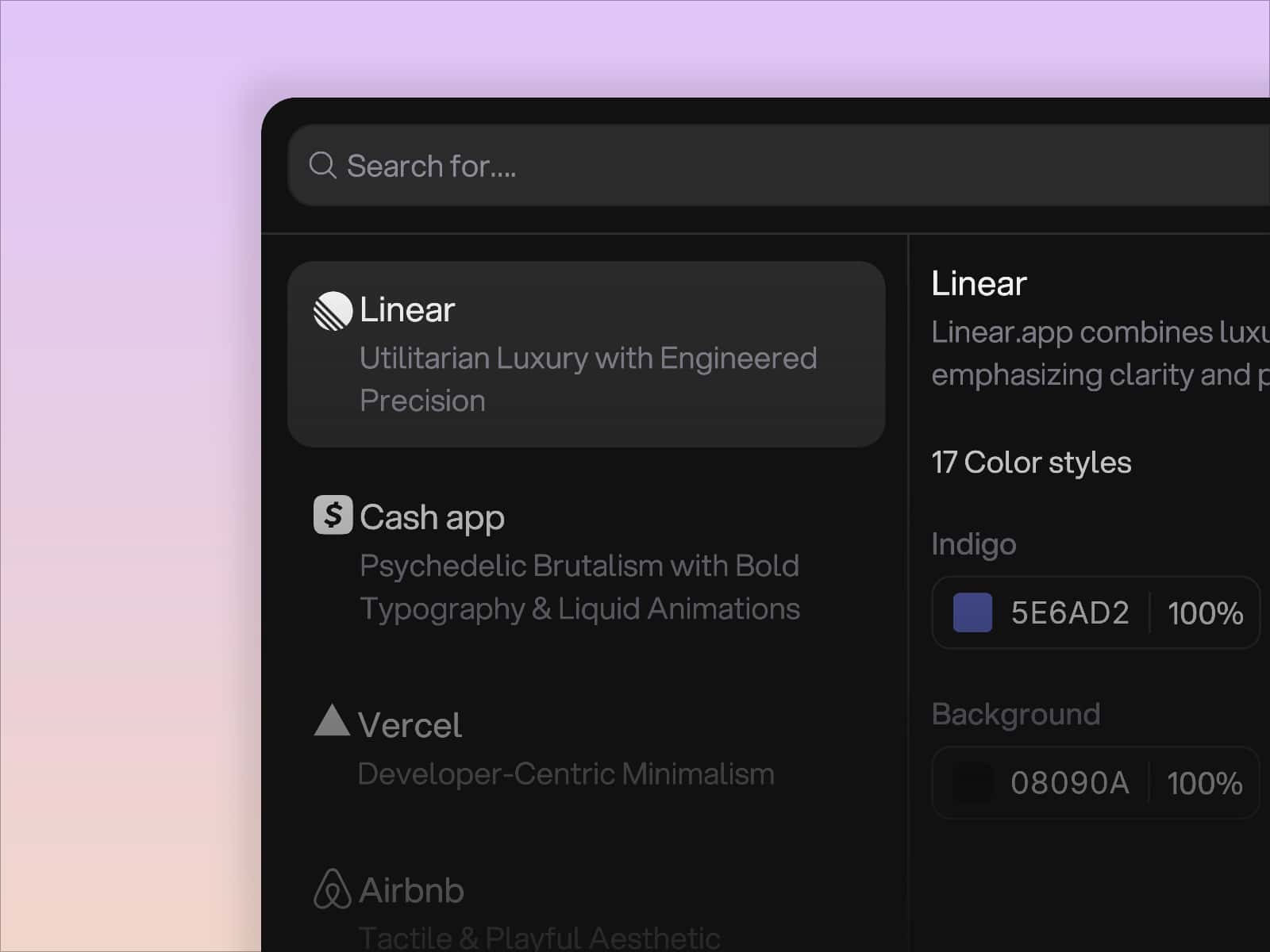
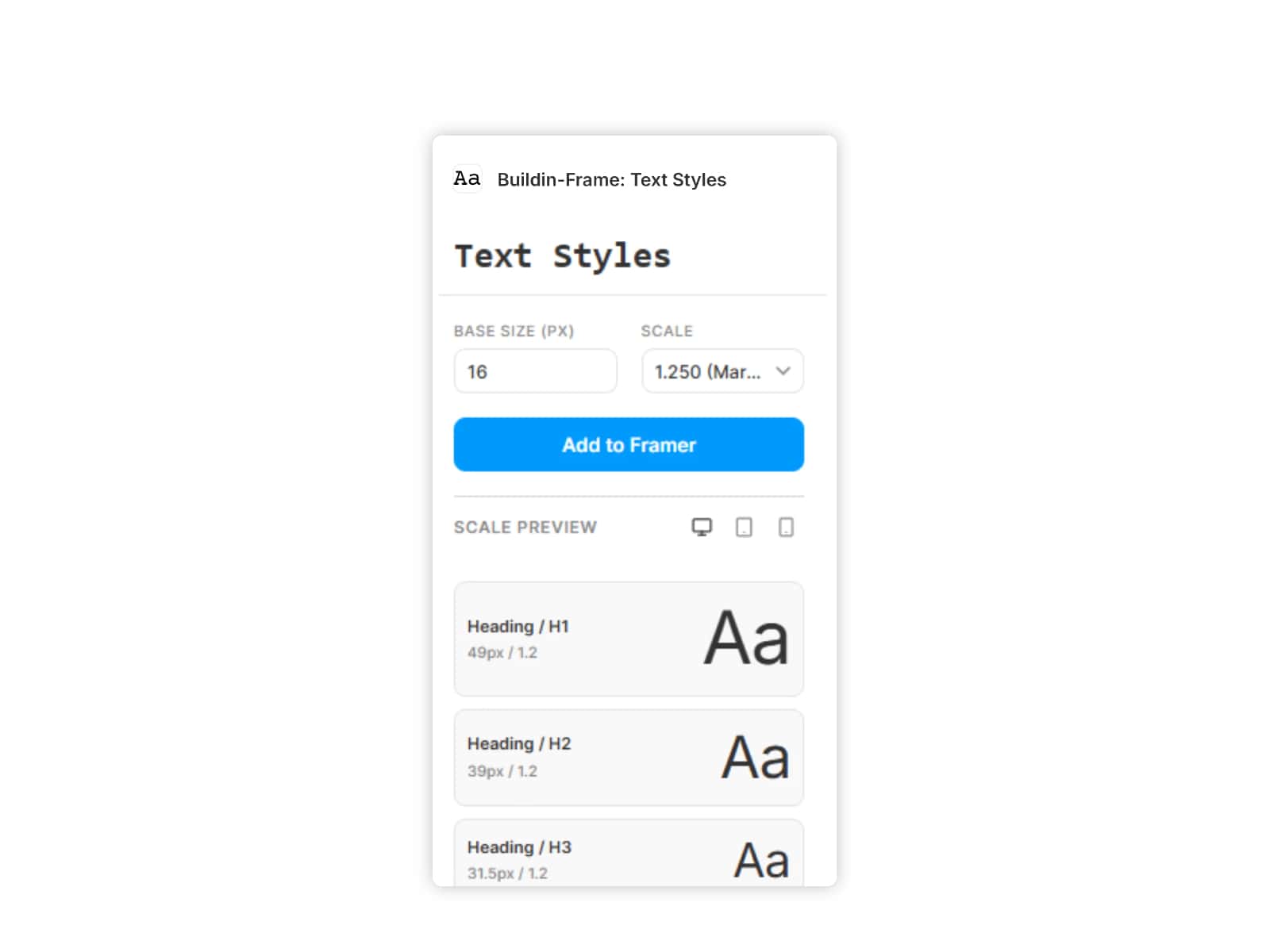
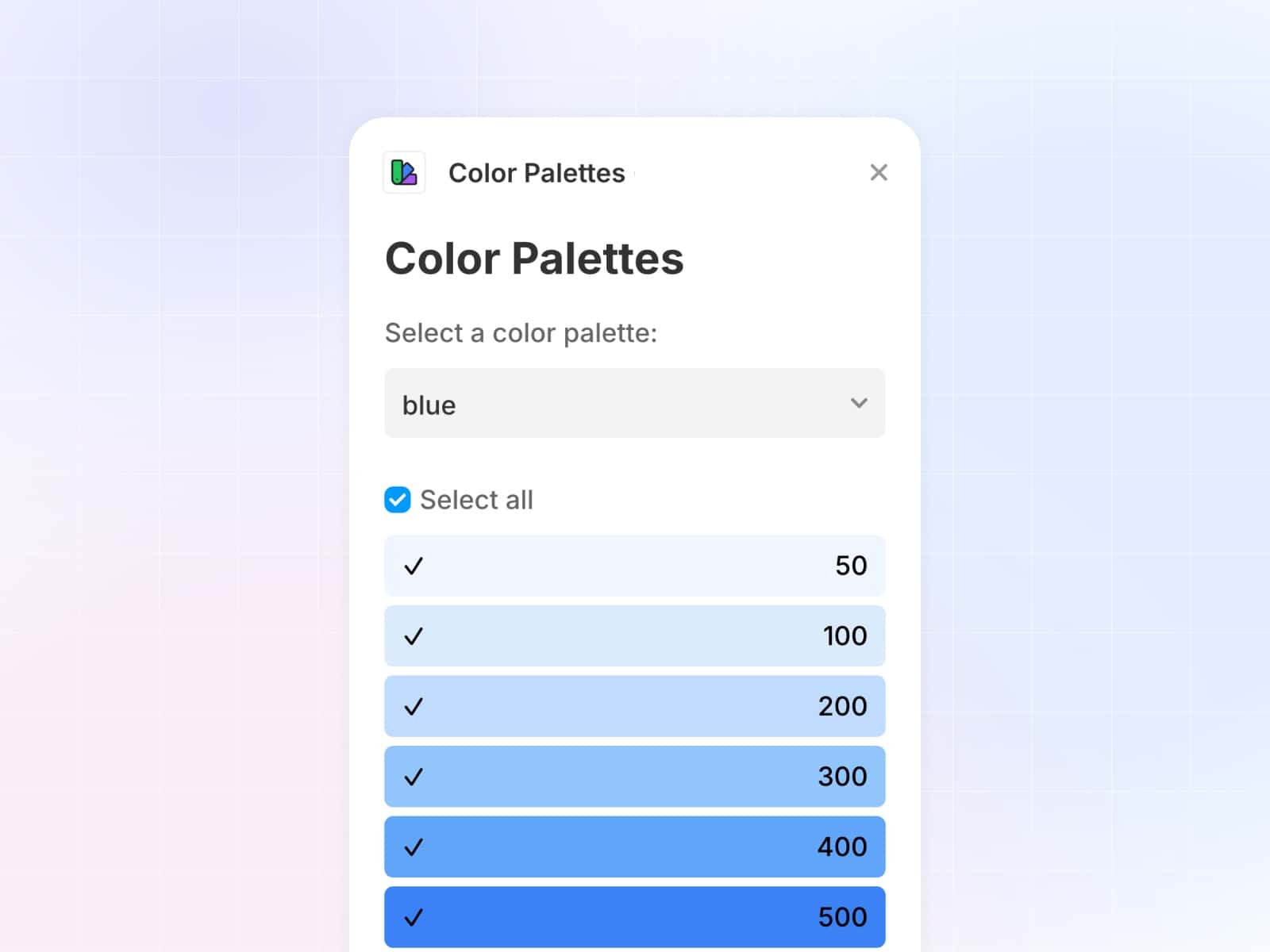
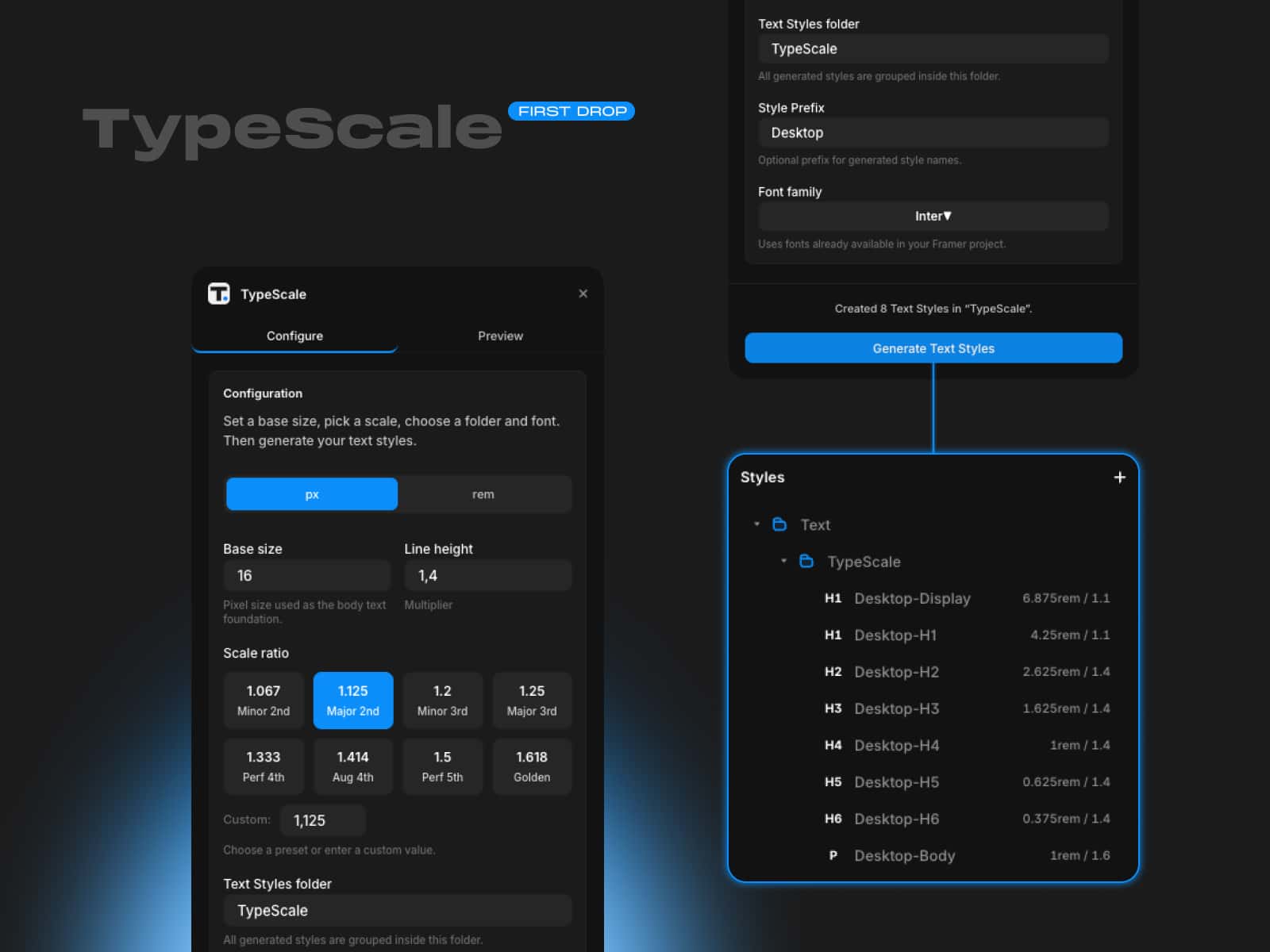
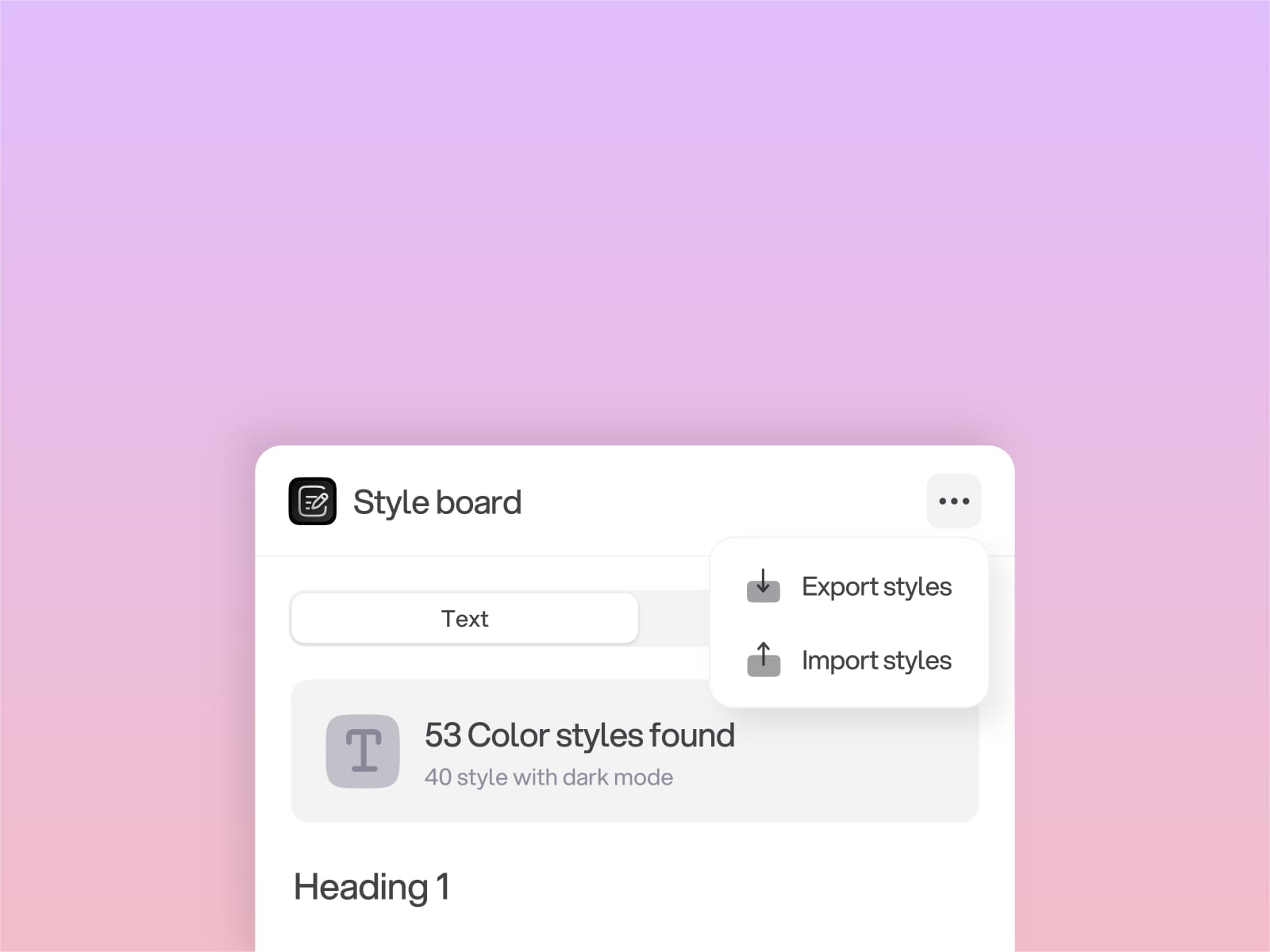
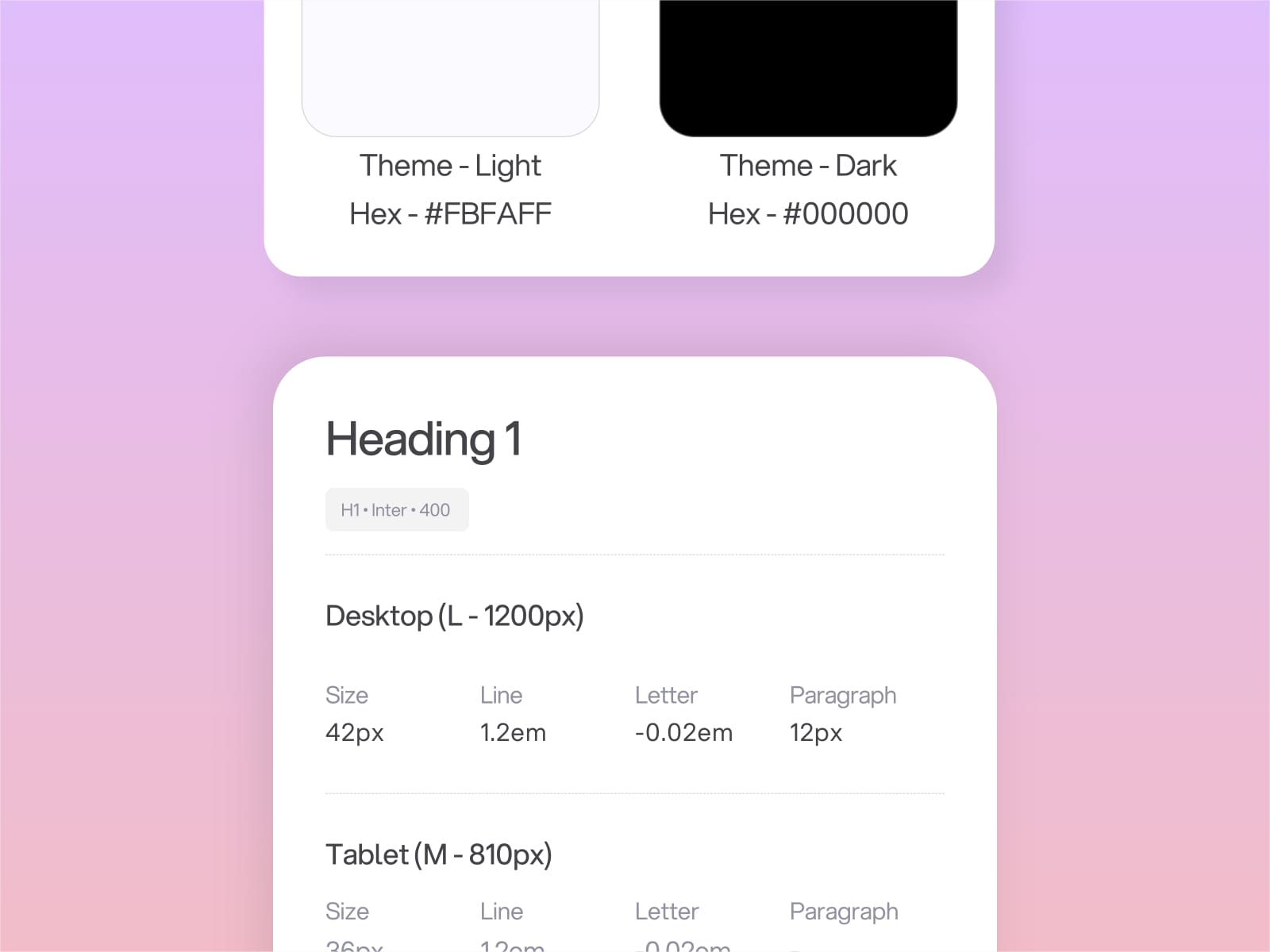
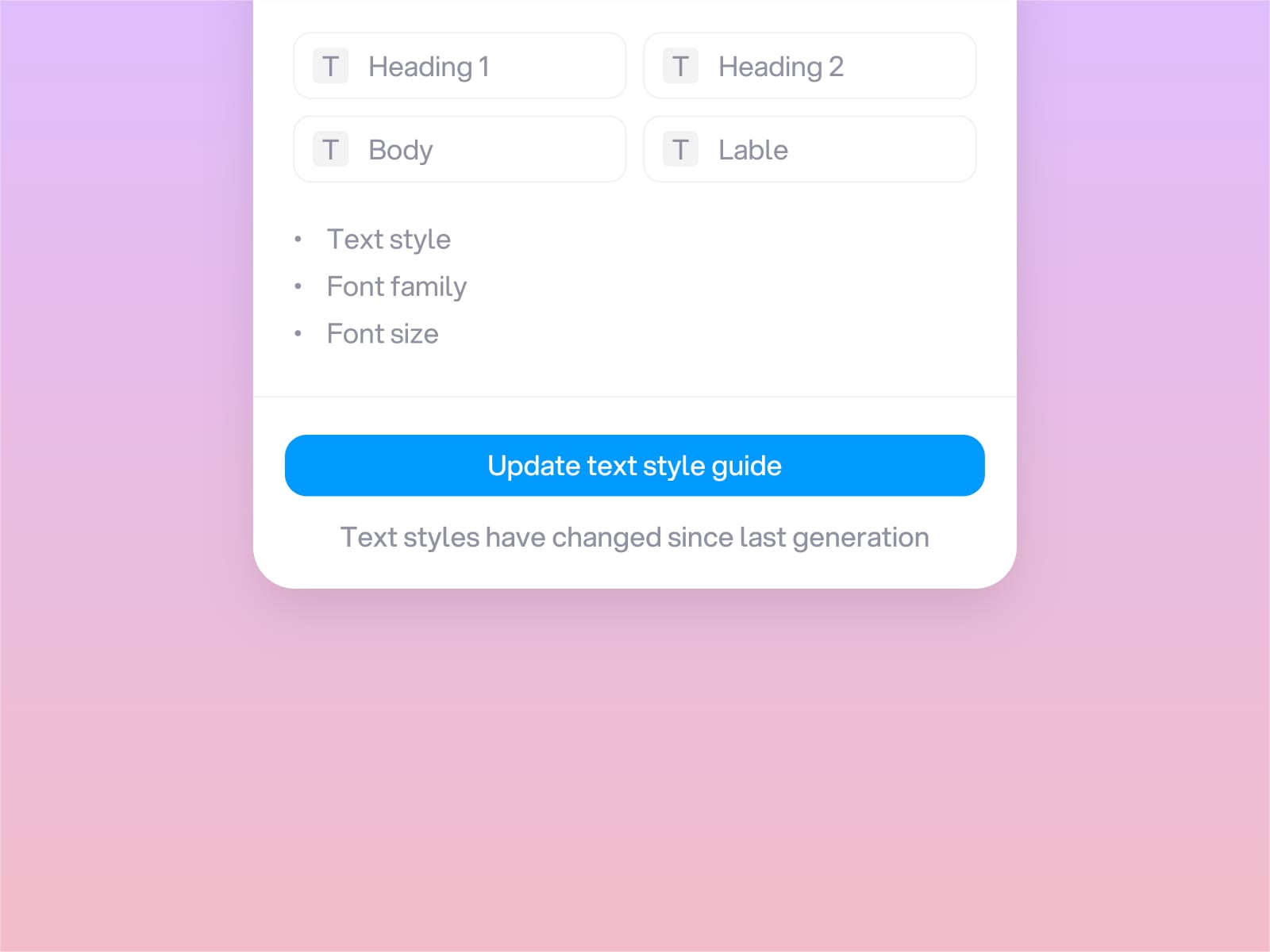
Style-board helps teams create clear and consistent style documentation directly inside Framer.It generates a complete Style Guide page from your Color Styles and Text Styles so everyone on the project can work from the same source of truth.When your design system evolves, Style-board detects the changes and prompts you to refresh the guide with a single click.You can also import or export styles between projects to keep your visual language aligned across your entire workflow.Before updating, Style-board highlights anything missing in your system such as dark mode color variants or text breakpoints so you can fix them early.
Features
Create style guides. Build a full Style Guide page from your existing project styles.
Update easily. Refresh the guide after Style-board detects style changes.
Import and export. Move styles between projects and stay consistent across files.
Spot gaps. Identify missing colors, variants, or breakpoints before updating.
Style-board gives your team a simple, reliable way to keep styles organized and documentation up to date.
Watch demo