About Sync for Are.na
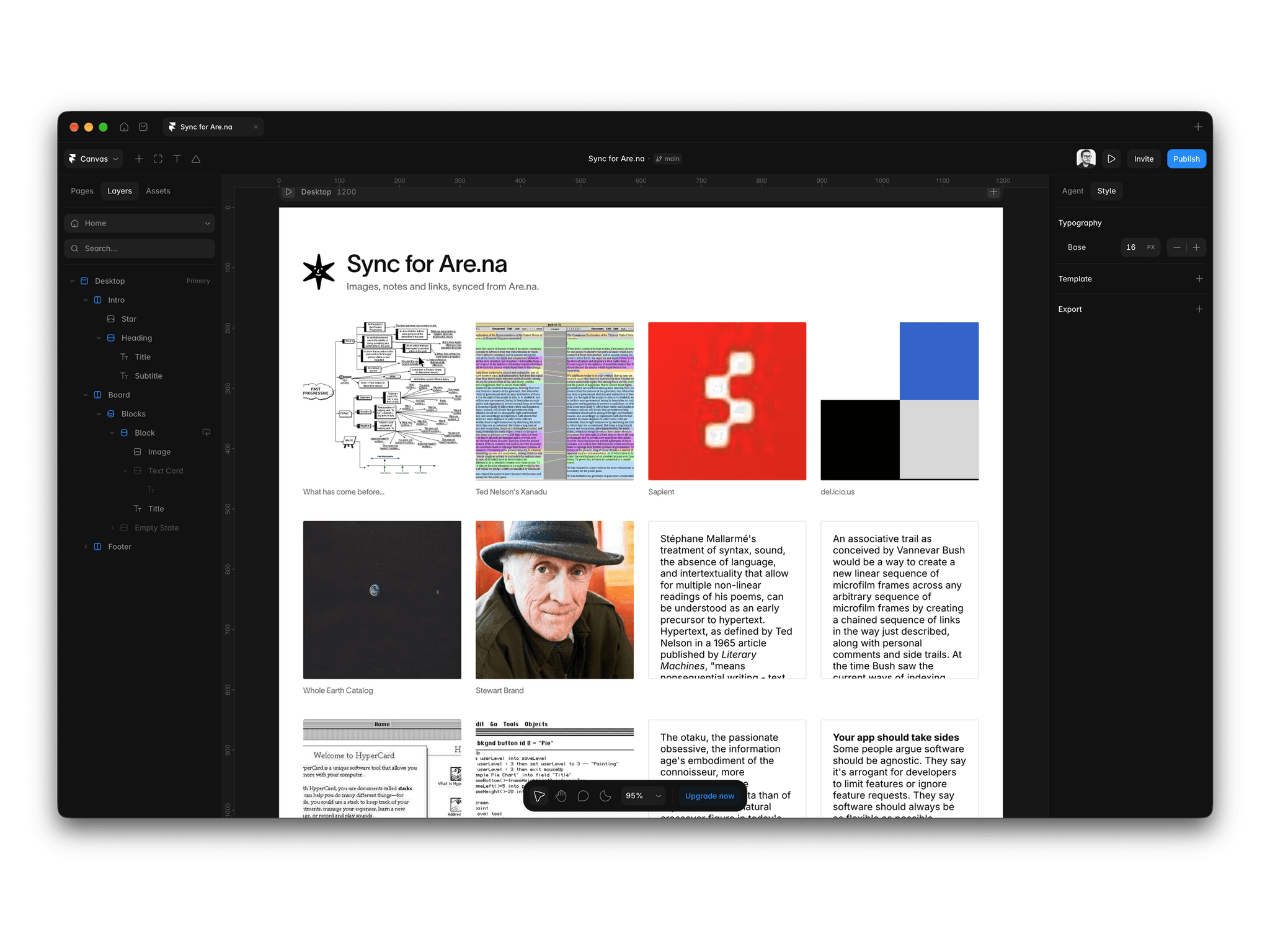
Sync for Are.na brings the blocks of an Are.na channel into a Framer CMS collection, so you can design with your references, moodboards and research right on your site.
How it works
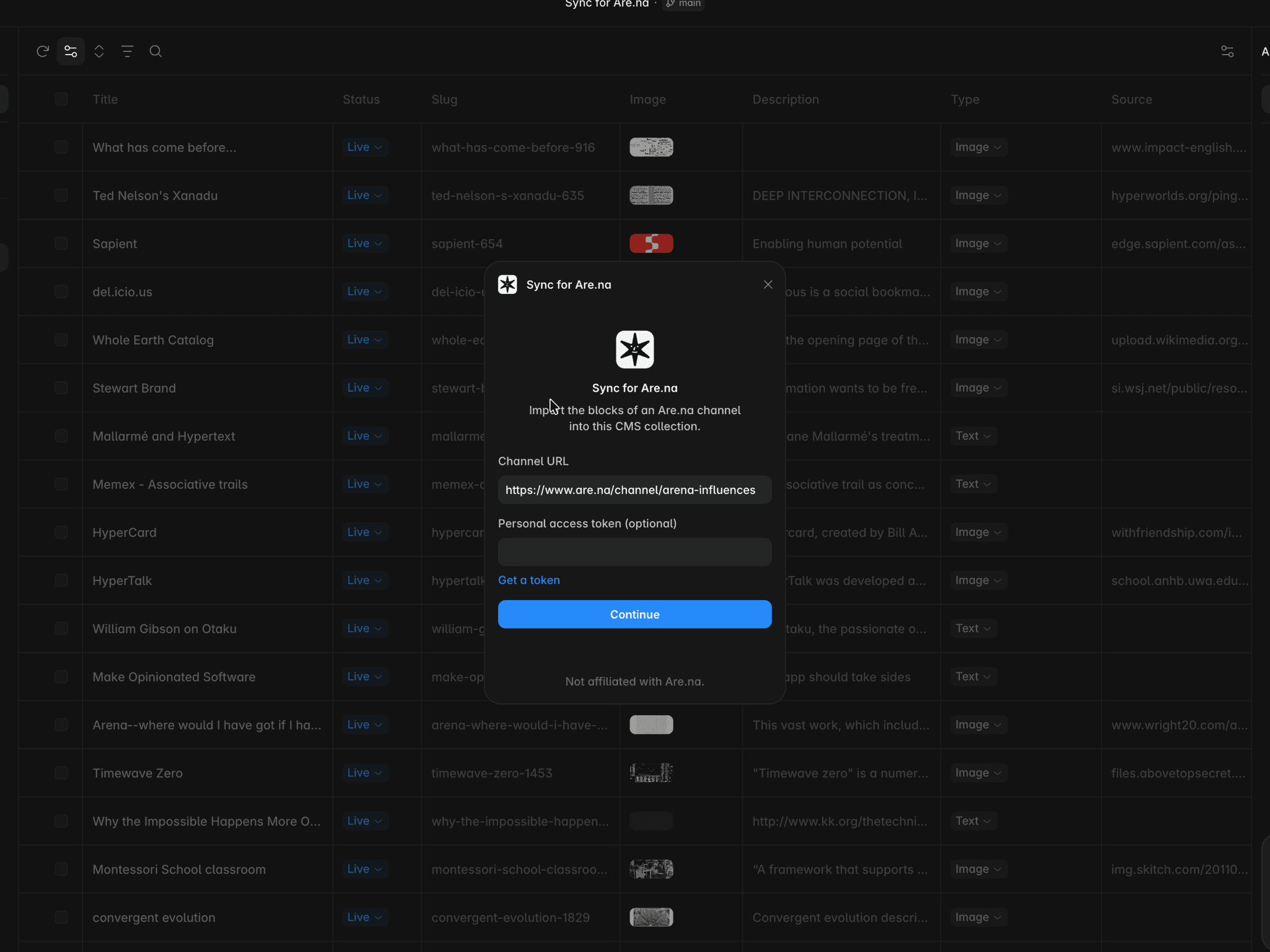
Open the plugin from the CMS and paste a channel URL.
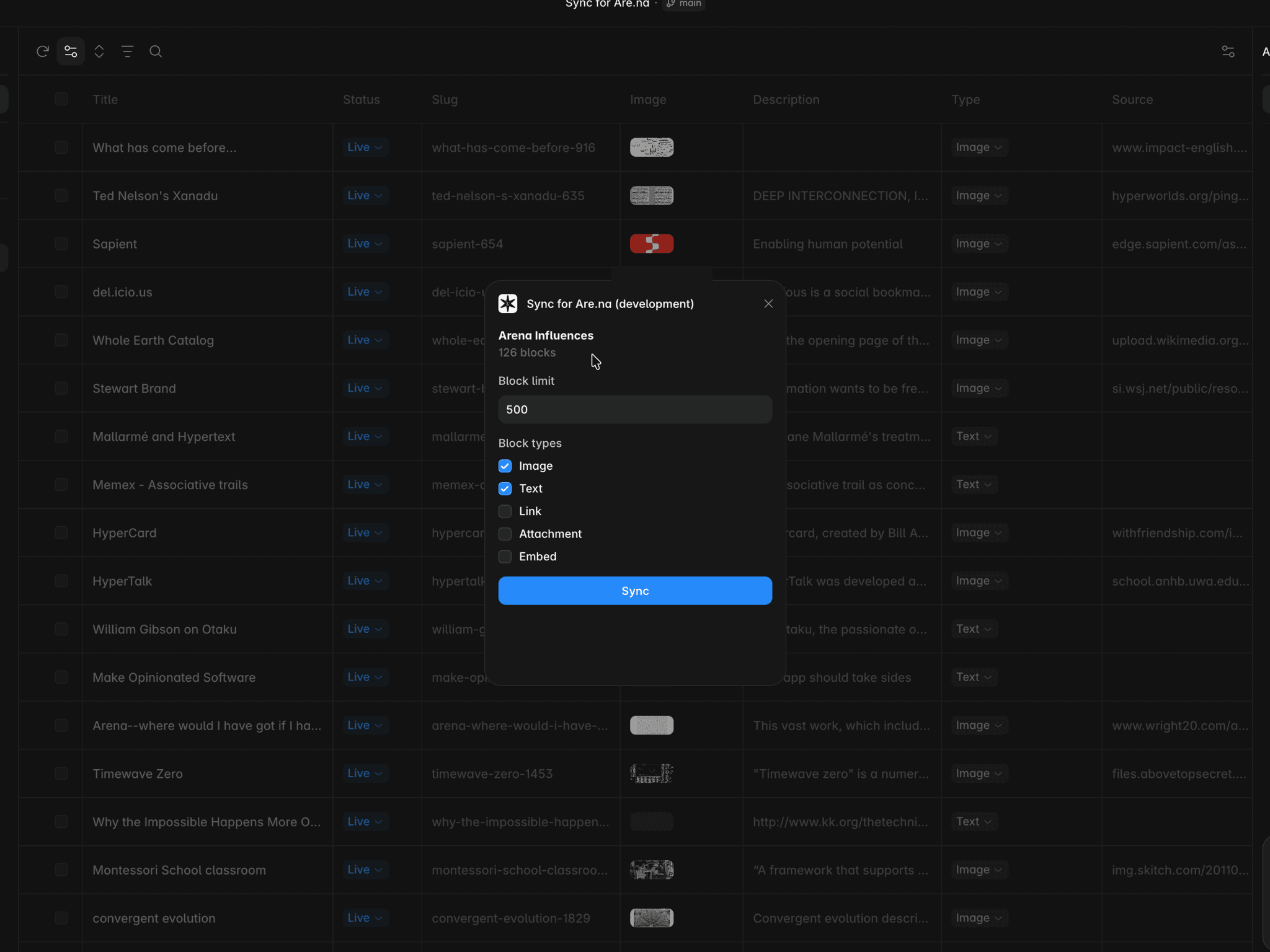
Check the channel title and block count, choose which block types to import and how many blocks to keep.
Click Sync. Your blocks land in a managed collection, ready to use in any collection list.
Features
Imports Image, Text, Link, Attachment and Embed blocks. Pick the types you want; nested channels are skipped.
Keeps the most recent blocks, from 1 to 1000 (500 by default).
10 ready-made fields: Title, Image, Description, Type, Source, Attachment, Embed code, Added, Position and Are.na link.
Animated GIFs stay animated. Very large GIFs are scaled down, and skipped if they're still too heavy.
Sync again from the CMS anytime: changed blocks are updated and removed blocks disappear from the collection.
Private channels: add an Are.na personal access token. It stays in your browser and is never saved in your Framer project.
Tips
Style the Description: select the text layer bound to it and add a Paragraph style (and Heading 1 if needed) under CMS styles.
Text blocks have no image: show the Description instead, with a visibility condition on Type = Text.
Fields are read-only in Framer. Edit your content on Are.na, then sync again.
Not affiliated with Are.na.