About SyncRoles
SyncRoles keeps your Framer careers page in sync with Lever, Greenhouse, Ashby or Personio. Enter your company’s job-board address and open roles land in a Jobs collection in your CMS. New roles appear, closed roles disappear, and nothing is published unless you chose it.
How it works
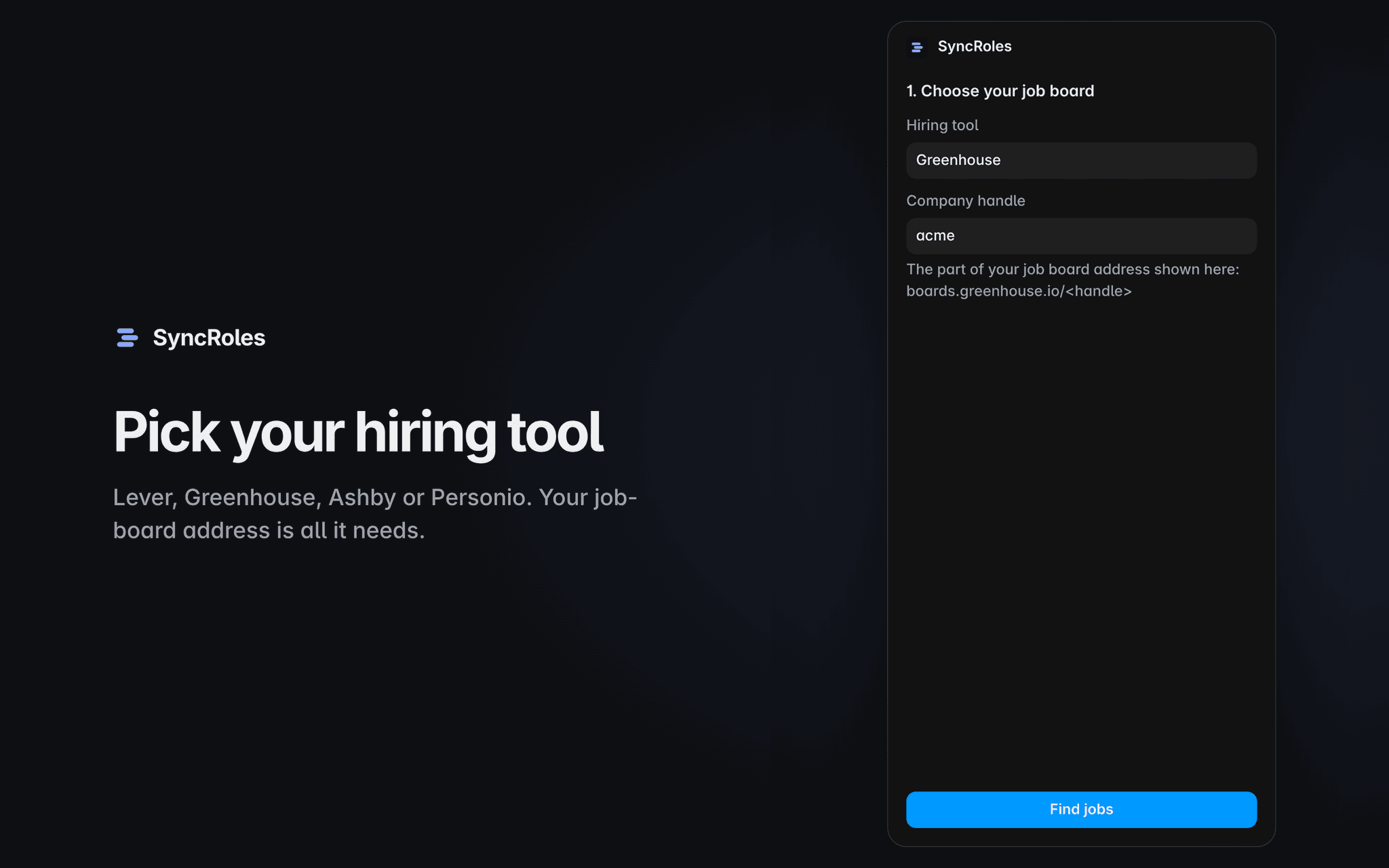
Free: sync with one click. Pick your hiring tool, type your company’s job-board name, check the roles it found, and sync them into your CMS from the plugin.
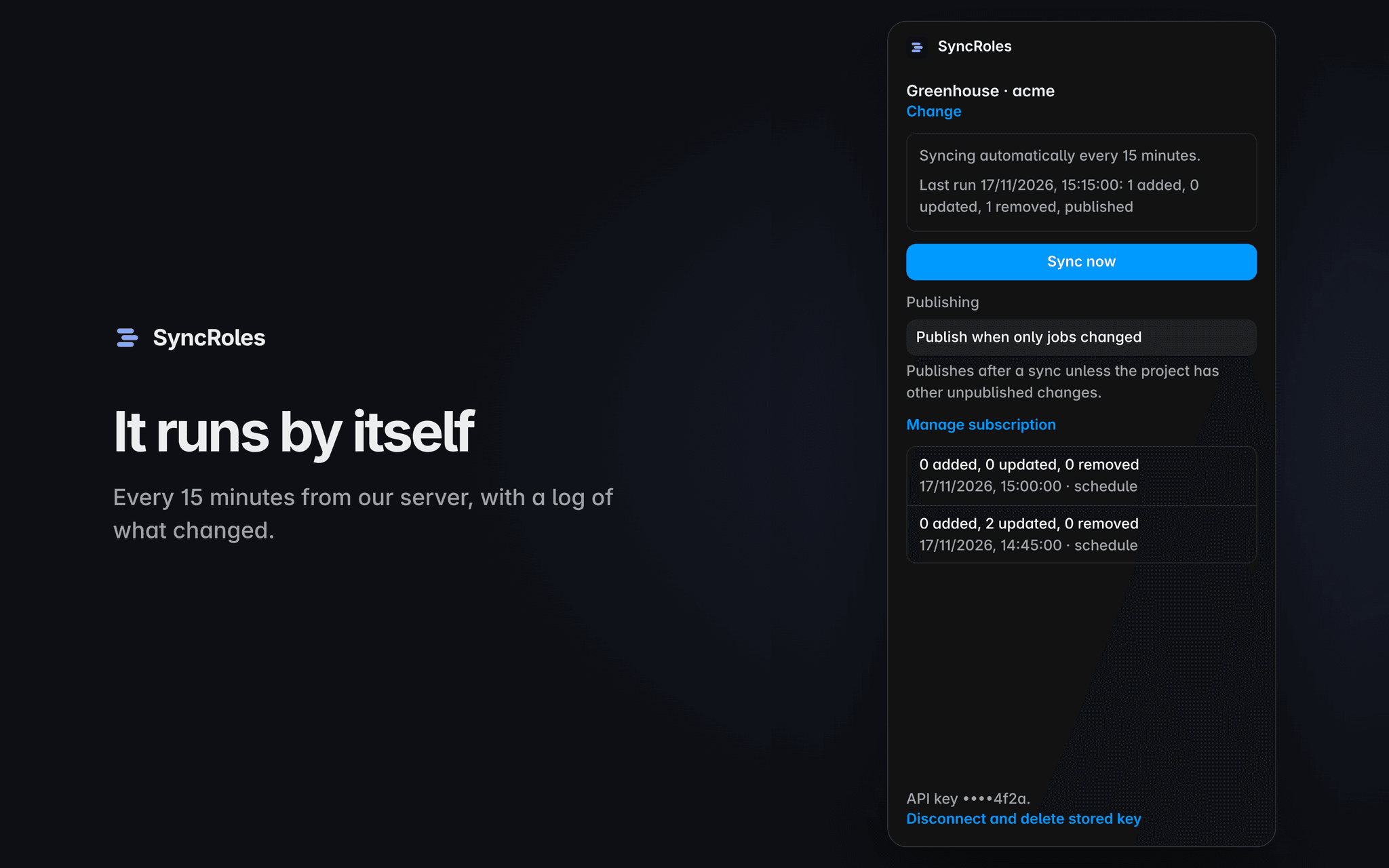
Paid: it runs by itself. With a licence, SyncRoles syncs every 15 minutes from its own server. Framer does not need to be open.
You decide what gets published
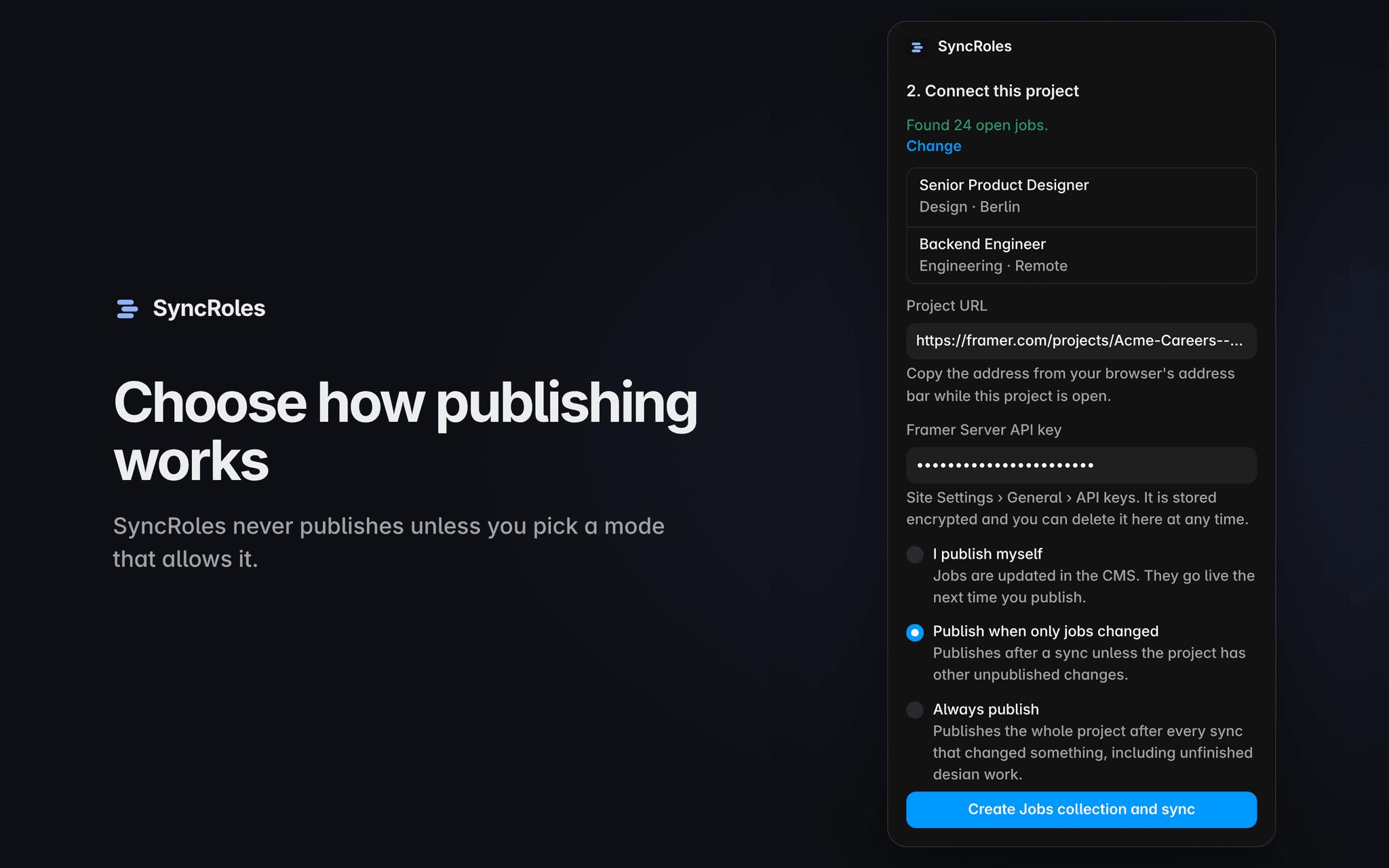
Publishing in Framer publishes the whole project, including unfinished design work. So SyncRoles never publishes on its own. Choose between publishing yourself, publishing only when no page has other unpublished changes, or always publishing.
Safe when your job board has a bad day
If the job board cannot be reached, nothing changes. If it suddenly reports no roles at all, SyncRoles stops and asks you first.
What you get and what you need
The Jobs collection has title, department, location, employment type, description, apply link and publish date; you design the list and job page yourself. Setup needs your job-board address, your Framer project address and a Framer Server API key (Site Settings › General). No API key from your hiring tool.
Pricing and privacy
Manual sync is free. Automatic sync is $99 per site per year, or $249 per year for five sites, plus tax. Buy at syncroles.com. The plugin sends your Framer Server API key to the SyncRoles server, where it is stored encrypted so the sync can run on a schedule. You can delete it from the plugin at any time. Details at syncroles.com/privacy.
Setup guide: syncroles.com/docs · Support: info@smartprocesslab.de