About Tendee Icons - Figma Sync
Finally, Icon Consistency Without the Manual Work
Tendee Icons transforms how teams manage icons in Framer by eliminating the tedious, error-prone process of manual icon updates. Build once, sync everywhere.
The Problem We're Solving
Before Tendee Icons, updating icons in Framer was a nightmare:
Export each icon from Figma
Save the file locally
Find every instance in your Framer project
Upload and replace manually, one by one
Repeat for every. single. icon.
Result? Hours wasted, inconsistent designs, and frustrated teams.
How Tendee Icons Changes Everything
🎯 Build Your Master Collection Create your icon library from any source:
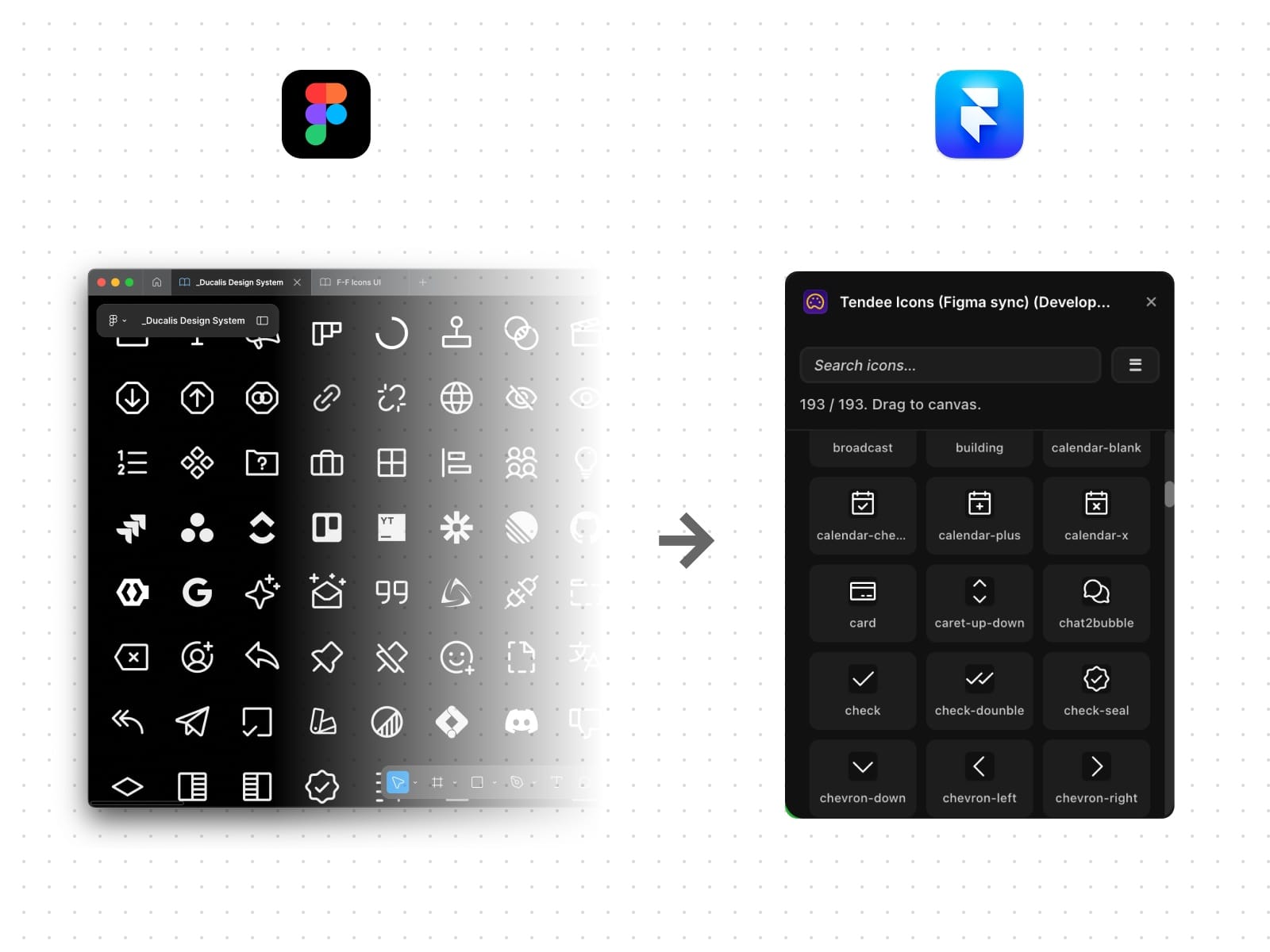
Import directly from Figma components
Upload local SVG files
Add from popular open-source libraries
Mix sources to fit your workflow
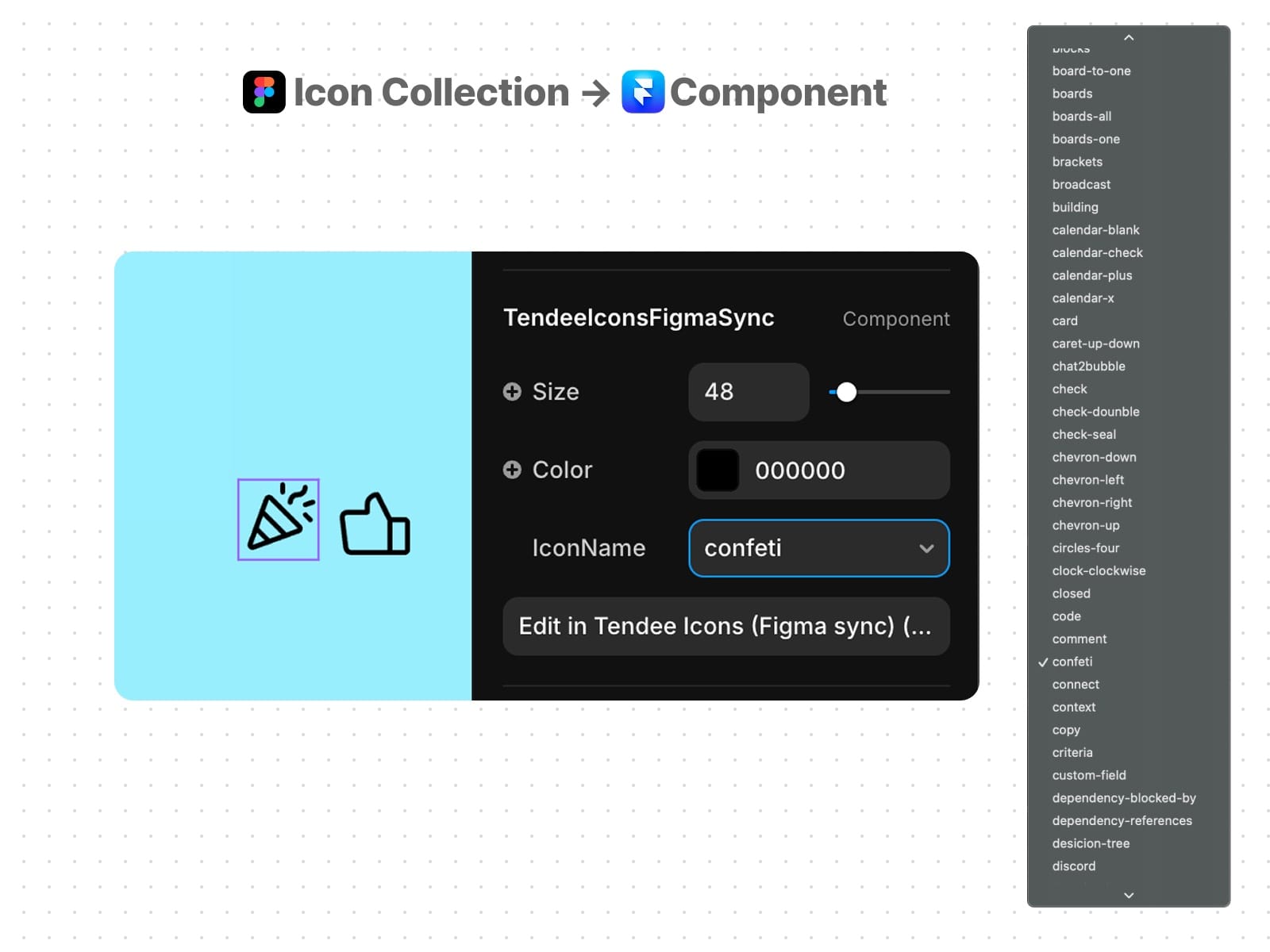
⚡ One Component, All Your Icons Your entire collection becomes a single, smart Framer component:
Drop it anywhere in your project
Switch icons with a simple property change
Every instance stays connected to your source
No more scattered, disconnected icon files
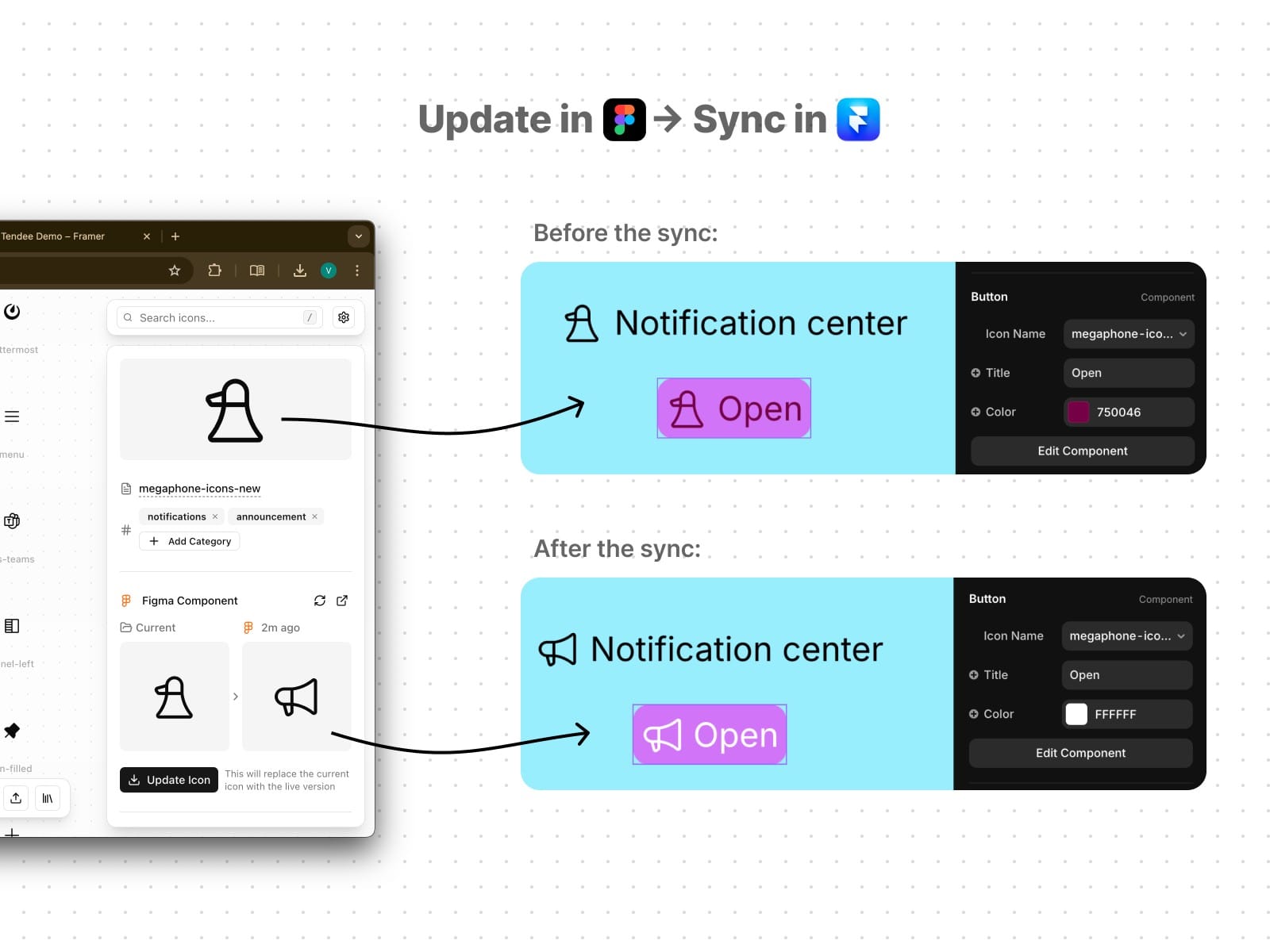
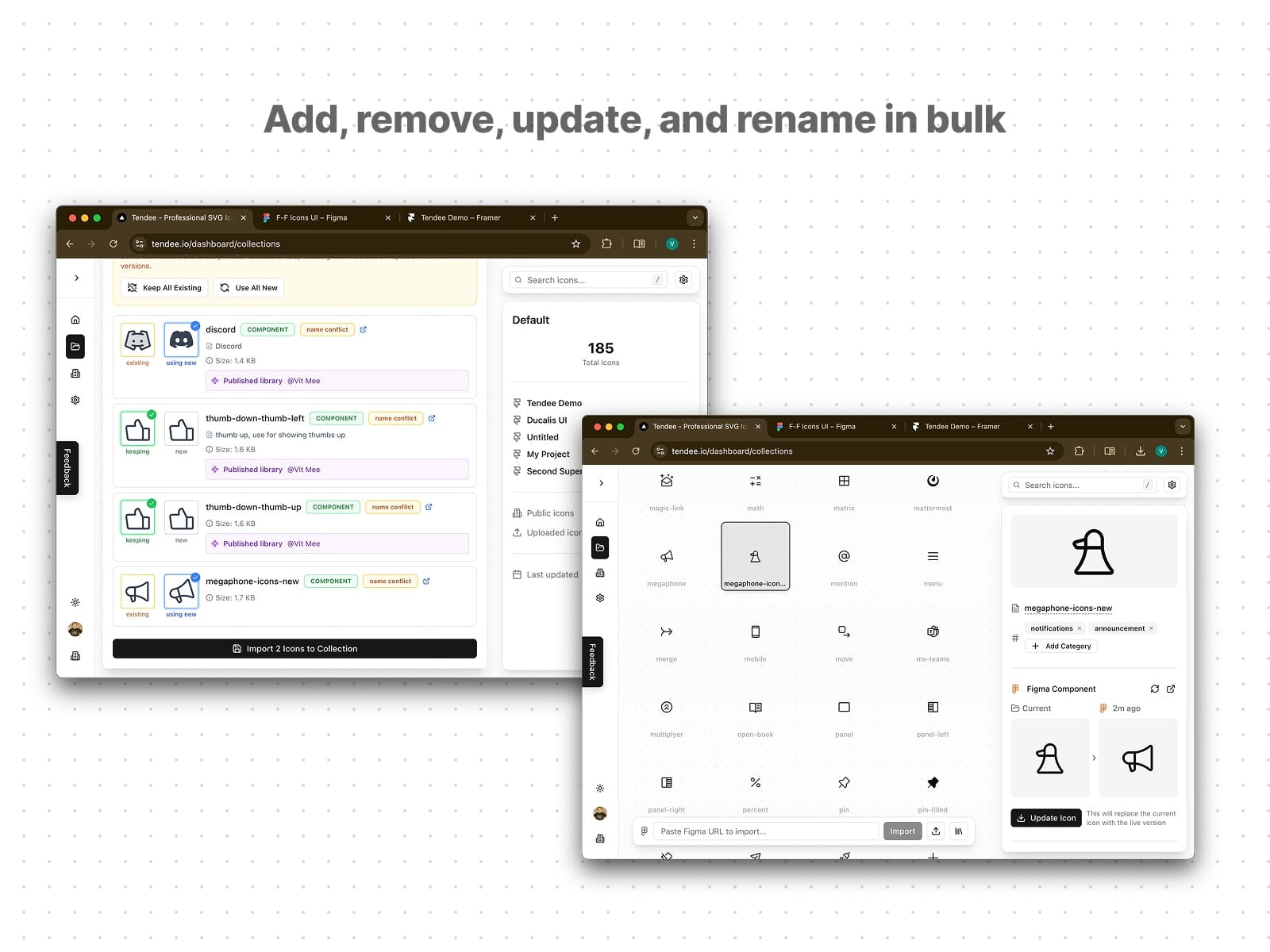
🔄 Bulk Sync That Actually Works Update all icons with one click:
Make changes in Figma or upload new versions to Tendee
Click "Update Icon" in the Framer plugin
Every icon instance updates automatically
No manual hunting, no missed updates
The Framer Component Advantage
Unlike traditional icon management where each icon is a separate file, Tendee Icons leverages Framer's component system to create a single, powerful icon component. This means:
Consistent sizing and styling across all icons
Easy icon switching via the IconName property
Global updates that propagate instantly
Clean project structure without hundreds of icon files
Real Impact, Real Time Saved
Before: 20 icons × 5 minutes per update = 1.5+ hours of manual work After: 1 bulk sync = 30 seconds for all icons
Perfect For
Design Teams maintaining consistency between Figma and Framer
Agencies managing multiple client projects with different icon sets
Product Teams needing rapid iteration without breaking designs
Solo Creators who want professional icon management without the overhead
What's Coming Next
We're building the complete icon infrastructure for modern teams:
NPM Package Export - Use your icons in production code
Multiple Collections - Manage different brands and projects
Team Collaboration - Share and sync across your organization
Version History - Track changes and rollback when needed
Check our public roadmap to see what's next and vote on features.
Why Tendee Icons?
Traditional icon workflows weren't built for modern design systems. Tendee Icons is. We understand that consistency isn't just about having the right icons—it's about having them everywhere they need to be, instantly, without the manual work.
Stop managing icons file by file. Start managing them as a system.
Build once. Sync everywhere. Stay consistent.