About Video Manager
Video Manager
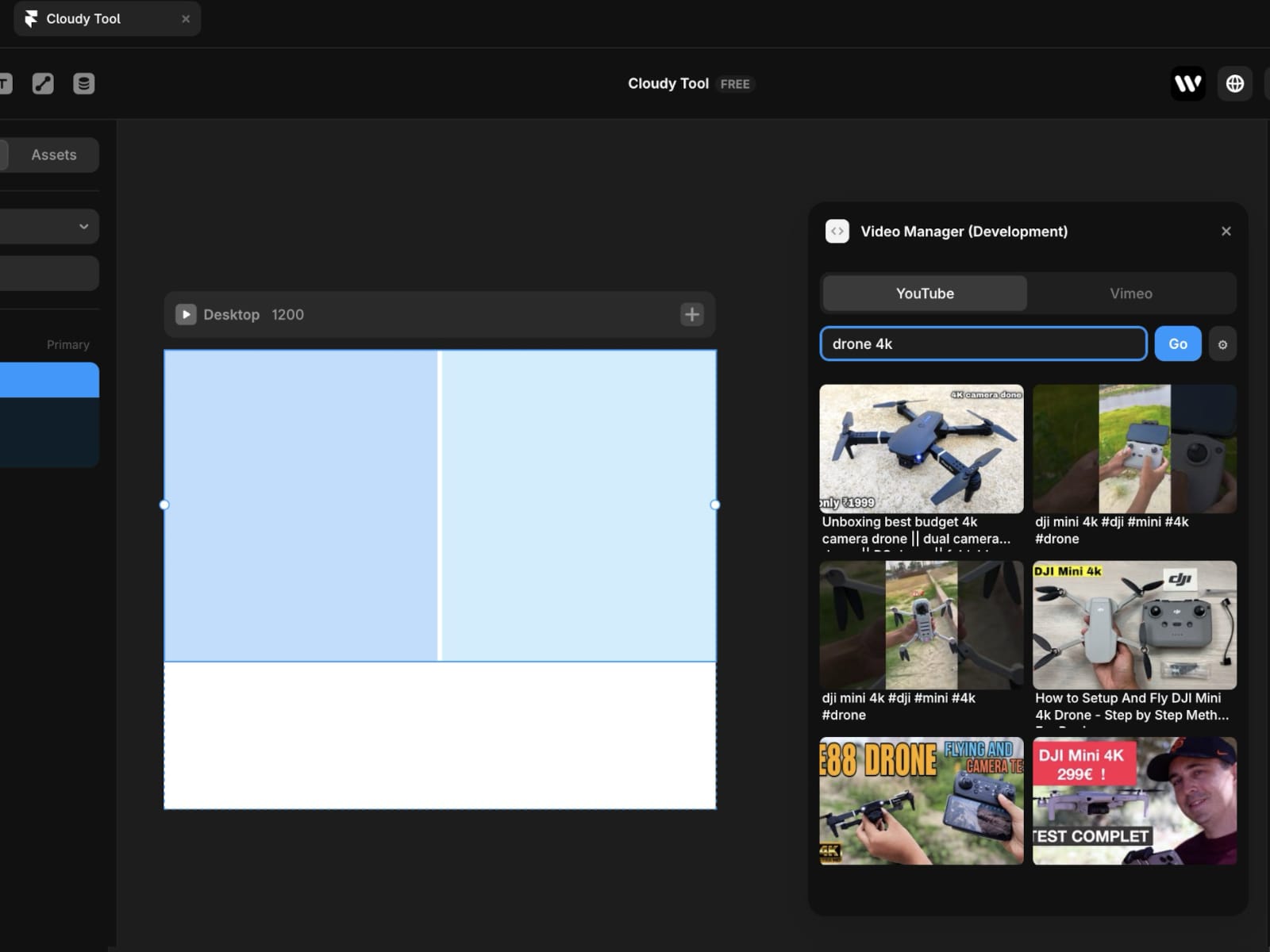
Lets you browse YouTube and Vimeo videos directly inside the Framer editor — no more switching between tabs to find and copy video URLs.
----
YouTube
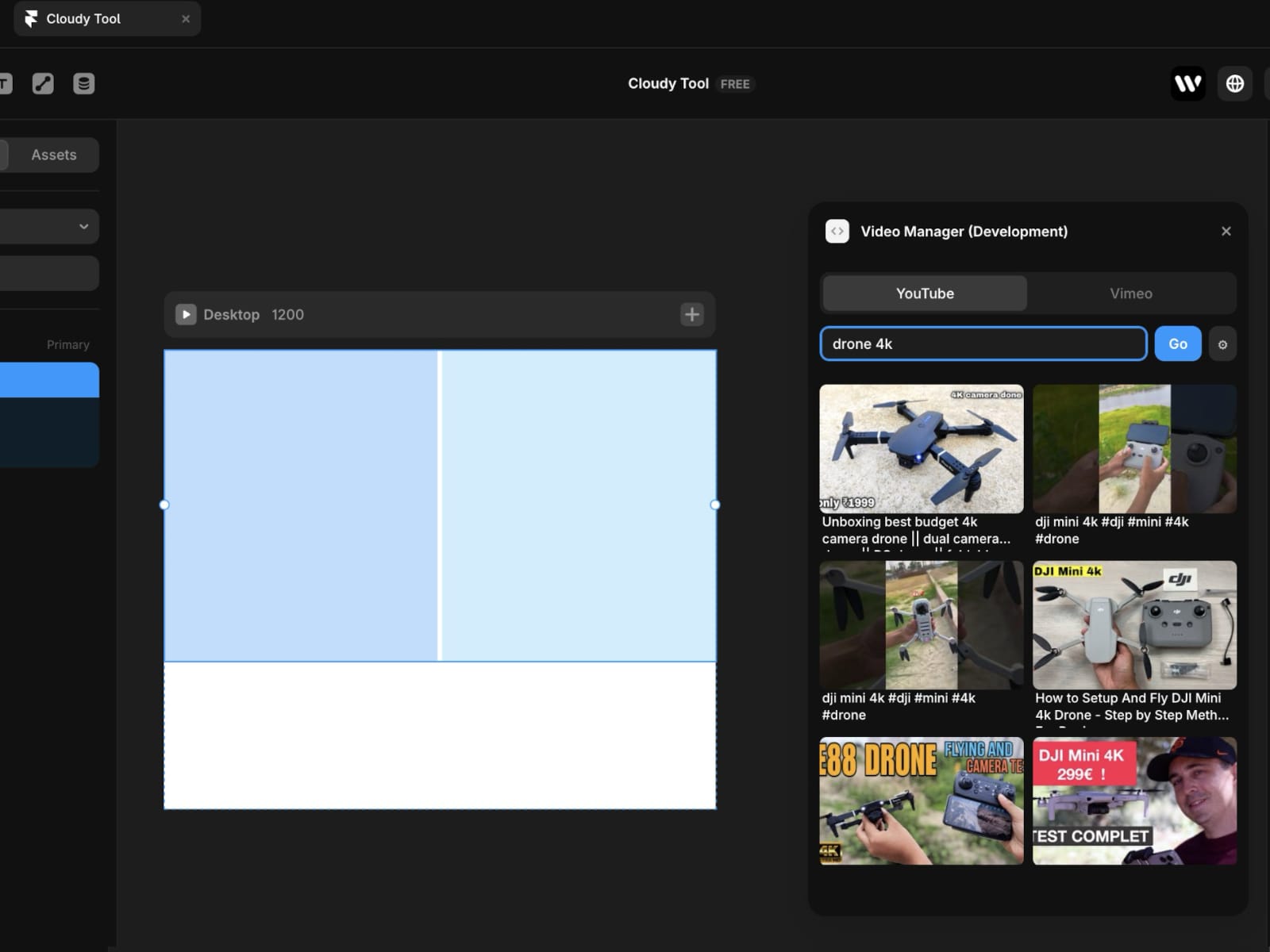
Search across all of YouTube using your own free API key. Results appear instantly as a 2-column thumbnail grid. Click any video to copy the embed URL to your clipboard, ready to paste into a Framer YouTube element.
--
Vimeo
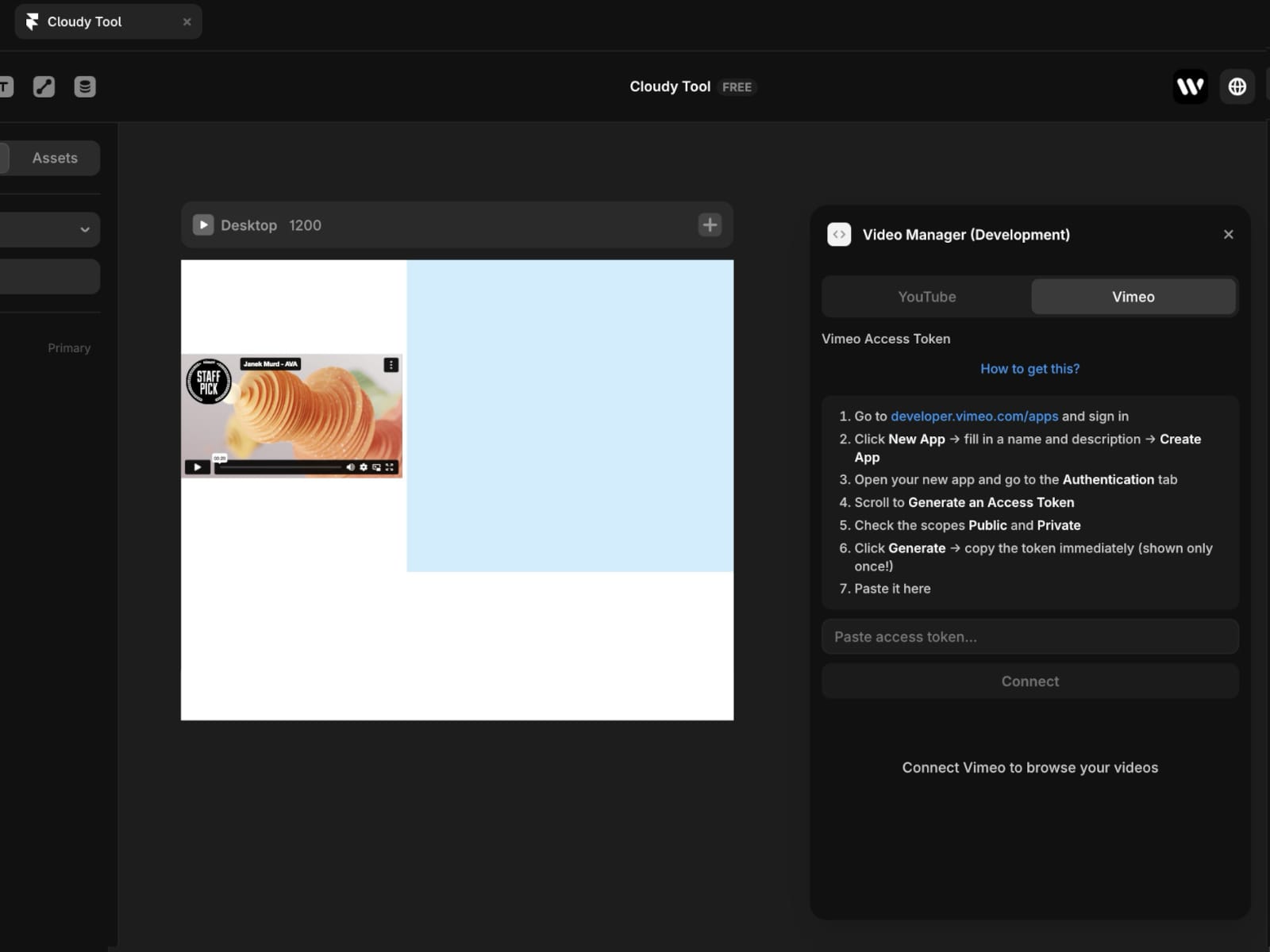
Connect your Vimeo account with a Personal Access Token to browse your own video library. Filter videos by title and click to copy the URL — ready to paste into a Framer Vimeo element.
----
How it works
Search or browse for a video
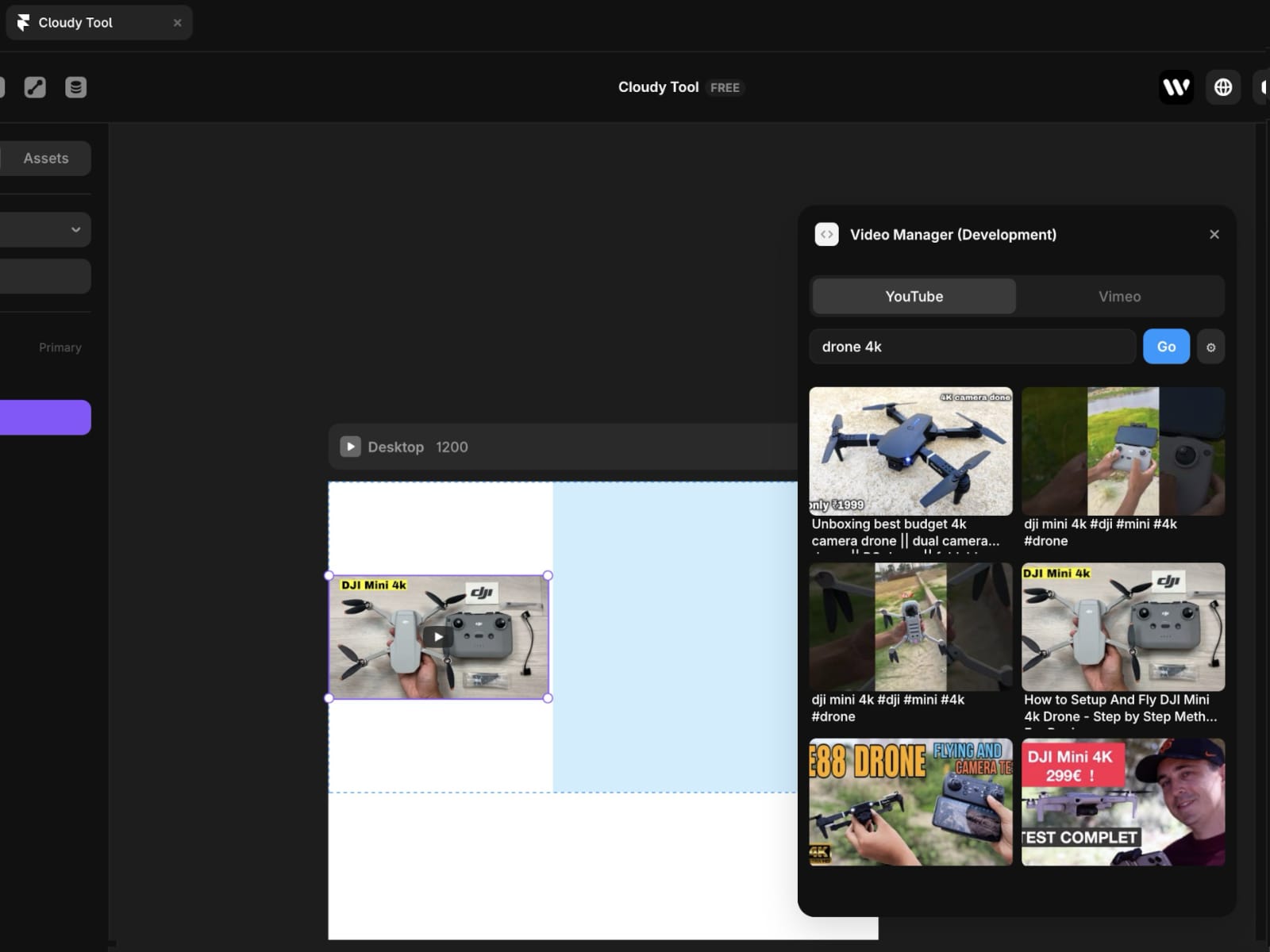
Click to copy the embed URL
Paste into a YouTube or Vimeo element in Framer
----
Setup
YouTube: free API key via Google Cloud Console (takes ~5 min)
Vimeo: Personal Access Token via developer.vimeo.com
Both credentials are stored locally and only need to be entered once.
--
Load More
Results load 20 at a time — press Load More to paginate through additional videos.
----
Who it's for
Designers embedding video content in Framer projects
Agencies managing video-heavy client sites
Creators who use YouTube or Vimeo for their content