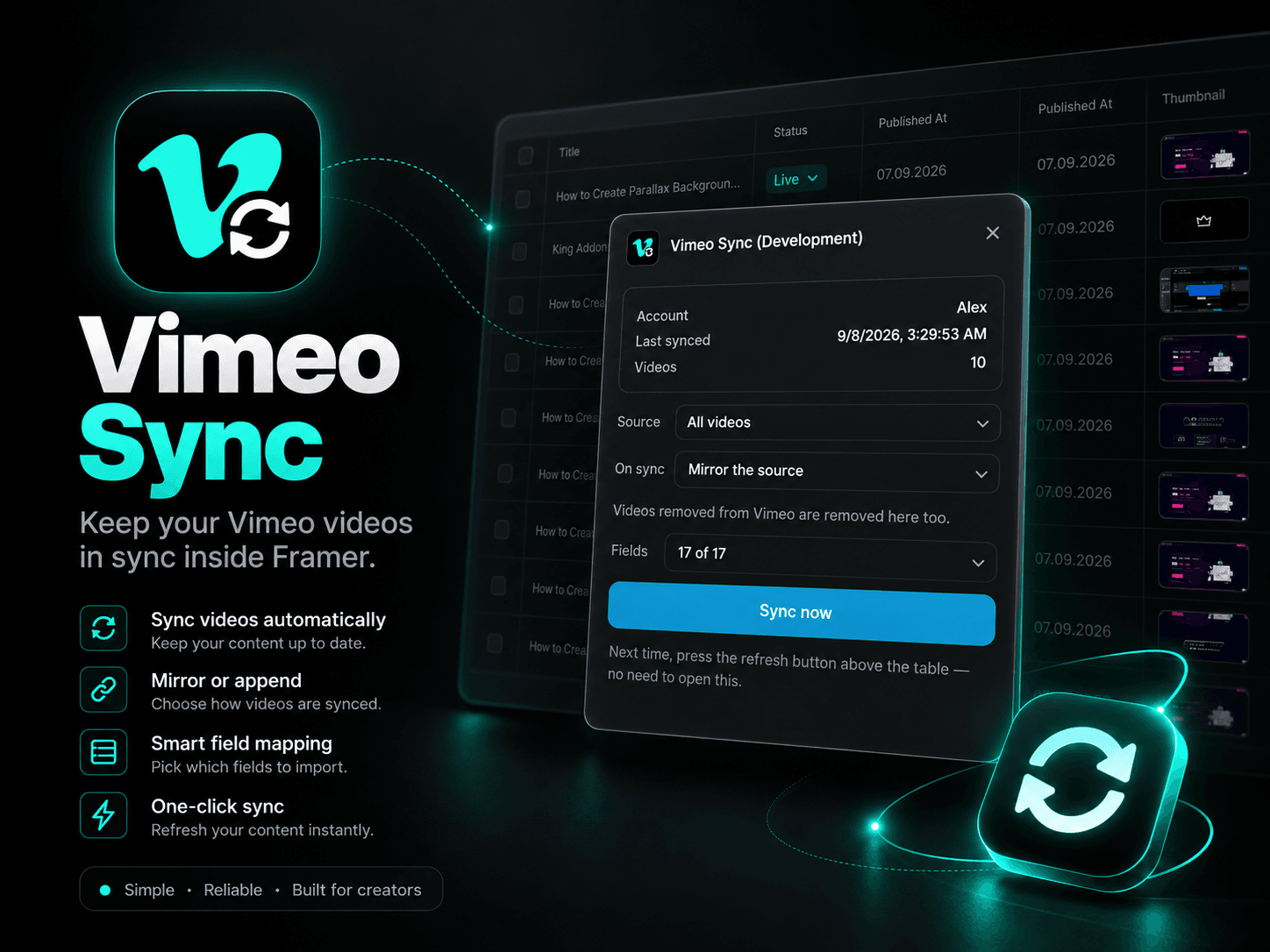
About Vimeo Sync
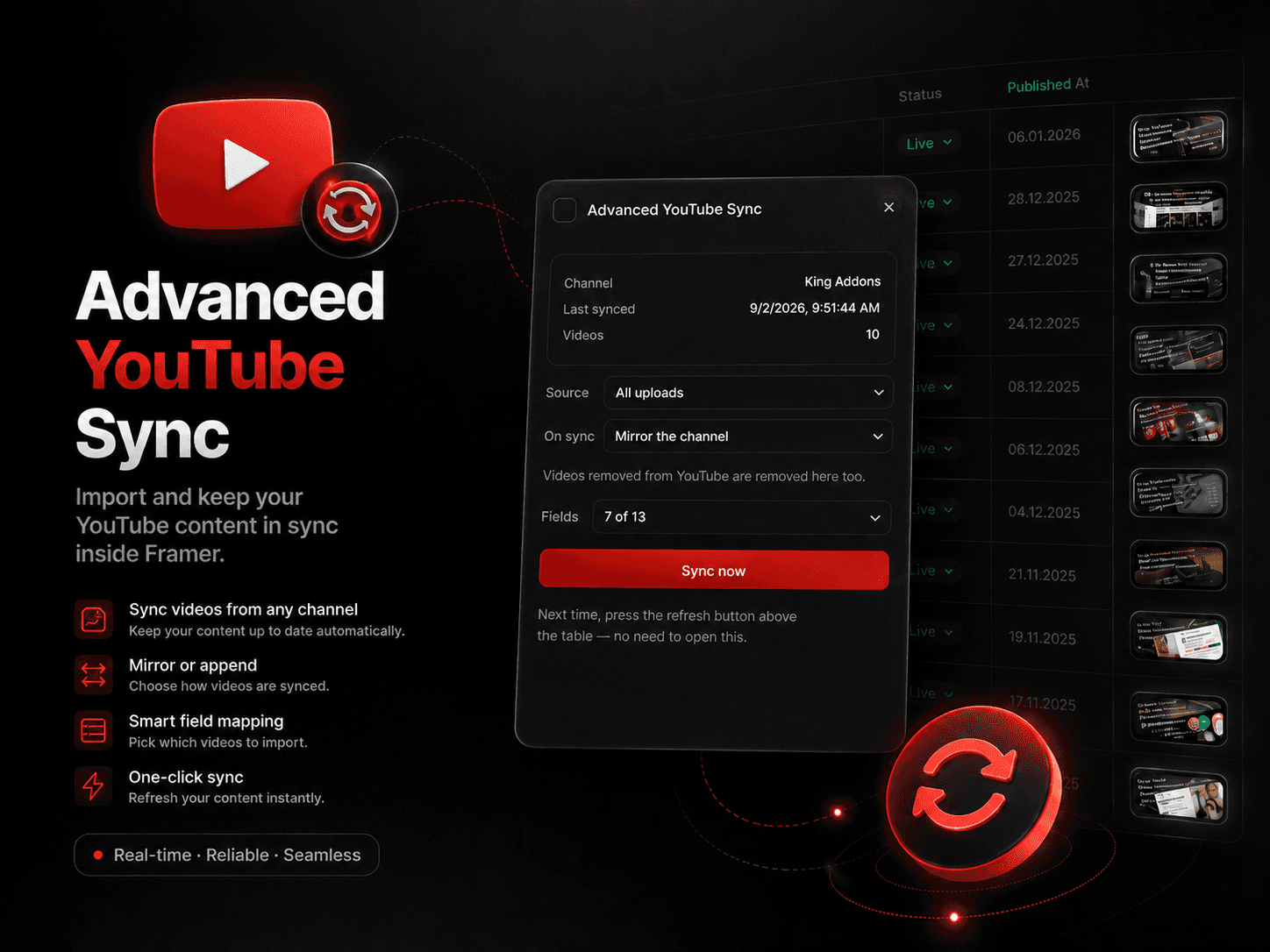
Vimeo Sync lets you import, synchronize, and update Vimeo videos directly inside Framer CMS. Connect your Vimeo account to Framer and keep your video collection up to date without manually creating or editing CMS items.
Import your Vimeo library, choose which fields to use, and refresh your Framer CMS whenever your video content changes.
Vimeo Integration for Framer CMS
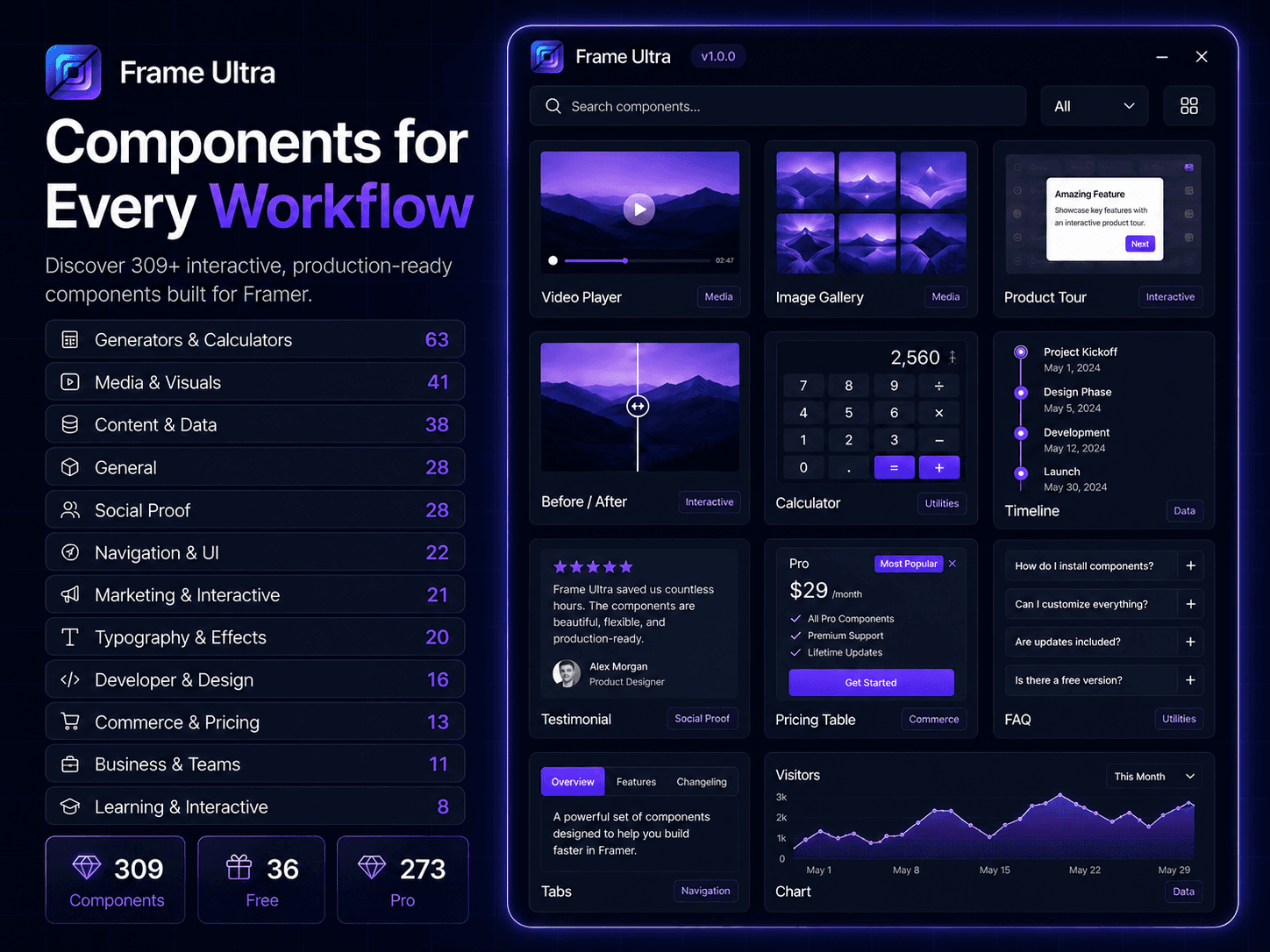
Turn your Vimeo account into a dynamic content source for Framer. Bring video information into CMS collections and use it to build video galleries, portfolios, case studies, courses, resource libraries, documentation, and creator websites.
Import Vimeo Videos
Automatically import useful Vimeo data into Framer CMS, including:
Video titles
Descriptions
Player URLs
Thumbnails
Published dates
Video metadata
Keep Vimeo and Framer Updated
Synchronize your CMS with Vimeo instead of copying changes manually. Mirror your Vimeo source so removed or updated videos can stay consistent with your Framer collection.
Smart Field Mapping
Choose which Vimeo fields should be imported and connect them to the Framer CMS structure you need. Import only the information your website actually uses.
One-Click Refresh
Once your Vimeo integration is configured, refresh your content directly from Framer whenever you need the latest videos.
Highlights
Vimeo to Framer CMS import
Vimeo video synchronization
Vimeo account integration
Automatic content updates
Thumbnail and metadata import
Custom CMS field mapping
Source mirroring
One-click refresh
Built for Framer CMS
Vimeo Sync makes it easy to connect Vimeo with Framer, import your video library, synchronize content, and keep your website updated.