
About Cavero
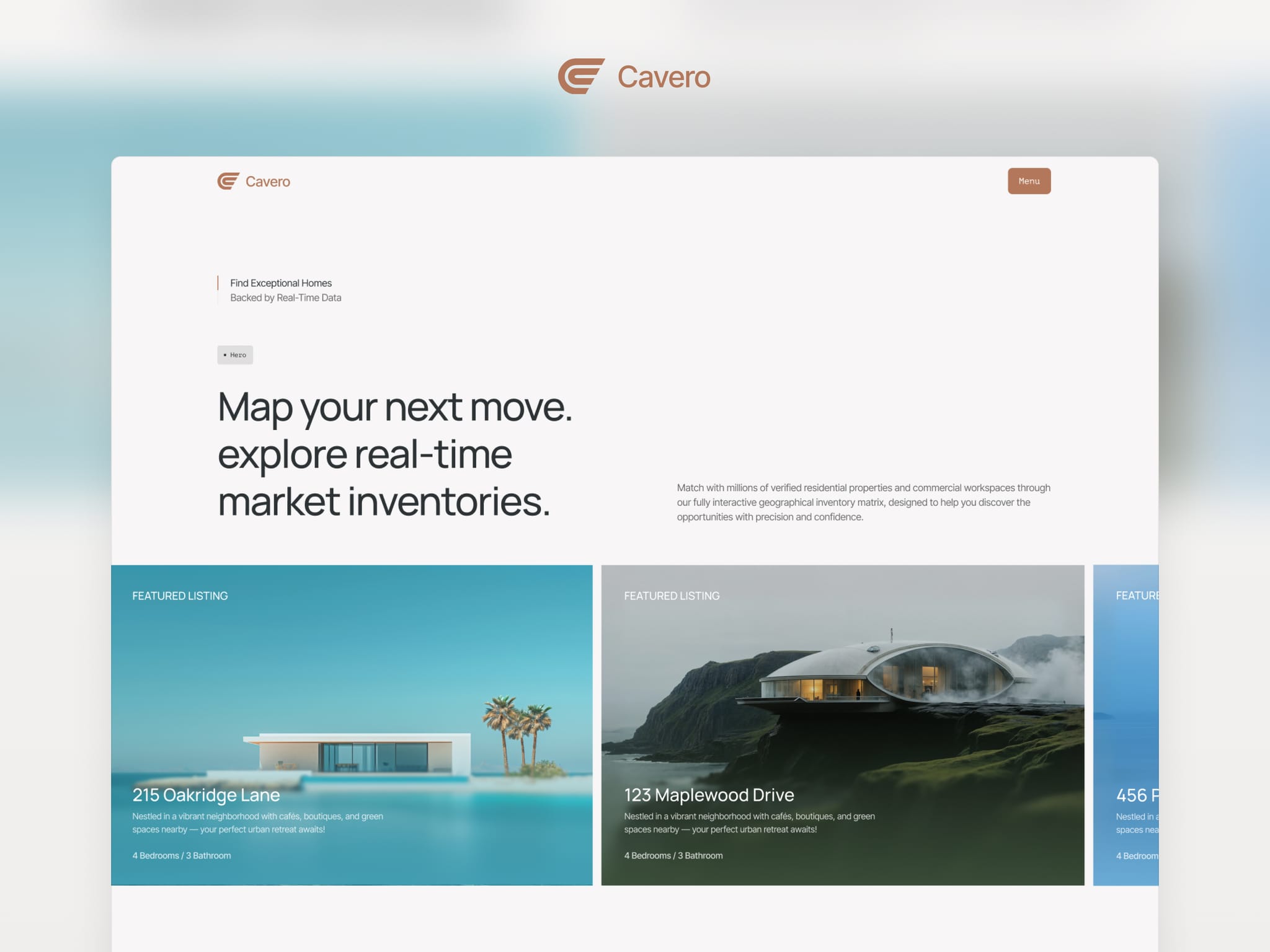
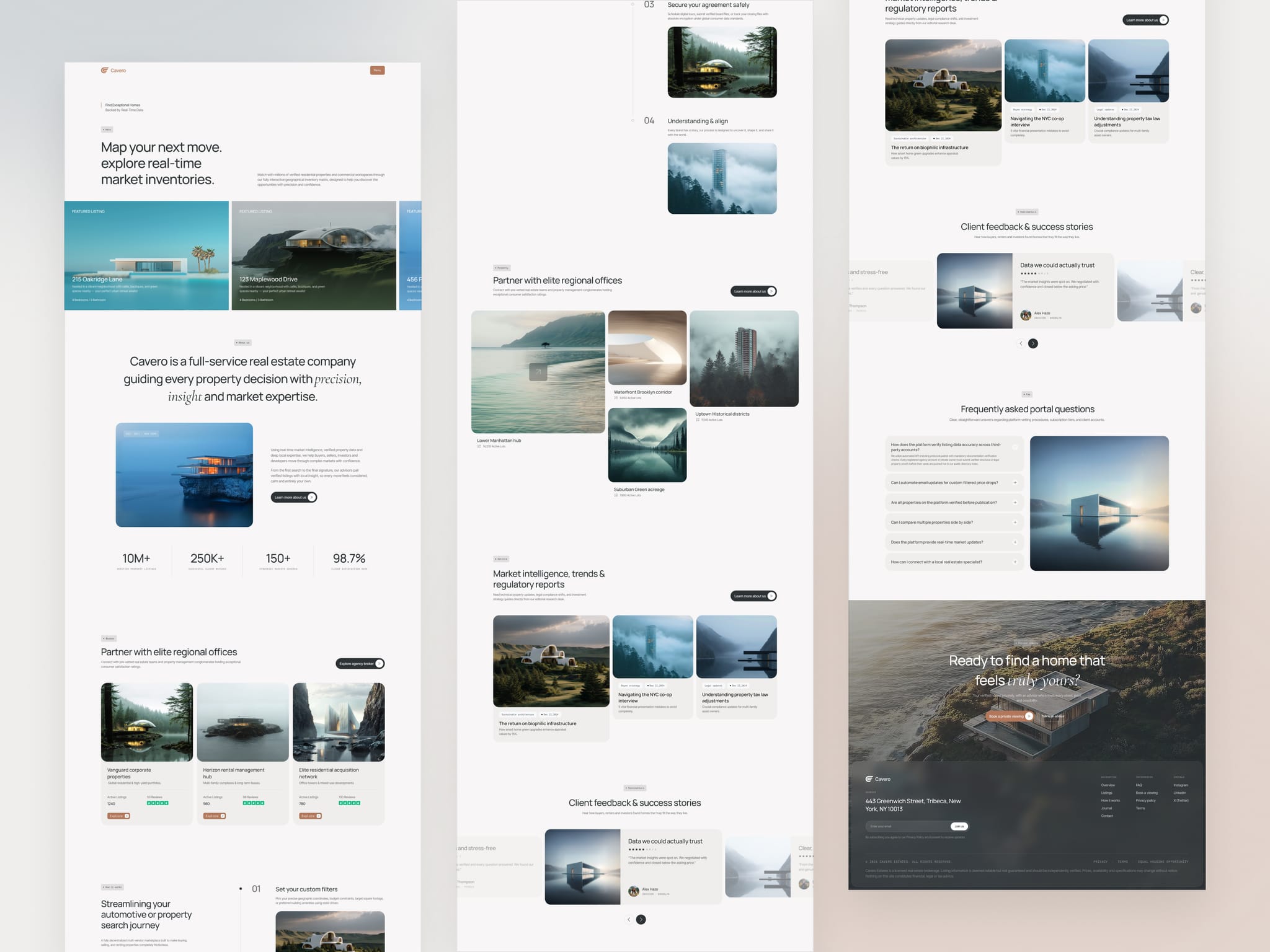
Cavero is a premium multi-page Framer template for real estate agencies and brokers. Featuring CMS-powered property listings, advanced filters, advisor profiles, and seamless page transitions, it combines refined design with practical functionality to create a polished property experience.
Features
Listings: Nine sample properties live in the CMS, each with a detail page, photo gallery, key facts, amenities and similar homes.
Filters: Visitors can filter by status, location, type, price and square footage, then sort, switch to list view and page through the results.
Page transitions: Charcoal panels cover the screen between pages, and the menu grows out of the header button.
Team: The team page has tabs and search, and a single profile page shows any advisor.
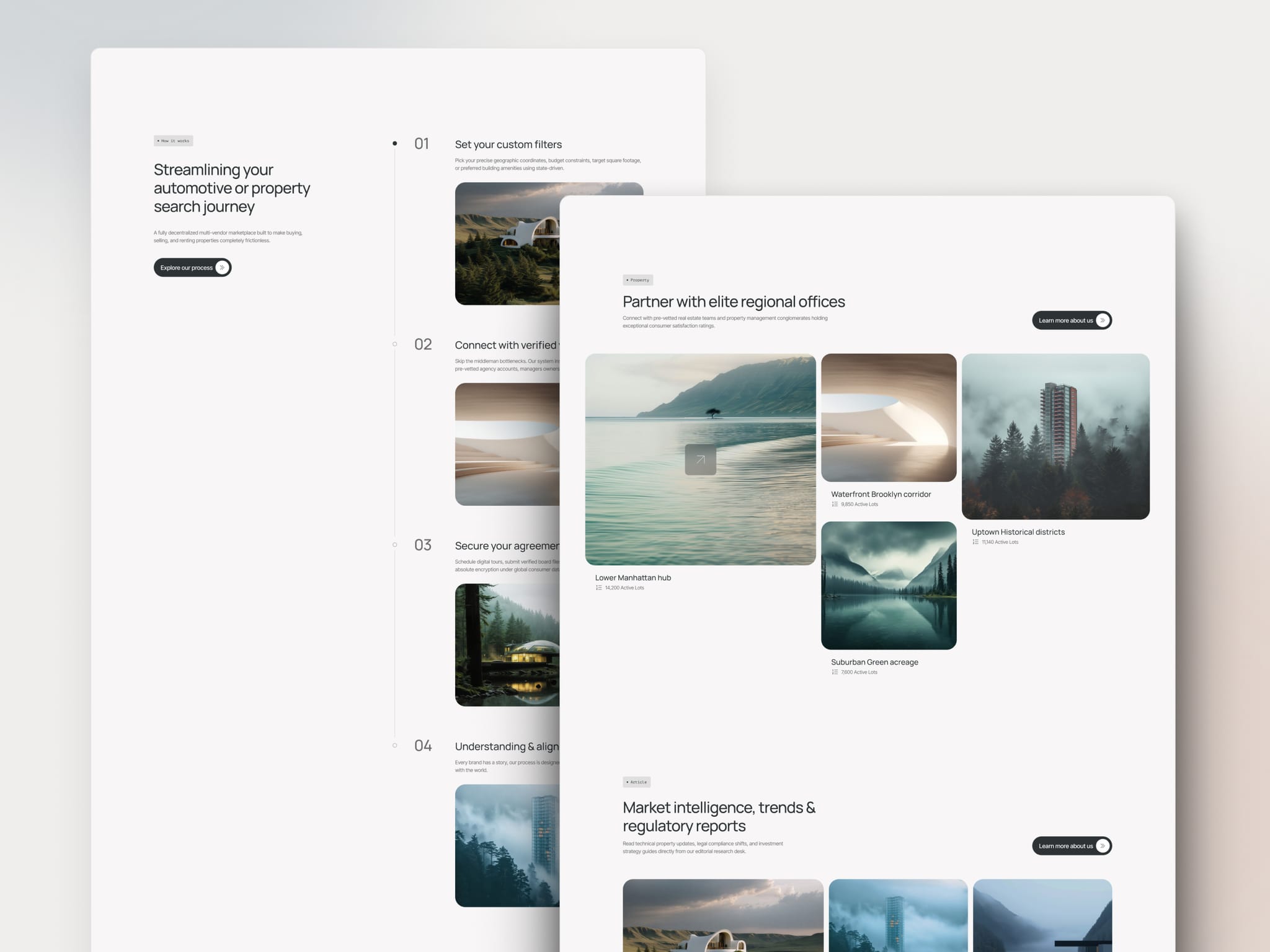
Motion: The hero plays a short intro, a listing photo flies into the About section as you scroll, and the process steps reveal one at a time.
Journal: Articles sit in the CMS, each with its own detail page.
Styles: Colours and text styles are shared, so a rebrand happens in one place.
Responsive: Every page has its own desktop, tablet and phone layout.
Pages included (10):
Home · Properties · Property Detail (CMS) · About · Team · Team Member · Contact · Article Detail (CMS) · Legal (Privacy & Terms) · 404
CMS collections:
Properties: 9 items. Title, cover and 4 extra photos, price, address, status, type, region, bedrooms, bathrooms, living area, year built, description, amenities, map, agent.
Articles: 8 items. Title, category, date, cover, excerpt, body, stats.
Custom code components:
Page transition and site menu
Hero intro and listing loop
Scroll photo flight
Process timeline
Gallery reveal with cursor arrow
Listing view and sort
Filters, price range and pagination
Testimonial carousel
FAQ accordion
Team search and tabs
Staggered button
Heading reveal
Animated badge and line icons
Logo marquee
Ghost 404
Support:
Need help setting up? Reach out to us at: hello@pixels71.com