About Kyntra App Webpage
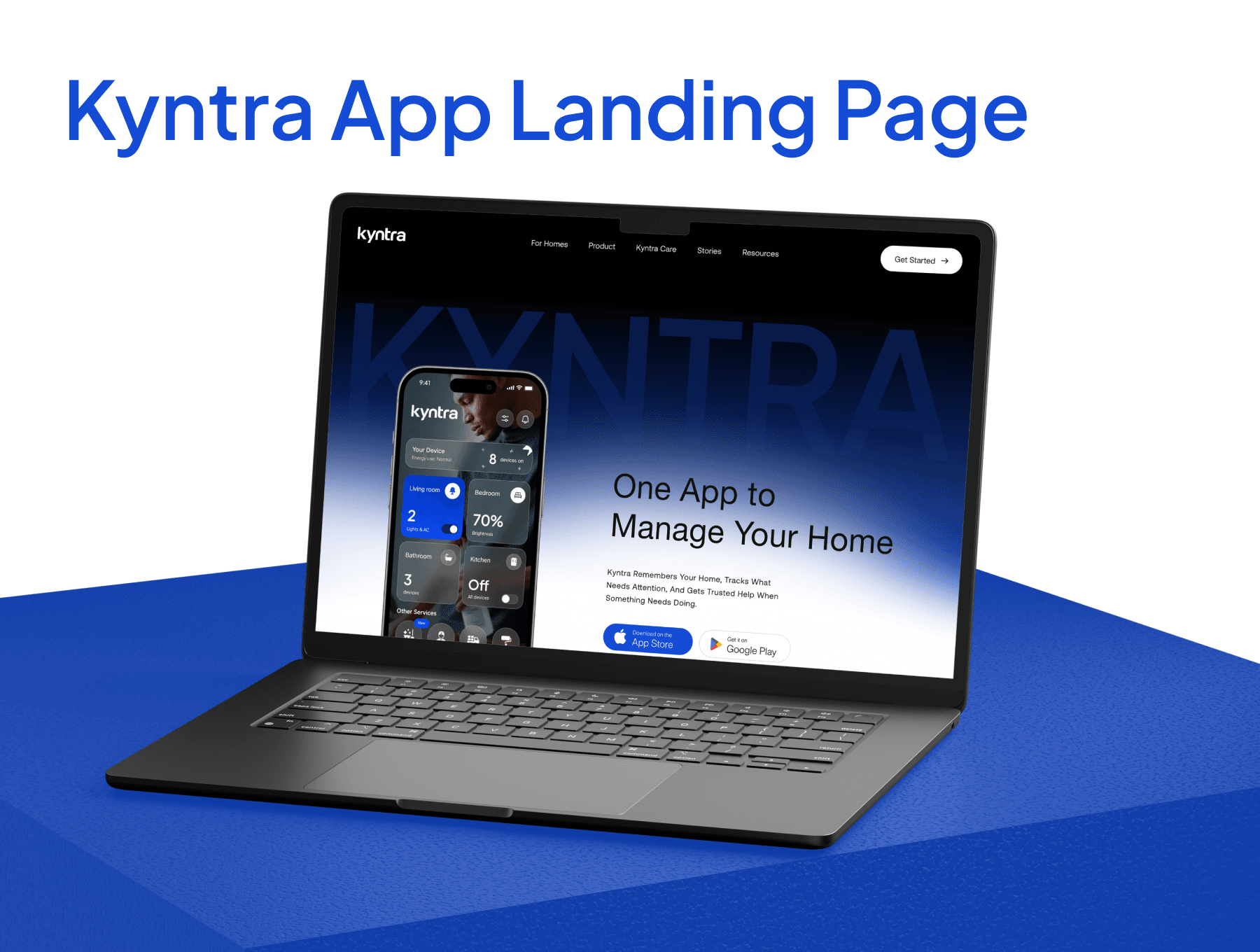
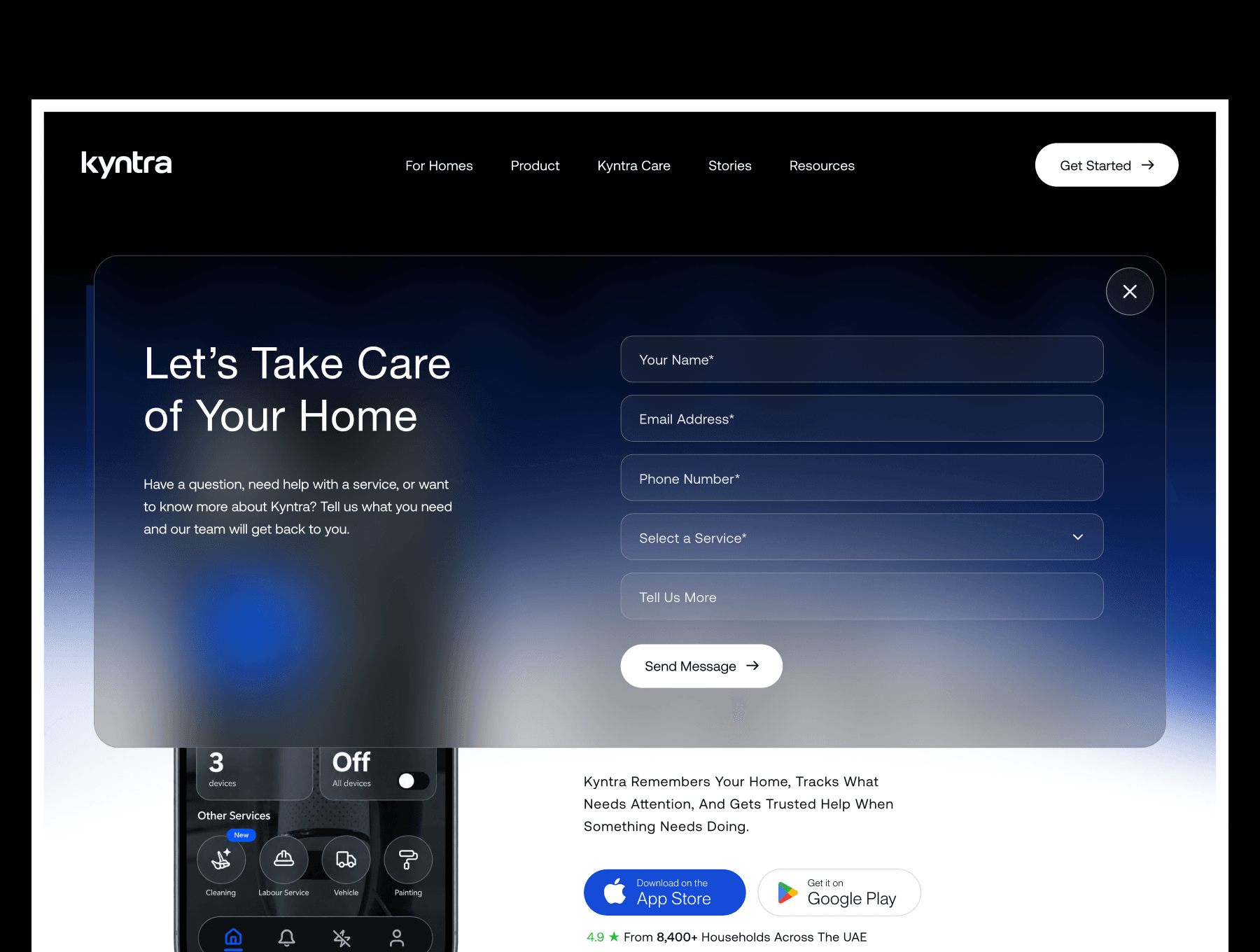
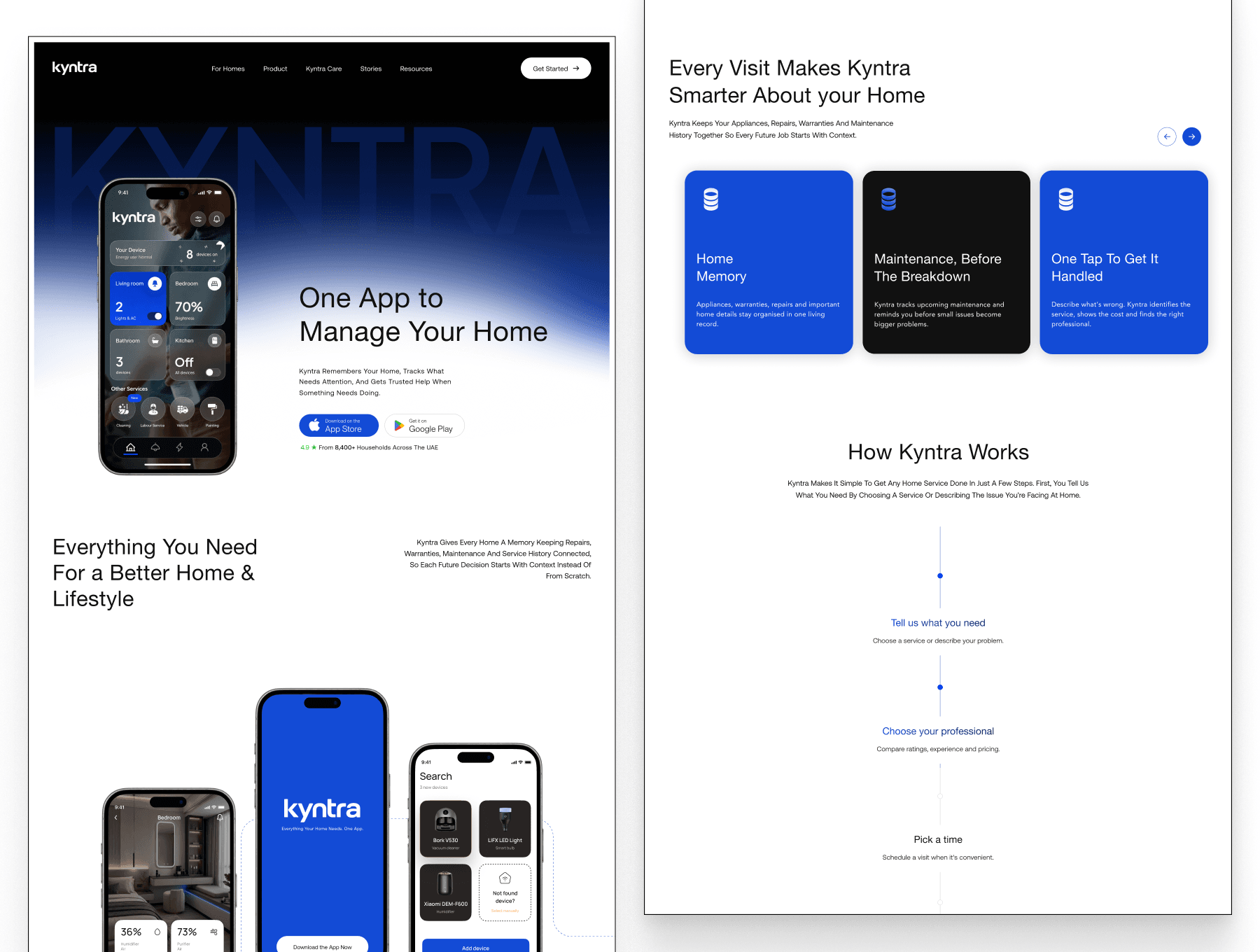
Kyntra is a one-page landing template for a home-services app, with scroll-driven sections, an enquiry form, an app download panel, and layouts for Desktop, Tablet and Phone.
Page sections
Hero: headline, store buttons and a phone mockup over an animated gradient background.
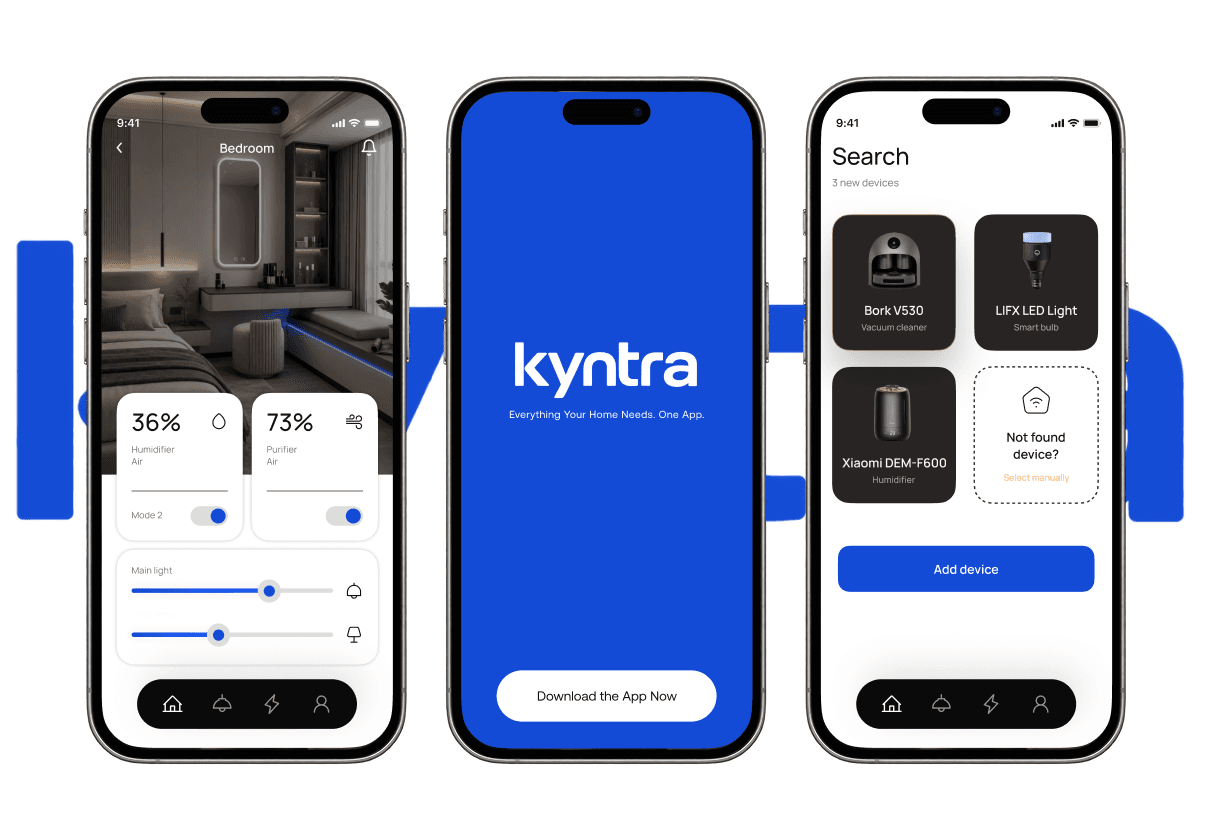
About: three phone screens that drift in opposite directions as you scroll (desktop).
Statement: a large sentence that fills in with colour as you scroll.
Features: five cards that stack as you scroll.
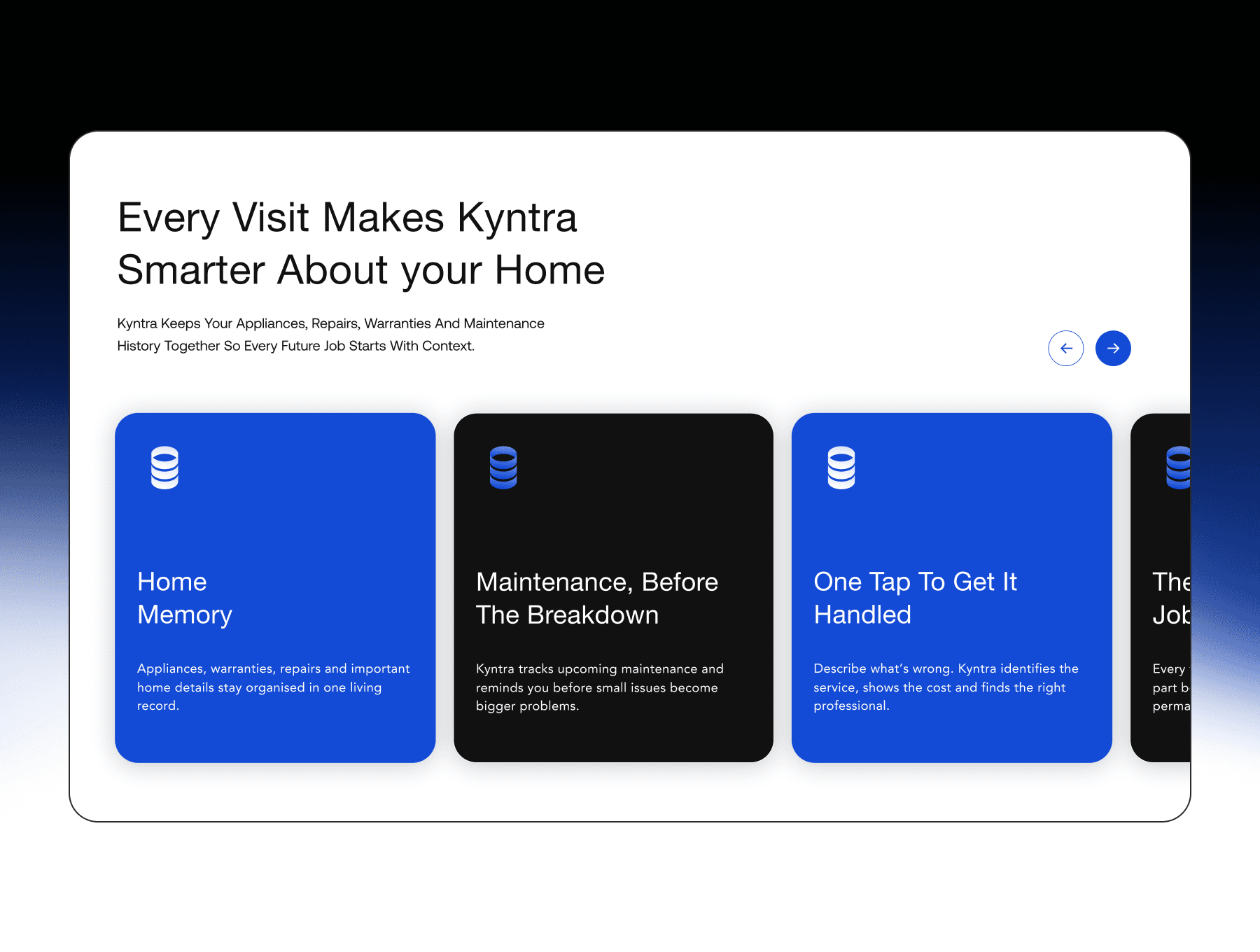
Smarter: cards that slide sideways while the section is pinned, with a pointer spotlight on desktop.
How it works: a timeline line that draws down as you scroll.
Trust: stats that roll up digit by digit.
Testimonials: photo, quote and prev/next buttons, plus a draggable thumbnail strip on desktop.
Blogs: a row of article cards with arrows. Details show on hover, and always on touch devices.
FAQ: one question open at a time, with a height animation.
CTA and footer: the CTA turns blue on hover, and the footer is revealed from underneath (desktop).
"Get Started" opens an enquiry form, and "Download Kyntra App" opens a side panel with a QR code. Headings rise in line by line as they come into view.
Built for easy editing
Desktop (1280), Tablet (768) and Phone (390) breakpoints, with a full-screen menu on Tablet and Phone.
Text and colour styles on every native text layer.
Animated sections are code components, with content, colours and timings editable in the properties panel.
Animations respect the reduced-motion setting.
Fonts: Host Grotesk and DM Sans (Google Fonts, Open Font License).
A Read Me page explains the setup.
Good to know
Testimonials, stats and articles are demo content with fictional names.
The enquiry form sends to any form endpoint URL you paste in (for example Formspree). Without one, it opens the visitor's email app.
The QR code and store links are placeholders to replace.