About Shipkit
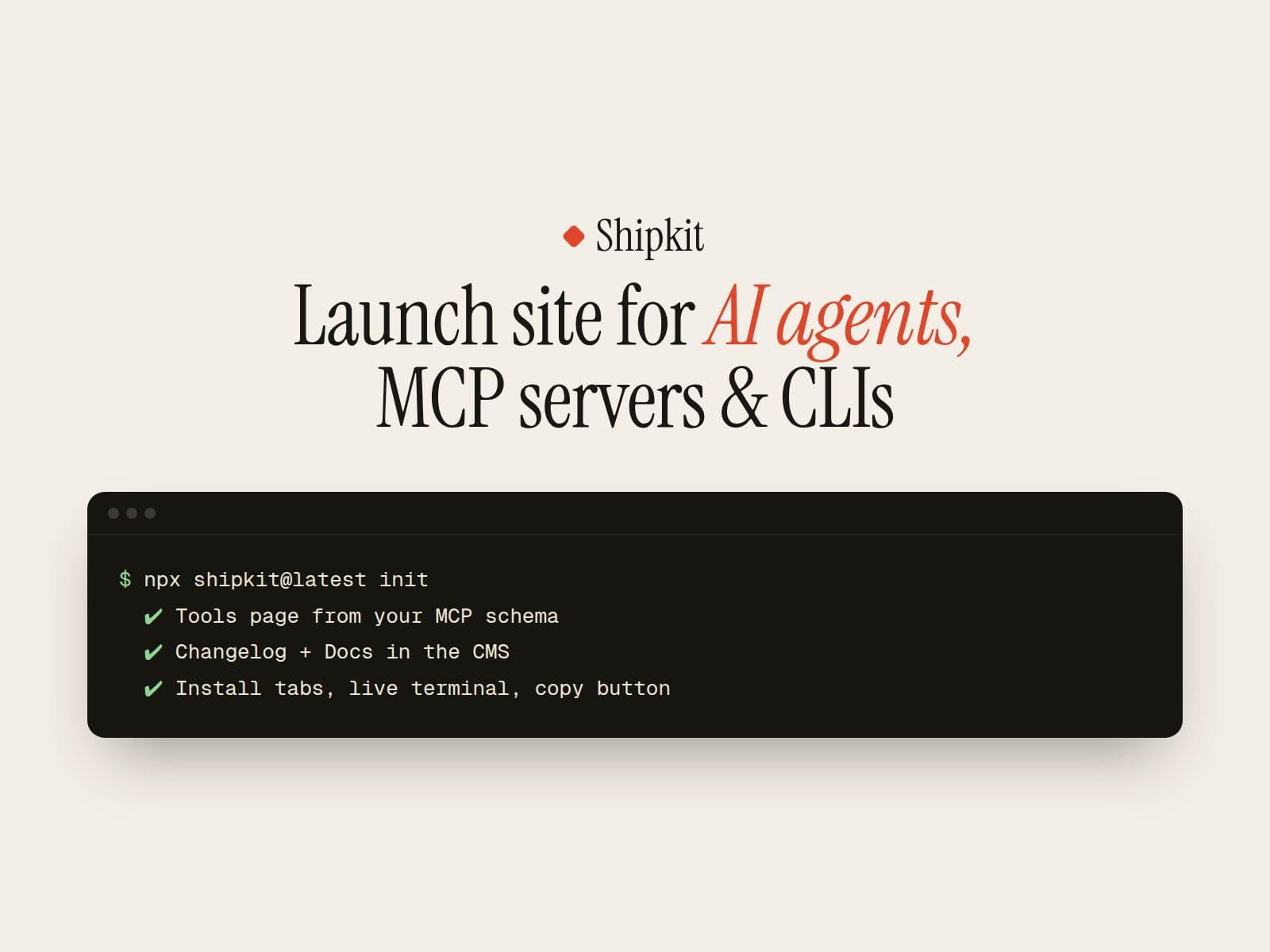
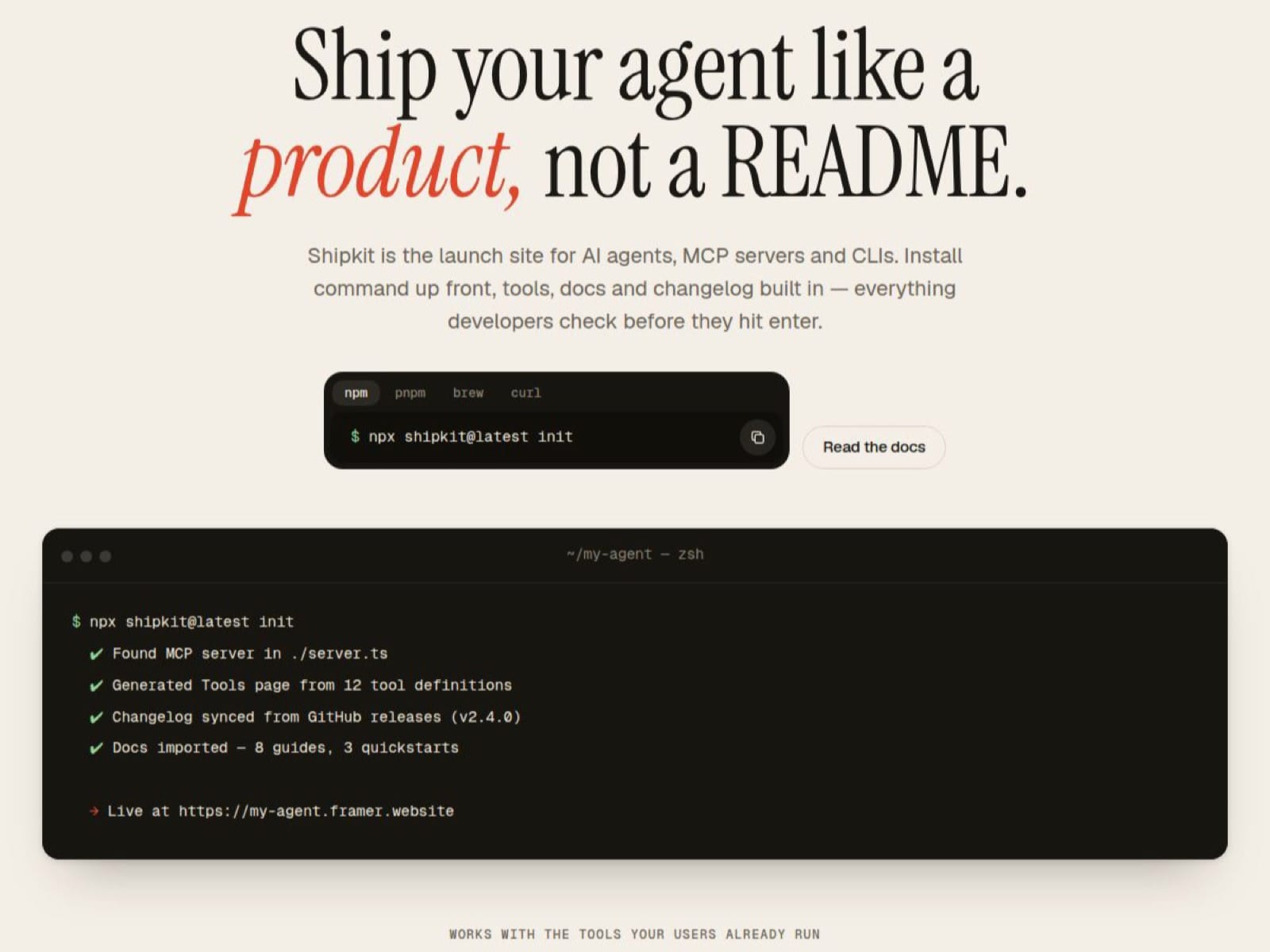
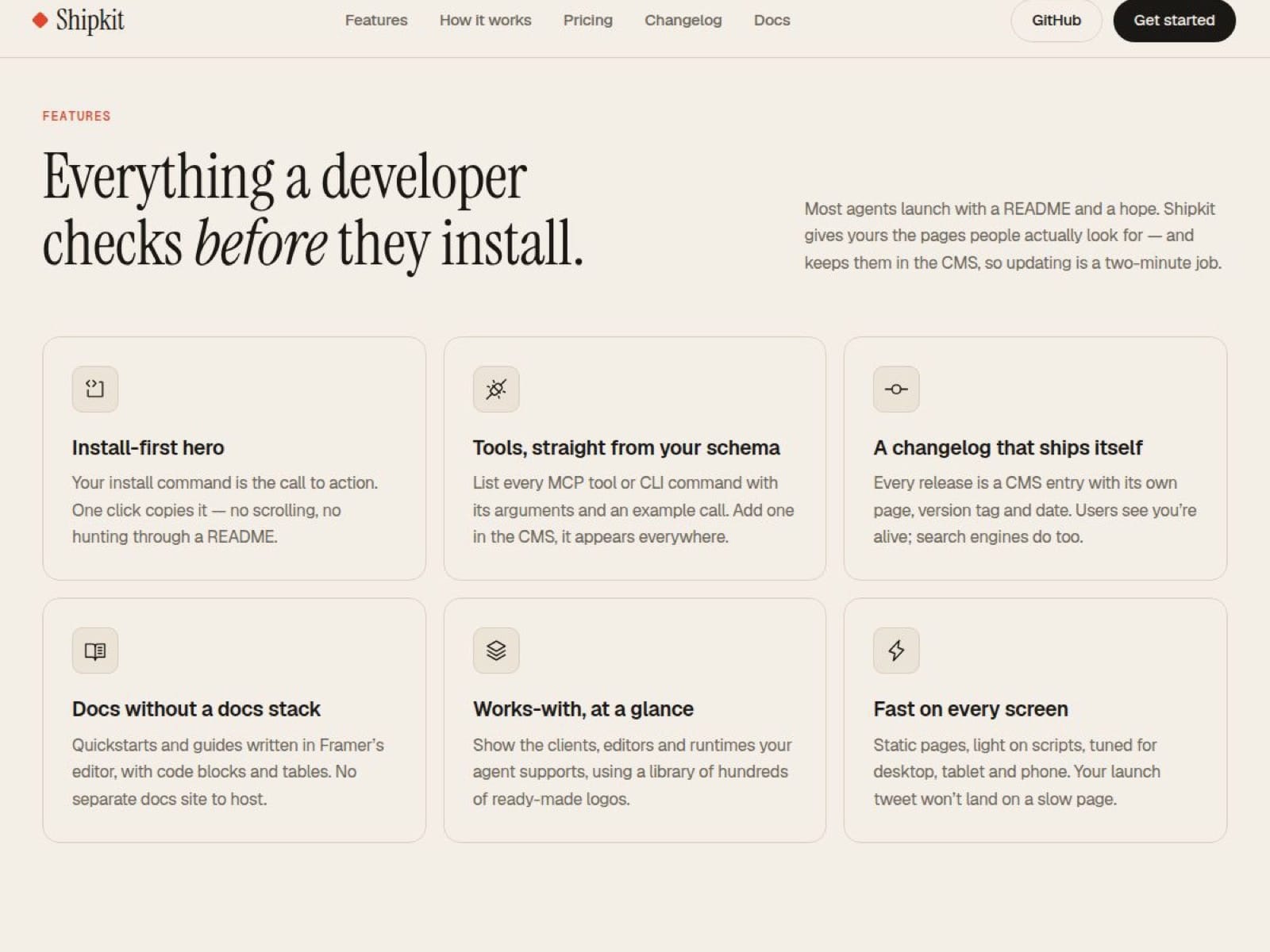
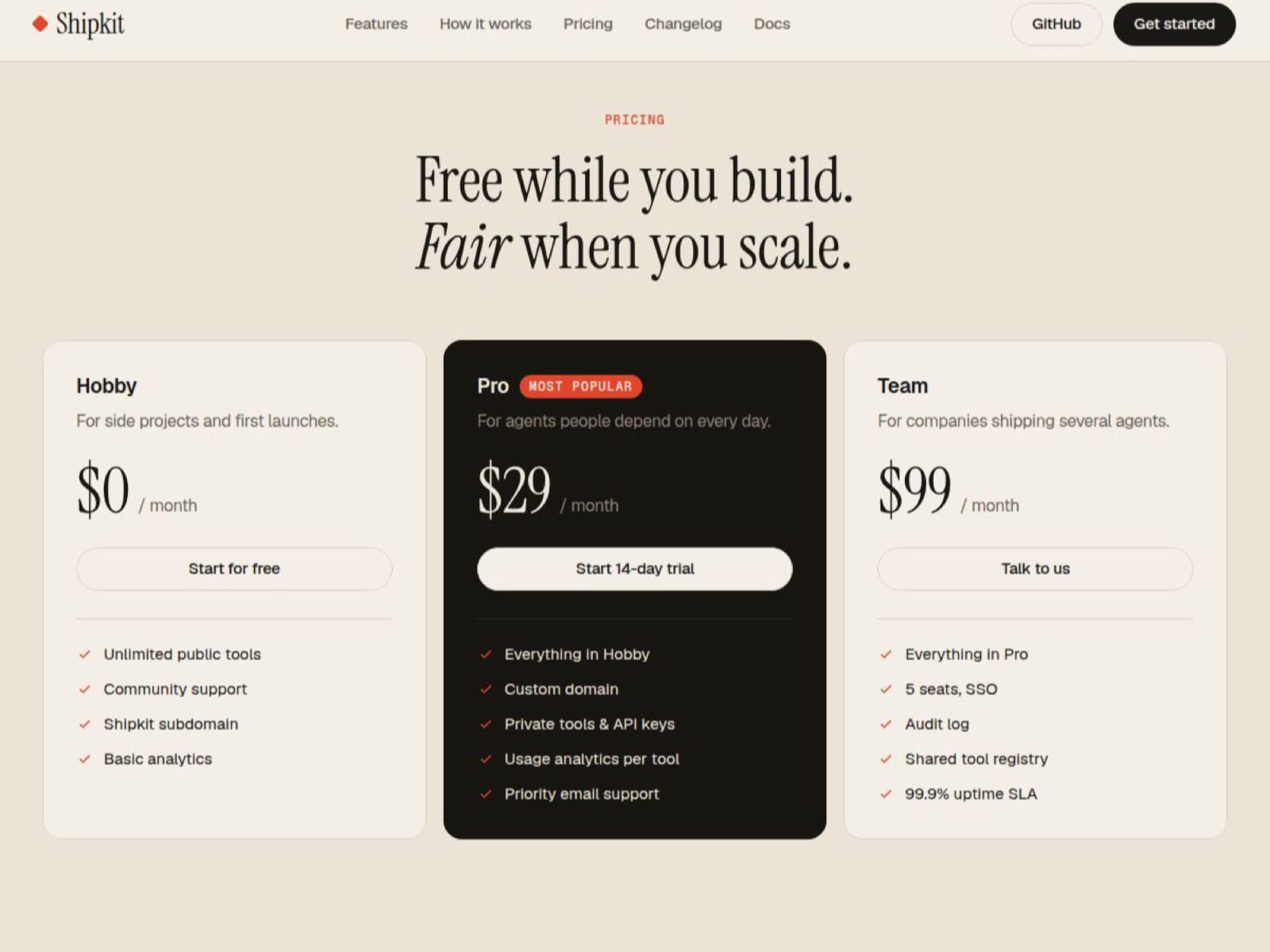
Shipkit turns your AI agent, MCP server or CLI into a product page developers trust. The install command is the hero, with tabs for npm, pnpm, Homebrew and curl and a copy button that actually copies. A live terminal types out what your tool does. Below it: features, a three-step how-it-works, a tools reference, pricing, FAQ and a closing call to action.
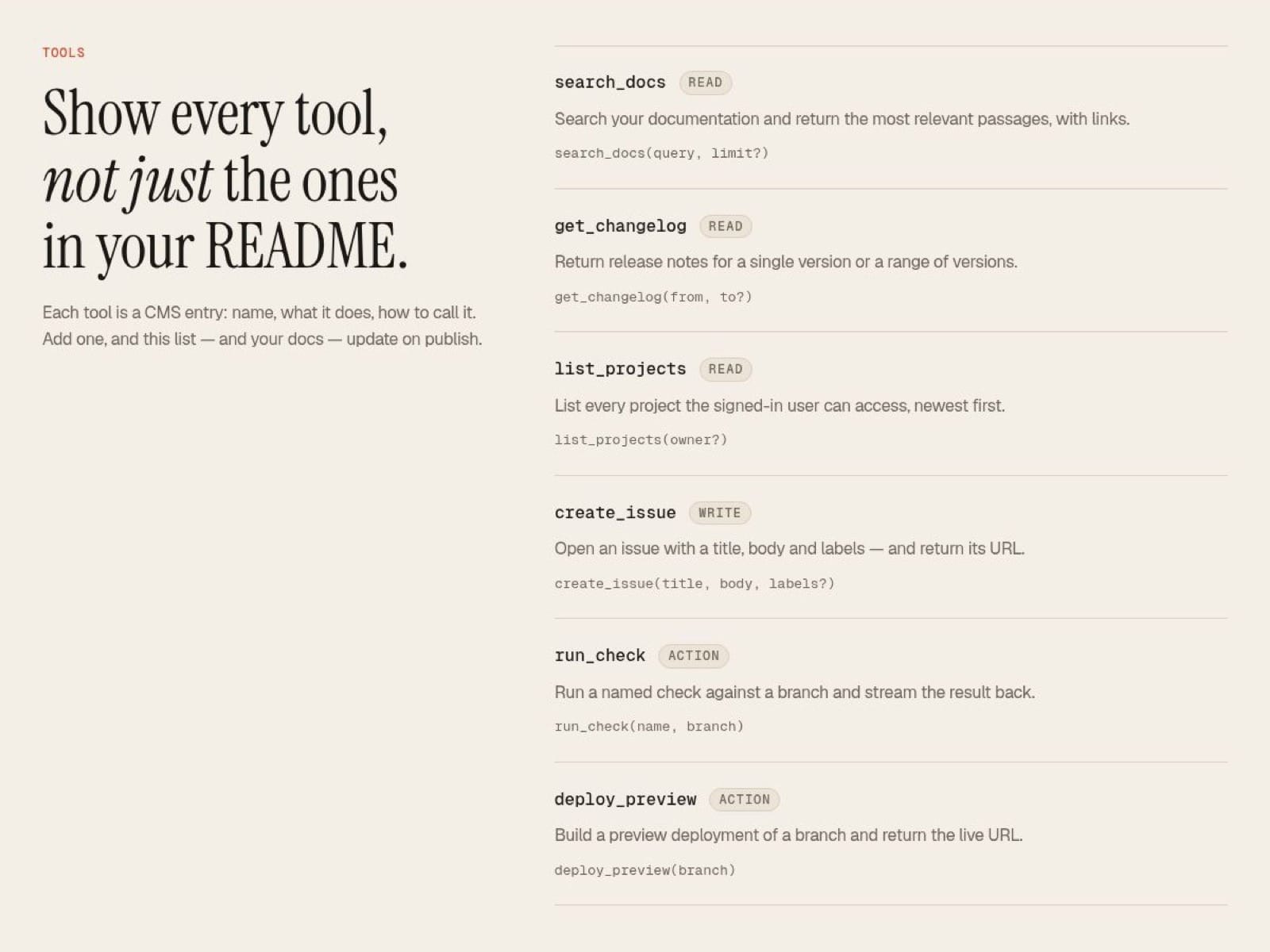
Everything list-like lives in the CMS: Tools (name, description, signature and type for every tool or command), Changelog (one page per release with version and date) and Docs (quickstart and guides with headings, inline code and a sidebar).
What’s included: 5 pages on one shared layout with nav and footer, 3 CMS collections, 2 code components (Install Tabs and Typing Terminal, both editable from the properties panel without code), 4 components (Navigation with mobile menu, Button, Feature Card, FAQ Item), full desktop, tablet and phone layouts, 10 color styles and 9 text styles.
A warm paper-and-terminal look that stands out from dark SaaS templates: Instrument Serif headlines, Geist body and Geist Mono for code. Colors are style tokens, so rebranding is quick.