About Cozy Pixel Room
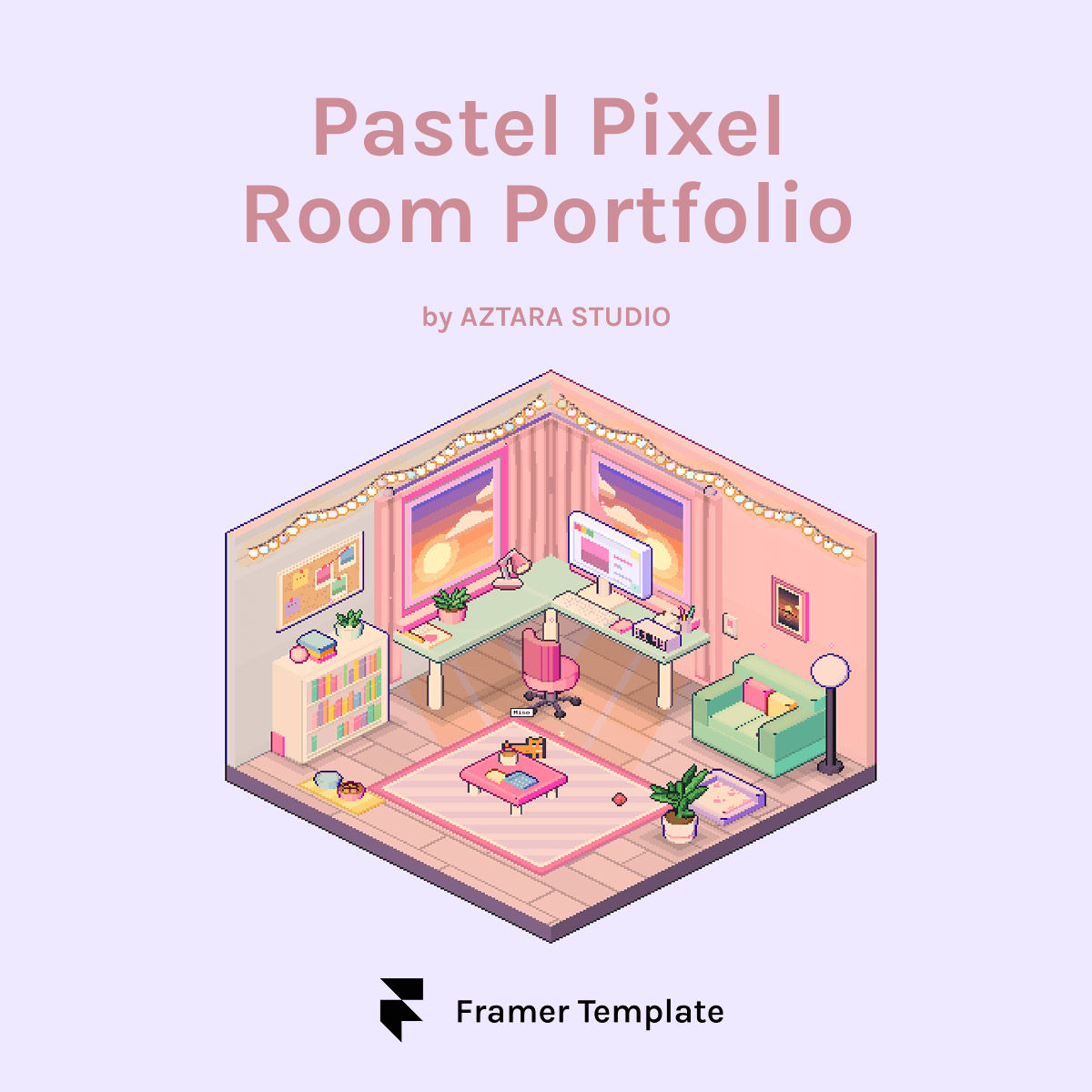
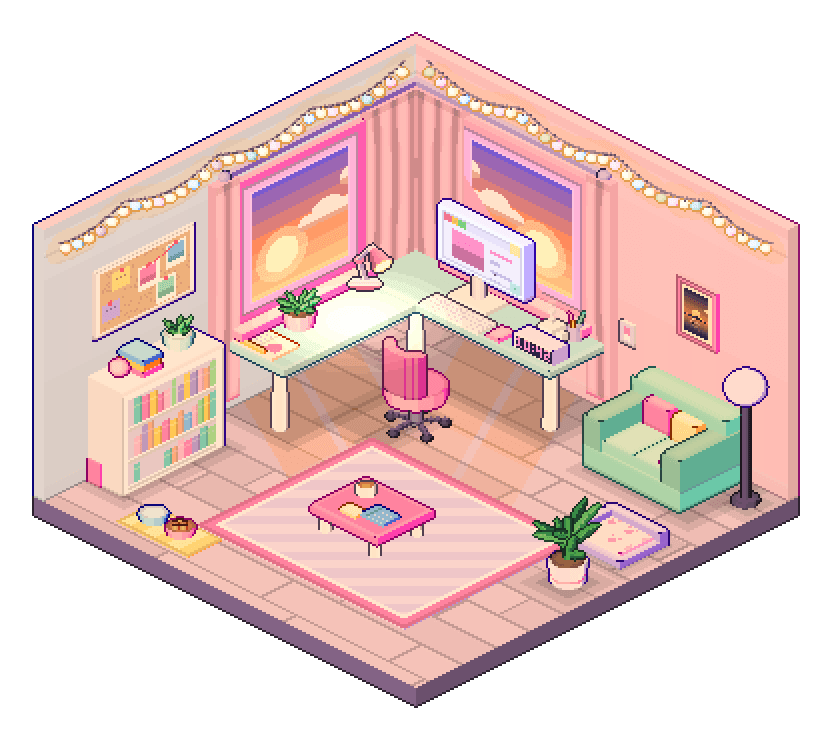
A hand-drawn isometric pixel room with a working mini OS, pets you can feed and a clickable desk. Everything is editable from Framer's properties panel. No code needed.
Most portfolios are a scroll of thumbnails. This one is a place. Visitors land in a pastel studio with a corner desk, two sunset windows, a sofa, a bookshelf and a pet or two. Click the computer and a tiny retro OS boots up with your projects inside. The shelf tells your story, the sofa opens your inbox and the frame shows off your work.
FEATURES
A room that reacts
• Every object has a hover card and does something: the chair spins, the lamp dims the room, the curtains draw shut.
• Day, sunset and night lighting, or Auto mode that follows the visitor's clock.
• Clear, rain or snow weather.
• Secrets: a plant that blooms, a self-refilling cocoa mug and a hidden dance party.
FolioOS, a working mini desktop
• Draggable, resizable windows, nested folders and multiple desktop pages.
• Built-in apps: About me, Resume, Mail, Chatbox, Music player, Piano and Control Panel.
• Place any project, link, note, image or app shortcut anywhere.
• Boot screen, shutdown animation and an "Open to work" status.
Pixel pets
• Cat, dog, bunny, chick or slime, up to two at once.
• Name, recolour and dress them in a bow, party hat, crown, scarf or sunglasses.
• They nap, eat, chase yarn, come when you click the floor and dance to music.
Your content, your way
• Projects, resume, FAQ chat with testimonials, contact form, YouTube or lo-fi music.
• Pastel presets or your own colours, eight pixel fonts or any Google Font.
• Toggle the intro, hints and sounds.
Built properly
• One drop-in Framer component. No plugins or external services.
• Responsive, keyboard navigable and reduced-motion friendly.
FOR: Designers, developers, illustrators, pixel artists and students who want to be remembered.
INCLUDED
• Room: Pastel Framer component
• Sample content to replace
• Setup guide
• Free updates for this edition