About Doorplate Template
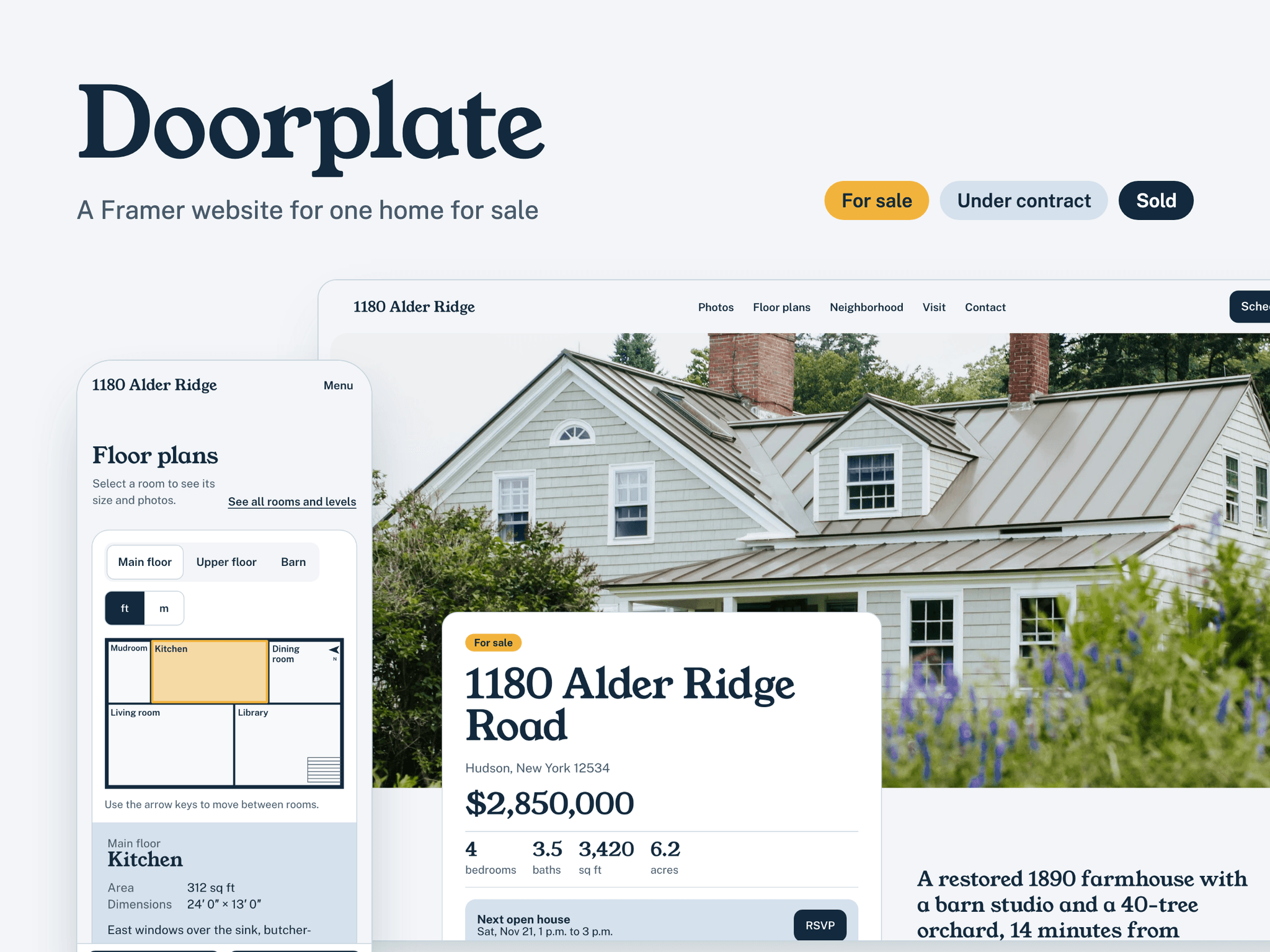
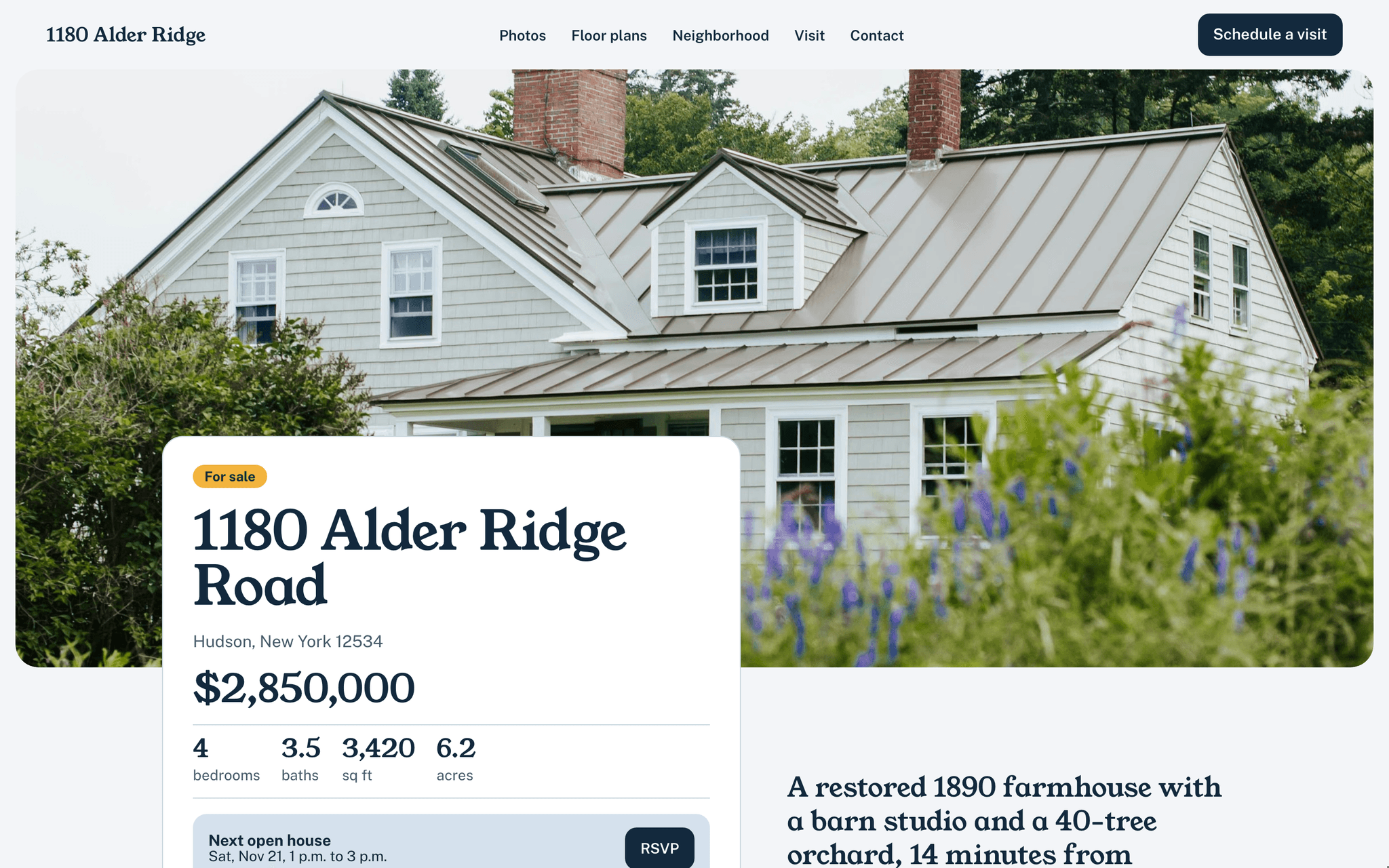
Doorplate is built for a single listing. It gives a property its own website, with more room than a portal page, and every section leads to booking a visit.
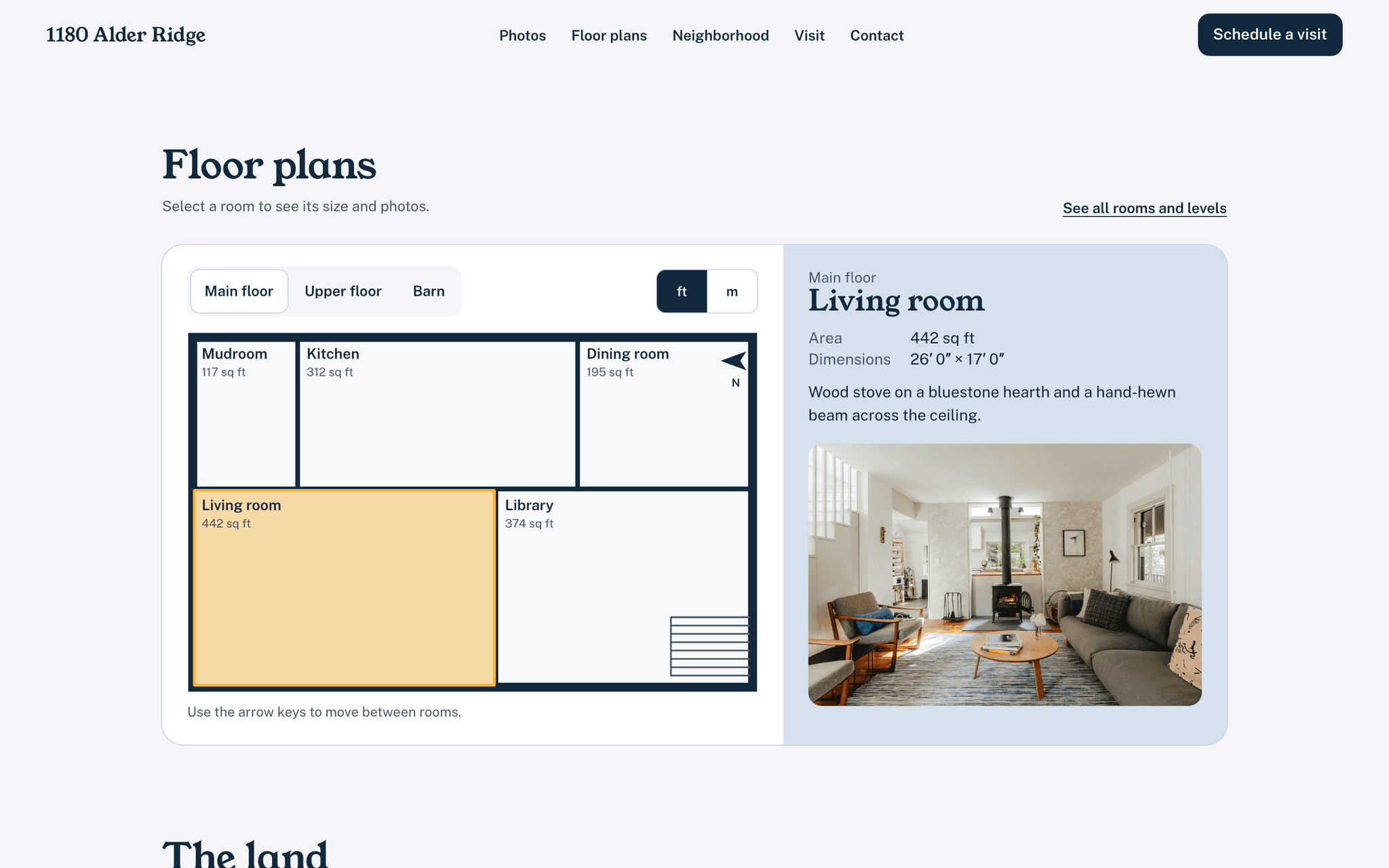
Interactive floor plan. Upload a plan image for each level and draw the rooms over it. Visitors select a room to see its size, dimensions and photo, switch between feet and meters, and move between rooms with the arrow keys. Size and dimensions are optional, so a room with no measurements simply shows its name and photo.
Open houses. Add dates in the component, with start and end times in the property's time zone. Past dates disappear on their own. Each date has an RSVP button and an Add to calendar button that downloads an .ics file. Next to the dates, a private visit form lets people suggest up to three times. With no date scheduled, the section says so and points to the private visit form.
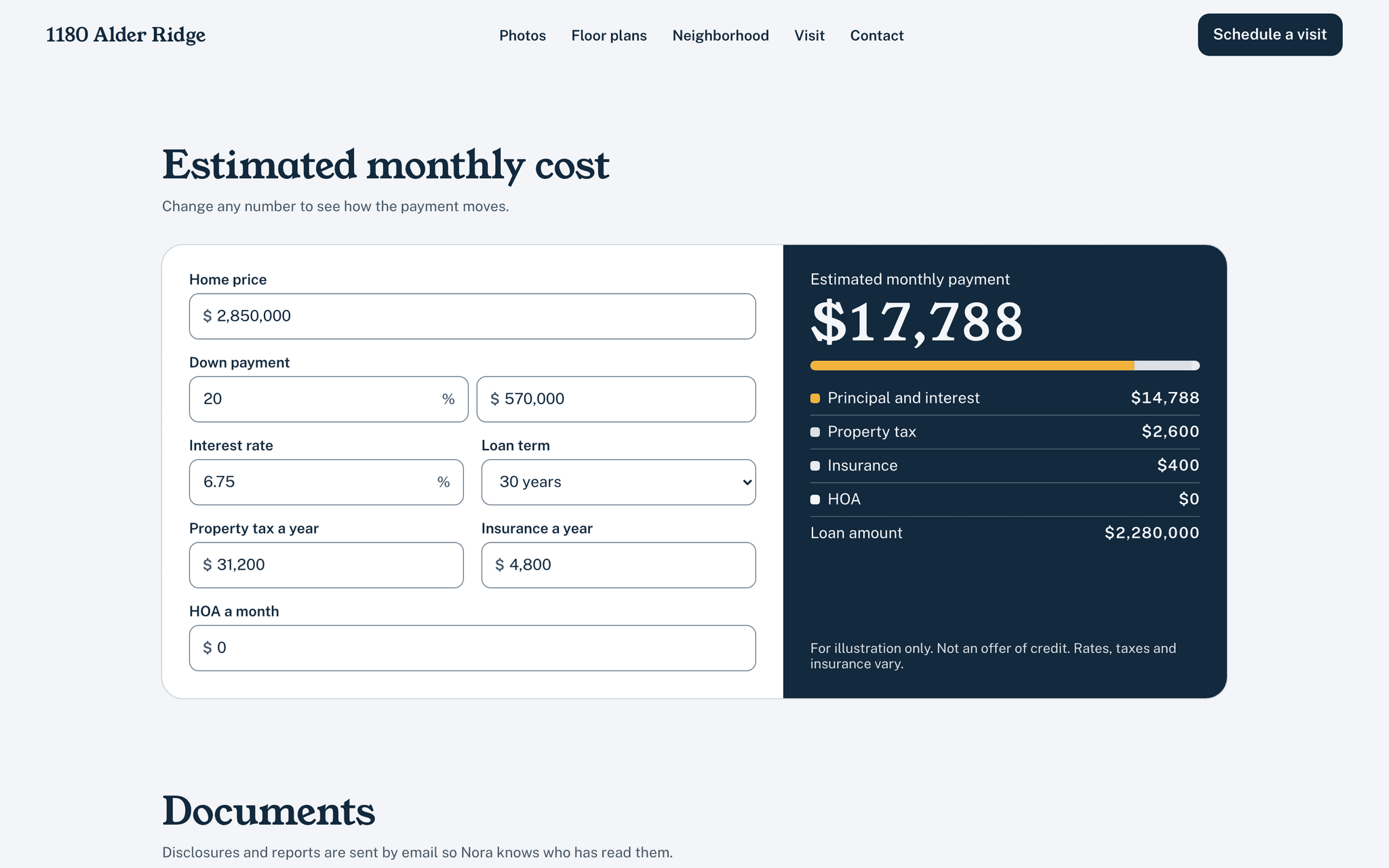
Monthly cost estimate. The home price comes in already filled. Visitors change the down payment, rate, term, property tax, insurance and HOA, and the payment is split into its parts. It carries the line "For illustration only. Not an offer of credit." and an optional link to a lender.
Listing status. For sale, Under contract or Sold. The badge and the main button follow the status, and a ready-made Sold page shows the sale price, days on market and a thank-you note, with a link to the agent's other listings.
Documents. List the brochure, floor plans, disclosures and inspection report. Each one is either a direct download or a "Request by email" button, so the agent knows who asked for the disclosures.
Easy to fill. Photos, nearby places and documents live in the CMS; photos can be grouped (Outside, Kitchen, Bedrooms…) or left in one gallery. Rooms and open house dates are entered once, in two shared components, and appear on every page that uses them. A 20-page PDF guide comes with the template, including Your next listing in 30 minutes: every field to change, in order, when you reuse the site for another house.