About Léon Varet
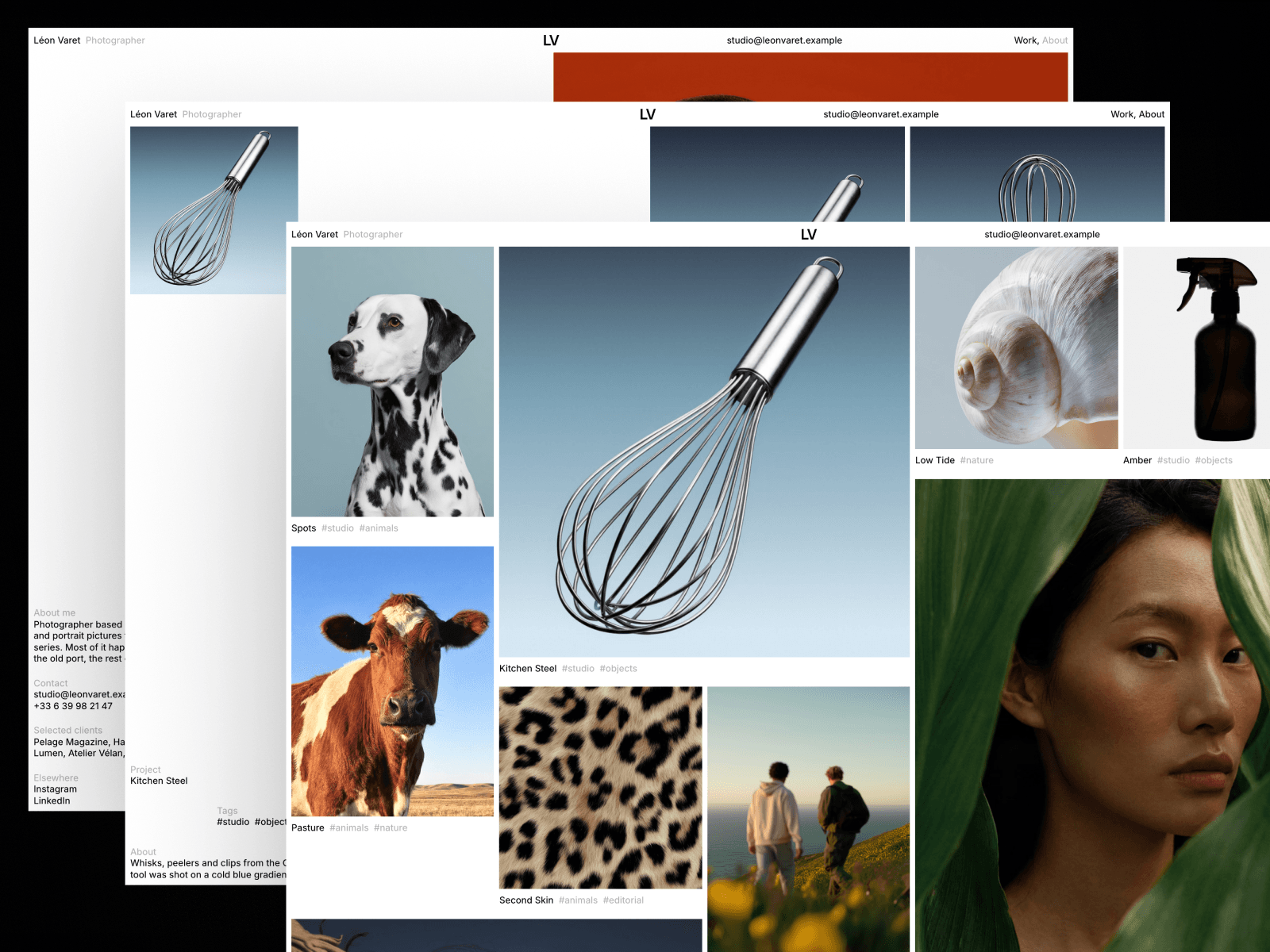
Léon Varet is a light Framer portfolio template for photographers who work in series: still life, animals, portraits, landscape and editorial. Every visit opens with a short intro where the name rises letter by letter while photographs flip in the middle of the screen. Then the work appears as a packed wall of prints, small and large frames fitted together like a contact sheet pinned to a studio wall.
The work runs on the CMS. Works and Tags are two collections, so the home wall, the tags under each frame and every series page stay in sync. Each work picks its frame size with one field, and the order you set in the CMS is the order of the wall and of the Next links.
It is built to be easy to make your own. A Styleguide page shows every colour style, text style and component in one place. Two built-in Framer Skills work inside Framer AI: /customize walks you through replacing the name, contact details, series, intro photographs, colours and SEO, and /design-system keeps new sections in the template's quiet style. Smooth scrolling can be switched off with one toggle.
What's included
6 pages: Home, Work, About, Imprint, Styleguide and 404
Two Framer Skills: /customize and /design-system
Intro on every page with the name rising and a flipbook of your photographs
Packed home grid with five frame sizes and a second frame on hover
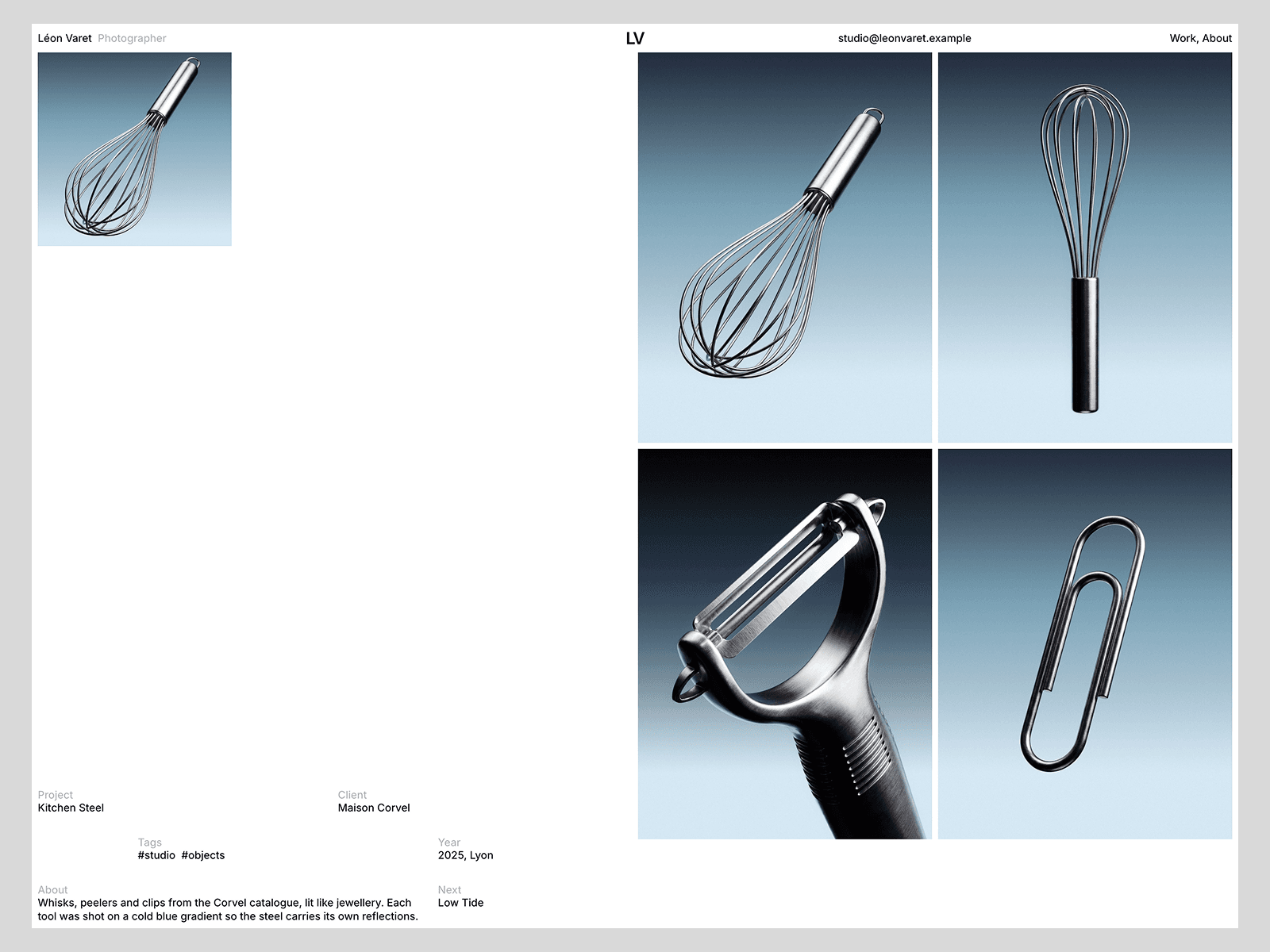
Series pages with a sticky offset details grid, a two column gallery and a full screen viewer with Close, Previous and Next
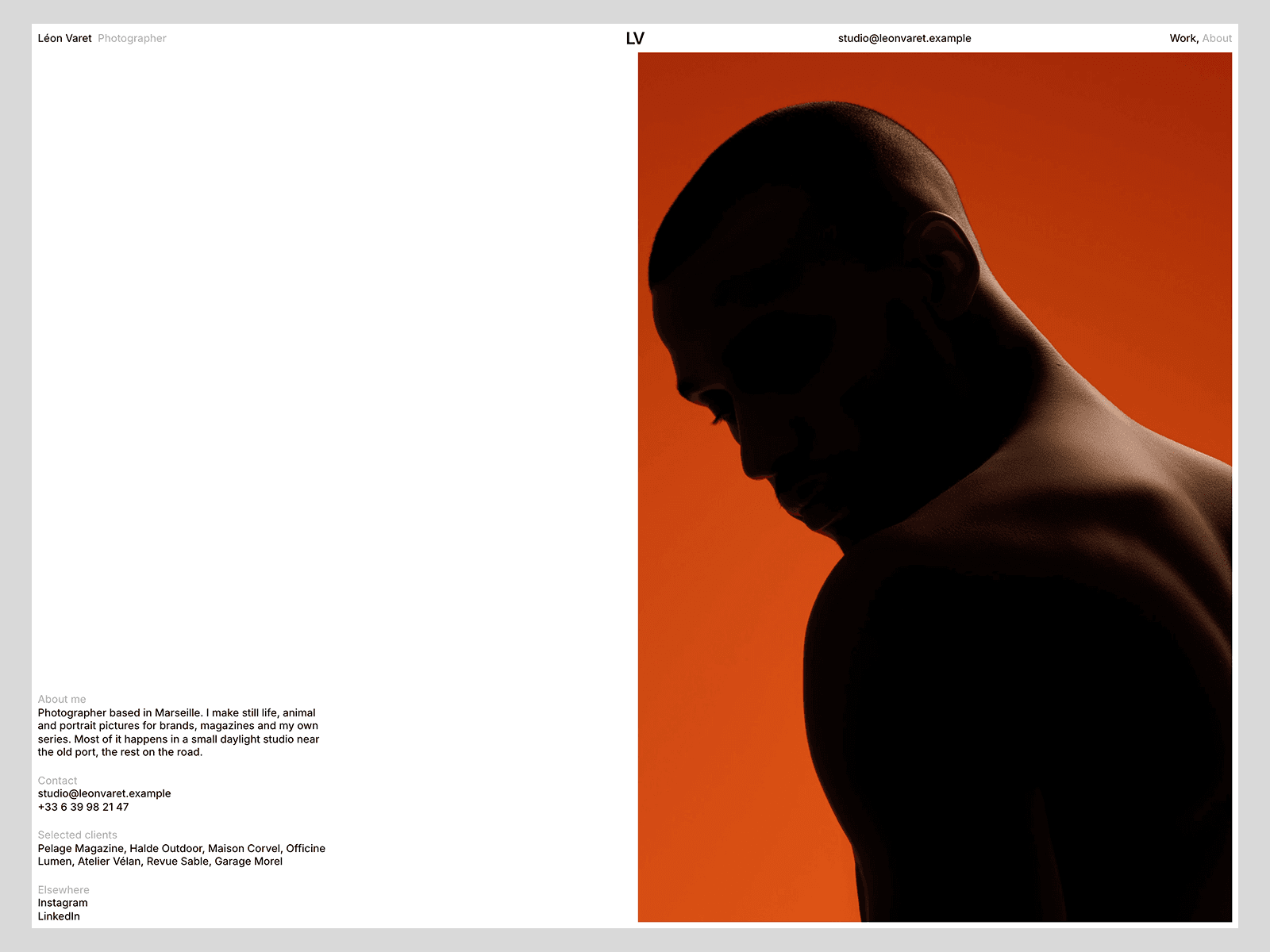
About page with a parallax portrait, clients and contact details
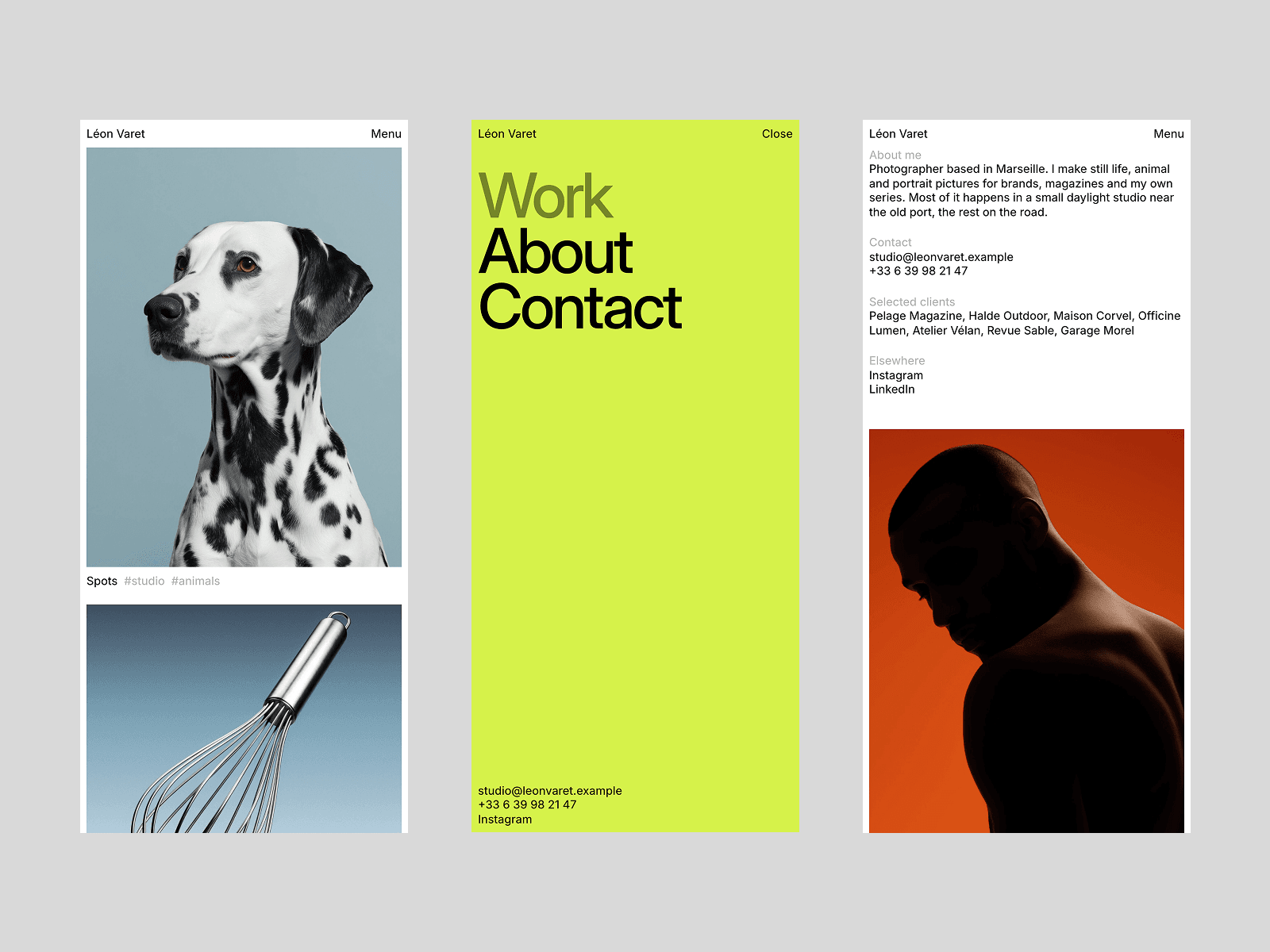
Full screen mobile menu with large type
Footer curtain with a fitted wordmark and a live local clock
Two CMS collections: Works and Tags
Reusable Header and Work Media components
Smooth scrolling with an on and off toggle
Responsive layouts for desktop, tablet and phone
SEO ready, with titles, descriptions and social images per page
Motion that respects reduced motion settings
Set in Inter. Open /customize in Framer AI, follow the steps, then publish.