About MenuBar
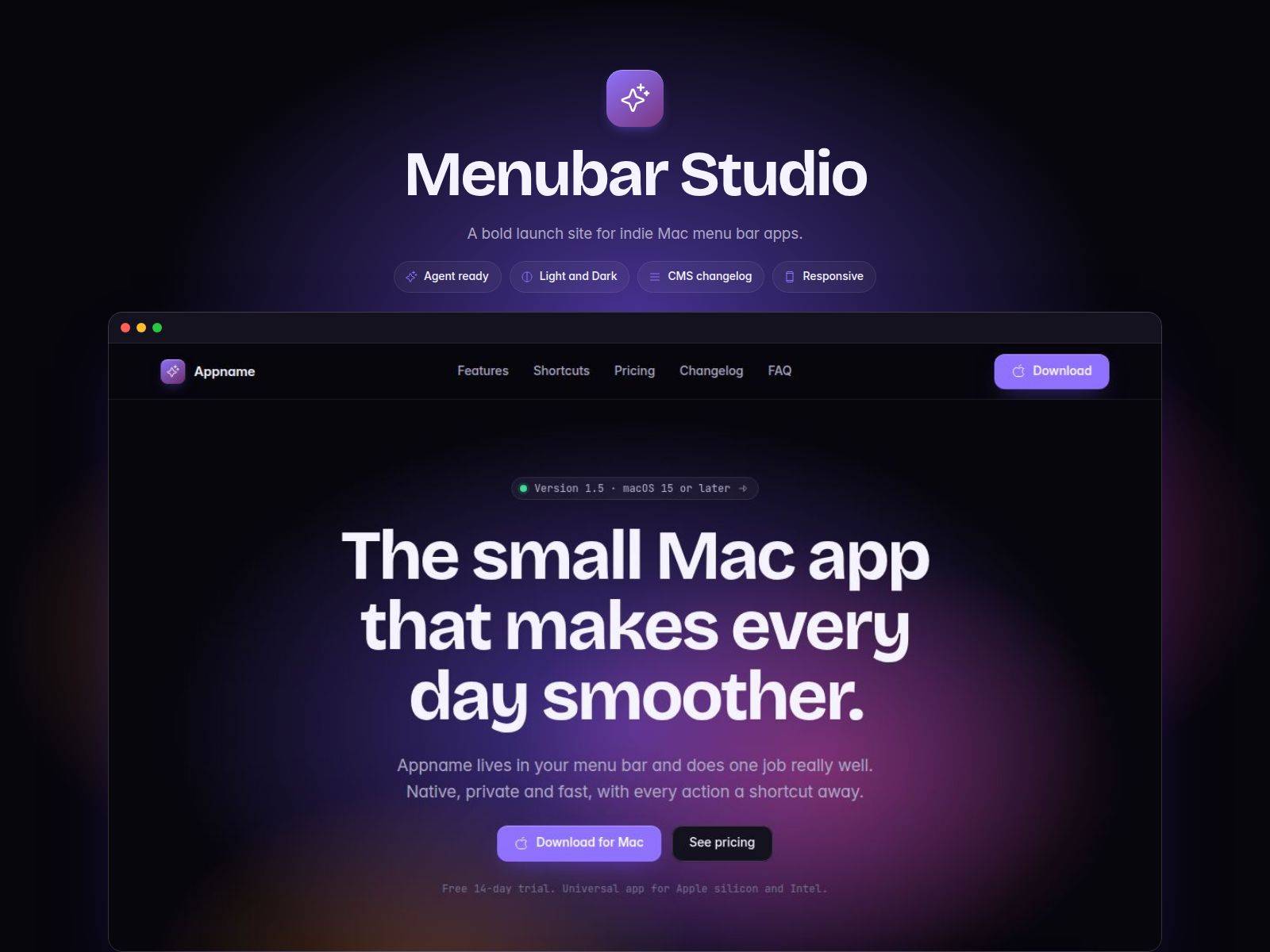
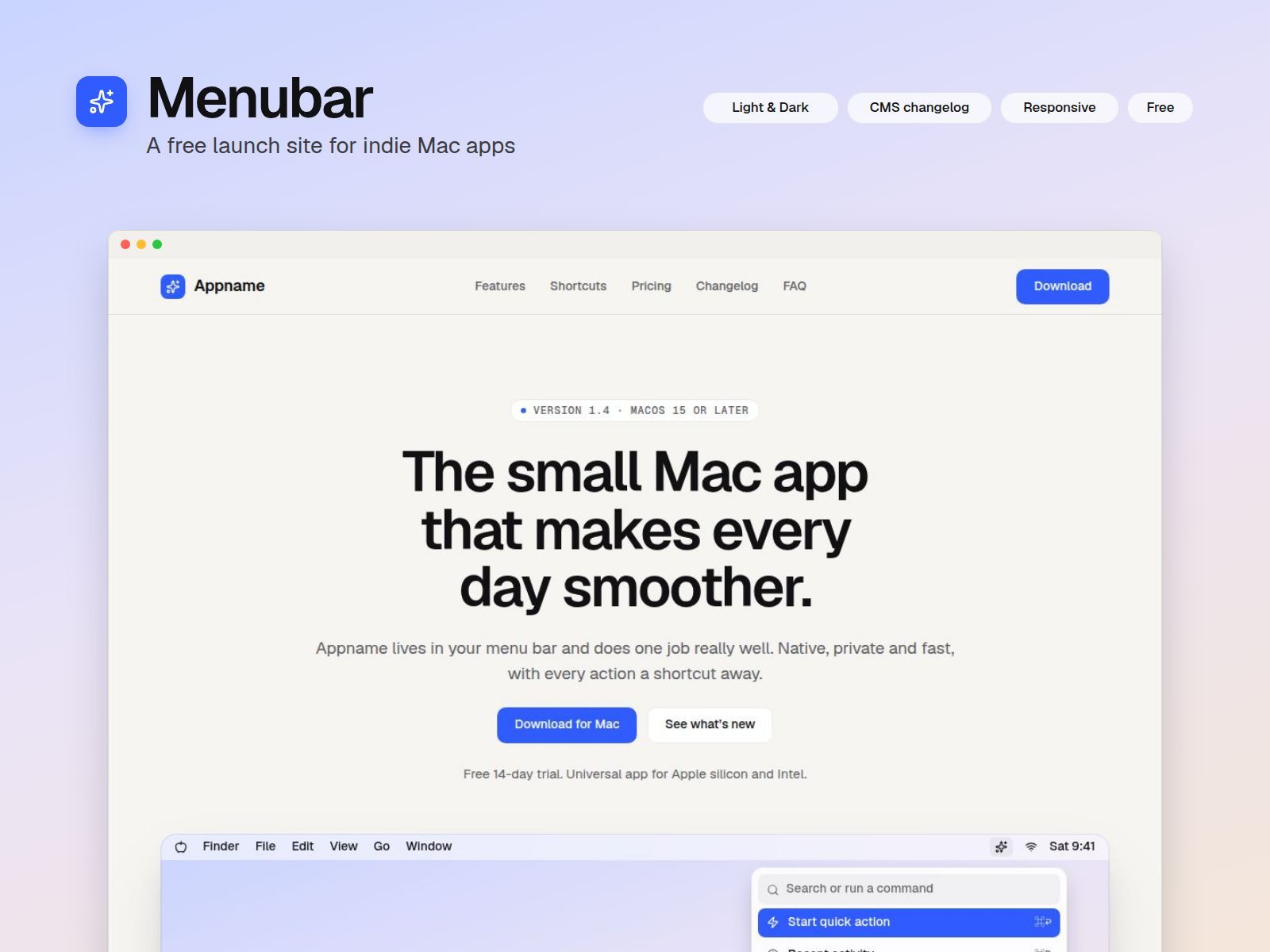
Menubar is a clean one-page website for small macOS apps, built by an indie developer for indie developers. It has everything a launch page needs, nothing you’ll have to delete, and you can be live in about 20 minutes.
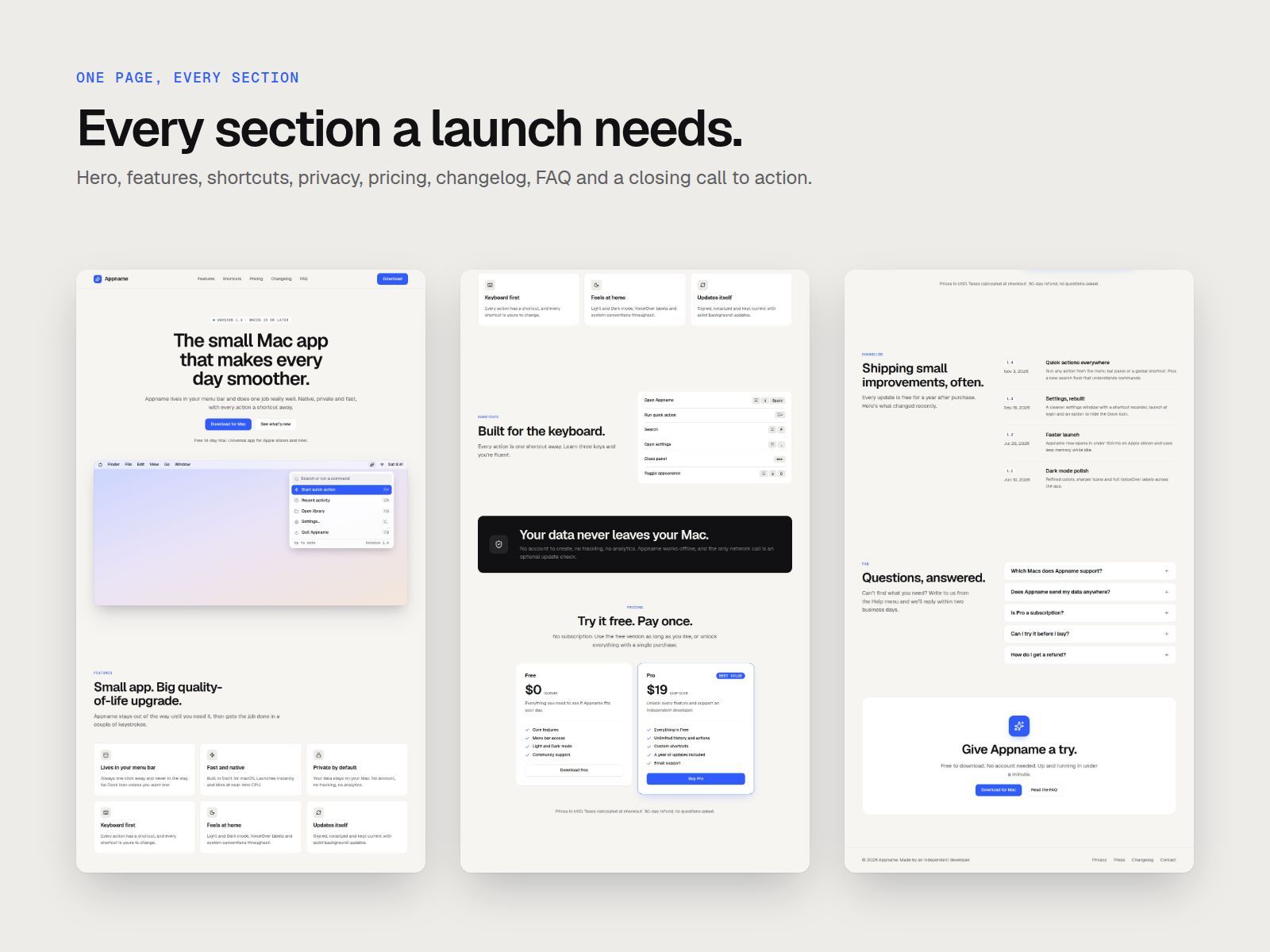
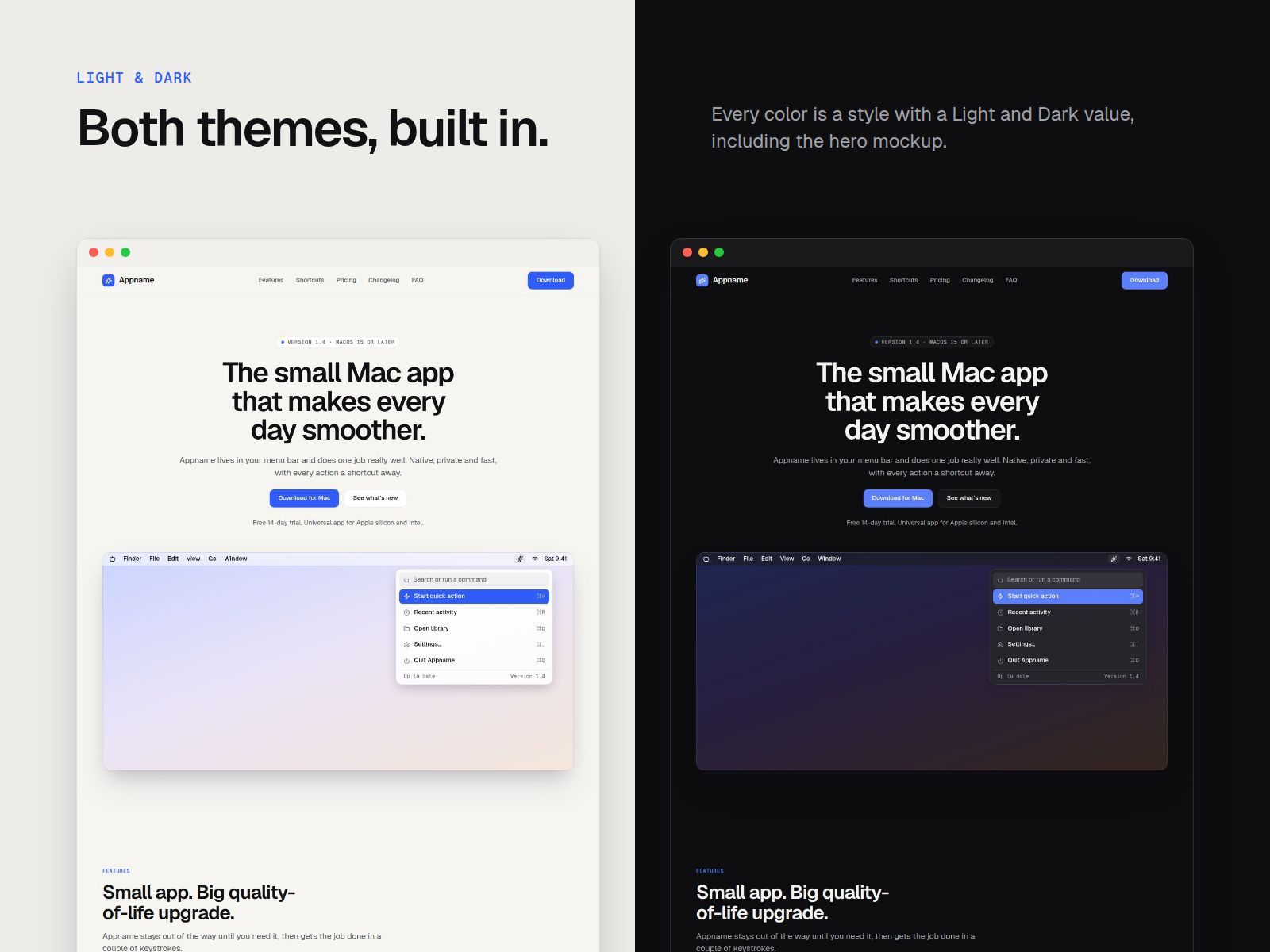
The hero shows a drawn macOS menu bar with your app’s dropdown panel. Below it you can explain what your app does, show off its keyboard shortcuts, set pricing and answer common questions. A changelog runs on the CMS, so every update you ship gets its own page.
What’s included
Menu-bar hero mockup made of editable layers, so you can match it to your app or swap in a screenshot
Six feature cards and a keyboard-shortcut list with key graphics
A privacy section, a Free and Pro pricing table, and an FAQ that opens and closes
A changelog in the CMS that shows your latest releases, with a page for each version and links to the next and previous release
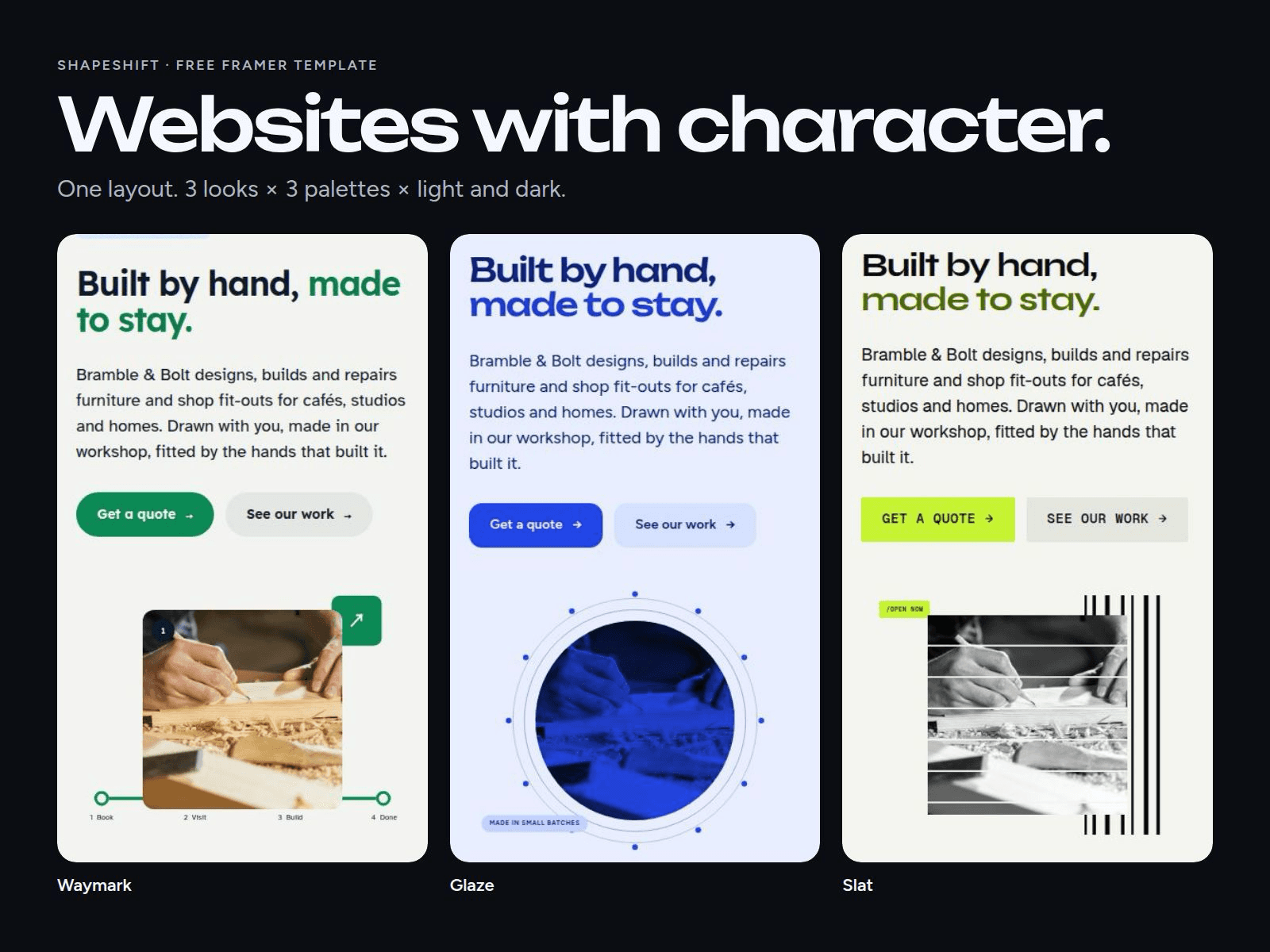
Light and Dark mode throughout, including the hero mockup
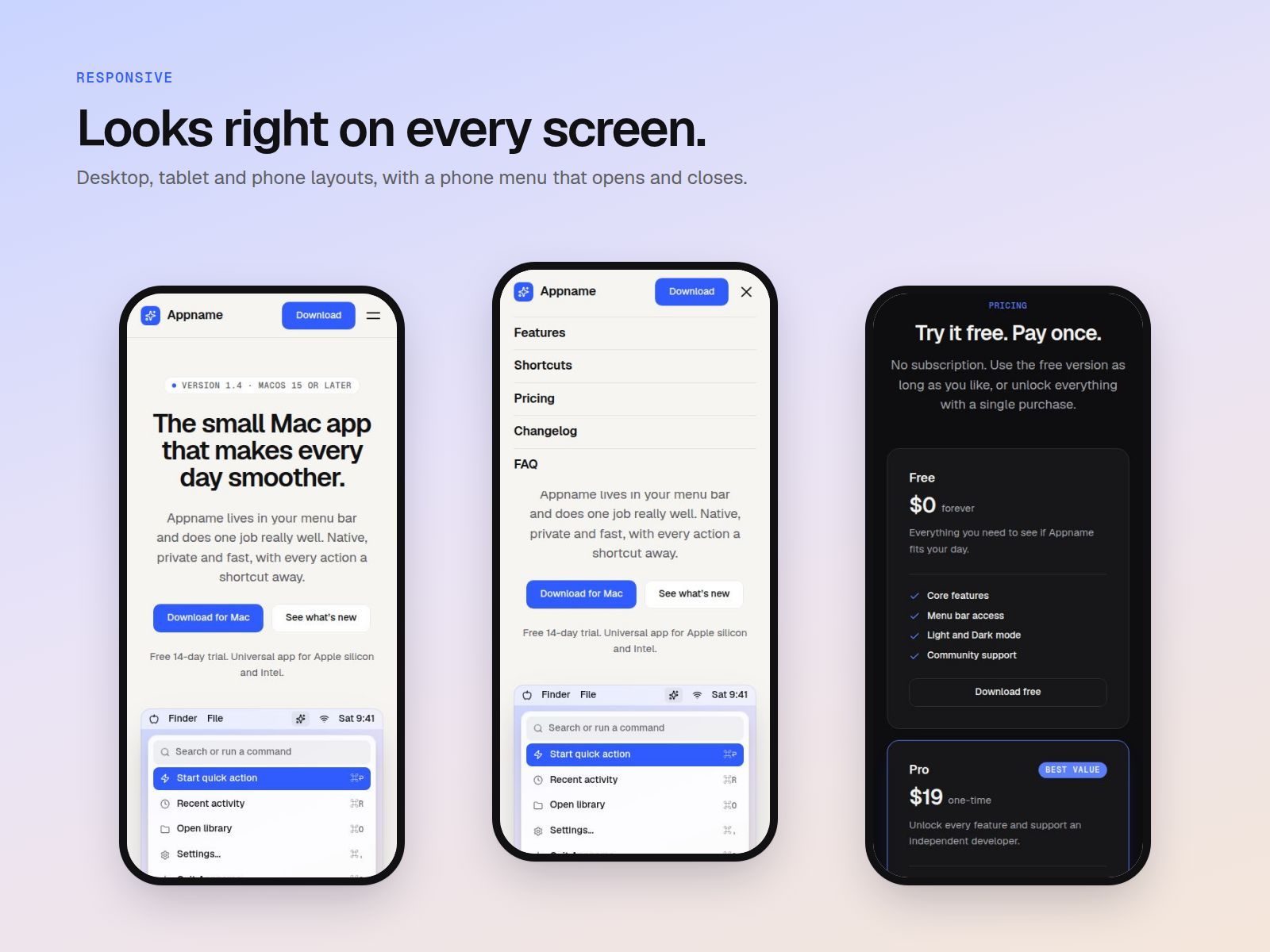
Desktop, tablet and phone layouts, with a phone menu that opens and closes
Shared color and text styles: change one Accent color and the whole site follows
Reusable Button, Navigation and FAQ components with hover and pressed states
A built-in Read Me with step-by-step setup
Built with: Geist and Geist Mono fonts and Lucide icons. There are no stock images to license.
Good for: menu bar utilities, productivity tools, developer tools, and any small Mac or iOS app that needs a simple, honest home on the web.
Free to use for personal and client projects.