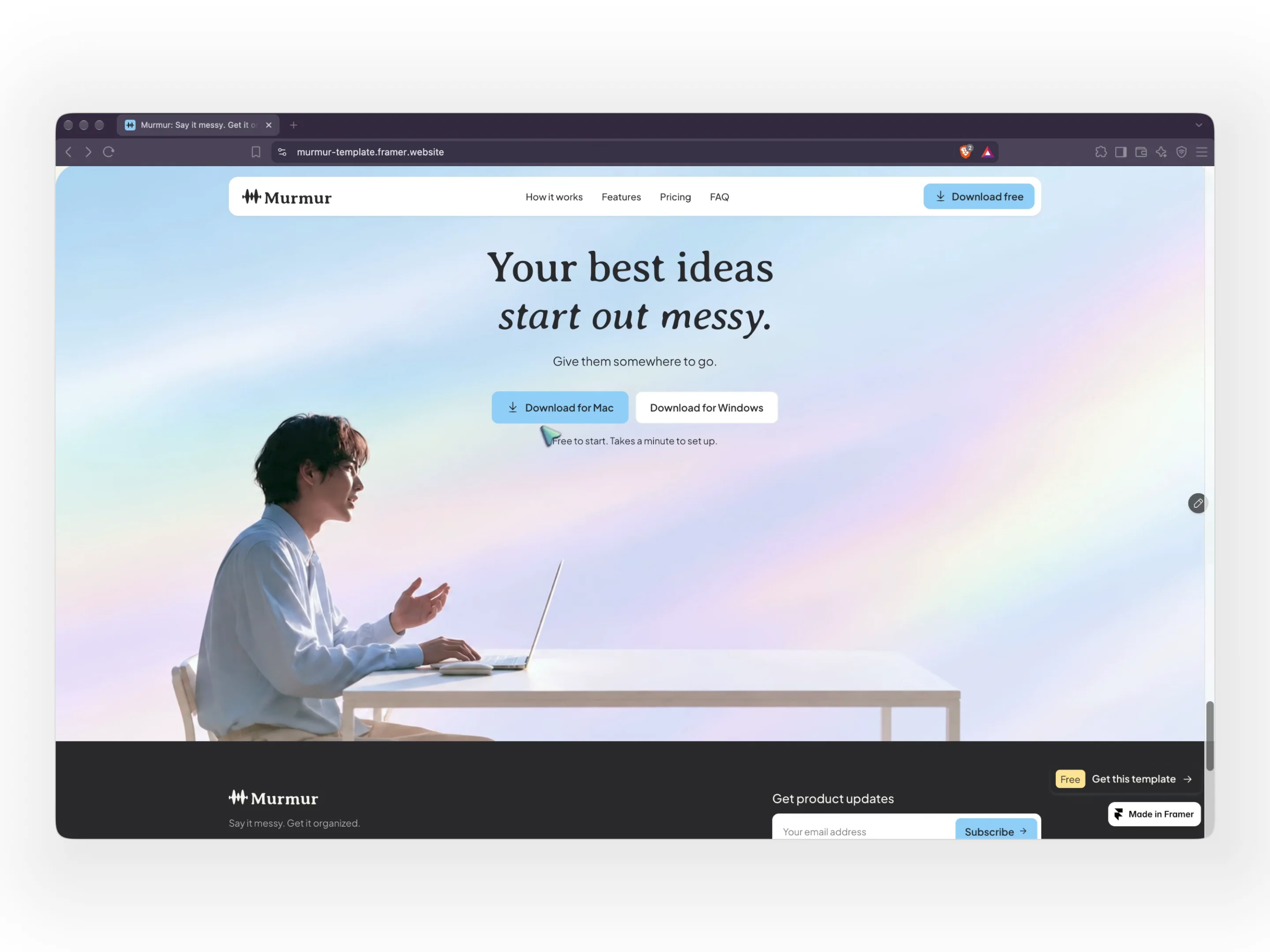
About Murmur Voice Notes
Murmur is a free one-page site for an AI or productivity app. It's built from native Framer components, so every word, colour and card can be edited on the canvas.
What's inside
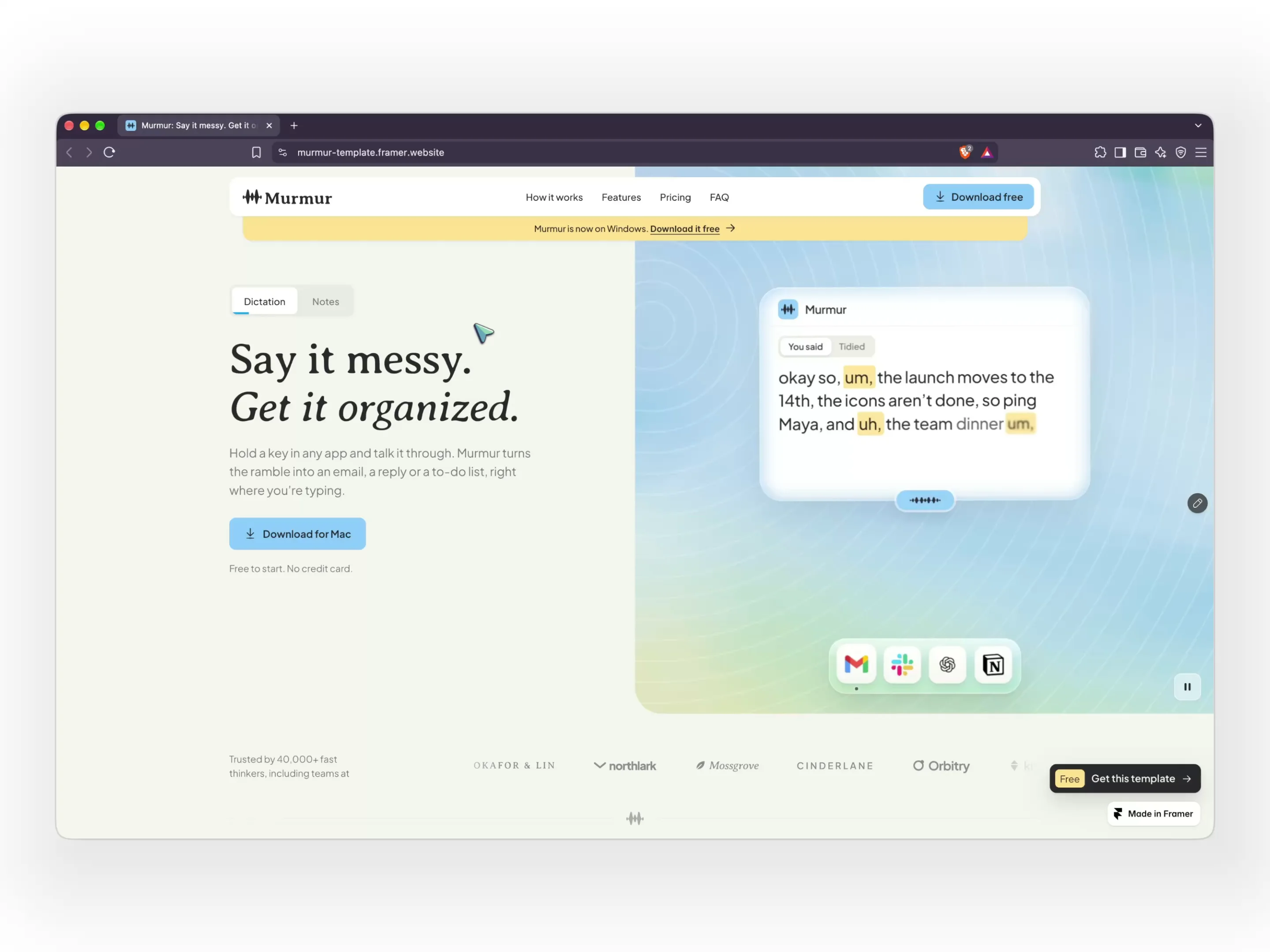
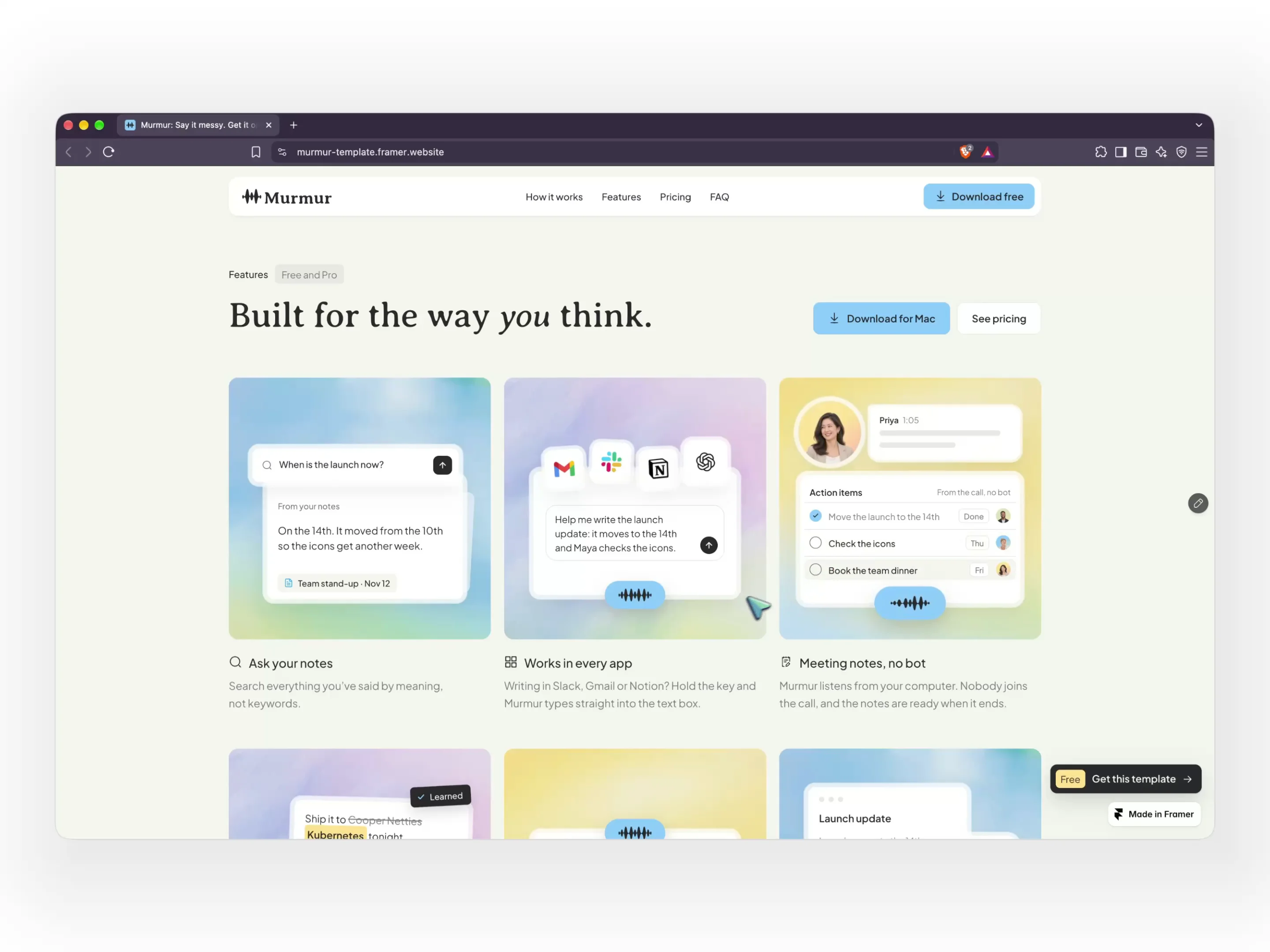
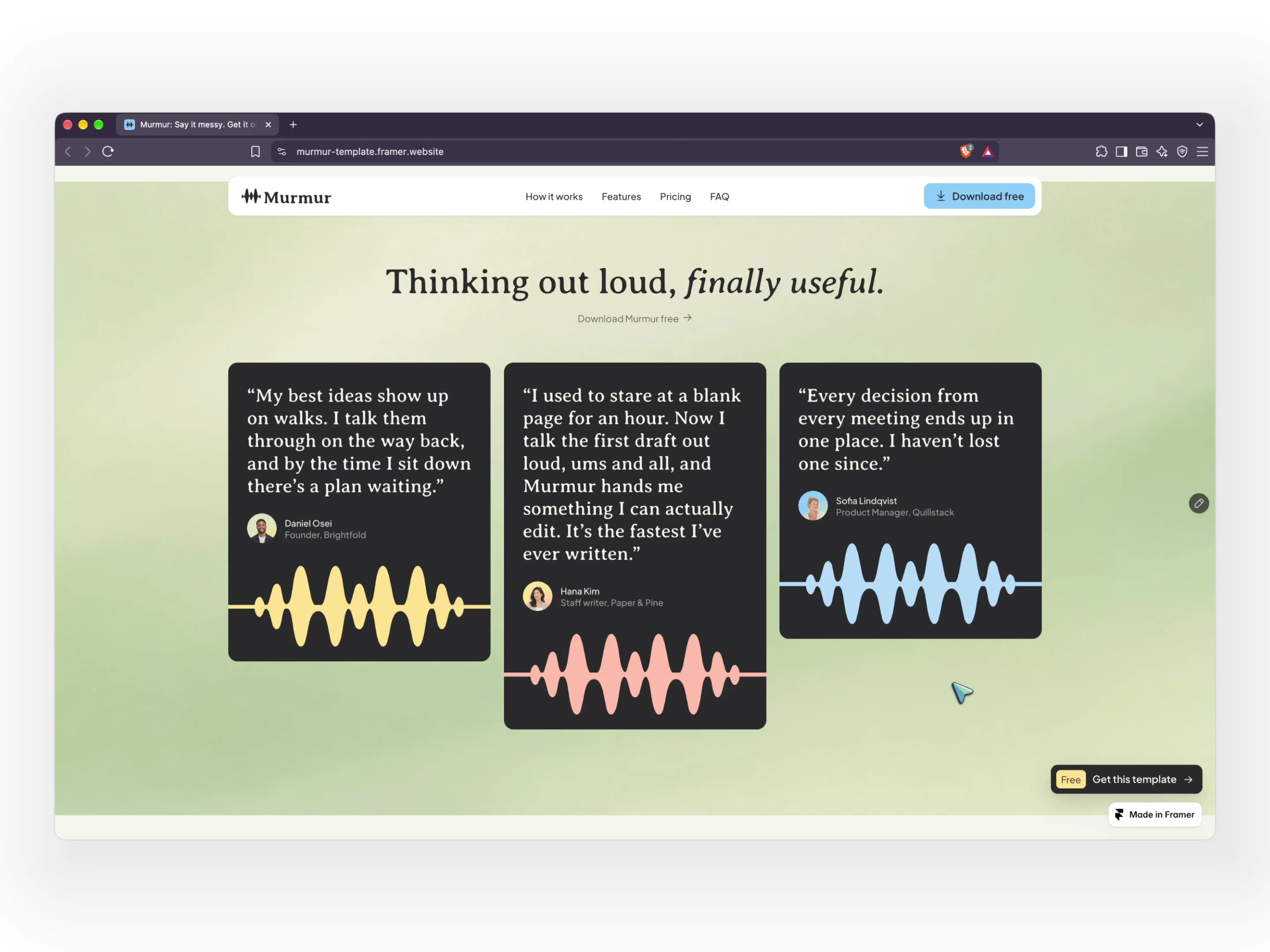
- 10 sections: a hero with two demo videos, a logo strip, a ramble that fills in as you scroll, How it works, six interactive Features cards, Testimonials, Pricing with a Monthly / Yearly switch, FAQ, a full-bleed call to action and a footer. Plus a 404 page.
- Desktop, tablet and phone layouts.
- One accent colour restyles the whole page (Assets → Colors → Accent).
- Every Features card plays a short story on hover or tap. Buttons, the nav and the FAQ have their own hover and open states.
- Testimonials and FAQ run on the CMS. Testimonial cards come in three styles (Voice, Flip and Sticky note), picked from the Variant menu.
- Text and colour styles throughout.
Setup notes
- Swap the two hero videos (MP4) and their posters in the Hero Demo settings.
- A few behaviours use small code components and overrides: the talking waveform, the hero video player, the ramble that fills on scroll, and the banner that tucks away as you scroll.
- Logos, avatars, app icons and footer links are placeholders. Replace them with your own.
- Connect the footer sign-up form to your inbox (select the form → Destination).
- Fonts: Averia Serif Libre and Plus Jakarta Sans (Google Fonts).
Made by Secnd (secnd.studio). Questions: hello@secnd.studio