About Oko
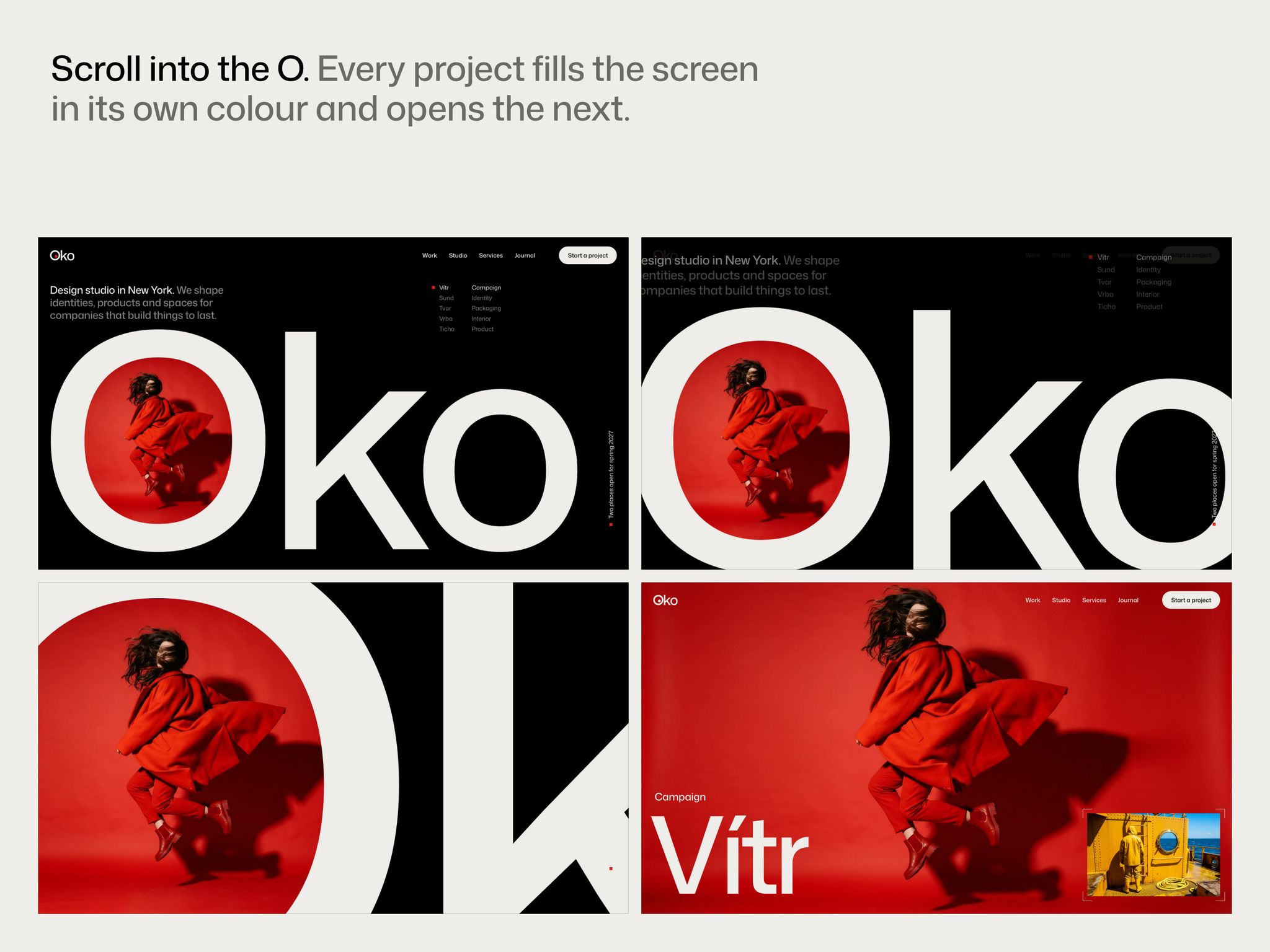
Visitors don't scroll past your work. They dive into it.
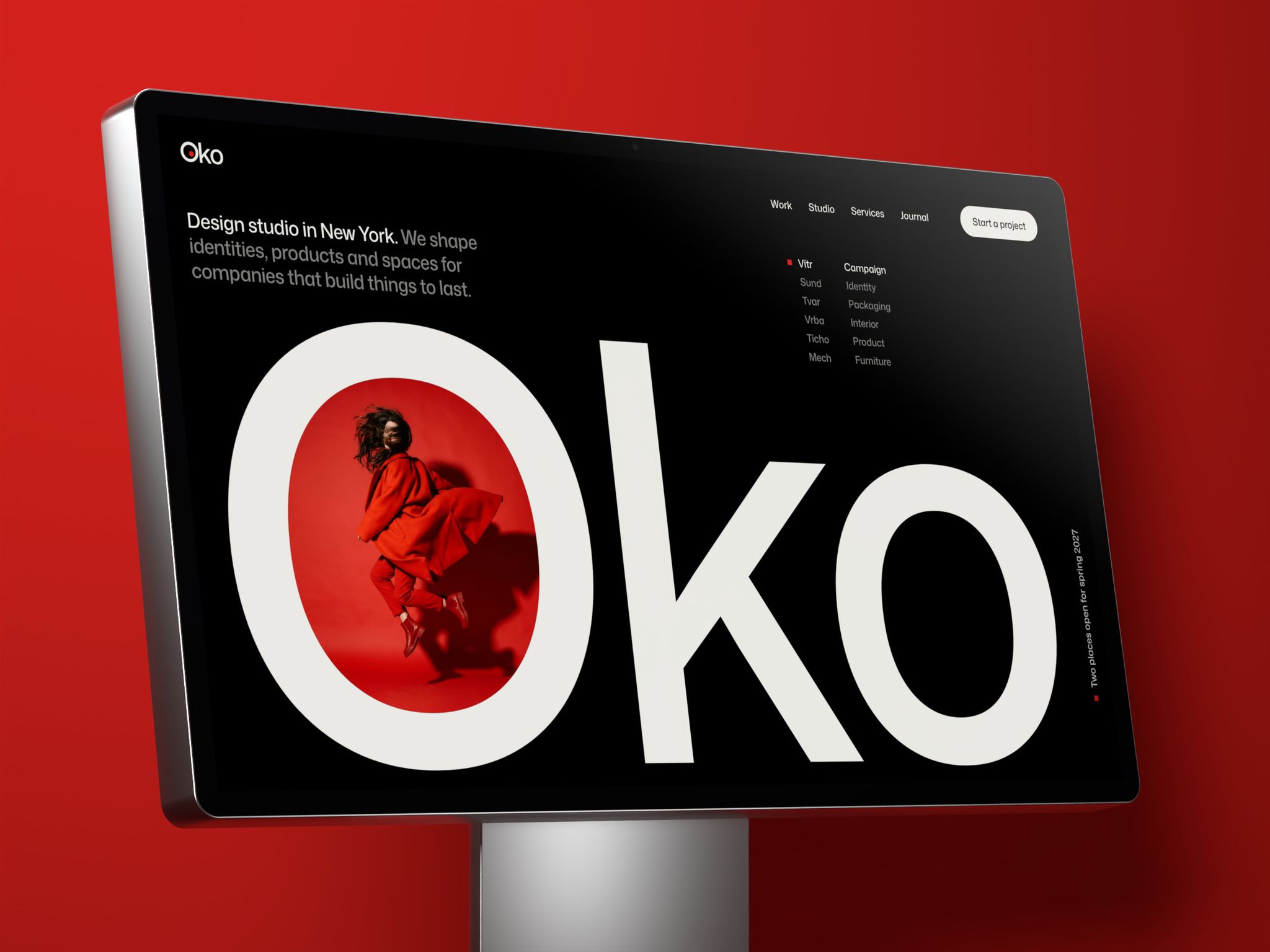
The giant word on the first screen has a window in its O. Scroll, and you dive through it into your first project. Each project fills the screen in its own colour and opens a window to the next.
What makes Oko different
A dive instead of a grid. Projects open one by one, full screen, through the window of the O.
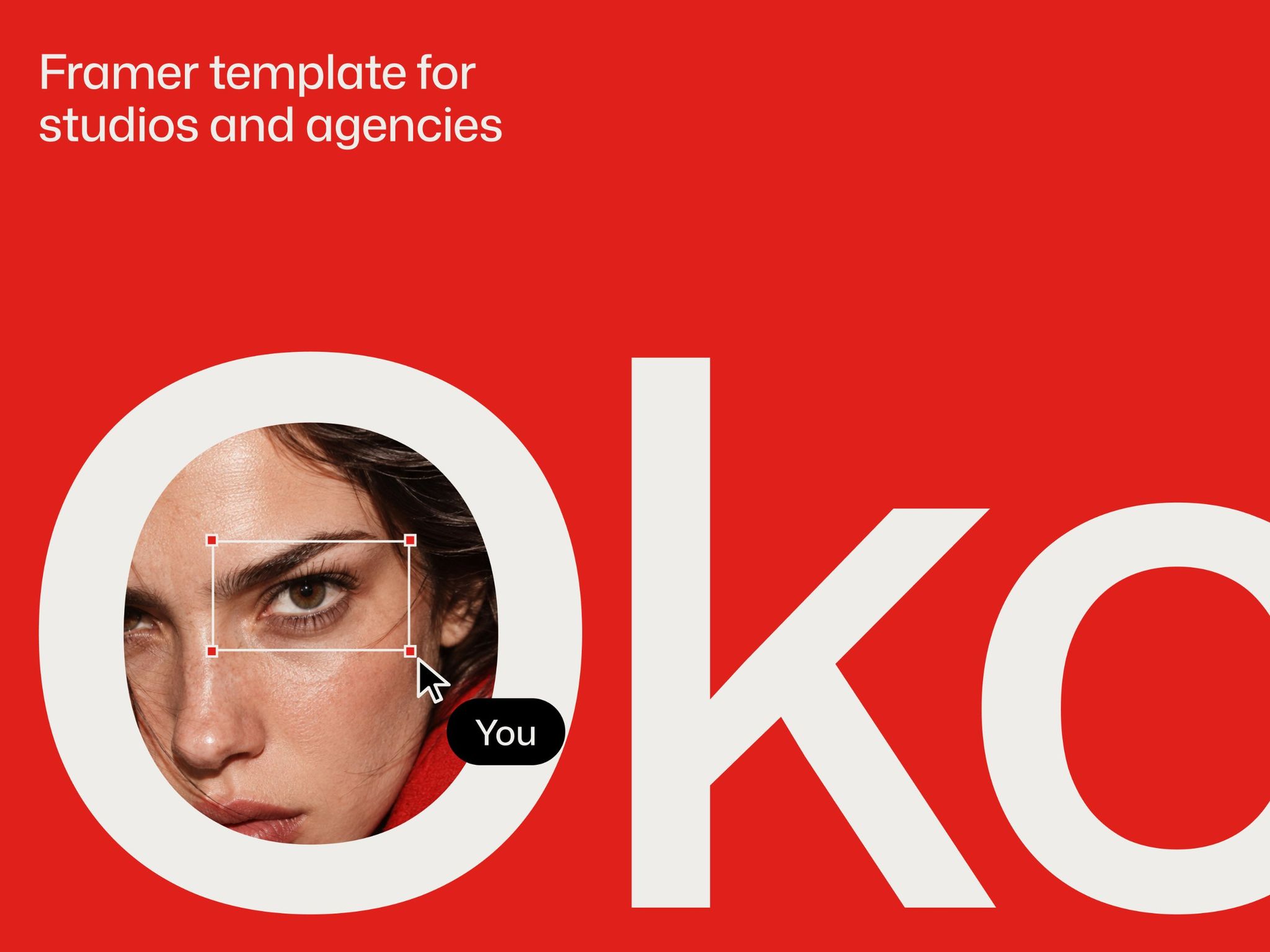
Your team, live on the page. People appear as cursors with names: they select frames, answer in the FAQ and lead open roles.
One colour per project. Set it in the CMS, and it recolours the case statement, service rows, client tabs and the logo's pupil.
Case studies with room for the story. A statement on the project colour, three process frames and a film visitors scrub.
Details that answer the cursor. A showreel you scrub, a loupe over journal covers, a work index in grid or list.
Quiet motion. Smooth scrolling, text that rises line by line, images that come into focus. Each effect has its own switch.
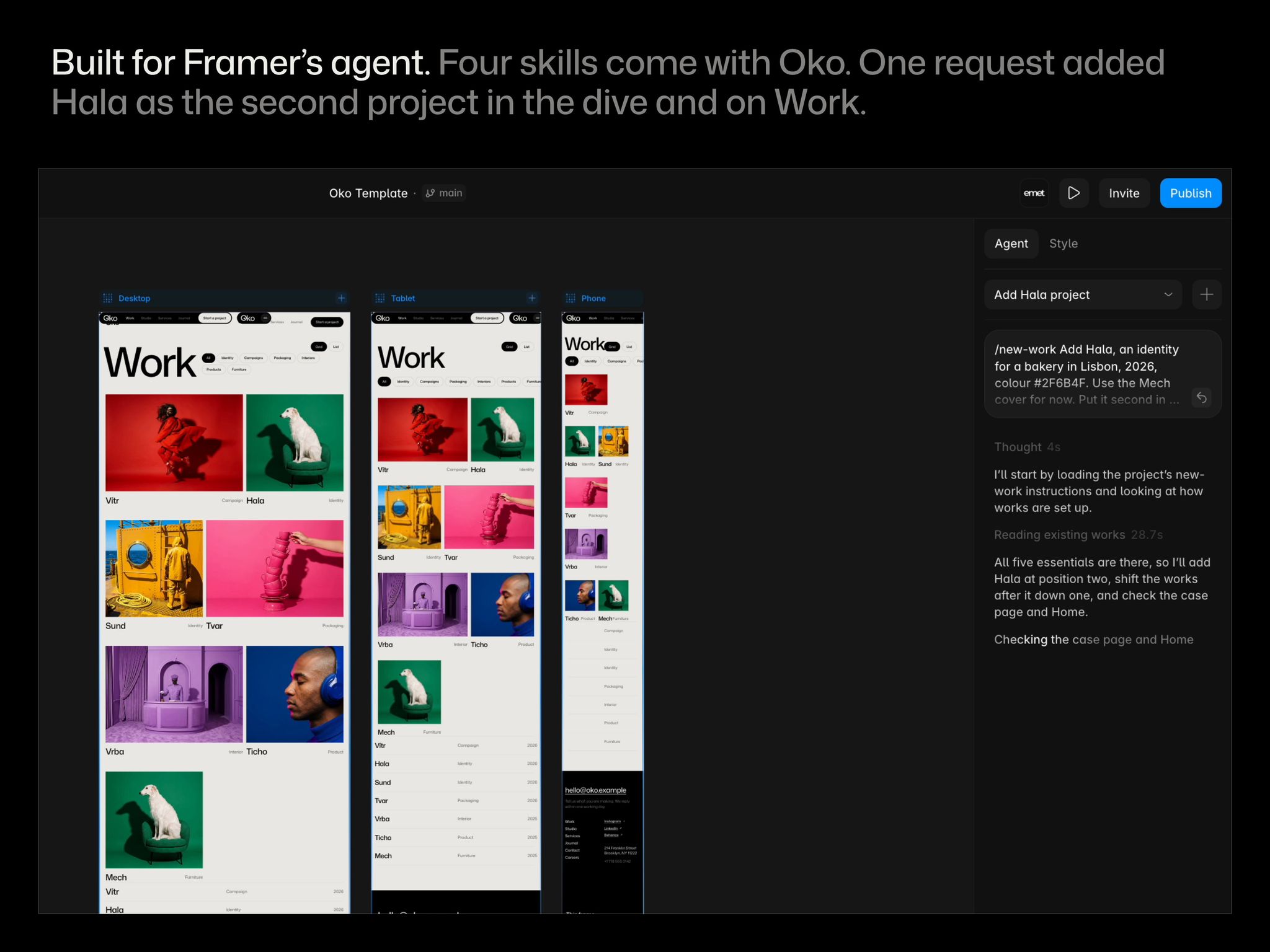
Built for Framer's agent
/new-work adds a project everywhere it appears.
/new-article writes and lays out a Journal article.
/design-system builds new sections from Oko's styles and components.
/launch-checklist lists what is still demo content.
What you get
The Figma design, free. The complete Figma file comes with your purchase.
12 page types, including Careers and Role pages
9 CMS collections
Design System and Start here pages
Desktop, tablet and phone layouts
All demo images, the showreel and six case films
Good to know
The site is media-rich: for a public launch we recommend a paid Framer site plan.
Support
hello@emet.agency. We reply within one working day.