About ORDOO
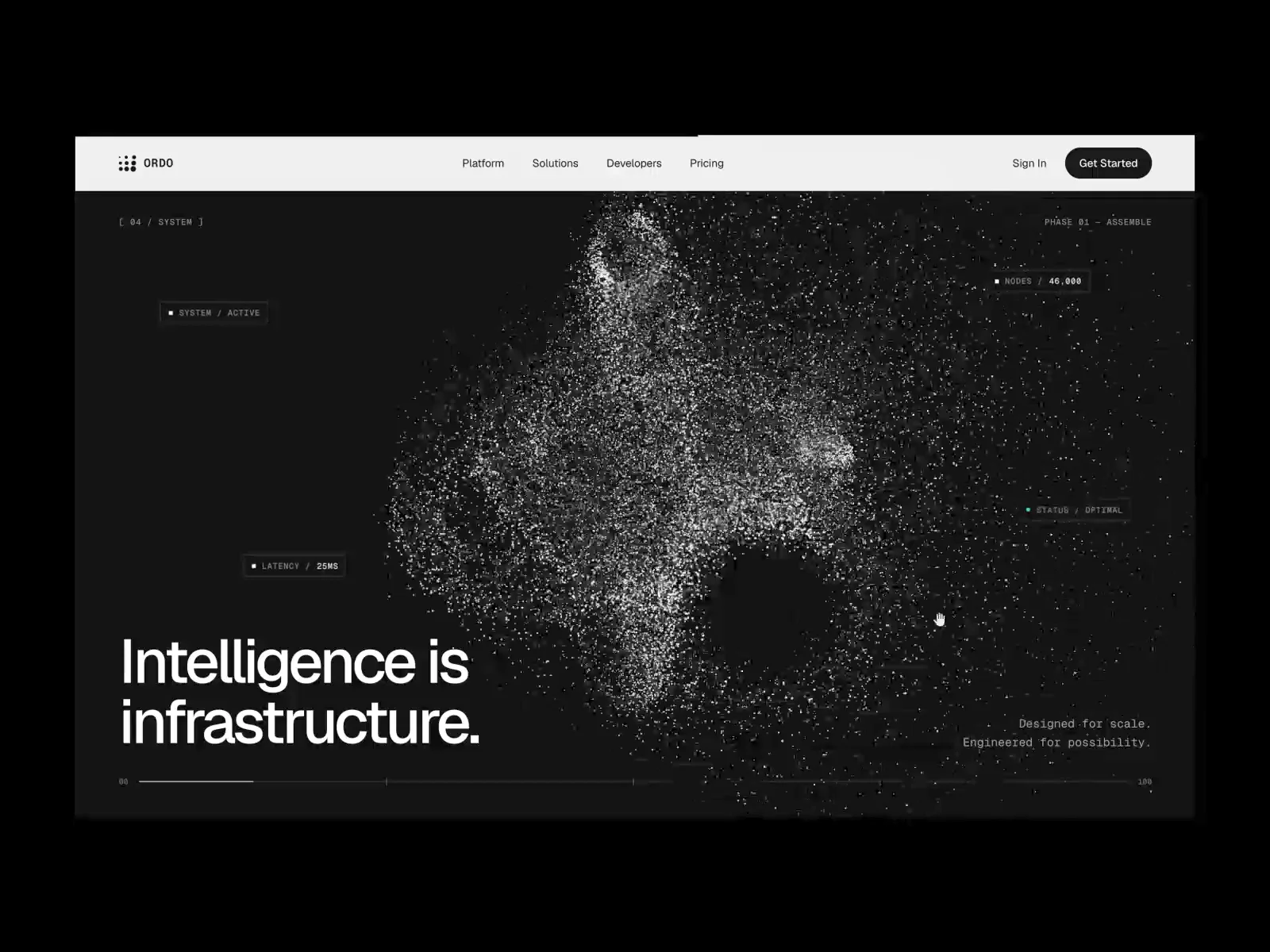
ORDO is a landing page template for AI infrastructure, developer tools and technical SaaS. It’s built in a monochrome Swiss style: thin technical gridlines, mono labels and large editorial type. Its signature is a set of procedural 3D halftone sculptures made from thousands of dots, rendered in real time with WebGL. They aren’t videos or images.
The hero sculpture rotates, tilts toward the cursor, pushes its dots away from the pointer and morphs between three forms when clicked. It can be drawn in five visual modes: halftone surface, wireframe + dots, particle geometry, dithered point cloud and dot matrix. Further down, a full-screen scroll scene assembles a sculpture from particles, expands it, morphs it and finally rearranges it into a clean lattice.
What’s included
8 sections: hero, logo row, platform features, interactive product showcase, immersive 3D scroll scene, metrics with a live signal chart, developer section with a code editor, and a CTA footer with an interactive dot field
Desktop, tablet and phone layouts, with a fullscreen mobile menu
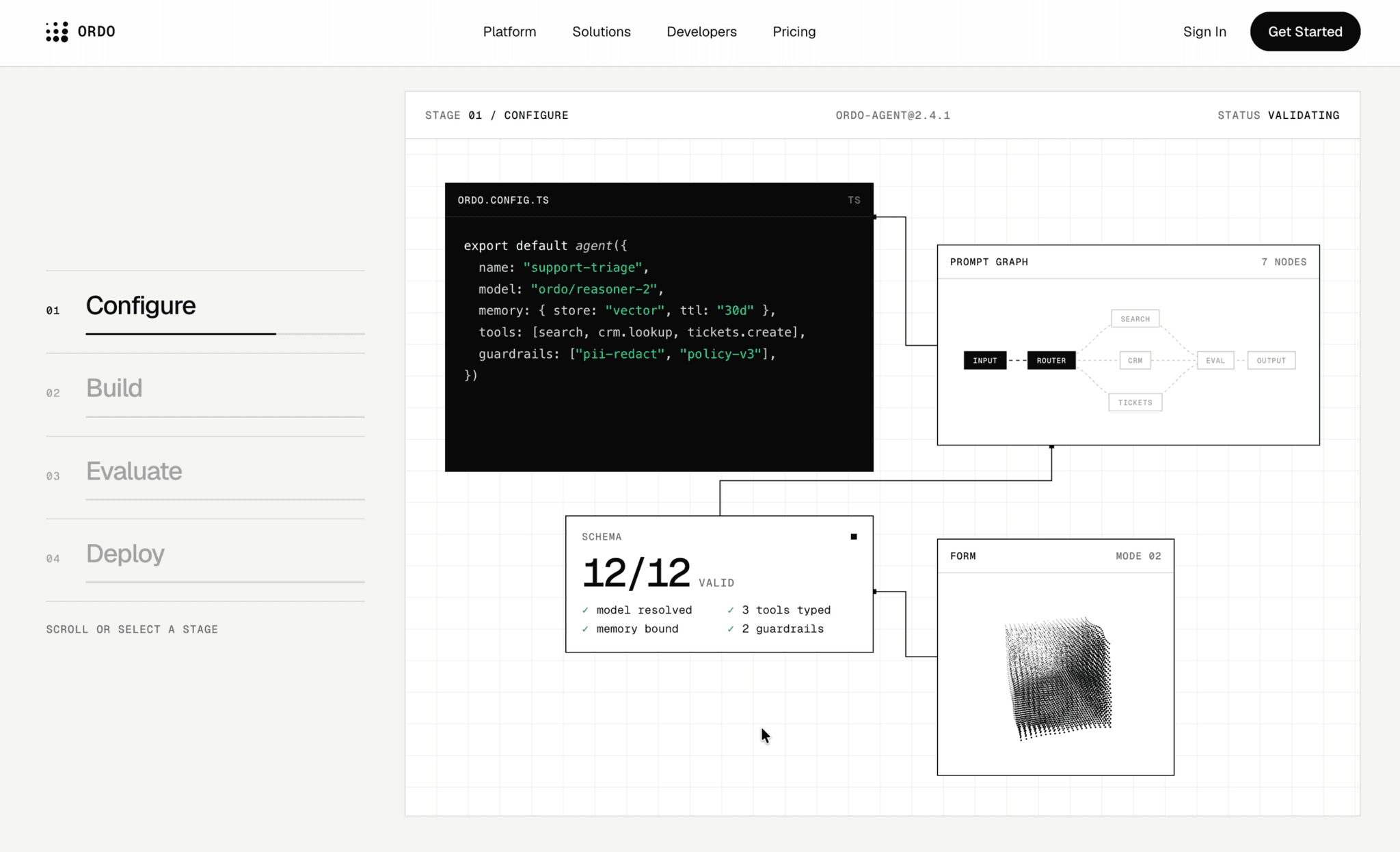
Pinned scroll showcase: four workflow stages with animated connections and pixel-wipe transitions
Code editor with JavaScript, Python and CLI tabs, a typewriter effect, a copy button and a deploy status
Live latency graph you can inspect with the mouse or the arrow keys
Six animated feature illustrations, each with its own hover behaviour
Footer dot field that ripples around the cursor and reveals a ghosted wordmark
Reusable components: Button (5 styles with hover states), Section Heading and Feature Card
Color styles and text styles throughout (Geist and Geist Mono)
Easy to customise Every visual effect is a code component with clear property controls. You can change the shapes, dot size, dot spacing, particle density, rotation speed, noise, hover wave, mouse strength, perspective and colors without touching code. Effects respect reduced-motion settings and pause when off screen.