About Signature
Signature is a portfolio template for photographers, designers, architects and other creatives. White paper, small type and thin rules keep the attention on your images.
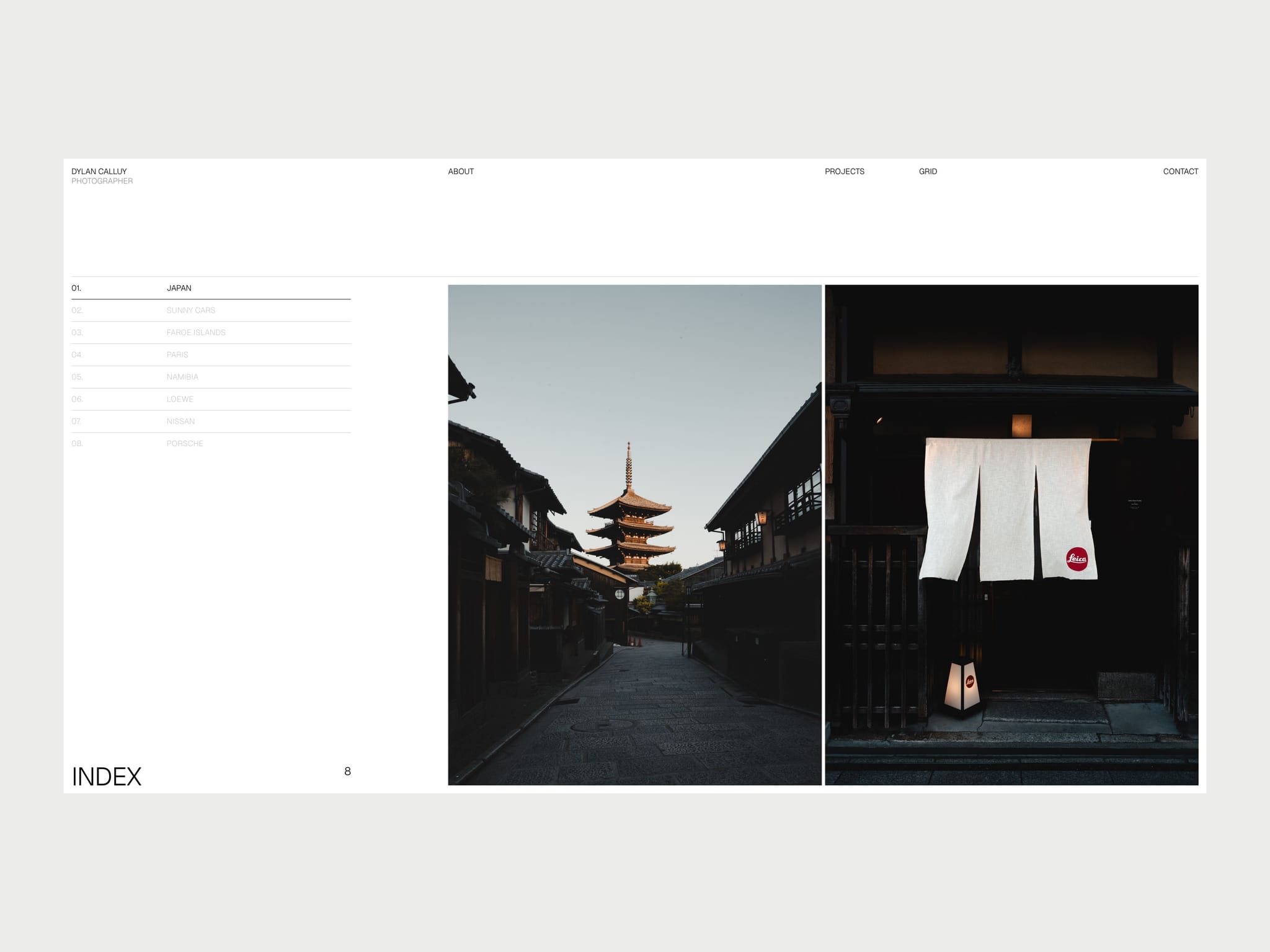
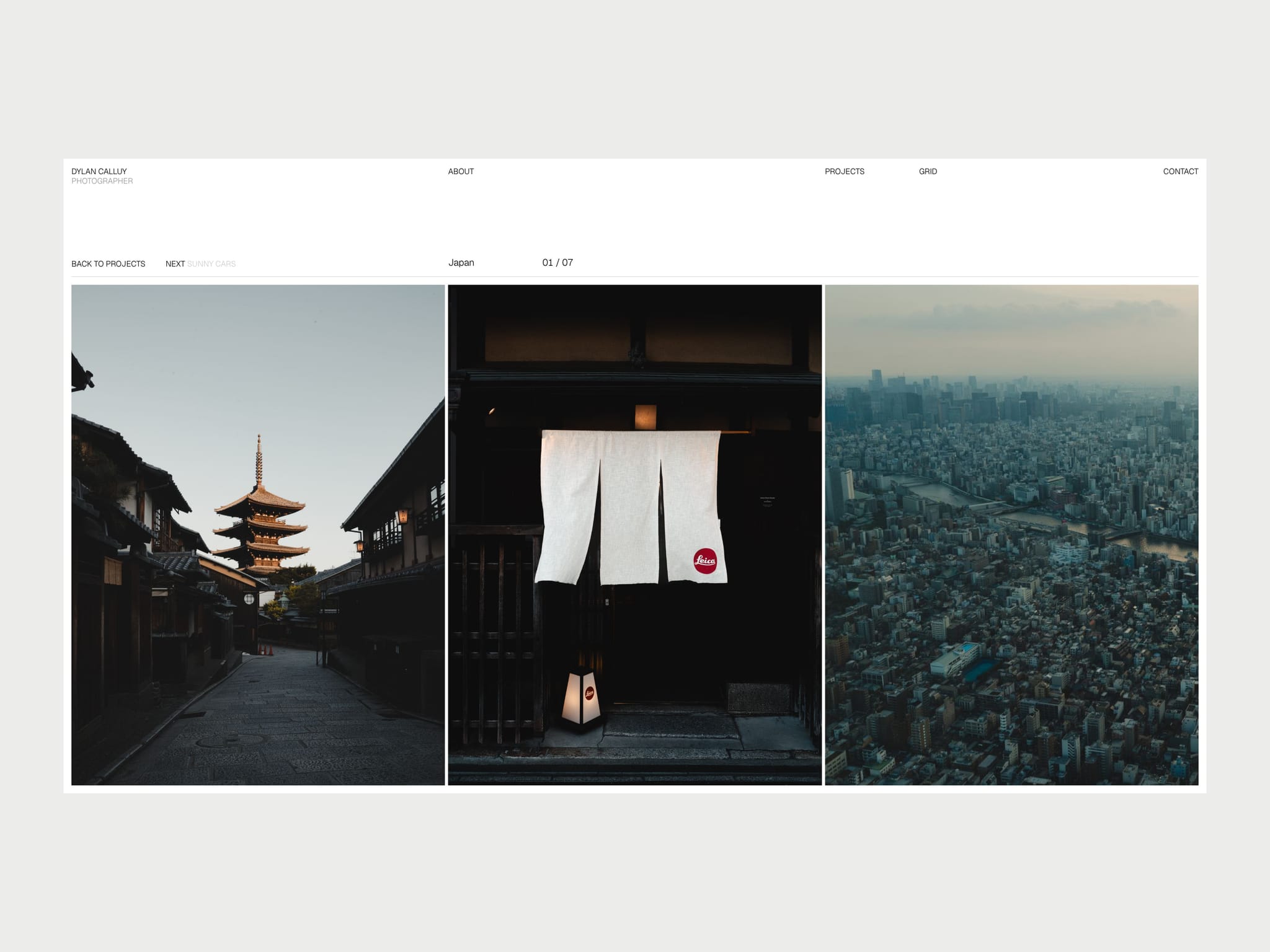
A project list sits beside a large gallery that changes as you move through it. Open a project and its photo travels from the index into a row you can scroll, drag or swipe. NEXT carries you straight into the following project without leaving the row.
Your projects and grid photos live in the CMS, so adding work takes minutes. Everything else, from your bio to your client list, is in one panel.
Features
Preloader that cycles your photos and lands on the first project
Index with a live project count, hover previews on desktop and auto-advance on touch screens
Project pages with a scrolling photo row, subtle parallax, and video support
Photo transitions that carry between the index and project pages, on real page URLs
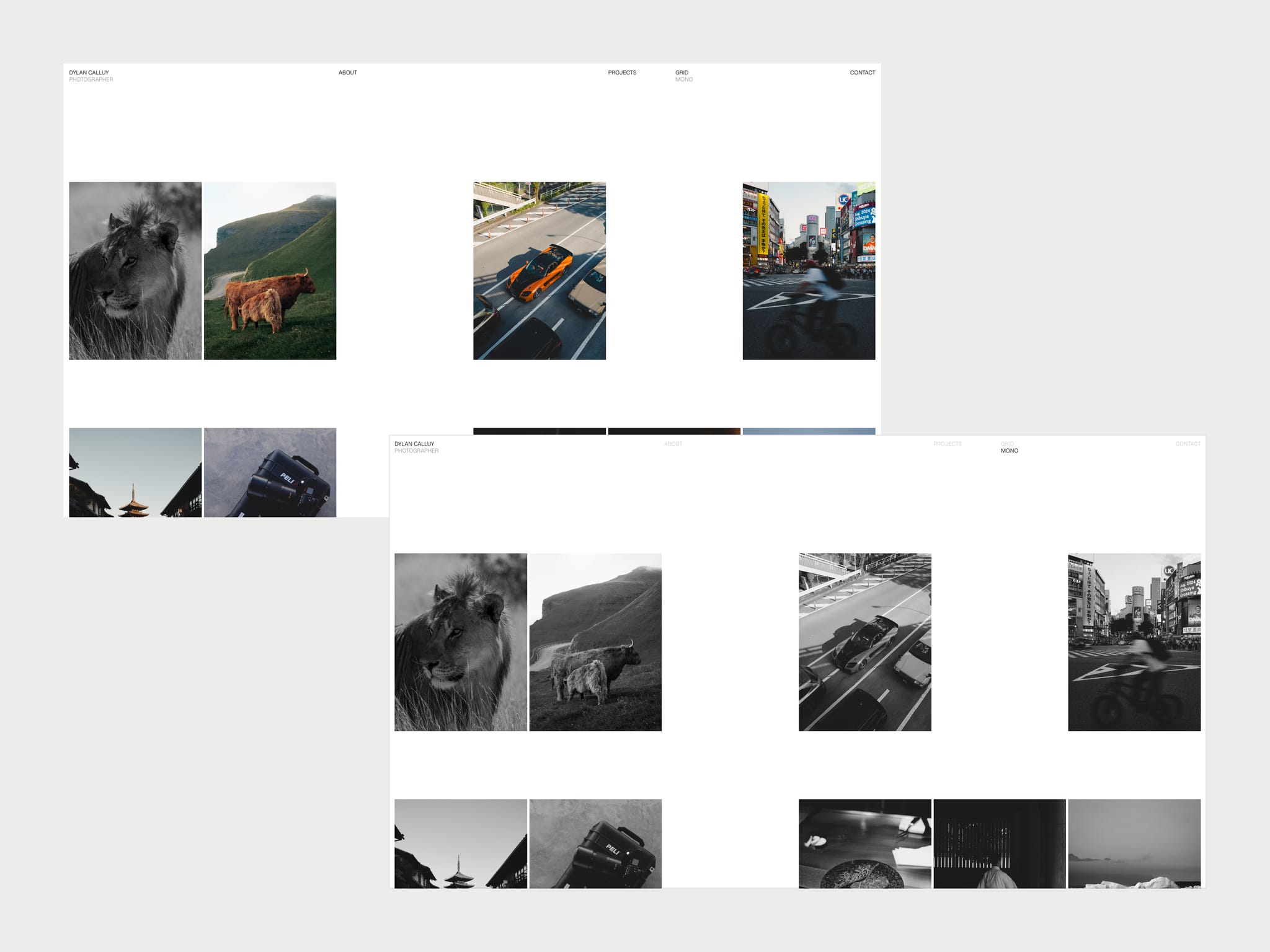
Grid page with a shuffled contact sheet, expandable photos and a one-click monochrome view
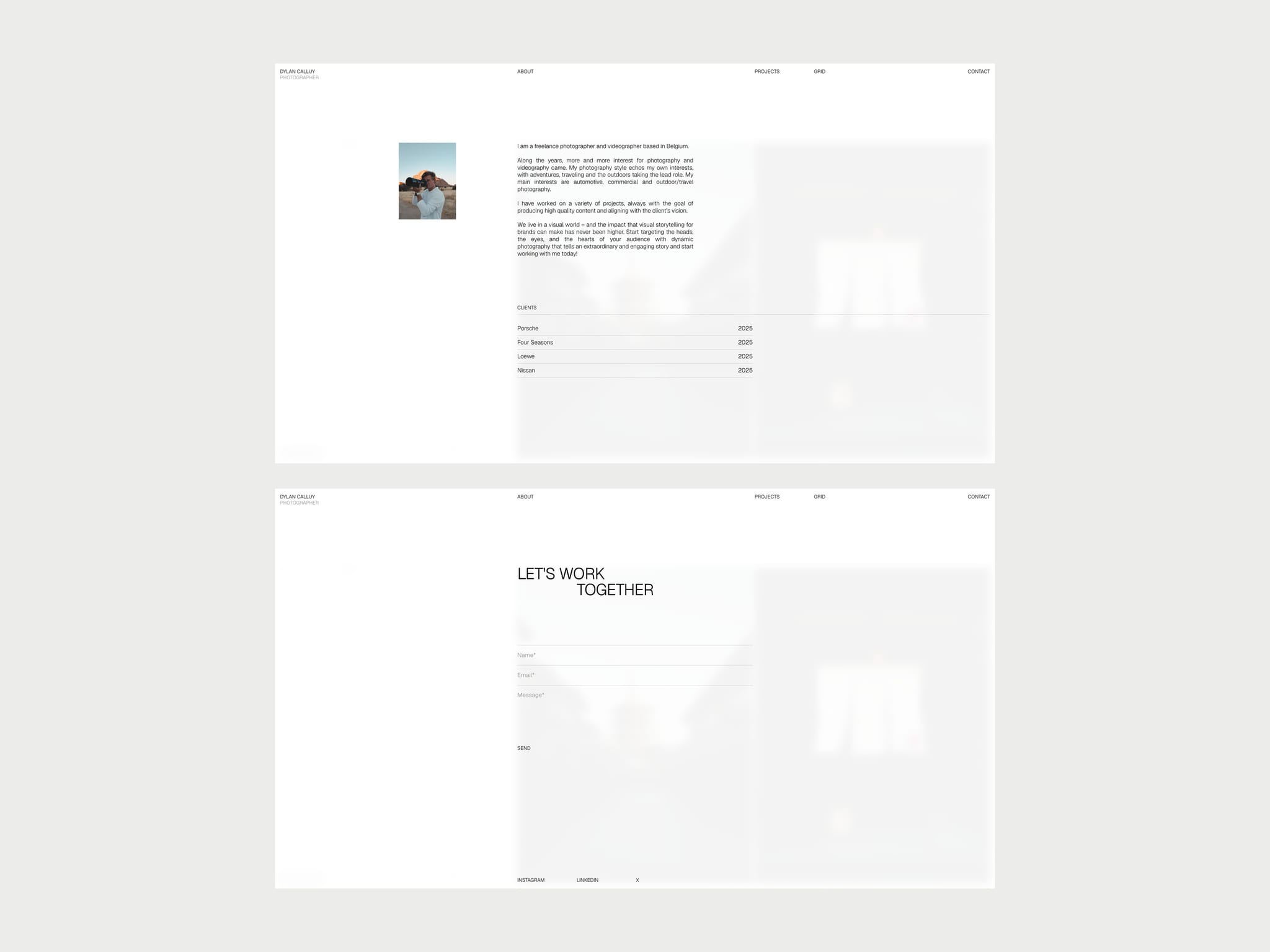
About page with portrait, bio and client list
Contact form with validation, using Framer's own form delivery
Layouts designed for desktop, tablet and phone, including a vertical project feed on phones
Custom 404 page
Keyboard navigation and reduced-motion support
Good to know
The demo photos, videos, portrait and client names only show how the template works. They aren't licensed for your own site, so replace them before you publish.
The design and motion run as one code component, which keeps the transitions exact. You edit content through the CMS and a settings panel, and can't restyle individual layers.
Fonts, colors, spacing and fixed wording such as INDEX and the form labels are in the code file.
The canvas shows each page at rest. Use Preview to see the motion.
To edit: projects and grid photos are in the CMS. Everything else is on the Portfolio layer (Assets → Site, then Layers → Portfolio).
Full setup guide under Pages