About Slack Tide
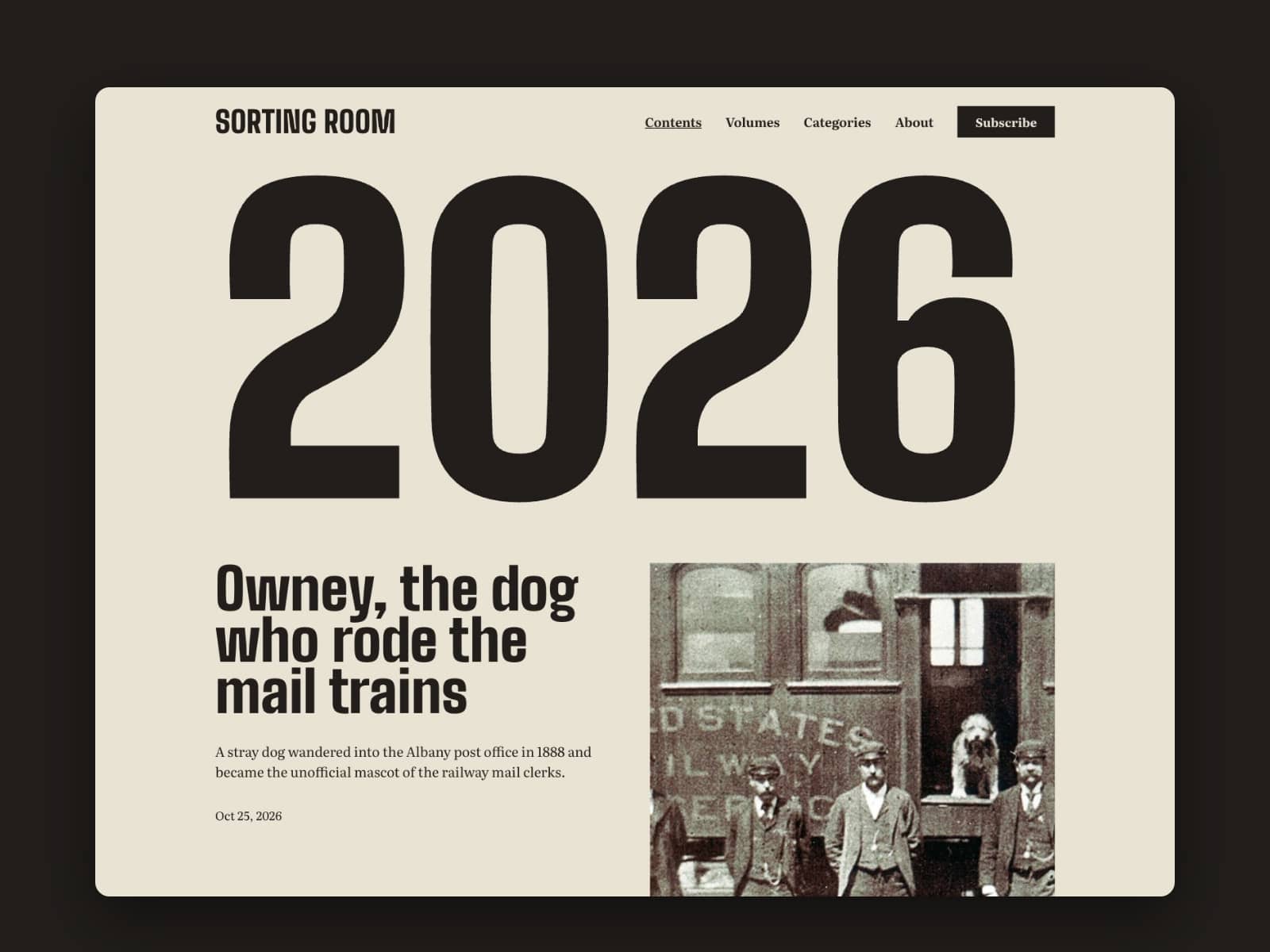
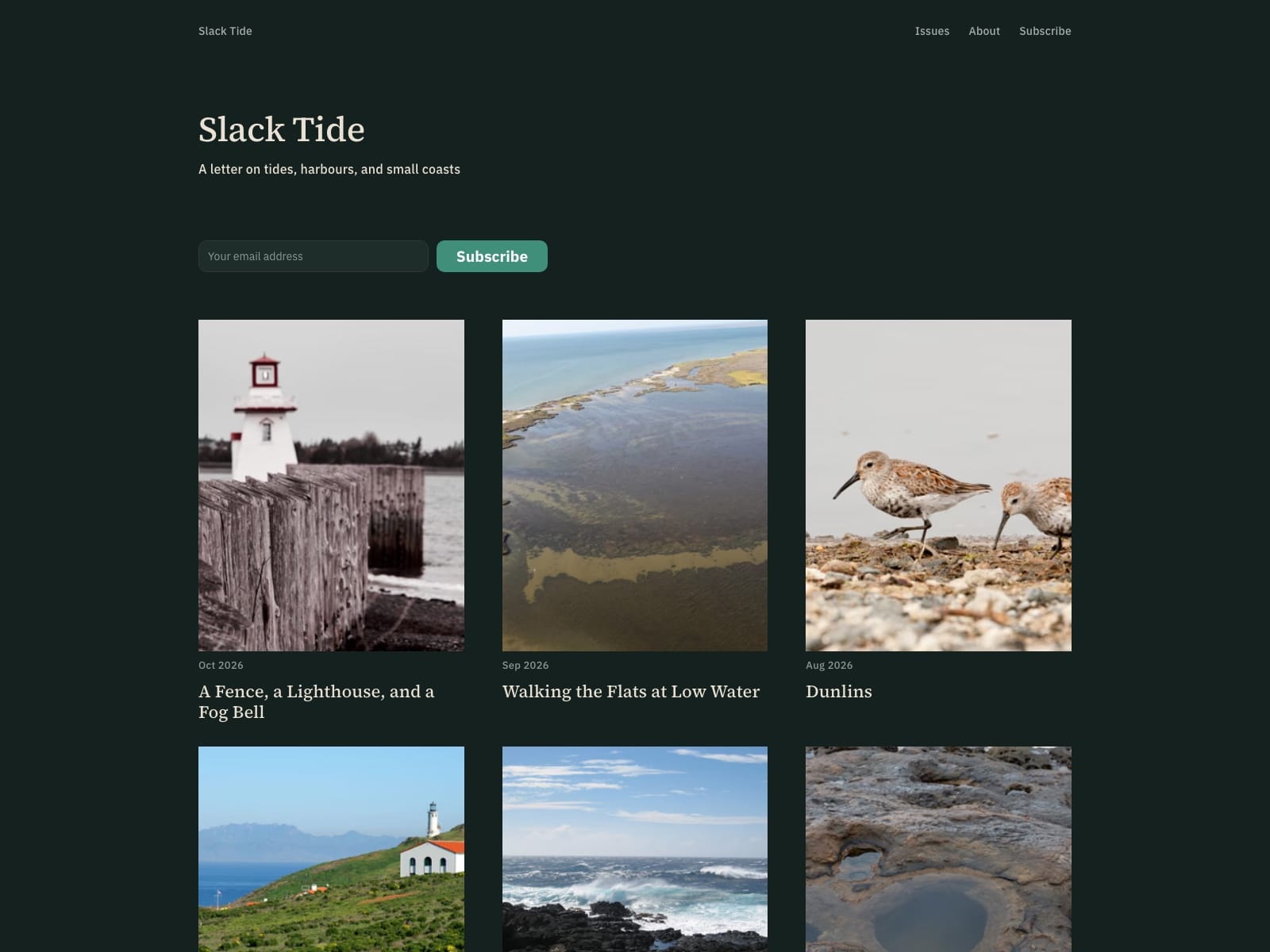
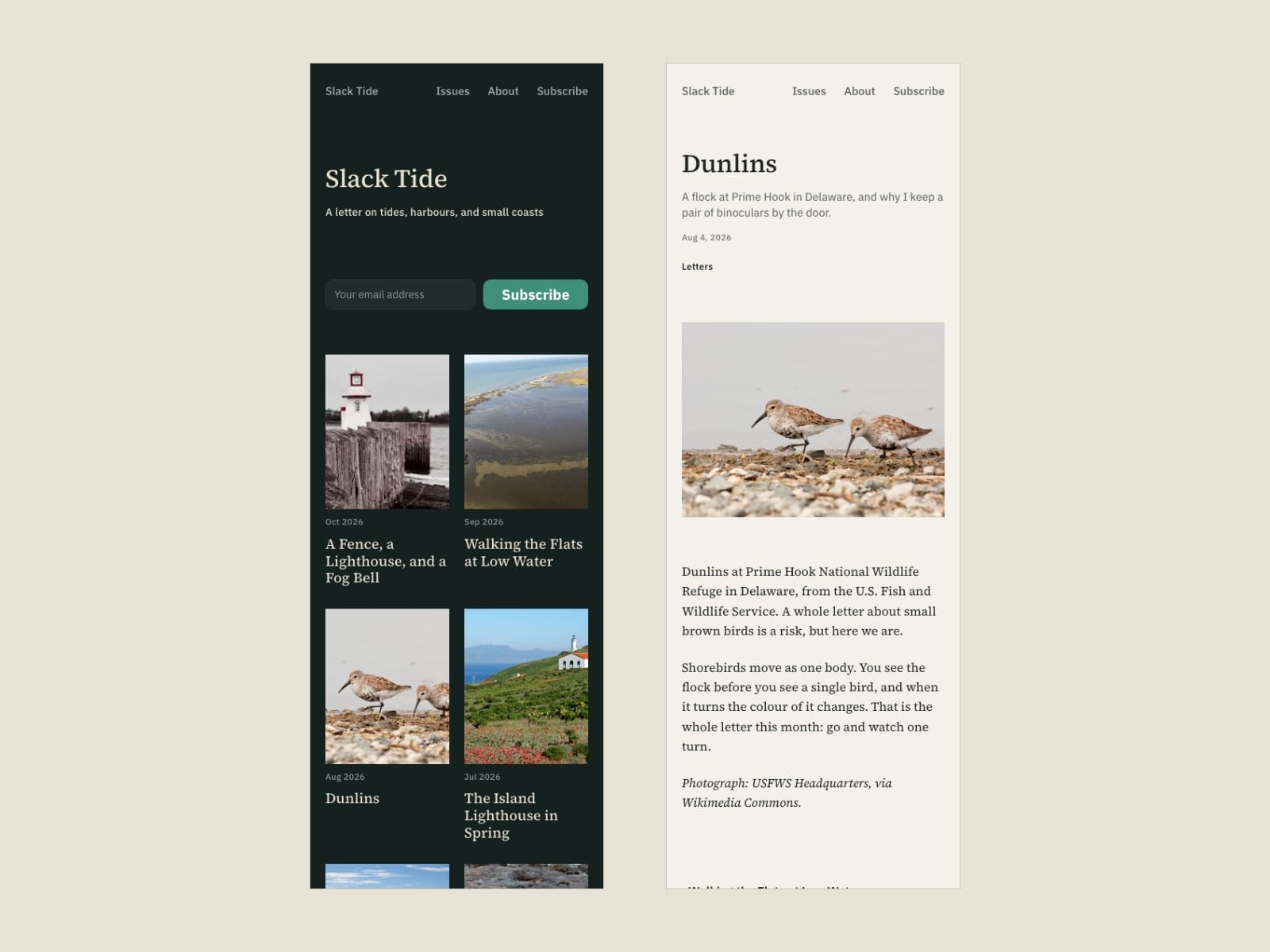
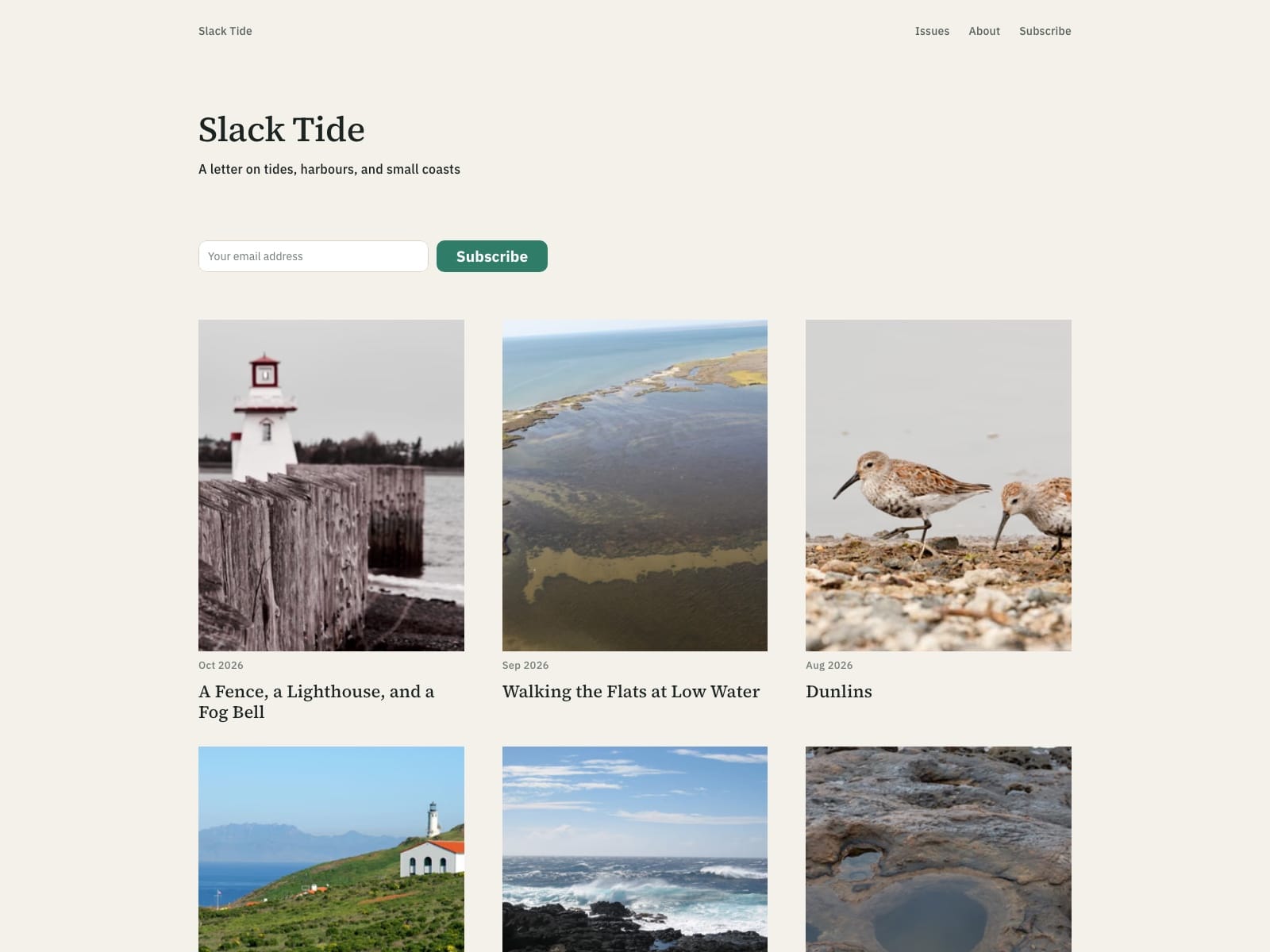
Slack Tide is an archive for a newsletter or photo blog: a grid of issues, newest first, each with its cover, month and title, and a quiet reading page for every issue.
It is made for letters that already exist. The 16 issues you see are samples; the free Blog Import plugin replaces them with your own archive from a Substack, Ghost, WordPress, Medium, Blogger or Squarespace export.
Includes
Archive grid, three columns on desktop and two on tablet and phone
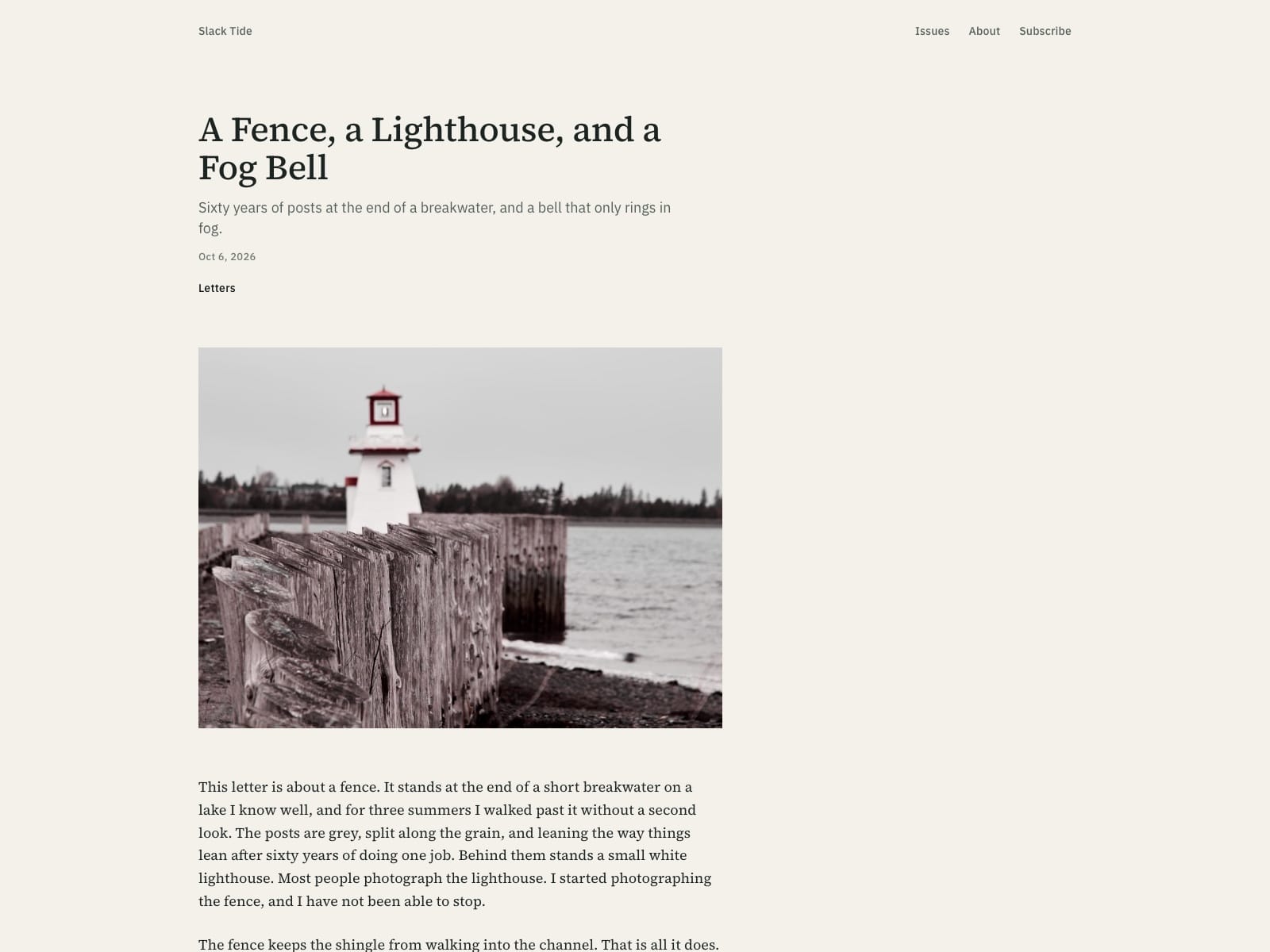
Issue page with title, subtitle, date, category, cover and full text, and links to the issues before and after
About page, and a subscribe form on the archive, issue and About pages
Light and dark colour schemes that follow the reader's system setting
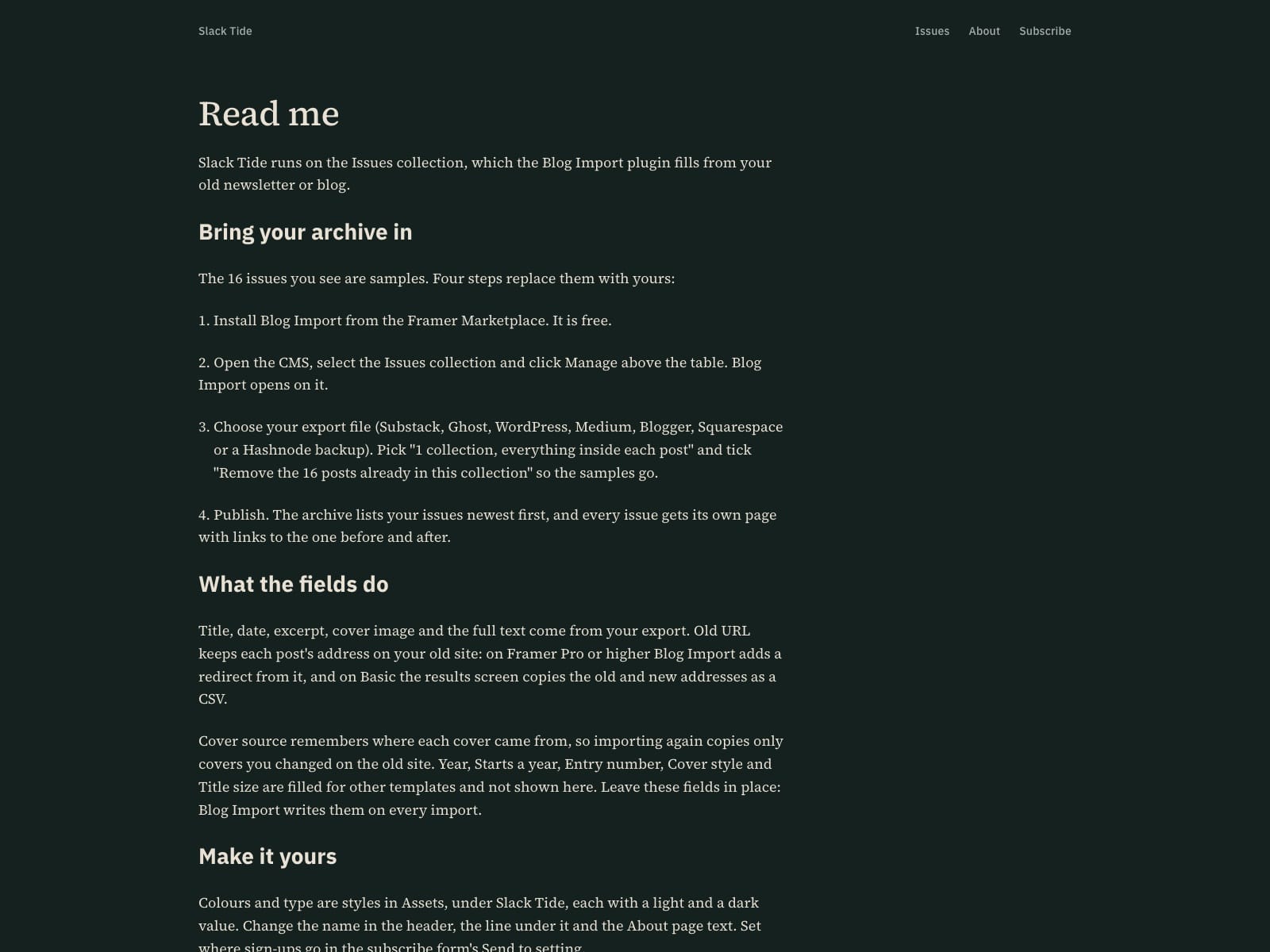
404 page and a Read me page with the setup steps
Desktop, tablet and phone layouts, Google Fonts only (Source Serif 4, IBM Plex Sans)
Setup
Remix the template.
Install Blog Import from the Framer Marketplace, open the CMS, select the Issues collection and click Manage.
Choose your export file, pick "1 collection, everything inside each post" and tick "Remove the 16 posts already in this collection".
Publish. The archive and every issue page fill from your posts.
Limitations
The archive runs on the collection Blog Import makes.
Redirects from your old addresses need Framer Pro; on Basic, Blog Import copies the old and new addresses as a CSV.
Set where sign-ups go in the subscribe form's Send to setting.
Sample photographs are public domain or CC0 from Wikimedia Commons, credited at the end of each issue.