About Sprintwell Bootcamp
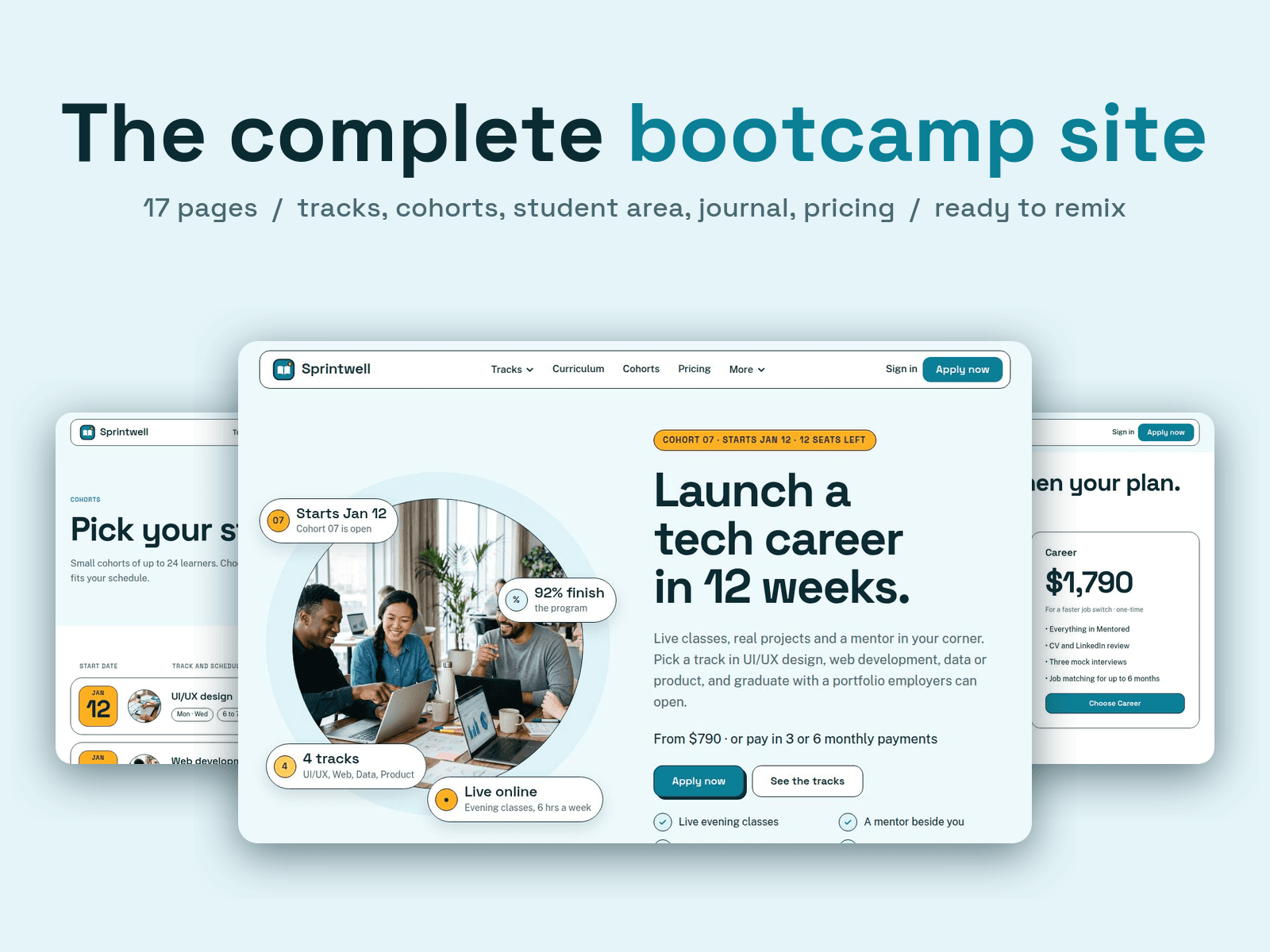
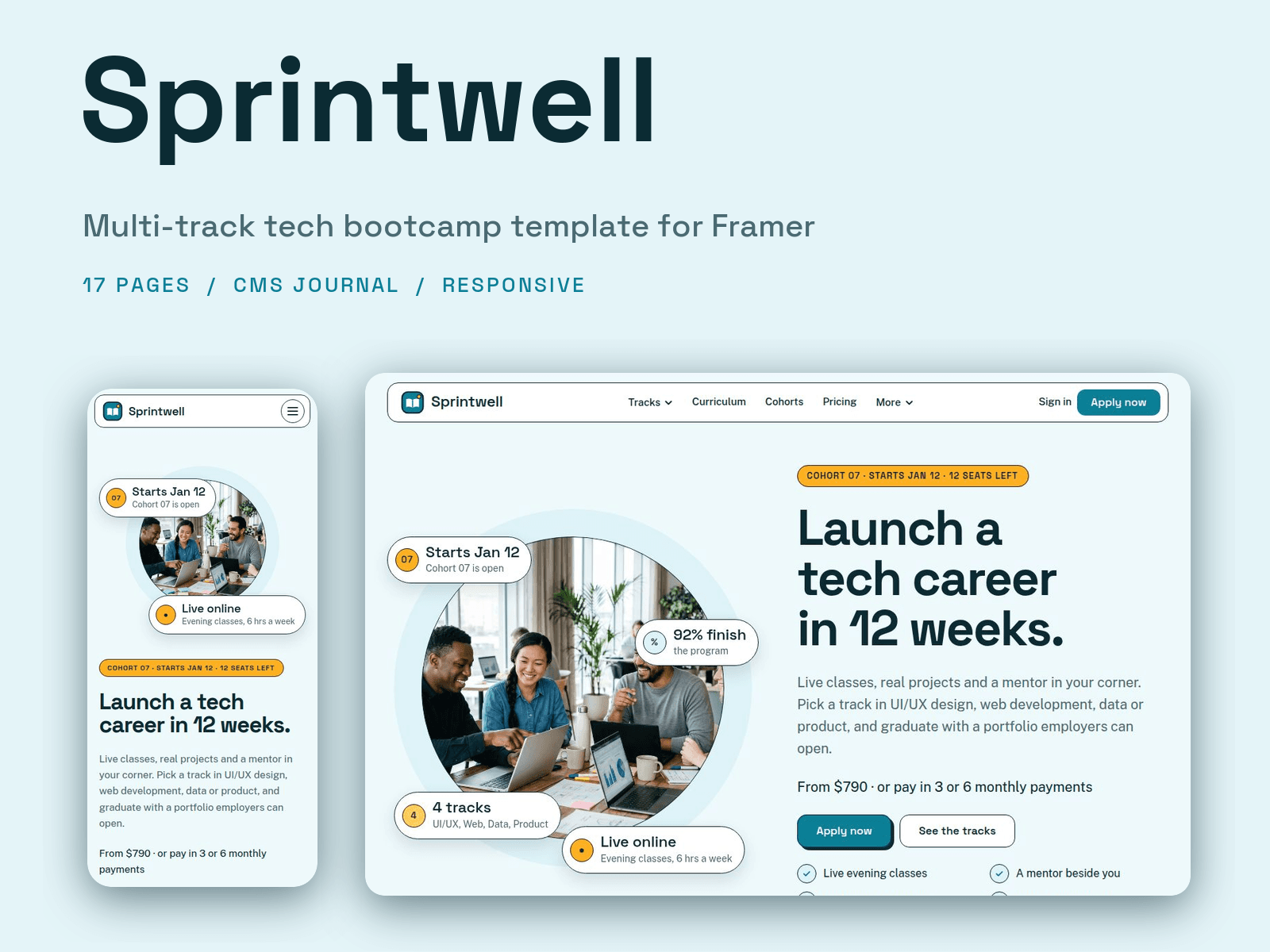
A multi-track tech bootcamp Framer template with pricing, cohorts and a track finder 🎓
Sprintwell helps a bootcamp or training school explain its tracks, show clear prices and let visitors pick a cohort and apply. Outline style, friendly colors and light animations keep it modern without slowing the page.
✨ WHAT'S INCLUDED
• 17 pages: Home, Curriculum, Cohorts, Apply, About, Contact, Journal, Journal article, Legal and a 404, plus design-only Sign in, Sign up, Forgot password, Check email, Checkout, My bootcamp and Account.
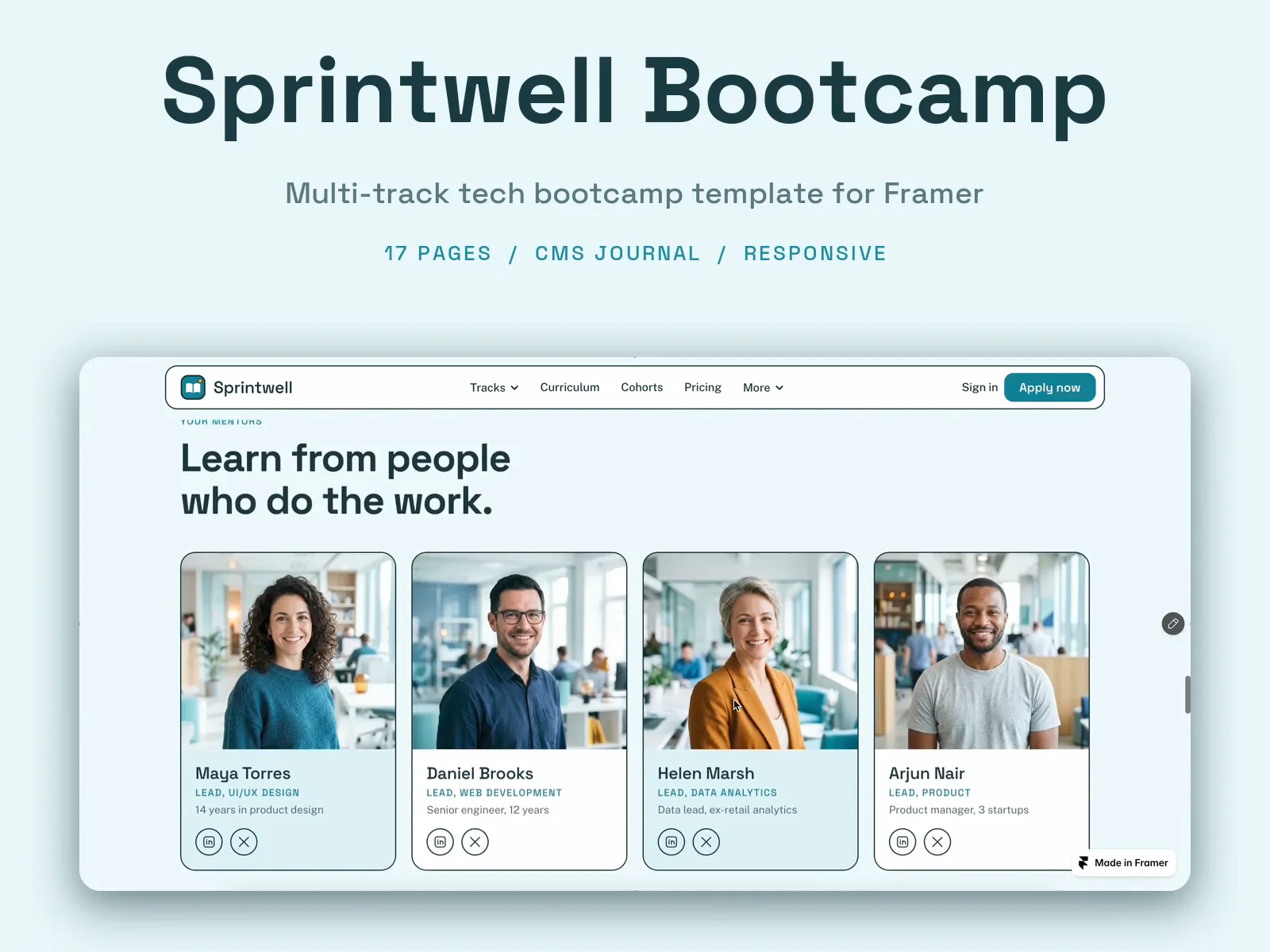
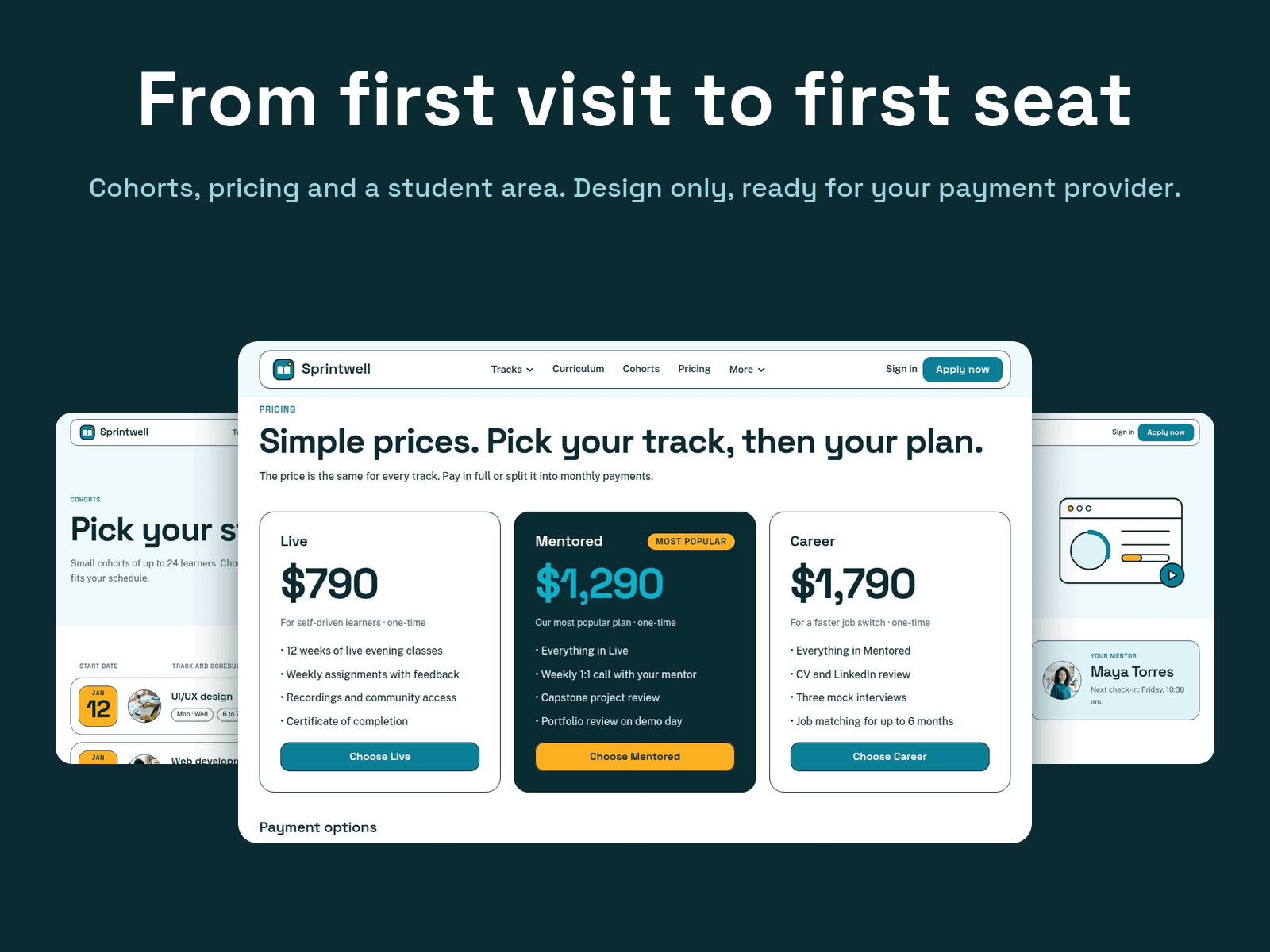
• Home with Hero, four track tiles, a Track matcher quiz, How it works, Results, Mentors, Pricing with payment options, FAQ and CTA.
• A book-style syllabus you flip through by track, and a Cohorts page with dates, seats and prices.
• Journal blog powered by the CMS, with six sample articles and cover images.
• Light touches: illustrated page headers, Tracks menu, animated numbers, scrolling alumni stories, FAQ accordion, sticky step cards and hover effects.
• Responsive on desktop, tablet and phone, color and text styles, free fonts (Space Grotesk and Public Sans) and a Read me page.
⚠️ GOOD TO KNOW
• Names, prices, dates and statistics are sample content. People photos were made with AI. Replace them before you publish.
• Sign in, Sign up, Checkout, My bootcamp and Account are layouts only. Framer has no student accounts or video library, so connect a course platform or membership tool. The Read me explains how.
• Forms have no destination until you add one.
• Some sections use code components. Edit them in the properties panel, no coding needed.
🚀 GETTING STARTED
1. Remix the template and open the Read me page.
2. Replace the name, logo, texts, prices and photos.
3. Set the form destinations and connect your sign-in.
4. Publish.
Need help? Email me at rosyanastudio@proton.me
I'd be happy to help :)