About Tableau
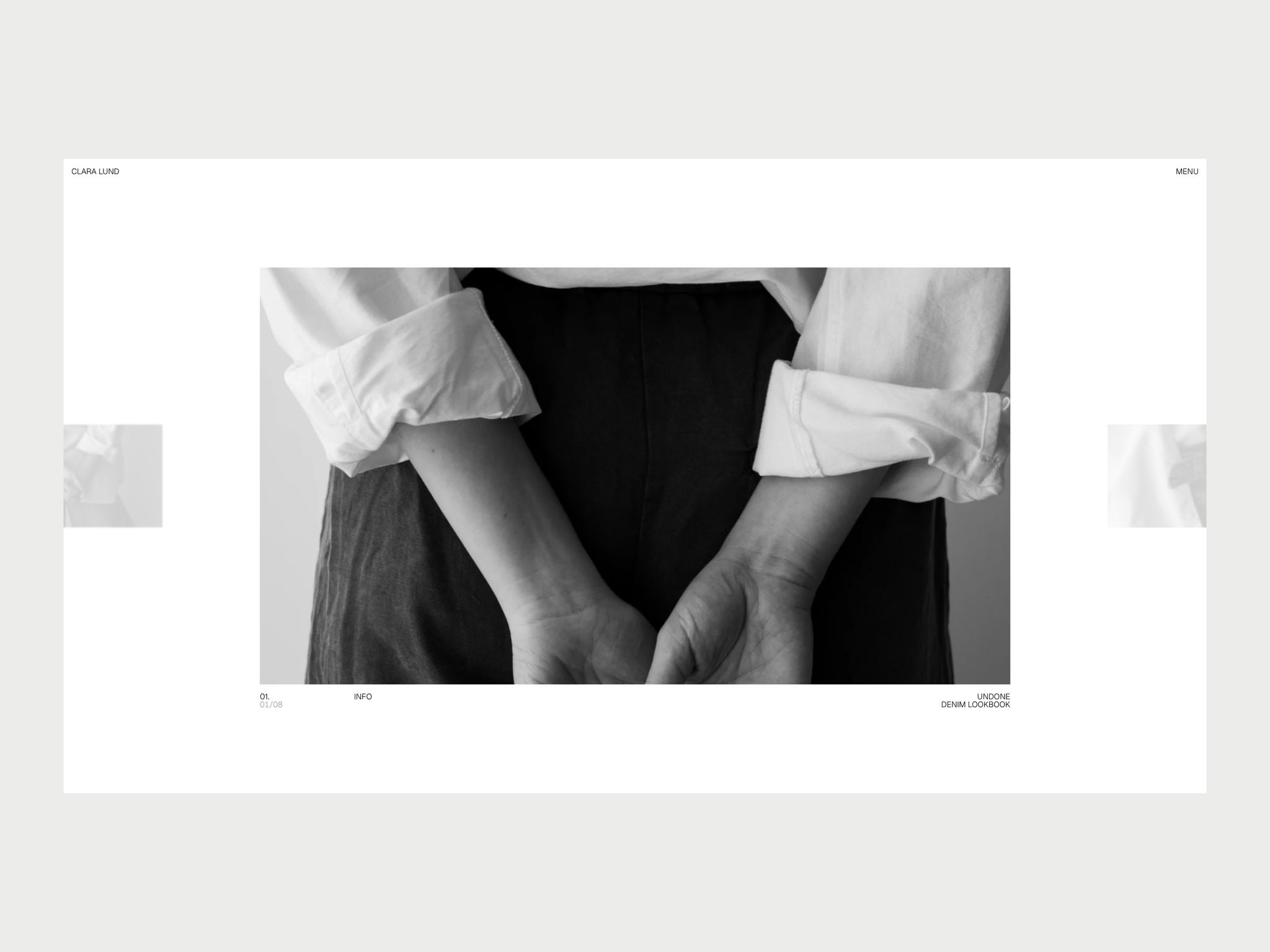
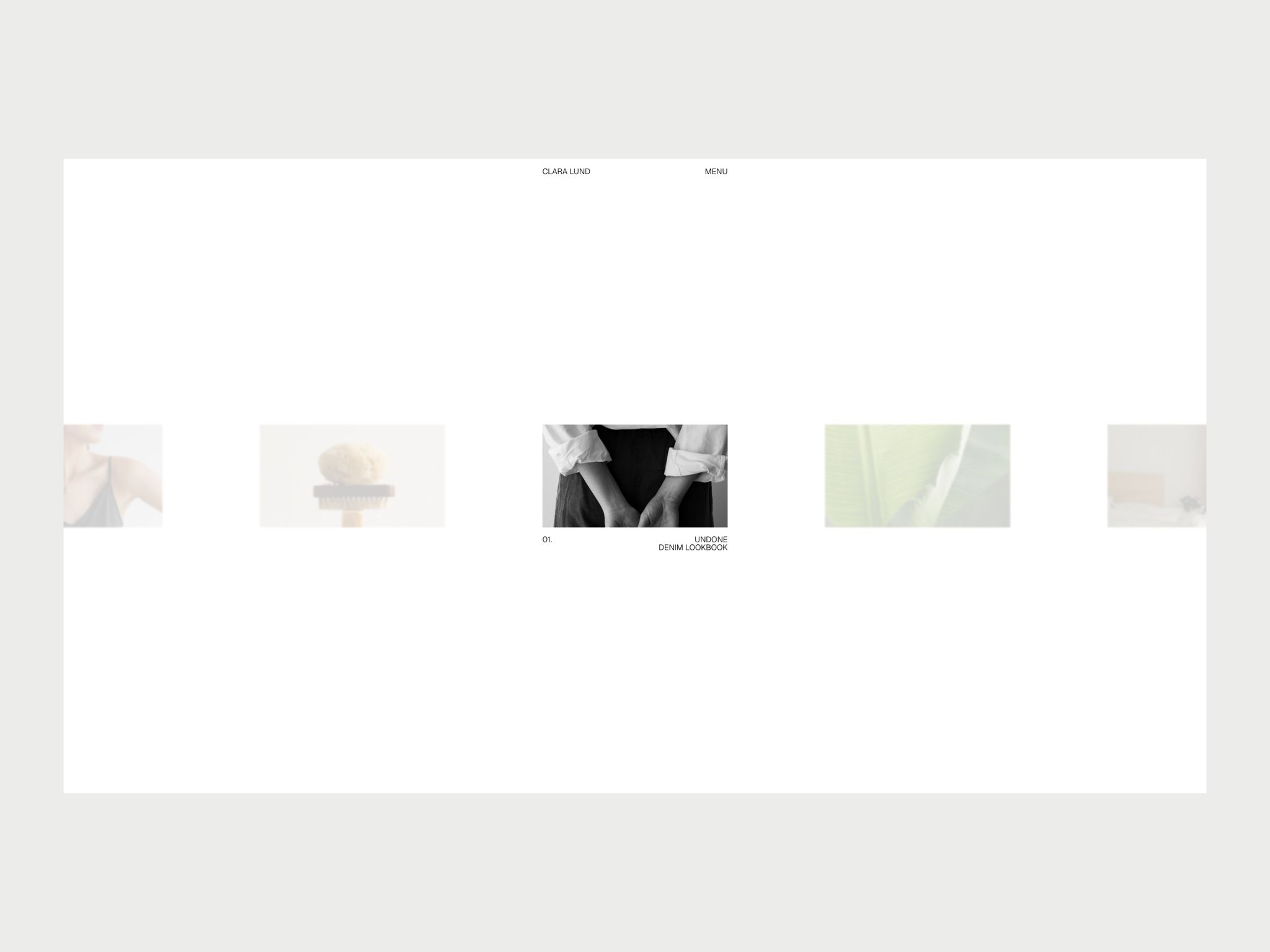
Tableau is a portfolio template for photographers and other visual creatives. Your projects sit in one row, like a strip of film: the project in the middle at full strength, the others faded back on either side.
Scroll, drag or use the arrow keys and the row settles on the nearest project. Open one and its cover grows into a large frame, with the project’s other photos lined up beside it. Click outside the photos or press Escape and it shrinks back into the row.
Features
Preloader that counts up while the outlines of your projects draw in
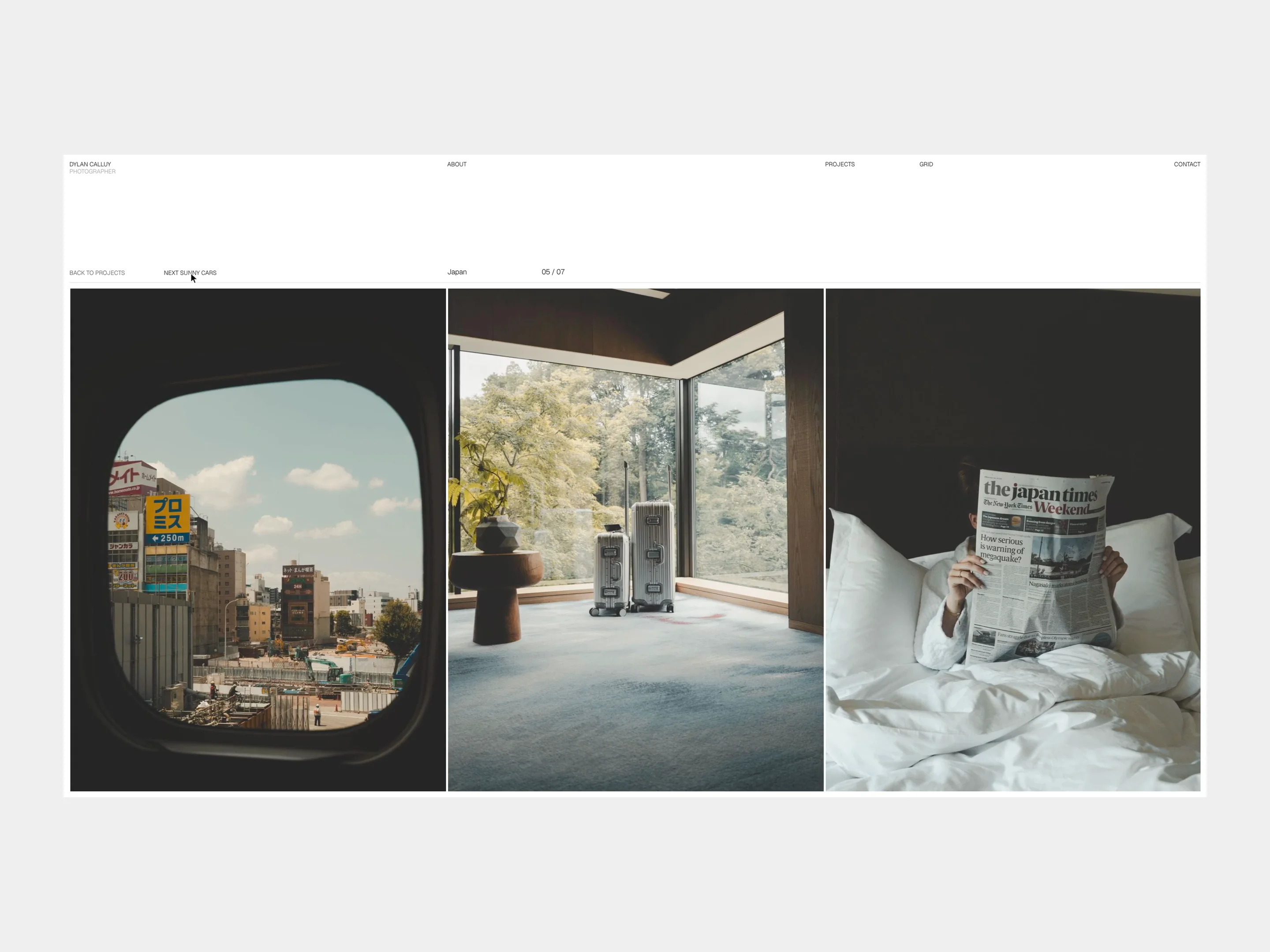
Projects that open in place, with their photos in a looping row and their own address
Info panel for each project, with client, year, category and a short description
Portrait and landscape photos together, and video support
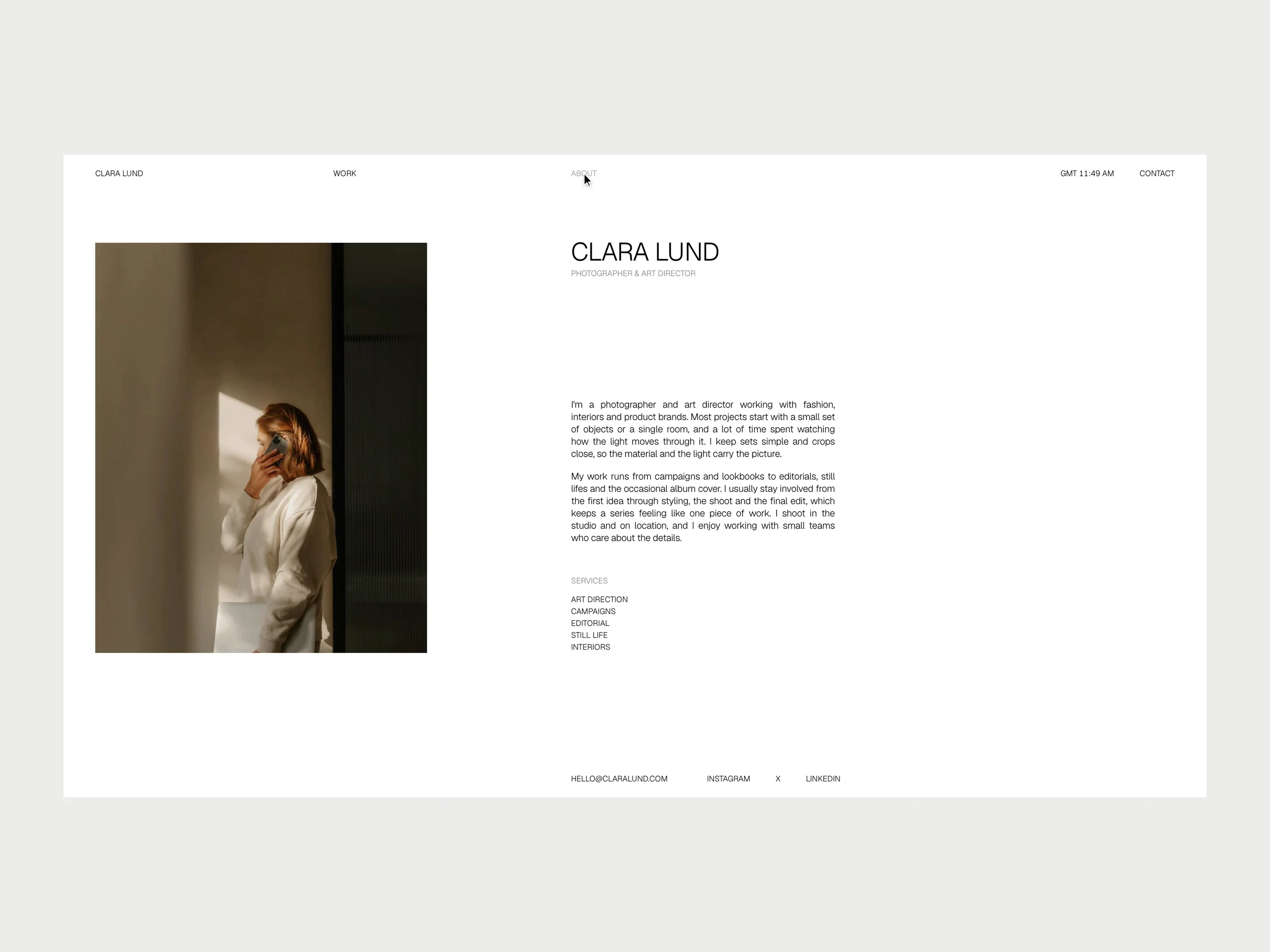
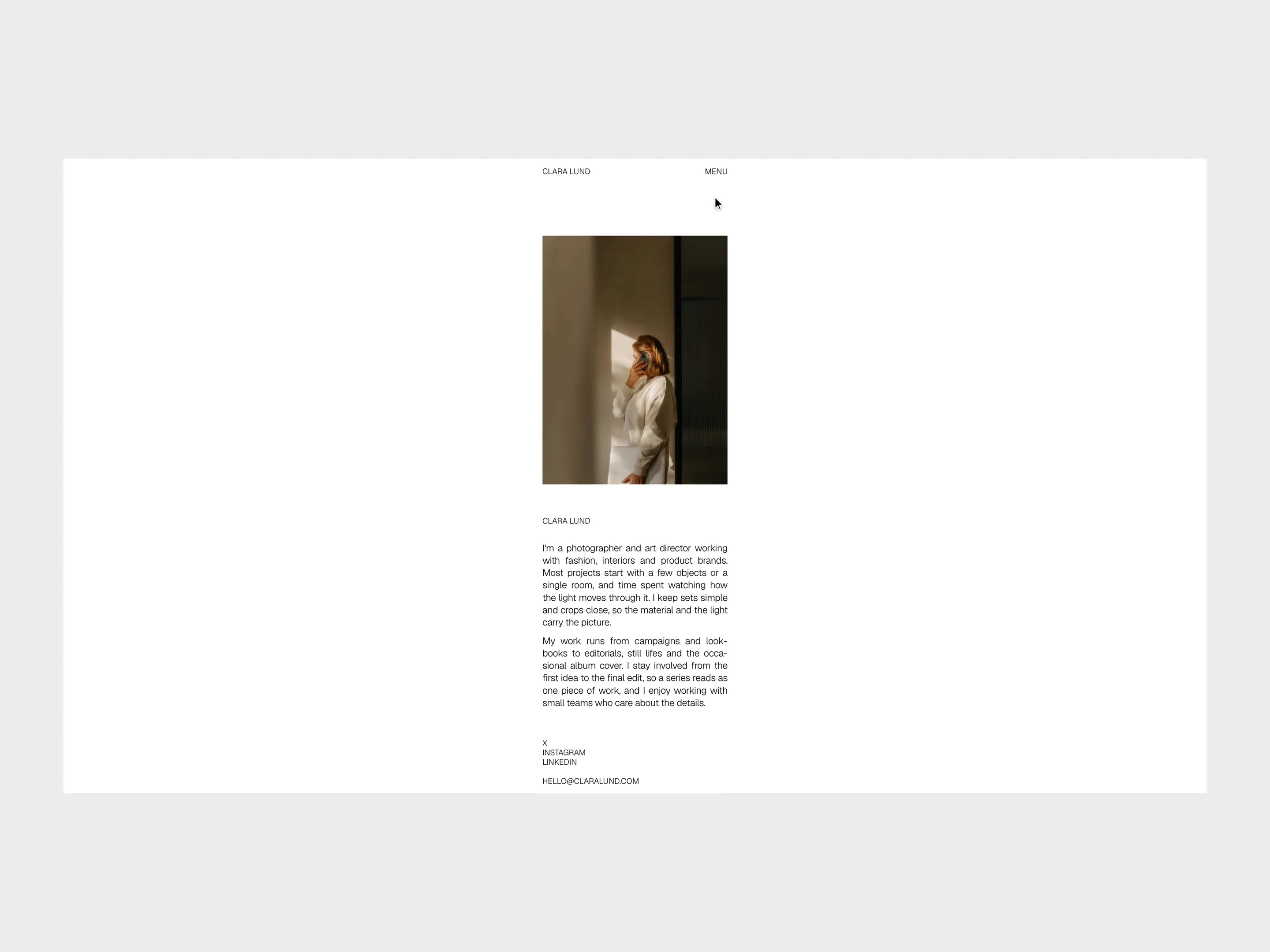
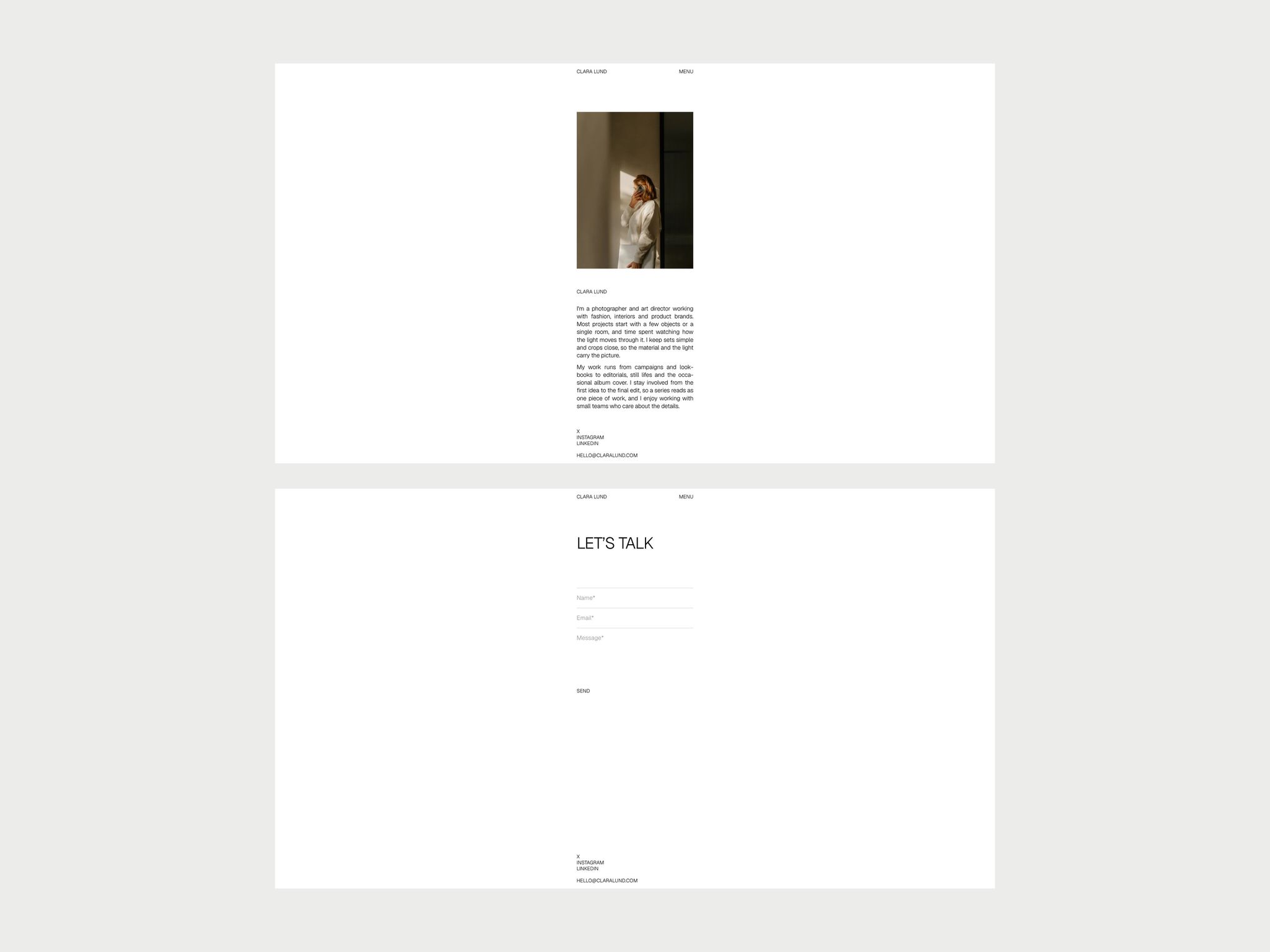
About and Contact pages, and a contact form using Framer’s own form delivery
Layouts for desktop, tablet and phone, with an open project’s photos running top to bottom on phones
Custom 404 page
Keyboard controls and reduced-motion support
What’s included
Pages: Work, About, Contact, project page, 404
CMS collection: Projects (with a Media list for photos and videos)
Starter content: 20 projects and 118 photos
Settings: Name, Portrait, Bio, Email, Socials, Contact Heading, form labels and Thank-you Line
Font: Geist
Good to know
The photos are from Kaboompics and can be kept under the Kaboompics License, or replaced with your own work or another free stock library. Names and clients are made up.
The design and motion run as one code component. You edit content through the CMS and a settings panel, and can’t restyle individual layers.
It uses one CMS collection, so it fits Framer’s Basic plan.
Fonts, colors, spacing and fixed words such as Menu and Close are in the code file.
Full setup guide: https://tableau-portfolio.framer.website/setup-guide