About Porthole
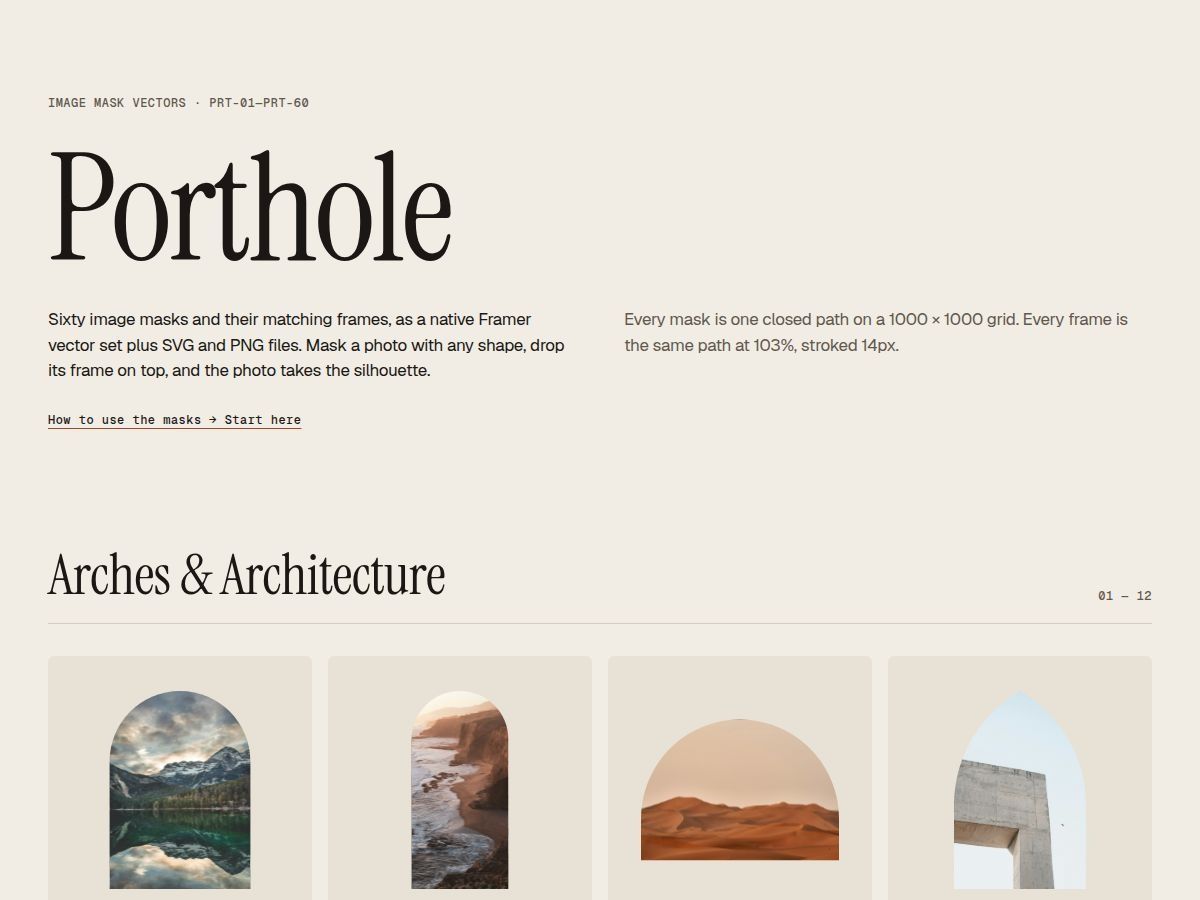
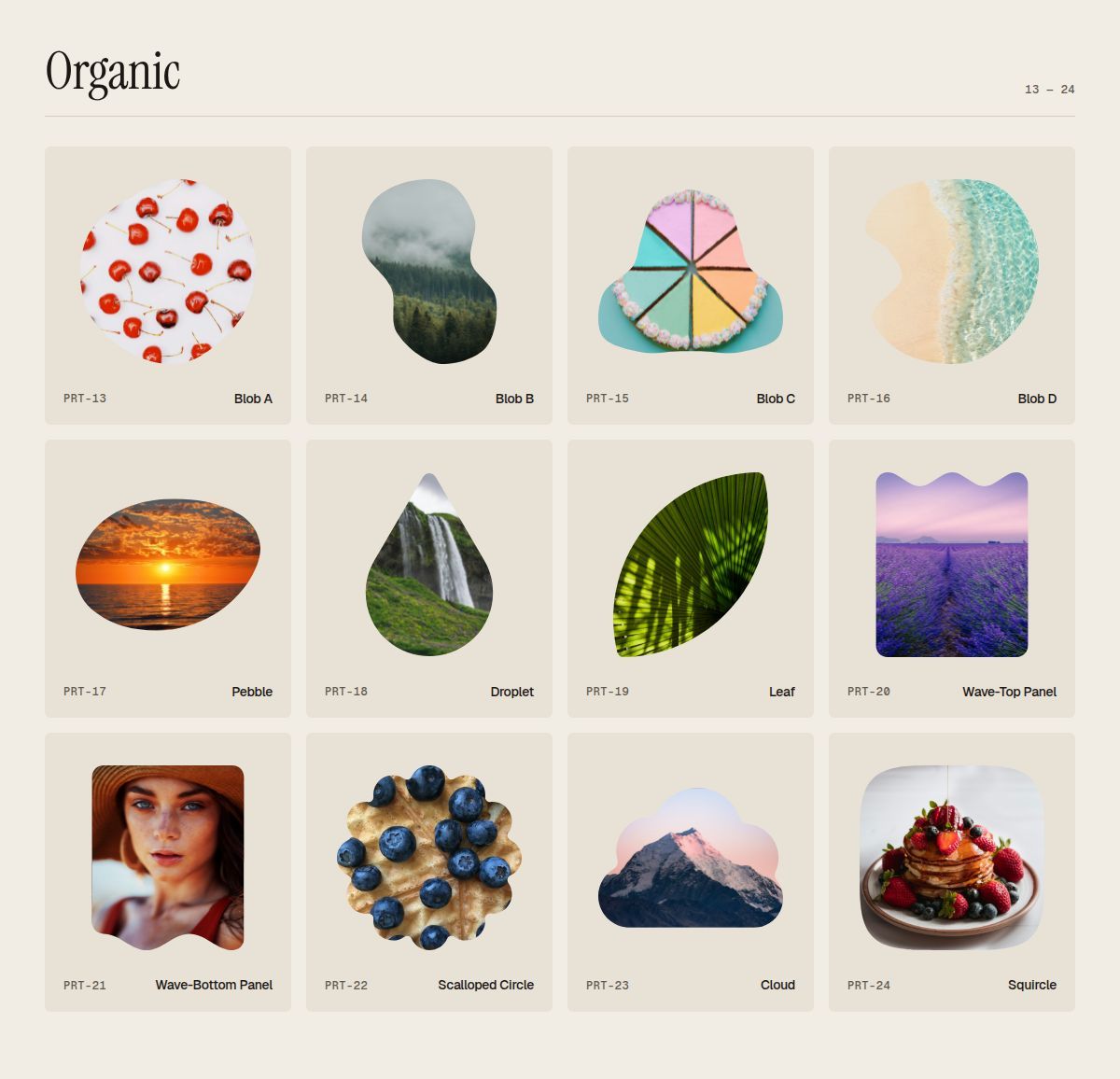
Sixty image masks and sixty matching frames for Framer. Mask a photo with any shape, drop its frame on top, and the photo takes the silhouette. Every mask is a single closed path, which is what makes it a reliable mask at any size.
What's inside:
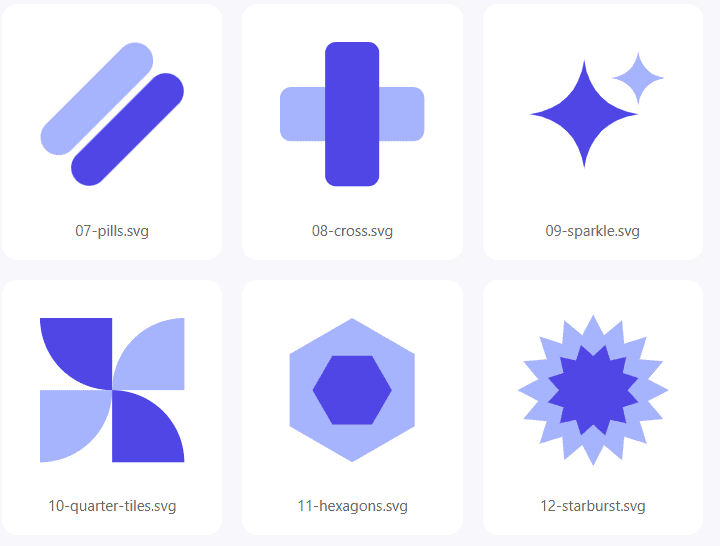
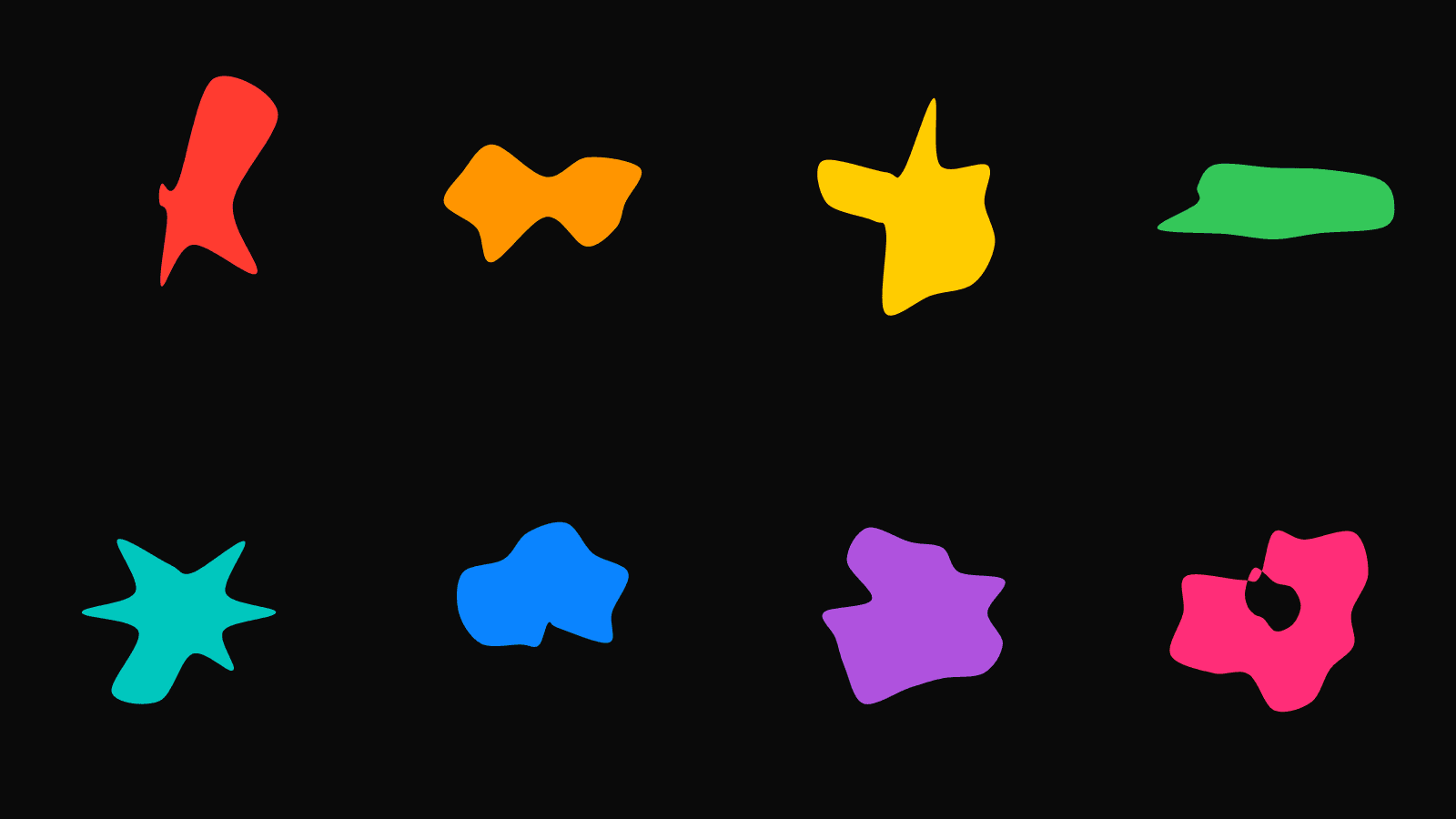
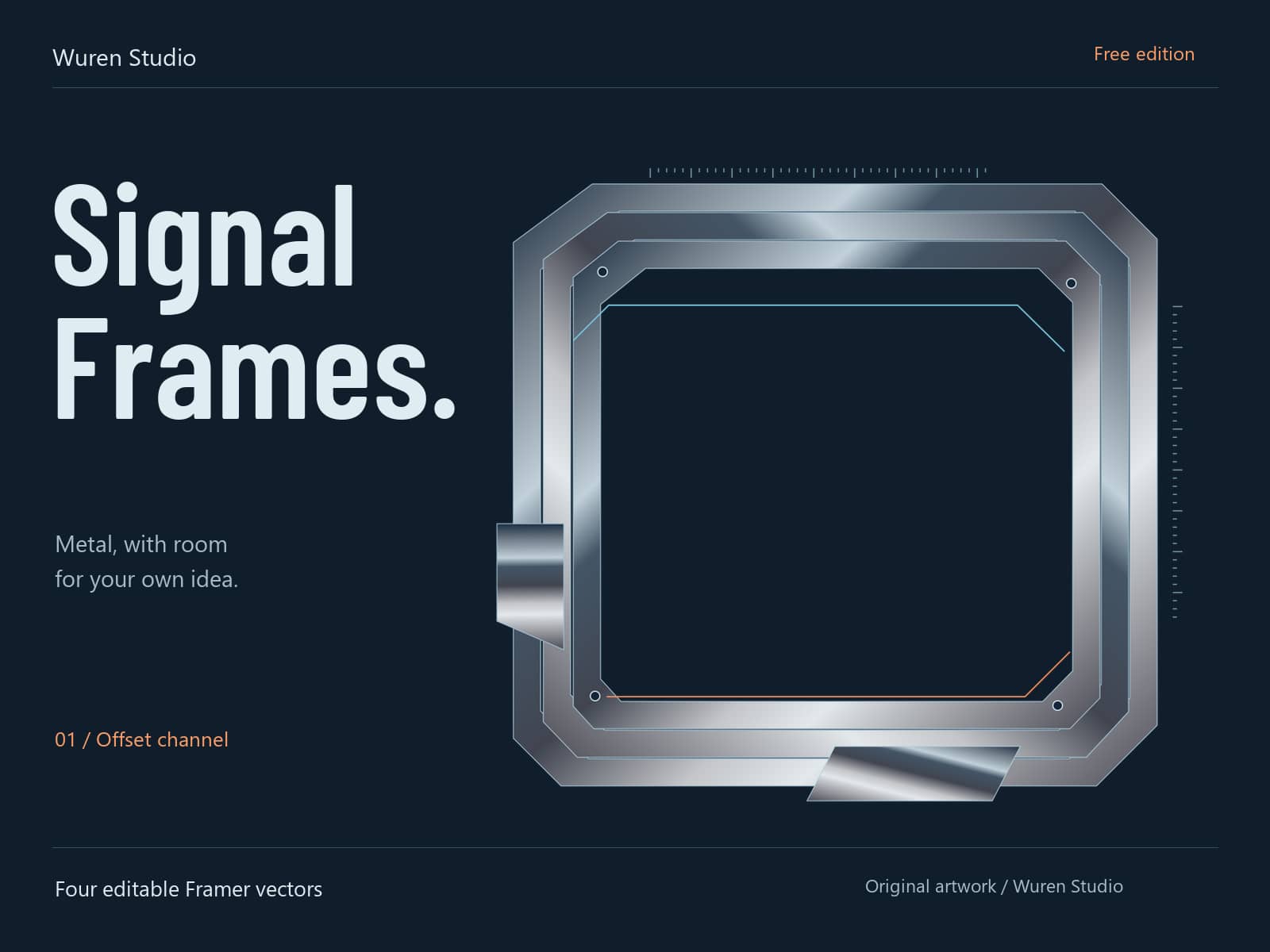
• 60 masks in 5 categories of 12: Arches & Architecture, Organic, Geometric, Frames & Ephemera, Editorial • 60 matching outline frames, one for every mask: the same outline at 103%, stroked 14px, to sit around the masked photo
• All 120 shapes as a native Framer vector set
• All 120 shapes as SVG files, plus transparent PNGs of all 120 at 1000px and at 2000px (360 files)
How to use it:
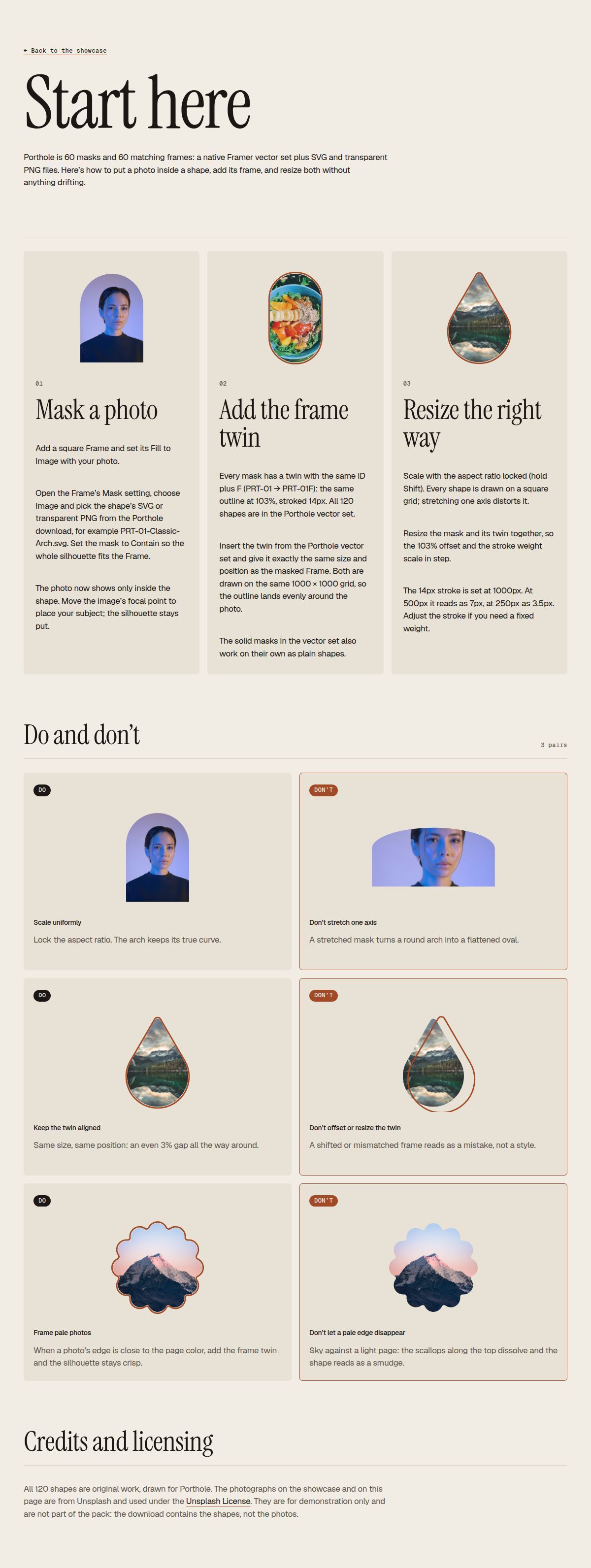
Add a square Frame and set its Fill to Image with your photo.
In the Frame's Mask setting, choose Image, pick the shape's SVG or PNG from the download, and set the mask to Contain.
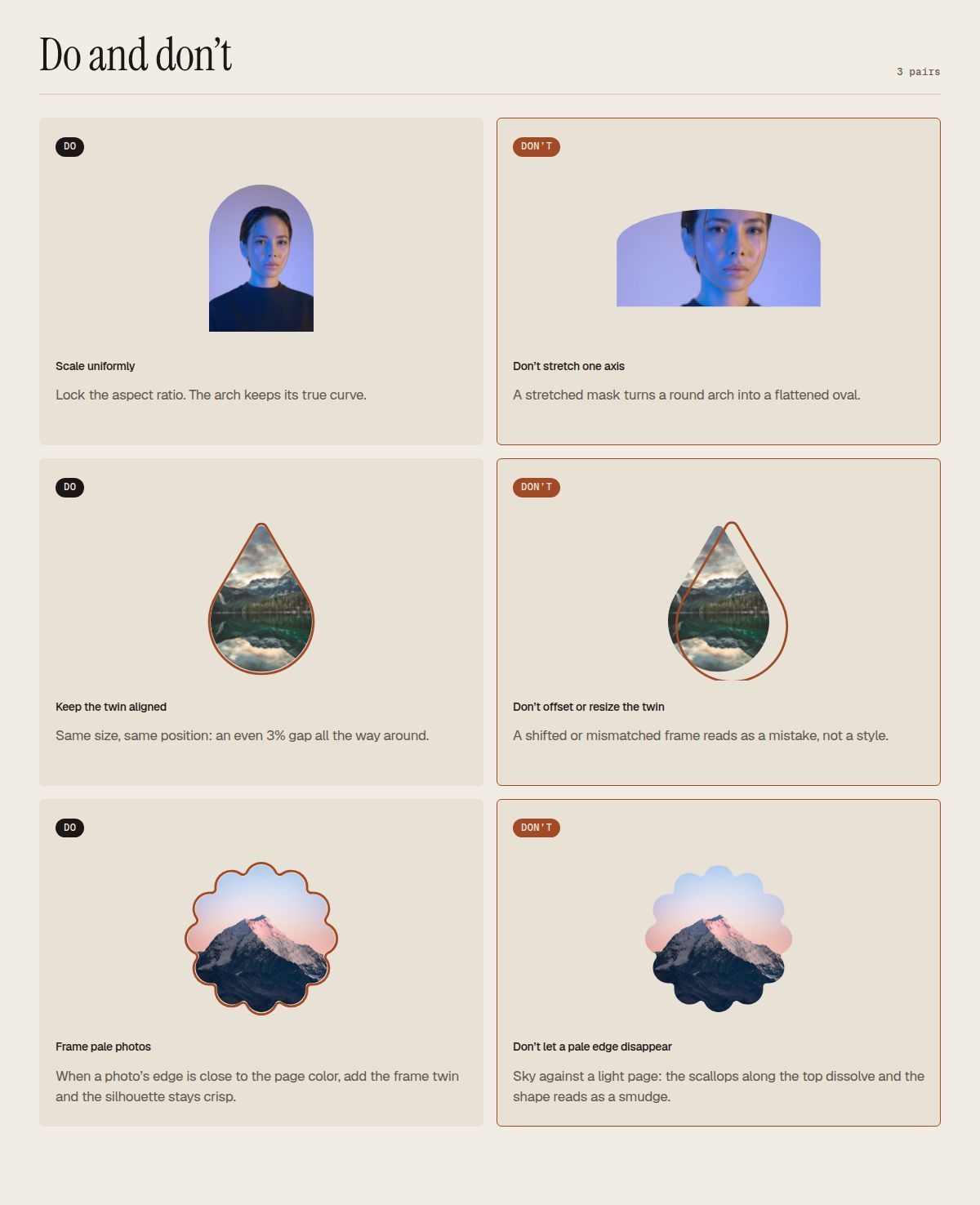
Insert the matching frame (same ID plus F, e.g. PRT-01F) from the vector set at the same size and position.
Resize the photo and its frame together with the aspect ratio locked. The 14px stroke is set at 1000px and scales with the shape.
Photos in the preview images are from Unsplash, used under the Unsplash License, for demonstration only. They are not included.
All 120 shapes are original work.
REFUND POLICY: 14-day, no-questions refund. If Porthole isn't for you, email cory@ignitebright.com within 14 days of purchase for a full refund. This is a one-time purchase — there is no subscription and nothing to cancel. After a refund, please stop using the set and delete the files.
Support: cory@ignitebright.com — replies within 2 business days. Sold by Ignite Bright LLC. Framer does not process this payment and does not issue refunds.