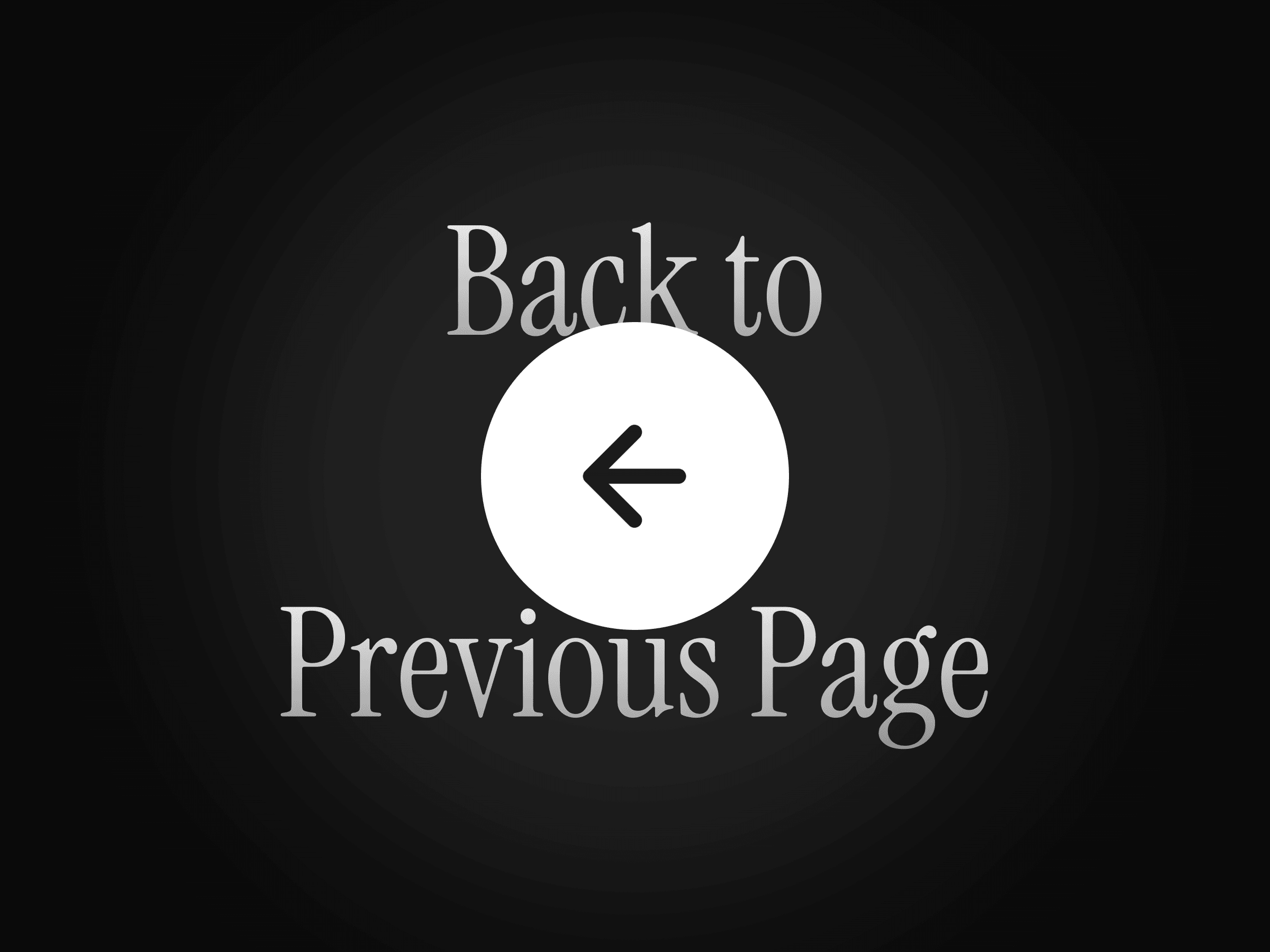
About Back to Previous
Unlock entire Depth library for $149. One price. Lifetime.
--------------------------------------------------------
Let visitors return to the page they were viewing before with a single click. Previous Page Button uses the browser’s navigation history to create a natural back-navigation experience across multi-page websites, portfolios, directories, blogs, and product pages.
When no previous page is available, you can set a fallback link so the button always takes visitors somewhere useful.
How to use
Drop the component onto your page and place it wherever a back-navigation action is needed. Customize its icon, label, colors, spacing, corner radius, and shadows directly from the properties panel.
Optionally, add a fallback destination for visitors who opened the page directly or do not have a previous page in their browser history.
Features
Returns visitors to the previous page
Optional fallback destination
Arrow and chevron icon styles
Optional custom text label
Adjustable icon size
Custom background and icon colors
Individual or uniform padding controls
Adjustable corner radius
Customizable shadows
Uses the browser’s native navigation history
Responsive across desktop, tablet, and mobile
No setup or coding required
Refund Policy:
Due to the nature of digital products, all sales are final. Once purchased, this component is non-refundable. Please make sure it fits your needs before completing the checkout.
Support: hi@alicorak.com