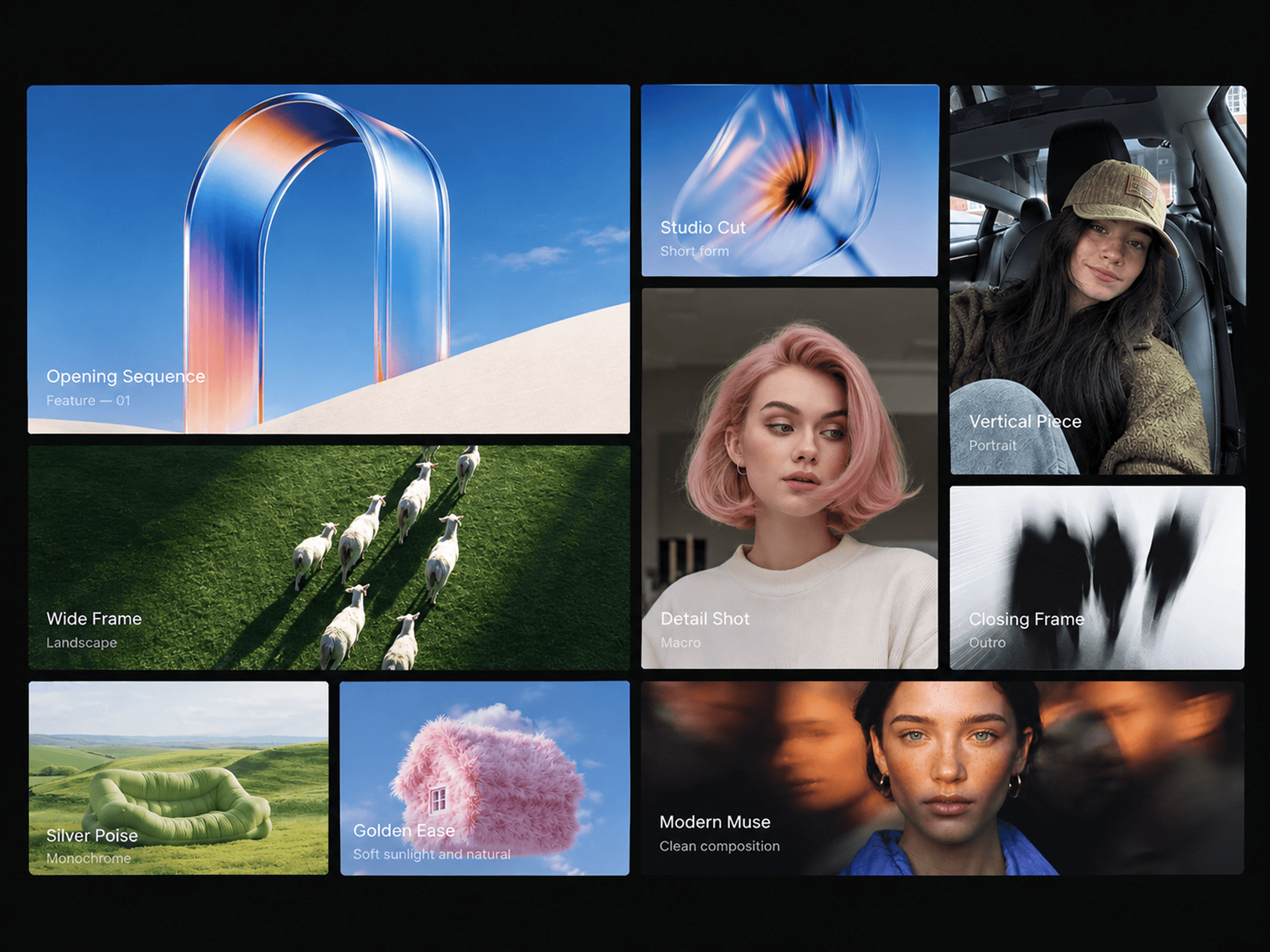
About Full-screen Gallery
What it does
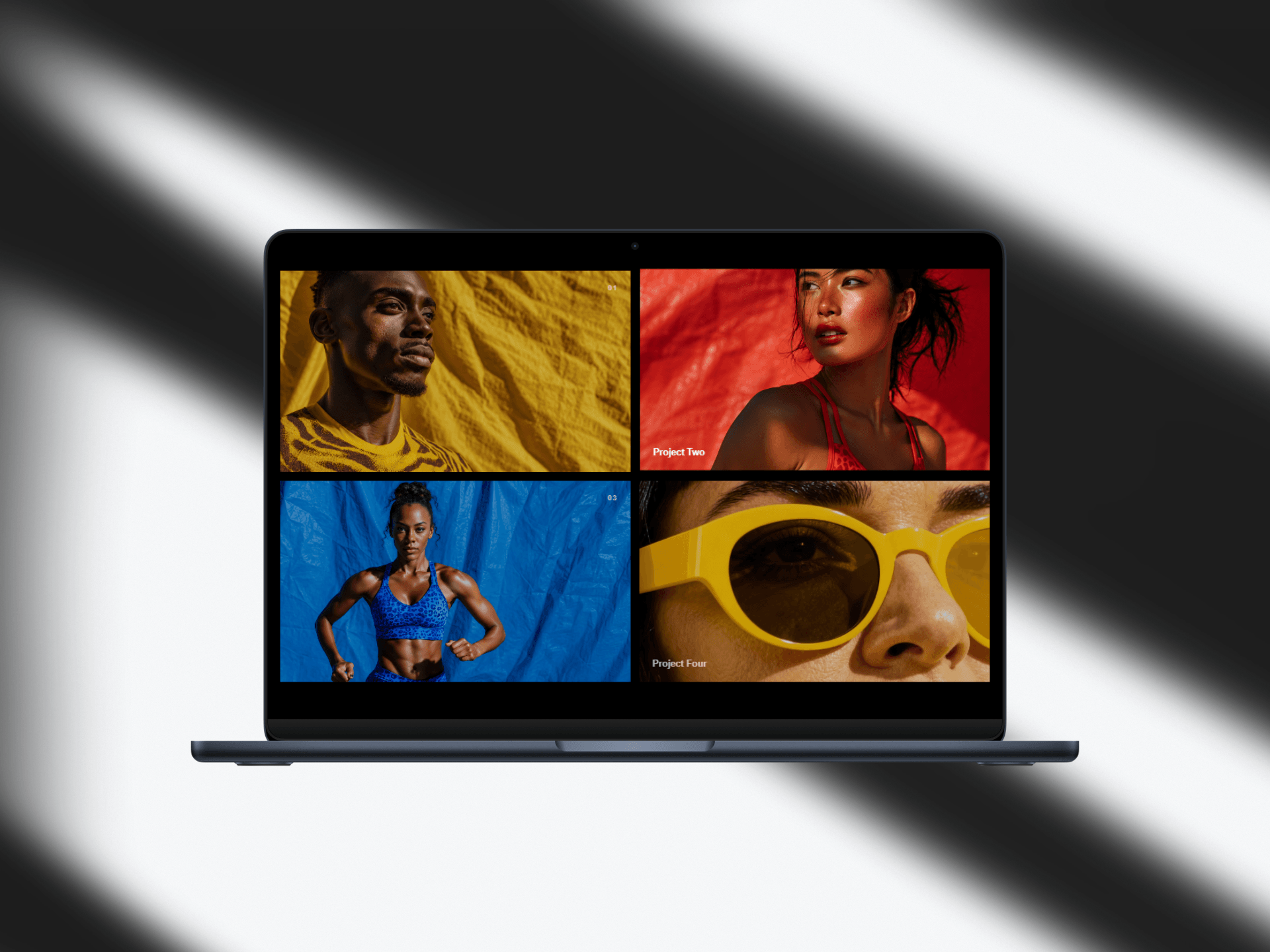
Show your images beautifully, then let visitors open any one full-screen for the detail it deserves.
It's built to feel native. Smooth transitions, a refined frame, and a true full-screen experience make your images the moment visitors remember.
Easy navigation
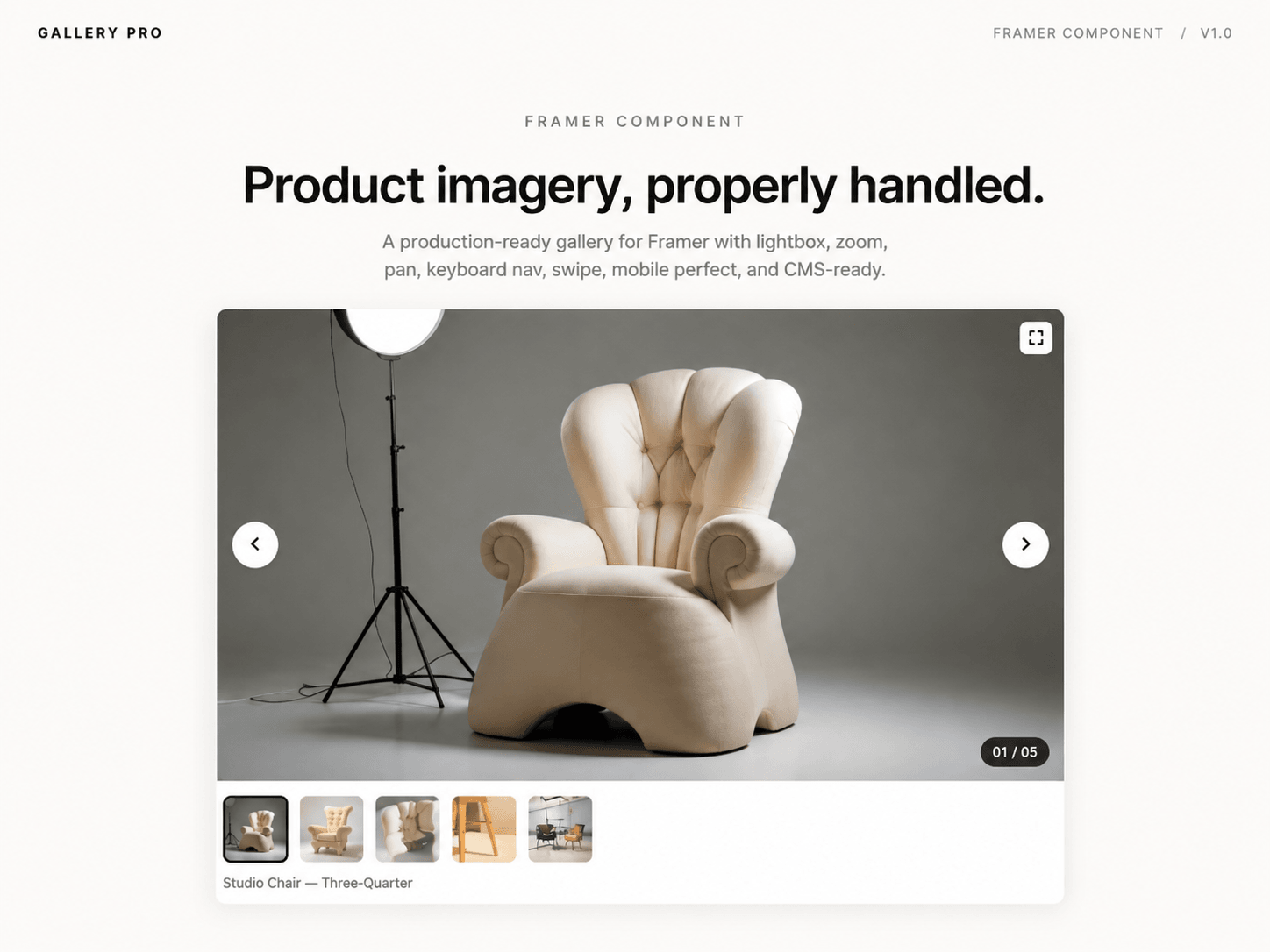
Visitors click the arrows on desktop, or swipe and tap on mobile and tablet. Tap any image to open it full-screen, and rotate the phone freely — the view instantly re-fits to the new orientation. The active dot stays highlighted and an optional counter shows where they are in the set, so it always feels clear and easy.
What you can change
Make it yours from the properties panel:
your images
transition effect (fade, blur, scale, slide left, slide right, zoom-rotate) and speed
arrow position, size, and offset
arrow blur and shadow
custom arrow icons — upload your own
dots with show / hide, and size and inactive-dot opacity
counter with show / hide, and size
autoplay with adjustable interval
full-screen UI background and foreground colors
corner radius
Why it stands out
Full-screen lightbox — open any image edge-to-edge
Any aspect ratio, no cropping — wide, tall, square, or mixed
Swipe & tap-to-expand on mobile and tablet
Auto re-fit when the phone rotates
Custom arrow icons
Autoplay
Six transition effects to match your brand
Responsive behavior
Adapts to screen width automatically and stays clean on every device:
Desktop — arrows on the frame with dots and counter in view; click to move, click to expand.
Tablet — spacing scales to the narrower frame; swipe between images and tap to go full-screen.
Mobile — swipe-and-tap navigation, scaled down to stay clean and easy, with no horizontal scroll and no layout shift.
Open full-screen, swipe through, and rotate freely — it re-fits instantly, every time.
Use Cases
Especially good for:
photography portfolios
product galleries and feature highlights
case studies and project showcases
real-estate and listing pages