Ripple Distortion
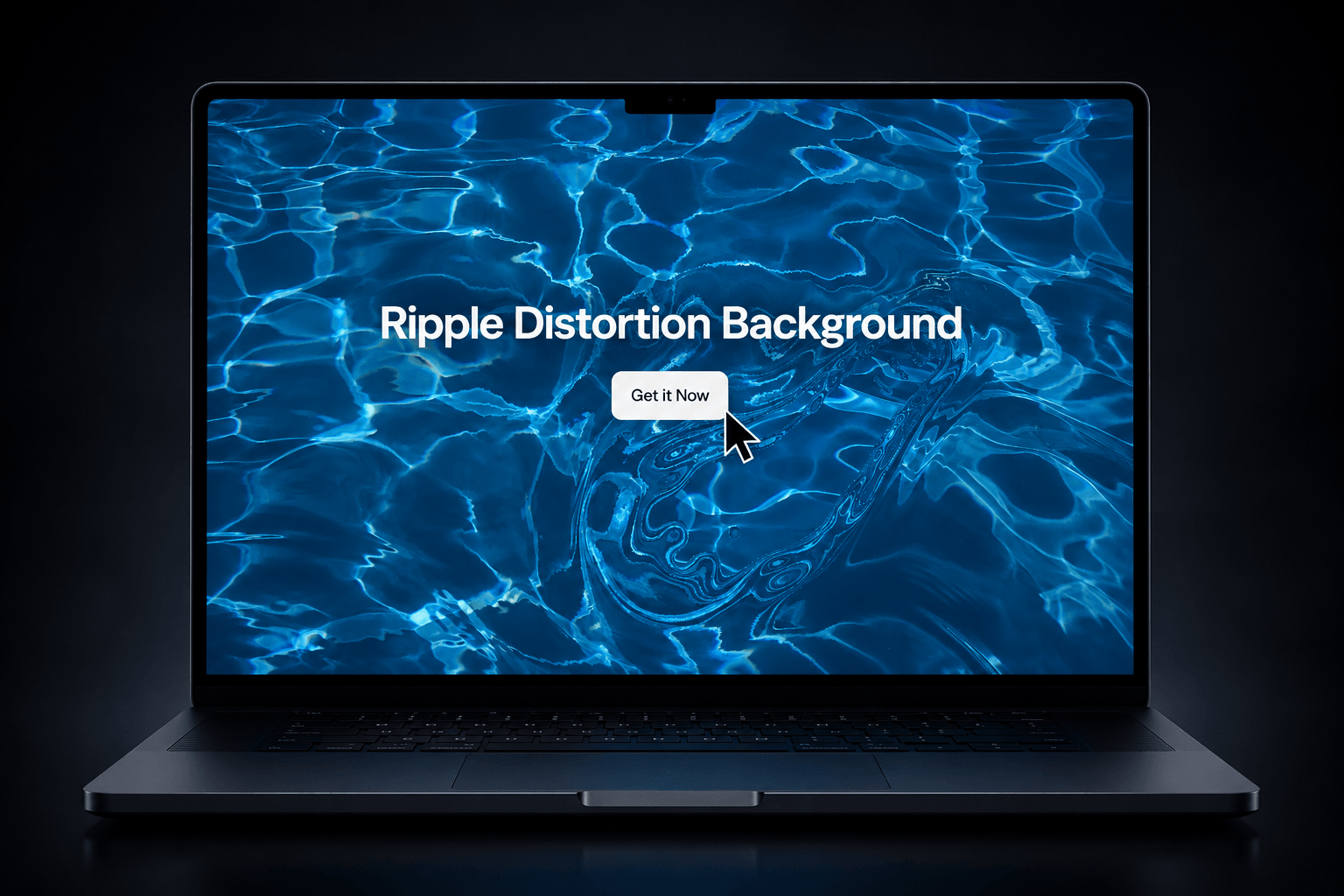
Turn any image into an interactive liquid surface with Ripple Distortion. Move your cursor across the image to create expanding ripple waves, distortion, and fluid-like displacement. Click or tap to create stronger ripple bursts.
Live Preview: https://rippledistortion.framer.website/
Gumroad Link: https://rohitanand.gumroad.com/l/dsjnj?wanted=true
Interactive Ripple Effect — Create realistic expanding waves with mouse movement.
Click & Touch Support — Add stronger ripple bursts with clicks or taps.
Image Source — Use your own image directly in the component.
Adjustable Brush Size — Control the size of each ripple.
Distortion Strength — Fine-tune the intensity of the displacement.
Swirl Control — Add rotational movement to the distortion.
Ring Control — Adjust the ripple pattern.
Spread & Fade — Control how far and how long ripples travel.
RGB Dispersion — Add a subtle chromatic aberration effect.
Glint Effect — Create highlights that react to the ripple surface.
Tint Controls — Add a custom color tint and intensity.
Grayscale Mode — Convert the base image to grayscale.
Trigger Modes — Choose Hover, Click, or Hover & Click.
Quality Settings — Choose Low, Medium, or High rendering quality.
Responsive — Automatically adapts to the size of its Framer frame.
Performance Optimized — WebGL rendering pauses when the component is outside the viewport.
Static Rendering Support — Uses a lightweight static fallback for Framer's static renderer and exports.
Great for hero sections, portfolios, creative websites, product showcases, image galleries, Web3 websites, interactive landing pages, and premium visual experiences.
Built with WebGL and designed specifically for Framer, with controls that let you customize the effect without touching the code.