About Smooth Scroll Pro
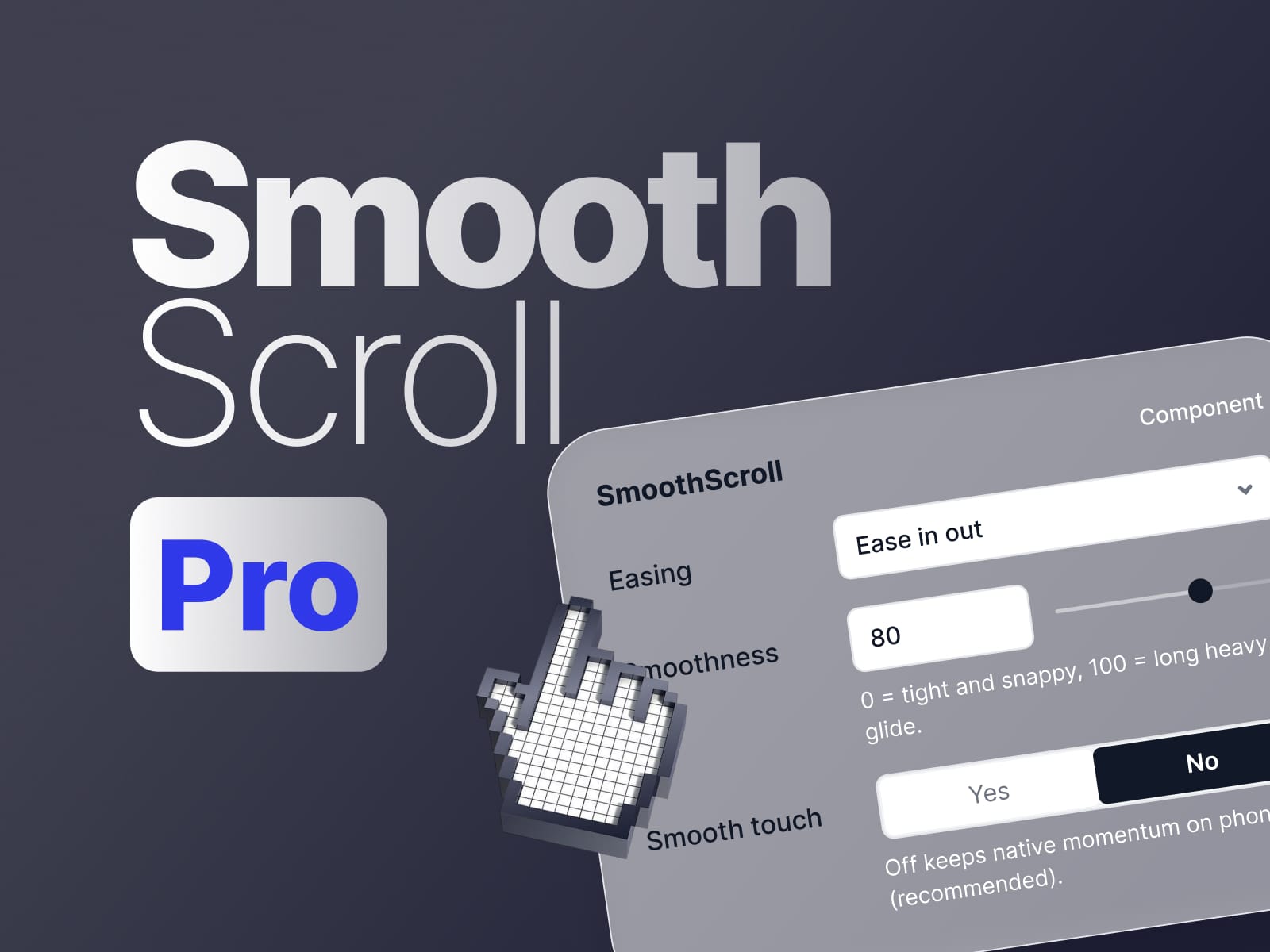
Smooth Scroll Pro replaces Framer's default step-by-step scrolling with real momentum — the page accelerates, glides and settles like a native app. Everything is tuned from the properties panel: easing curve, smoothness, wheel speed, touch behaviour and breakpoint rules
Features
Scroll engine
Two modes — Inertia (continuous glide) and Duration (fixed-time ease per scroll)
Smoothness 0–100 — from tight and snappy to a long, heavy glide
Duration control for time-based mode
Enable / disable toggle without removing the component
Easing
7 built-in curves — Linear, Smooth, Ease Out, Ease In Out, Expo Out, Circ Out, Back Out
Custom cubic-bézier input for your own curve
Curve applies to scrolling and anchor jumps, so the whole site feels consistent
Input tuning
Wheel speed multiplier — normalises trackpads and mice
Max step — caps how far a single scroll event can travel
Touch multiplier for finger-scroll sensitivity
Mobile & accessibility
Smooth touch off by default — phones keep native momentum
Disable below any breakpoint you choose
Respects reduced motion — honours the OS accessibility setting automatically
Navigation
Anchor links intercepted and eased with the active curve
Anchor offset so a fixed header never covers the target section
Setup
One component, one drag — affects the entire site
No custom code, no external scripts, no layout wrapper
Every setting lives in the properties panel
Compatible with Framer scroll transforms, appear effects and custom scroll listeners