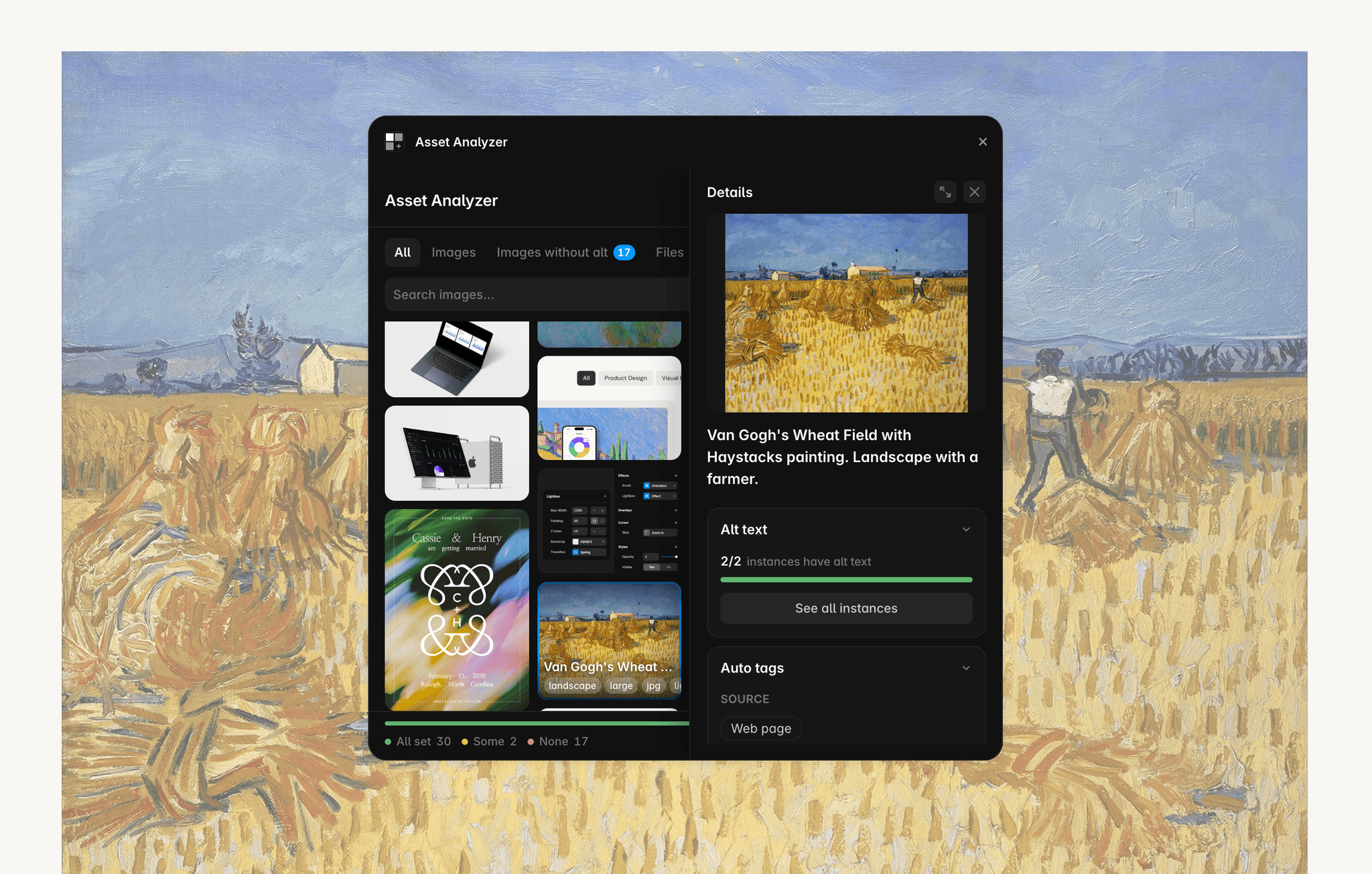
About Asset Analyzer
Complete Asset Overview
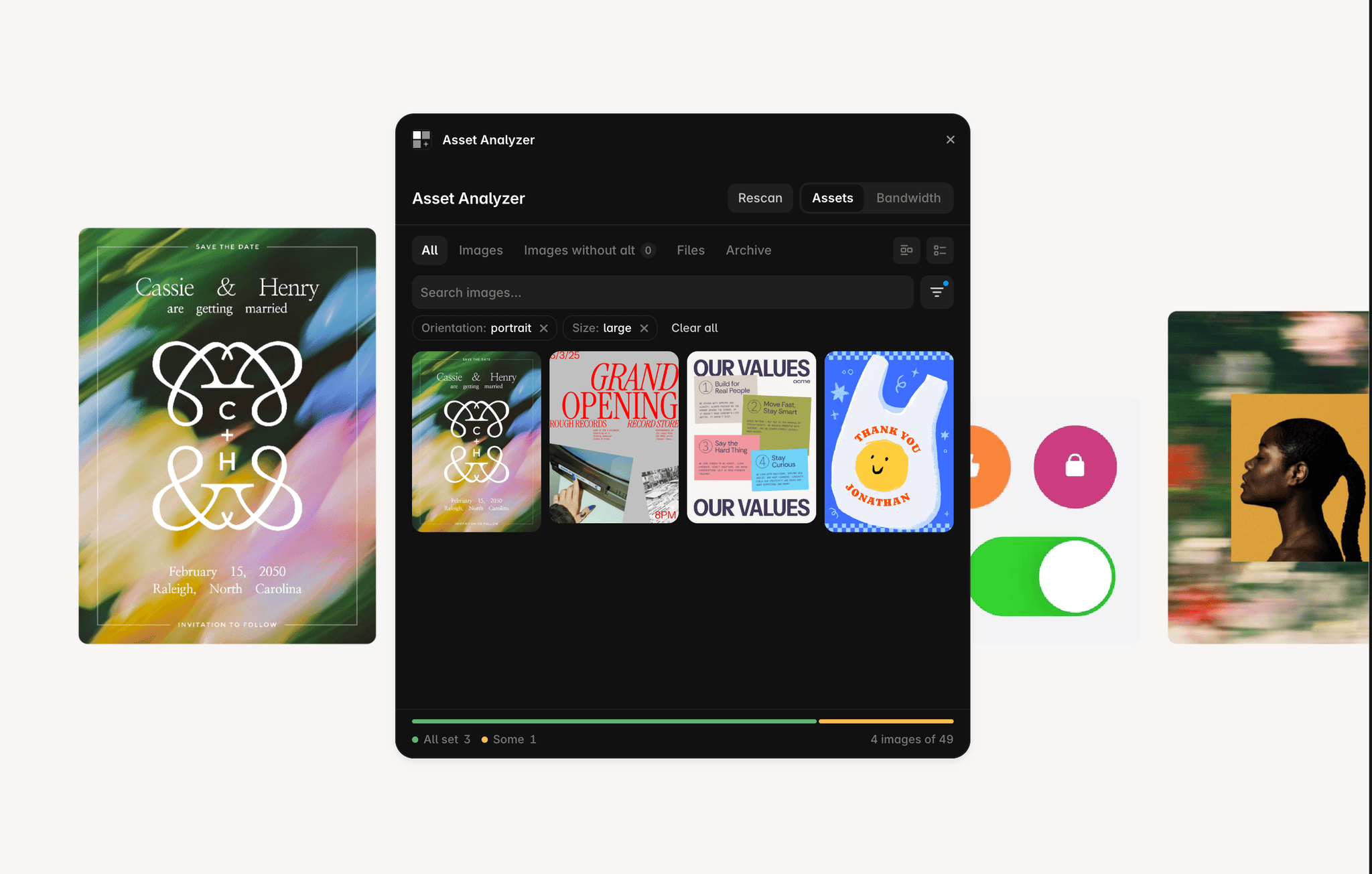
Asset Analyzer gives you a complete overview of every asset in your Framer project. It scans images, videos, PDFs, audio files, and documents across pages, components, CMS collections, and rich text, showing exactly where each asset is used.
Search & Discover
Quickly find the assets you're looking for by searching filenames, layer names, page paths, CMS fields. Use automatically detected image characteristics like orientation, colours, and content type as tags to further improve search.
Alt Text
See accurate alt text coverage across your project with tracking per image placement, not just per image. Update alt text across every instance at once or edit individual placements when needed, making accessibility audits fast and straightforward.
Note: Due to current limitations of Framer's Server API, some image placements cannot be updated by plugins. This includes images embedded inside formatted (rich text) fields and a few other unsupported locations. These placements are clearly identified in Asset Analyzer so you know which ones require manual updates.
Find & Replace Images
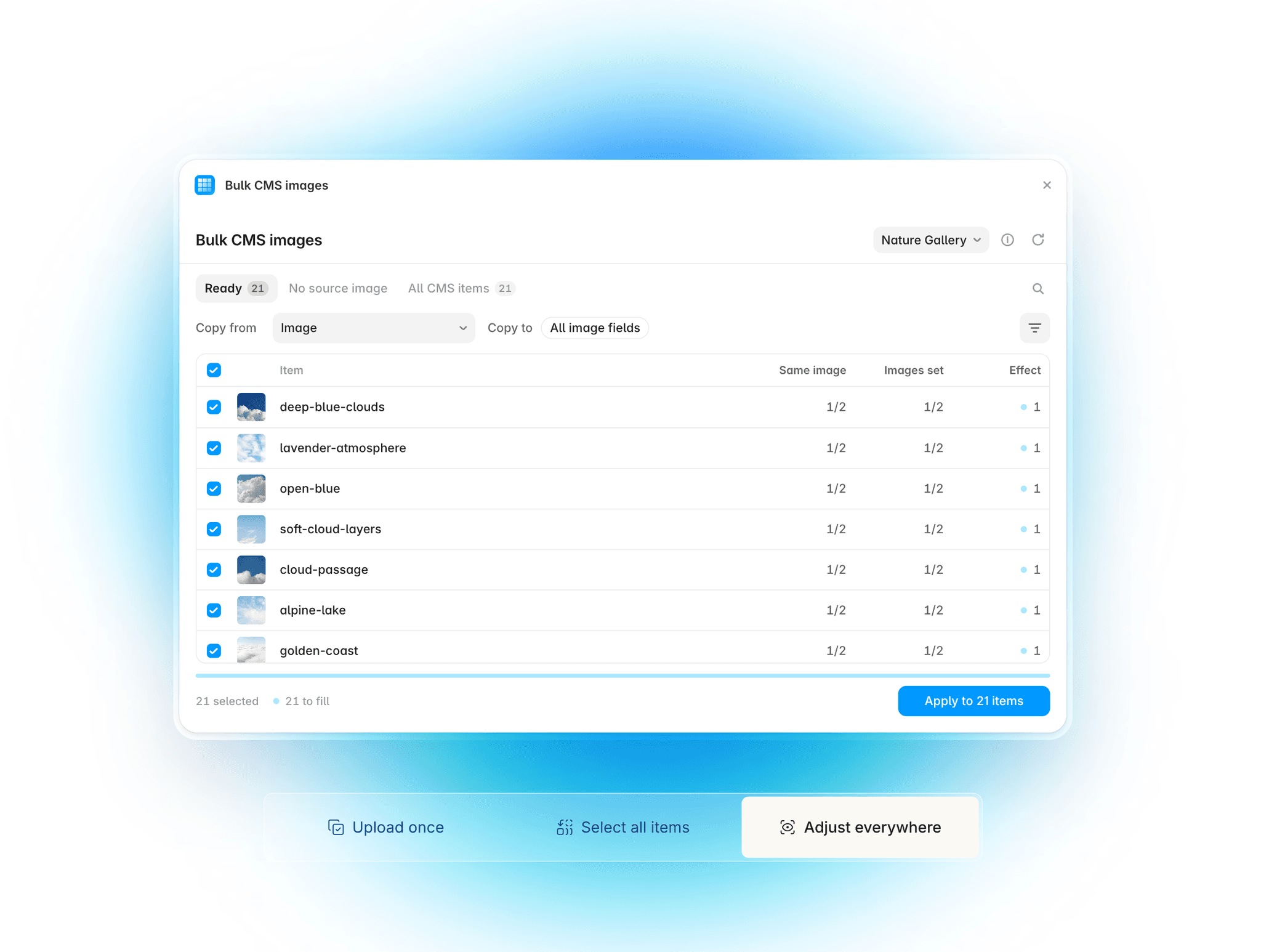
Replace images individually or in bulk without manually editing every instance. Asset Analyzer lets you swap an image everywhere it's used, including images inside component instances, making project-wide updates fast and consistent.
Private & Free
Asset Analyzer runs entirely inside Framer with no account, sign-up, or API key required. Your project stays local, and the plugin is completely free to use.