About Checkout Page
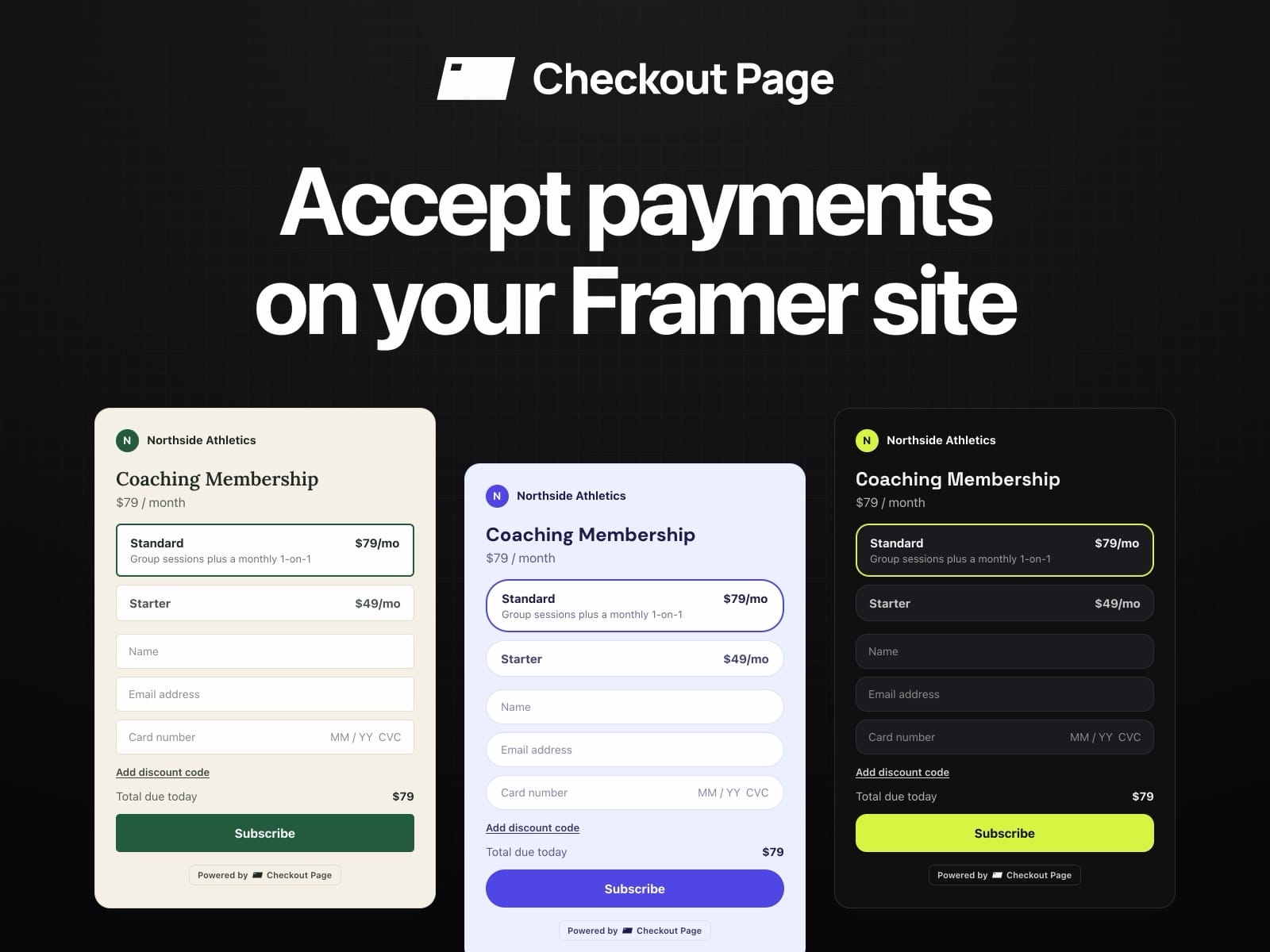
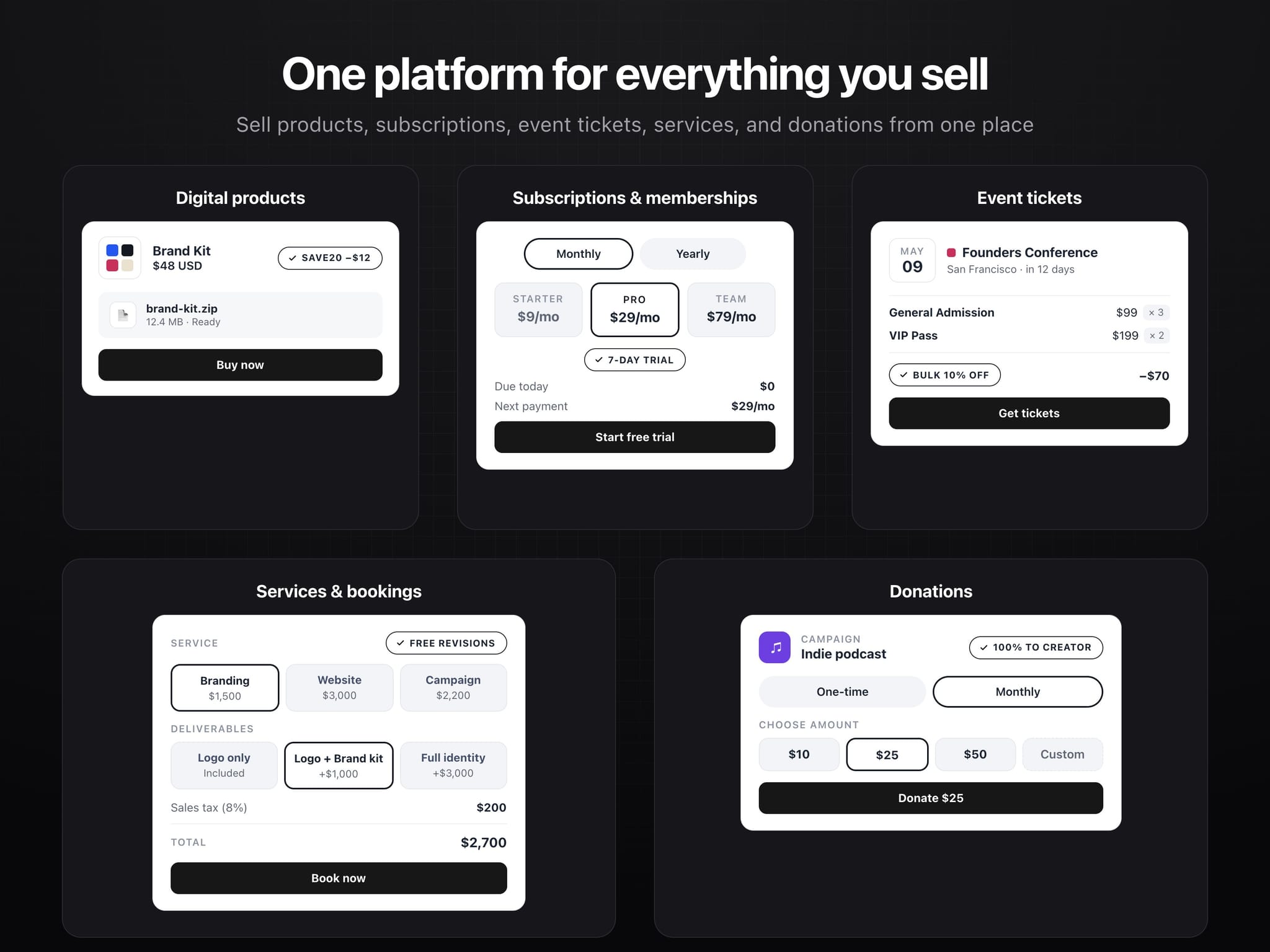
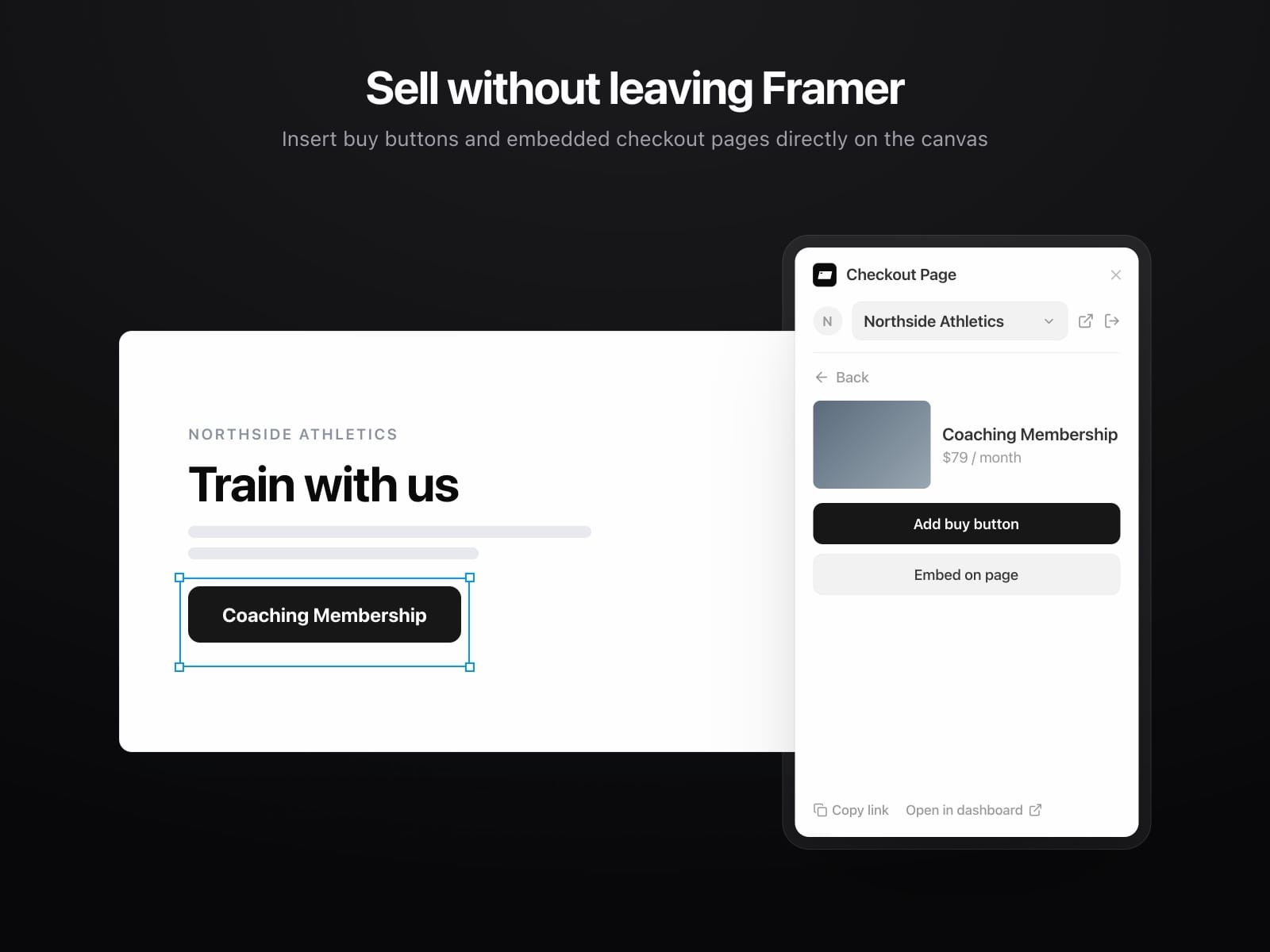
Checkout Page lets you sell your products, subscriptions and event tickets on your Framer site.
Build fully customized checkout pages that match your branding.
Payments run through your own Stripe account, so money goes straight to you.
What you can add
Checkout pages for digital and physical products, subscriptions and pay what you want pricing
Events with ticket types, add-ons and sales windows
Forms for registration, lead gen and lead magnets
Match your brand
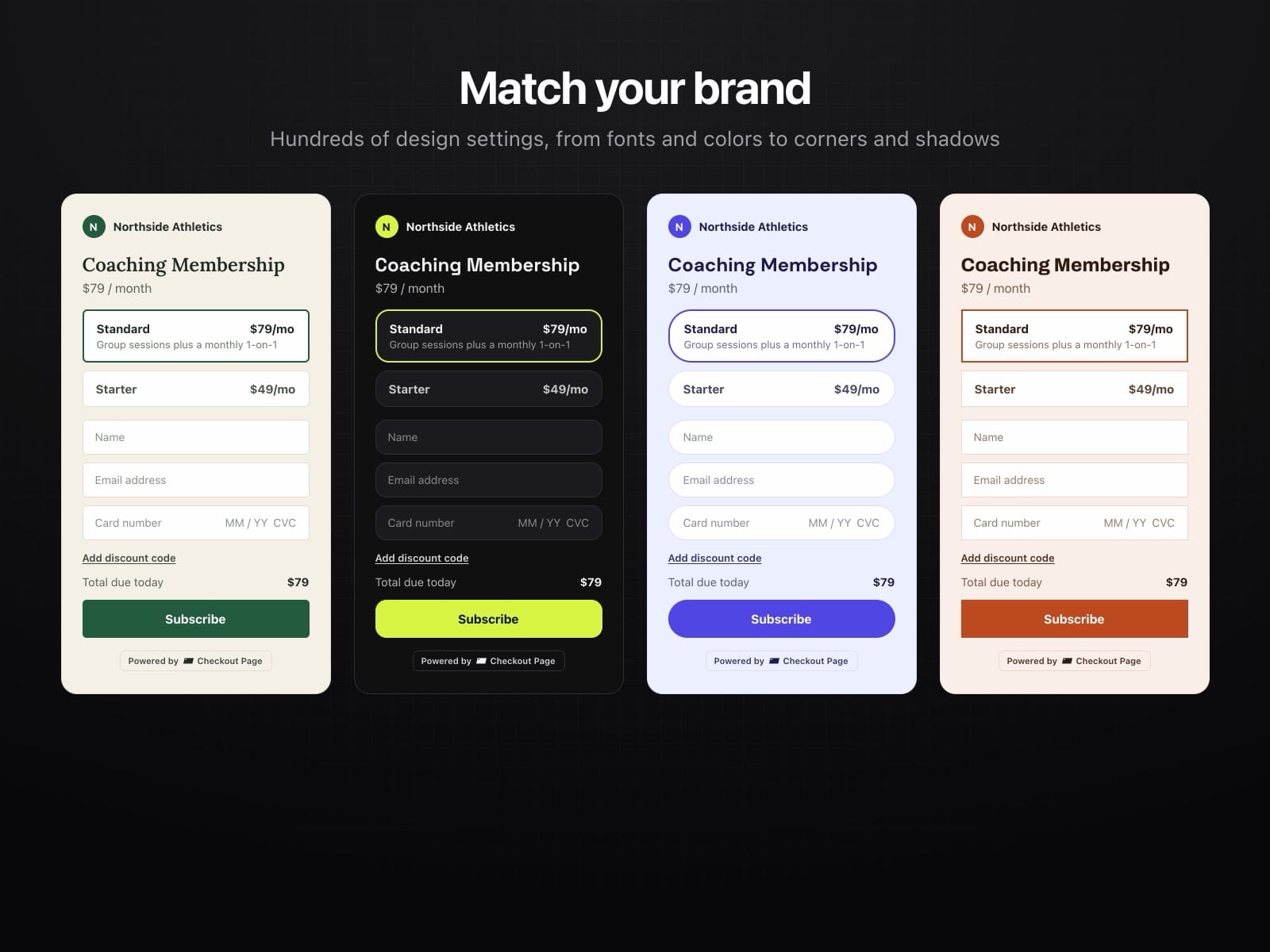
Checkout pages are fully themeable: your fonts, your colors, your corners, light or dark.
Theme them once in the Checkout Page dashboard and every buy button, embed and popup on your Framer site matches your brand.
How it works
Open the plugin and connect your Checkout Page account
Select the checkout page, event or form you want to add
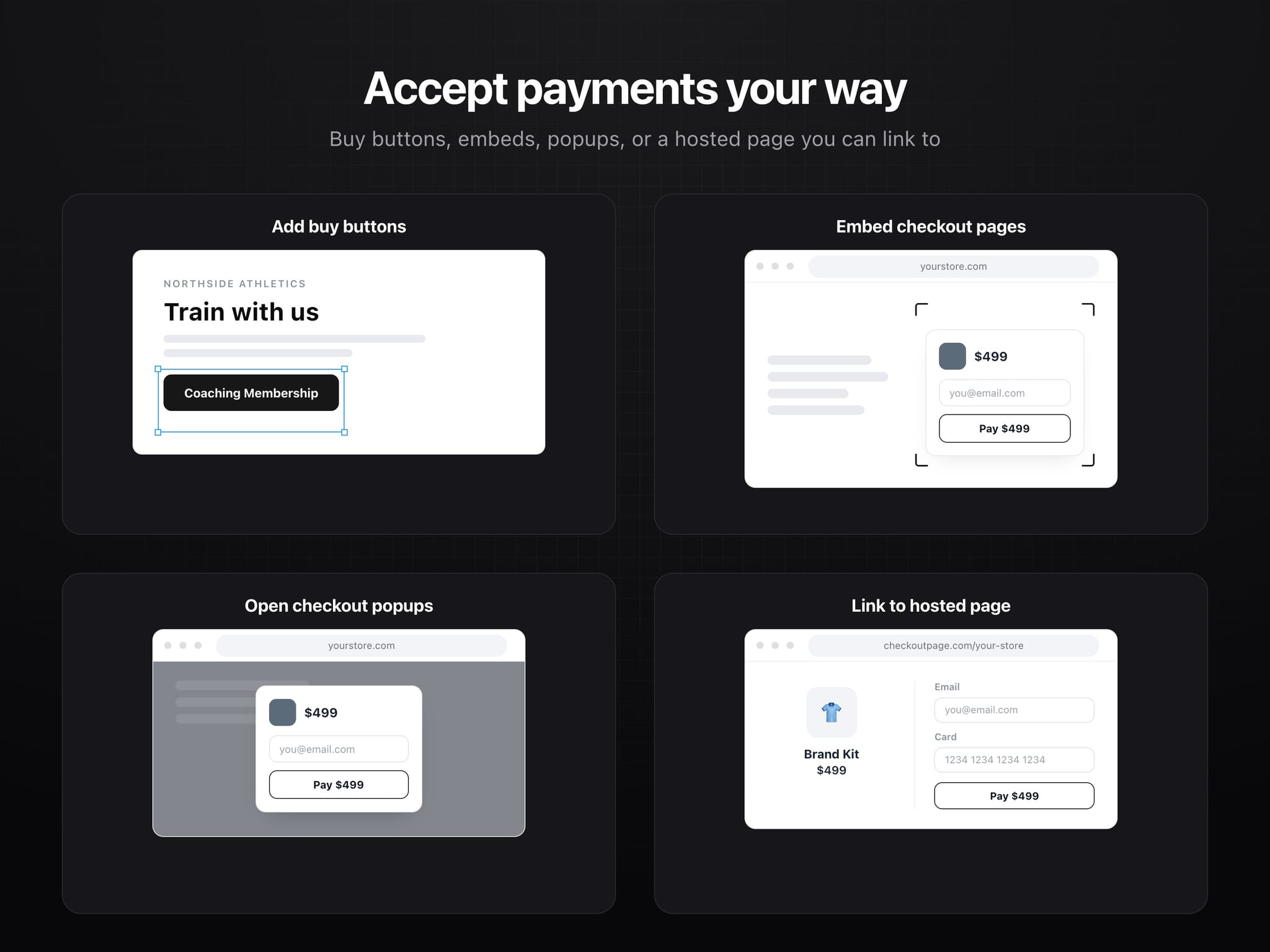
Add a buy button, or embed the whole checkout on the page. Click to insert it, or drag it exactly where you want it.
Inserted buy buttons are ordinary Framer components. Set the label, colors, radius, padding and border in the property panel, and choose whether the checkout opens in a pop-up or as a link.
Run more than one store? Connect them all and switch between them in the plugin.
What you need
A Checkout Page account. The plugin will not show anything until you connect one, and you can create one from the plugin if you do not have it yet.
Pricing
The plugin is free.
Checkout Page itself has a Free plan covering up to $3,000 in sales a month, and paid plans from $29 a month. See https://checkoutpage.com/pricing for current pricing.
Support
Help center: https://checkoutpage.com/docs
Email: support@checkoutpage.com