About Planby Schedule — CMS Sync
Planby Schedule — CMS Sync
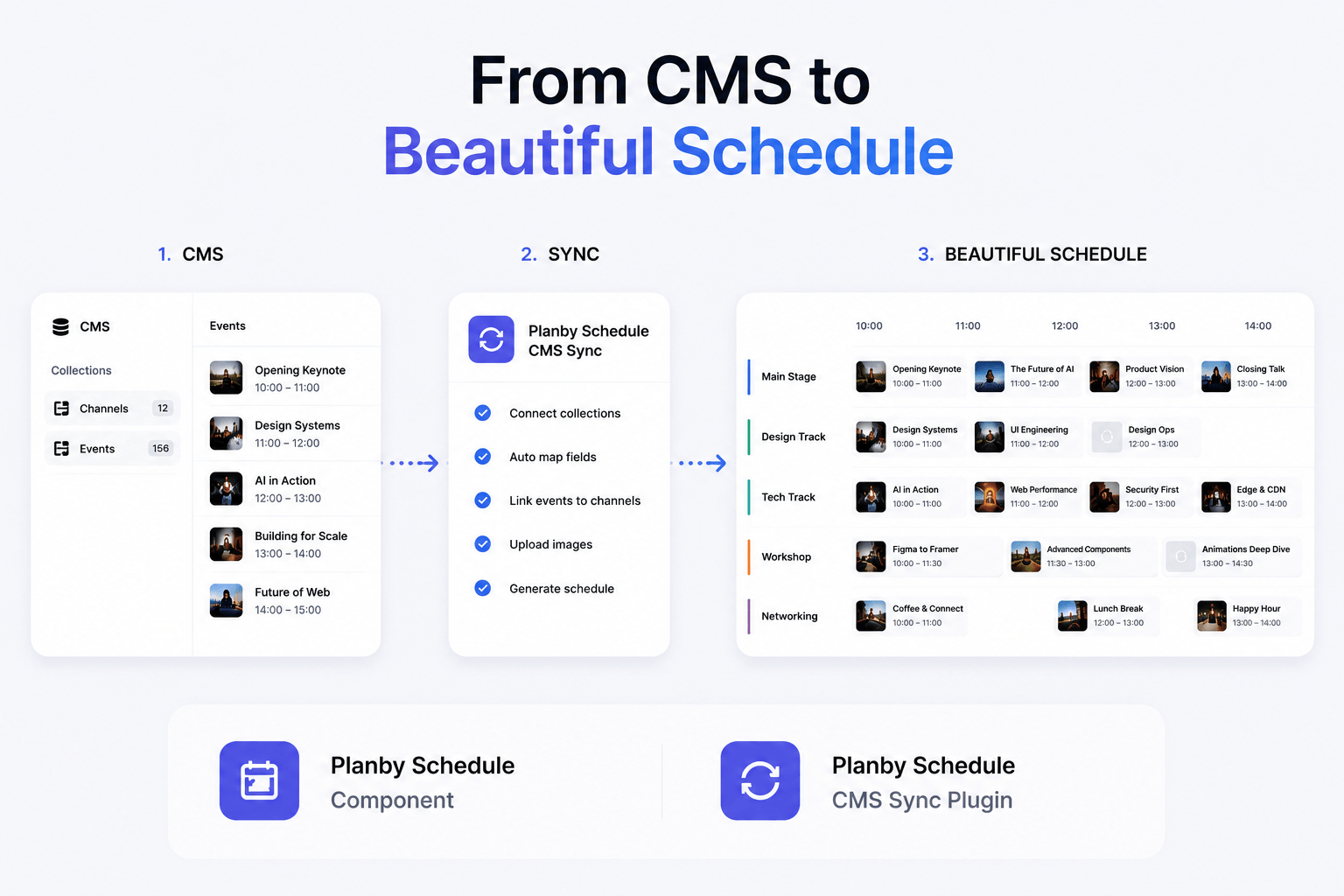
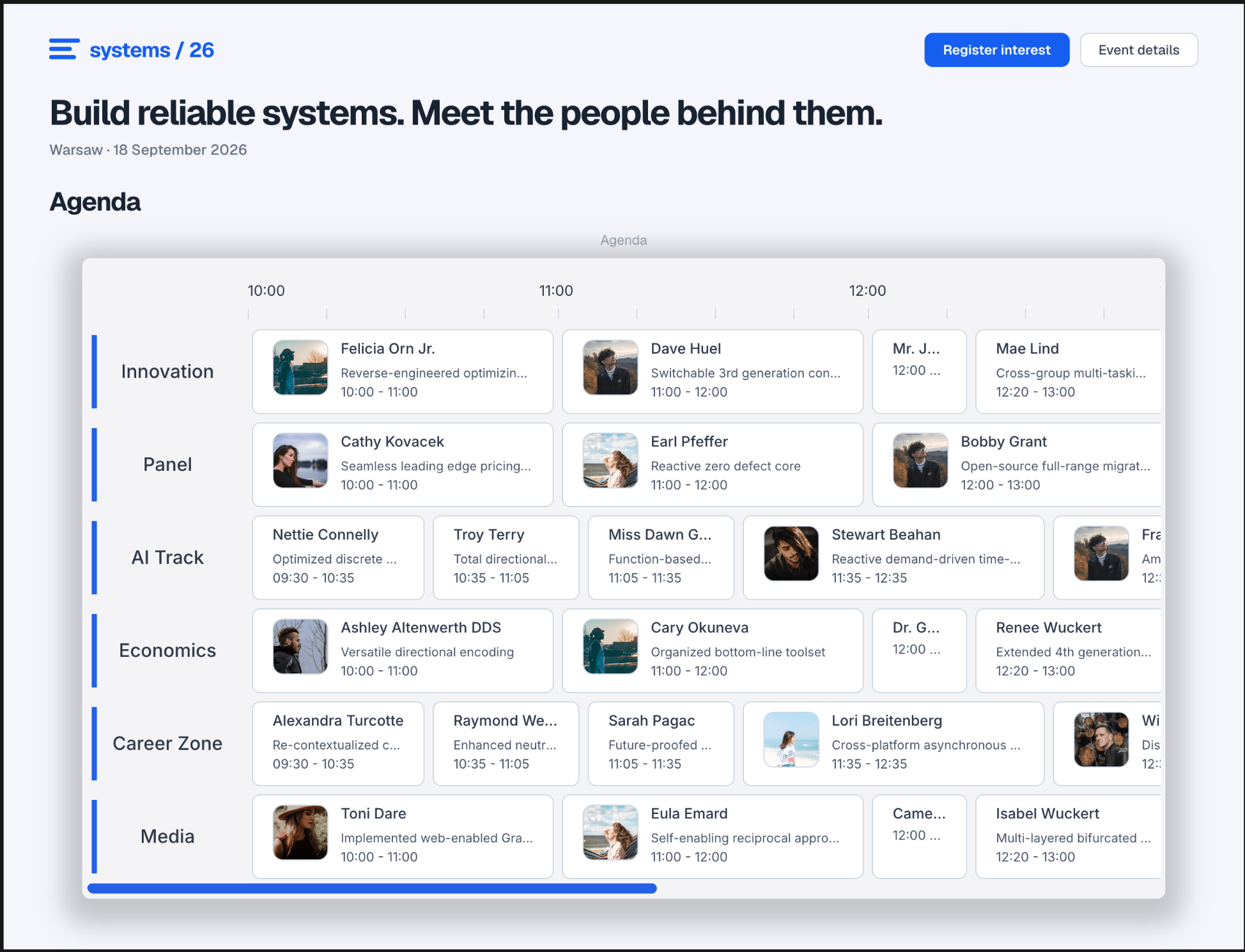
Connect your Framer CMS to Planby Schedule and generate beautiful schedules directly from your CMS collections. No copy & paste, no manual updates.
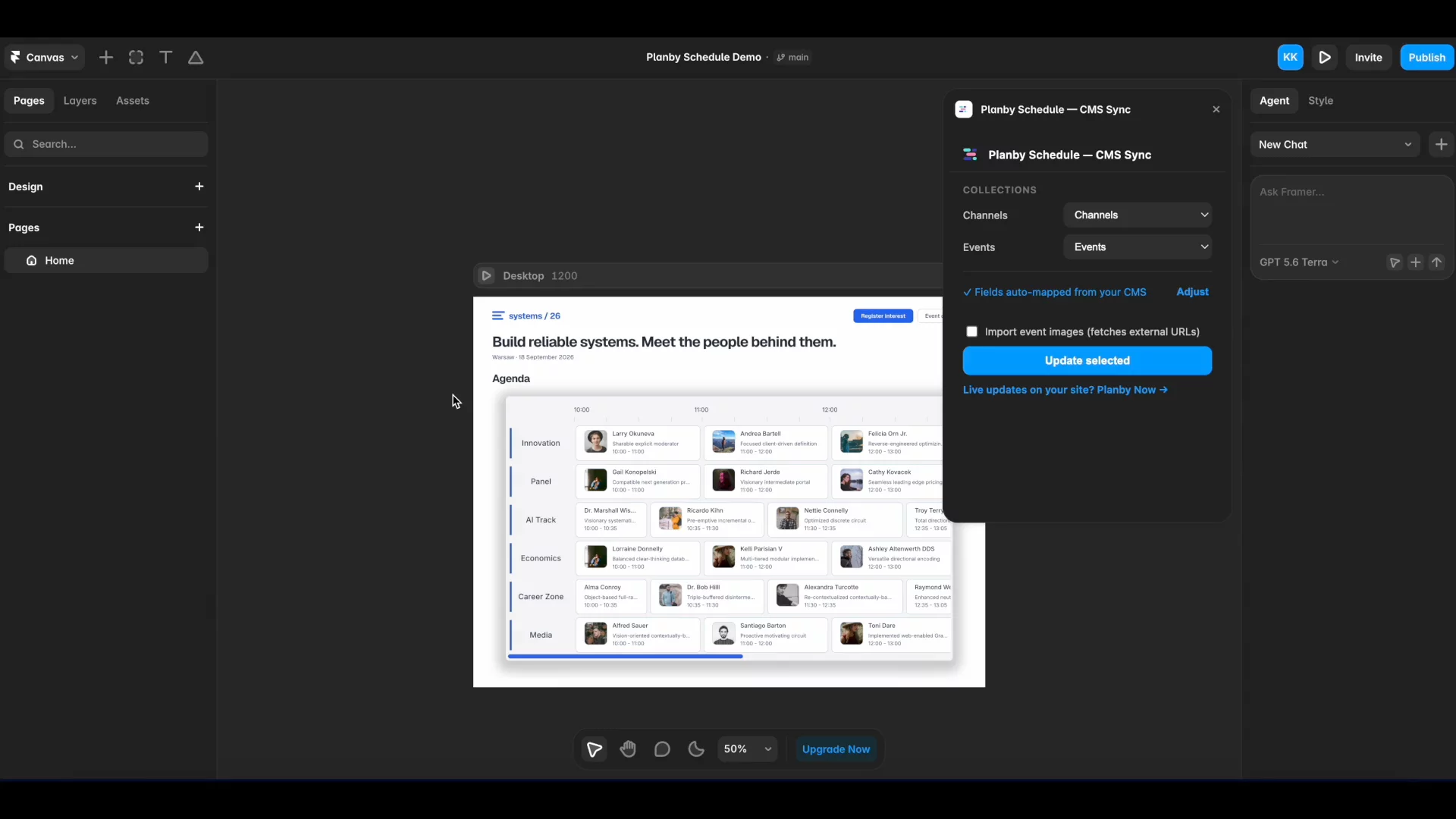
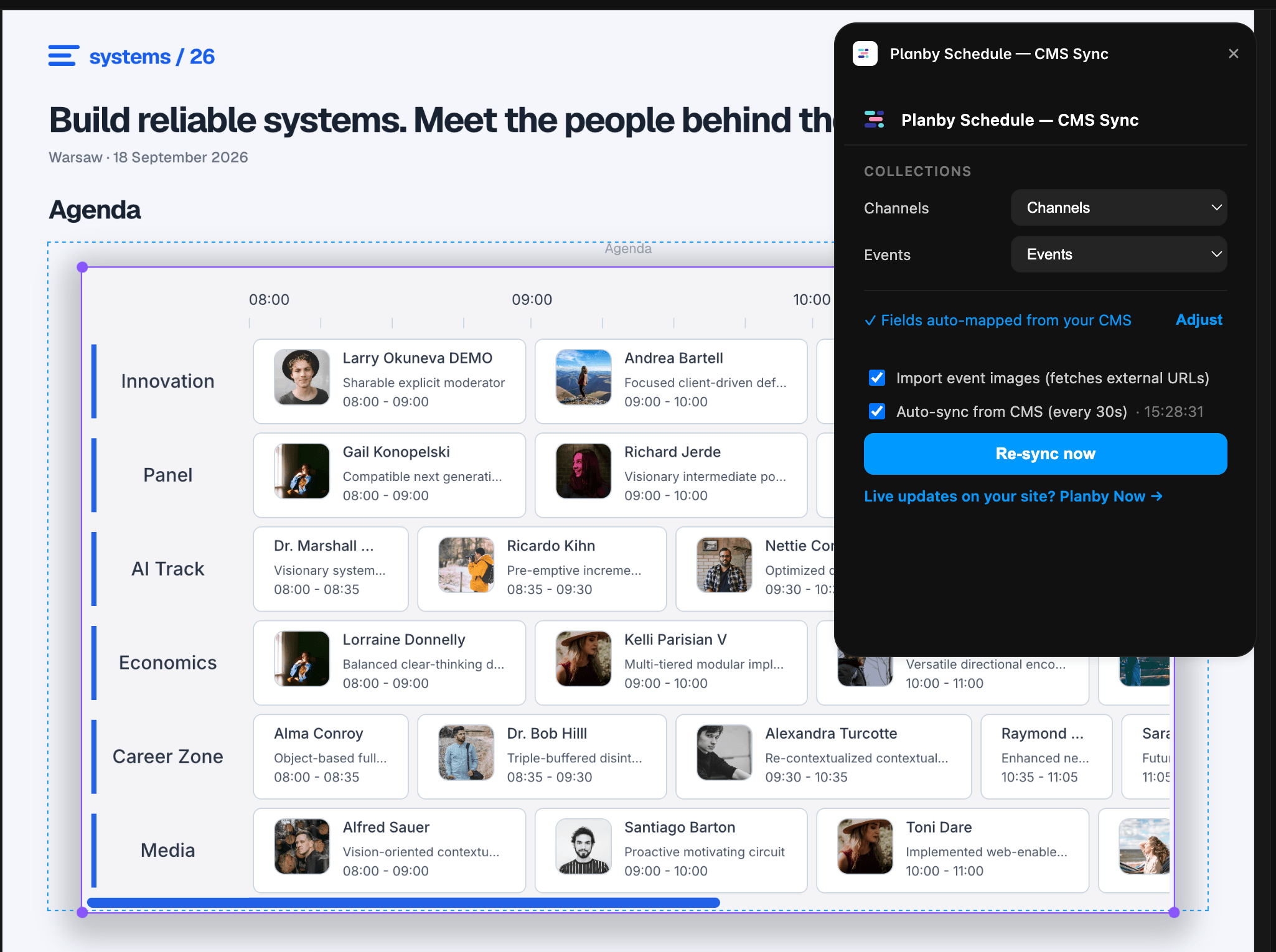
Simply select your Channels and Events collections, then let the plugin do the rest. It automatically maps your fields, links events to channels, uploads images to Framer Assets, and populates your Planby Schedule component in seconds.
Edit your content where it belongs—in Framer CMS. Whenever your CMS changes, simply re-sync your schedule and publish your site.
Turns your Framer CMS into a live schedule. Requires Planby Schedule ($29) — see it live at planby.framer.ai
Video Tutorial: https://www.youtube.com/watch?v=6XBFj-haGYQ
Perfect for
Conferences
Festivals
Event websites
TV Guides
Education
Corporate events
Features
Automatically maps CMS fields
Links events to channels
Uploads external images to Framer Assets
Imports titles, times, descriptions, images, and social links
One-click schedule updates
Custom field mapping when needed
How it works
Add Planby Schedule to your Framer project.
Open Planby Schedule — CMS Sync.
Select your Channels and Events collections.
Click Update Selected.
Publish your site.
Requirements
Planby Schedule component (sold separately) https://planby.app/planby-for-framer
Two Framer CMS collections:
Channels (name, optional logo)
Events (title, start, end, channel reference, optional image, descriptions, and social links)
Need real-time updates?
This plugin synchronizes your CMS with the component and updates your published site after you publish your project.
For real-time schedules that update automatically without republishing, use Planby Now: