About WP Sync
Bring your WordPress content into Framer the fast way. WP Sync by 19.studio removes the manual work of migration, letting you import posts, custom post types and woocommerce productsi, directly into Framer CMS with just a few clicks.
Whether you’re redesigning in Framer or migrating a large wordpress website, this plugin keeps everything fast and clean.
Get to know more on the WP Sync website.
Do you need help with your new Framer website? Let's chat.
Why Use WordPress Sync?
Lightning-Fast Migration
Move hundreds of posts into Framer in seconds. This includes images, video, media, rich text content. No copy-paste, no CSV juggling, no plugins to maintain.
Custom Post Type Support
Import exactly what you need: posts, news, blog, woocommerce products, or any custom post type from your WordPress setup.
Sync When You Need It
Import once or re-sync any time. Keep your Framer CMS up to date as your WordPress site changes.
Field Mapping Made Easy
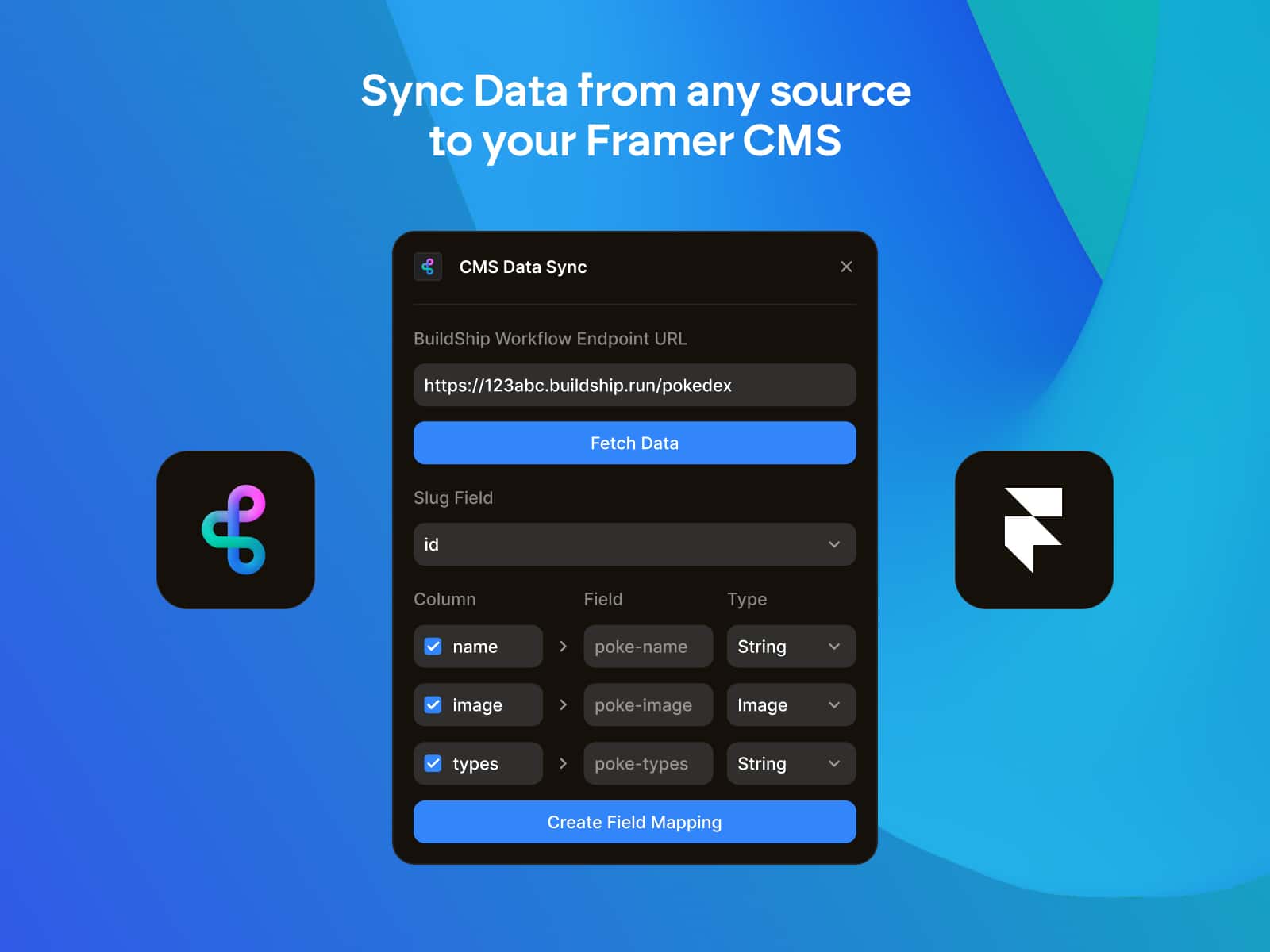
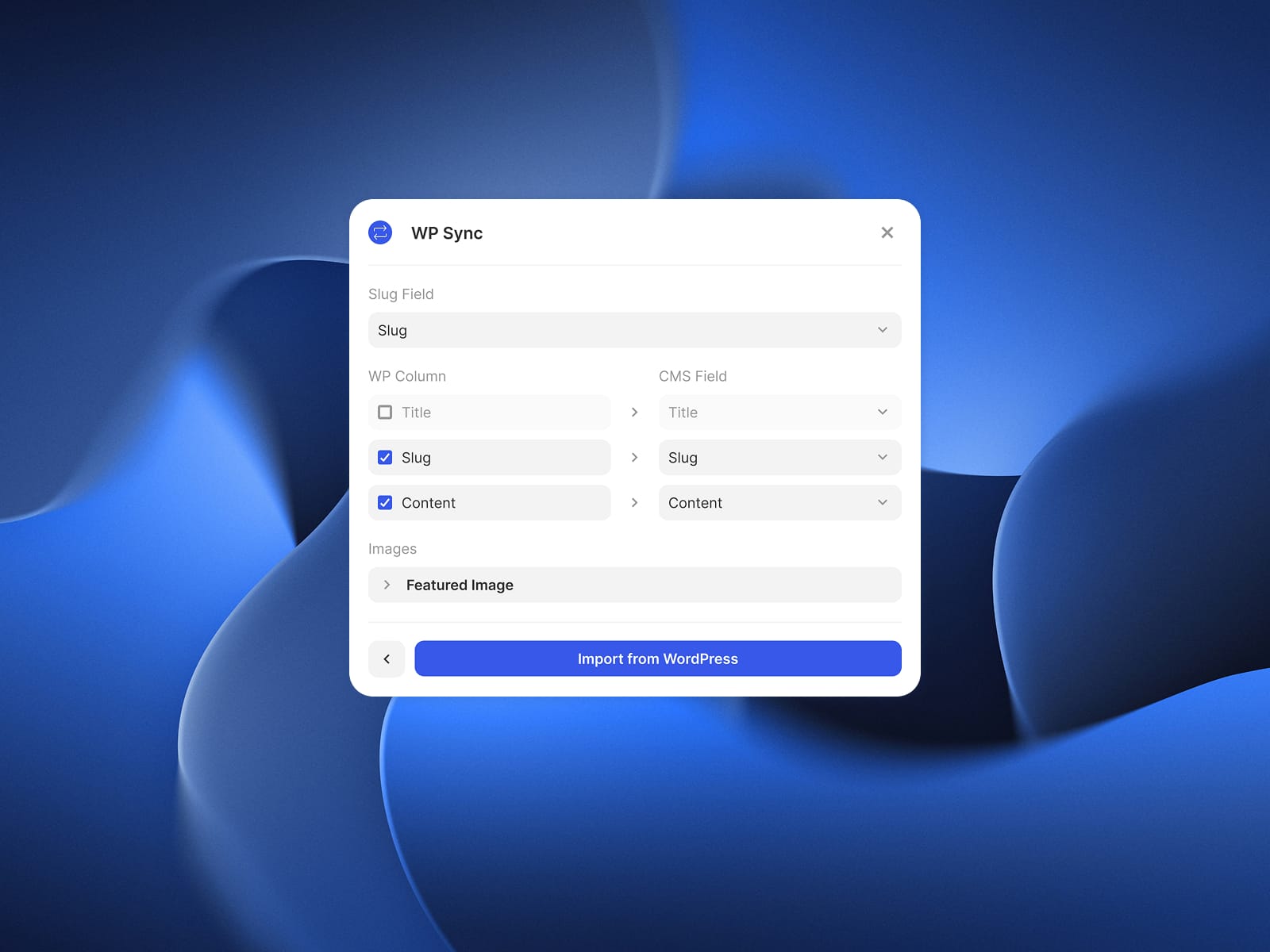
Map WordPress fields to Framer CMS fields with an intuitive visual interface.
Built to Scale
From small blogs to 1,000+ posts, imports stay smooth, stable, and fast. Even for heavy media libraries.
How It Works
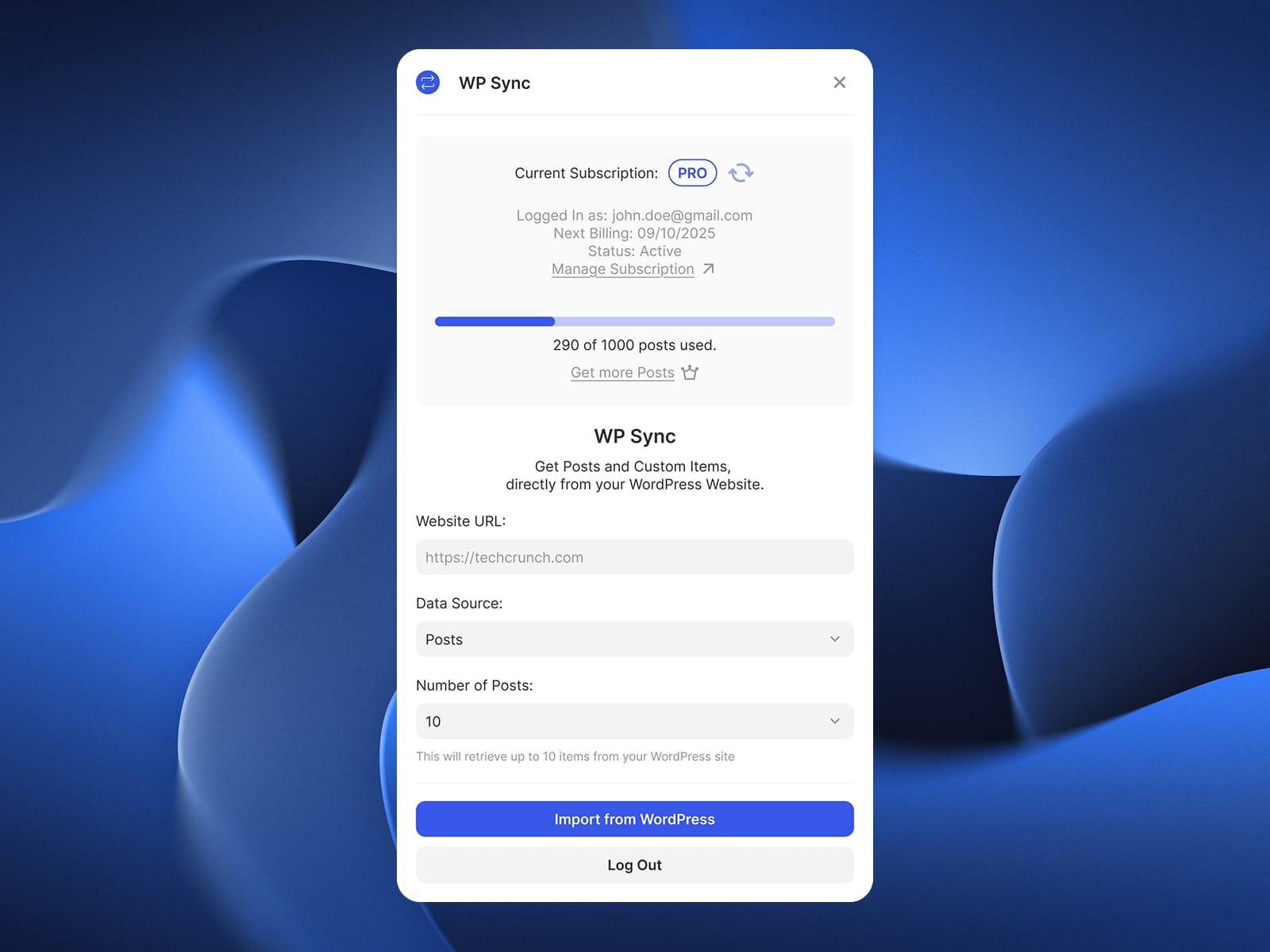
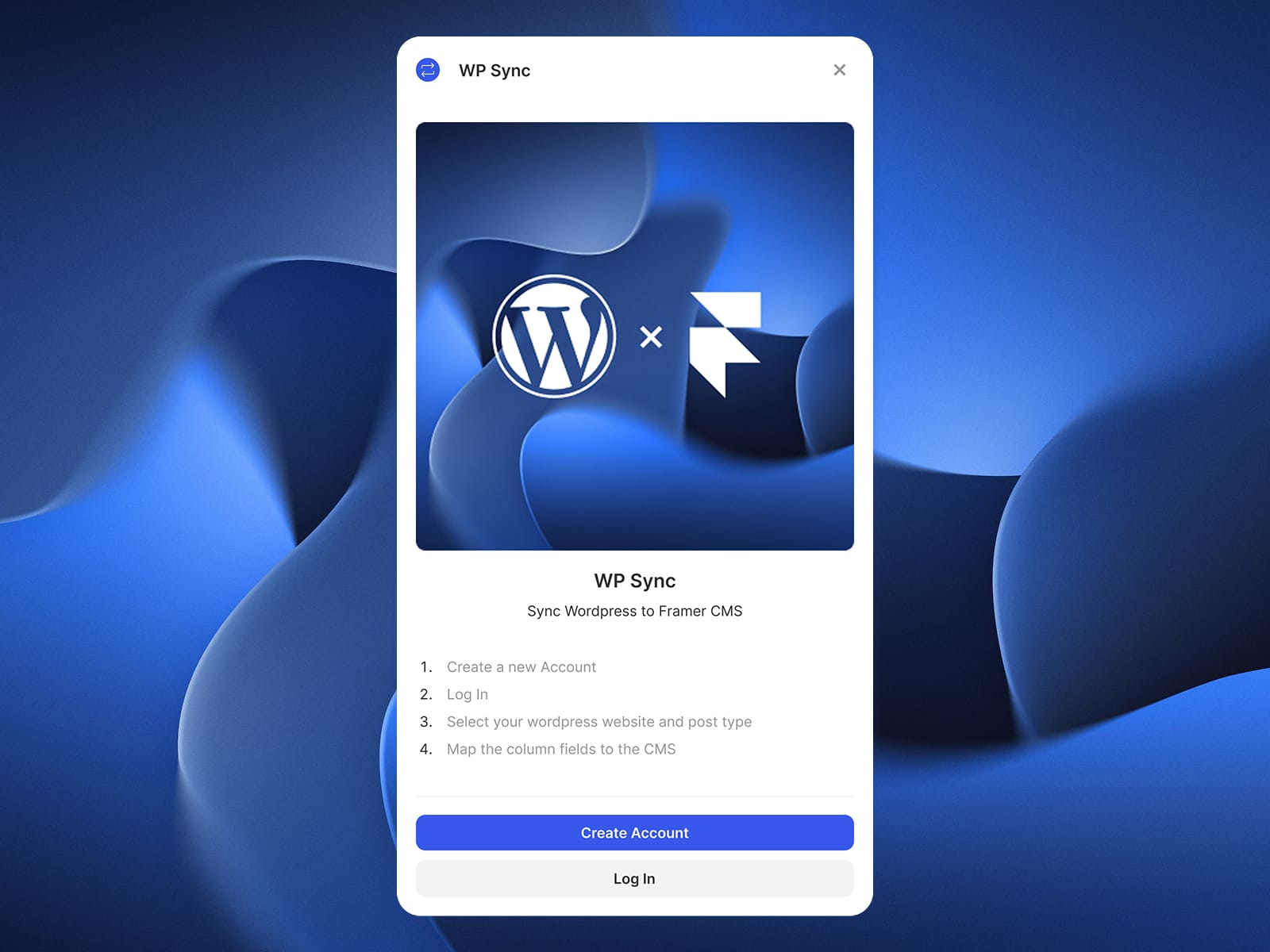
1. Connect your WordPress site using your plugin dashboard.
2. Choose what to import: posts, products, or custom posts.
Note: you cannot import your wordpress pages.
3. Map your fields to Framer CMS collections.
4. Import and watch your content appear instantly inside Framer.
That’s it. No exporting, no re-formatting, no headaches.
WordPress Sync makes migration effortless, so you can focus on what matters: designing your new Framer site, not wrestling with legacy content.
Whether you’re launching a fresh redesign or rebuilding a large WordPress archive, this plugin gives you a smooth and reliable workflow from start to finish.