About Unicorn Studio
Bring the scenes you build in Unicorn Studio onto your canvas.
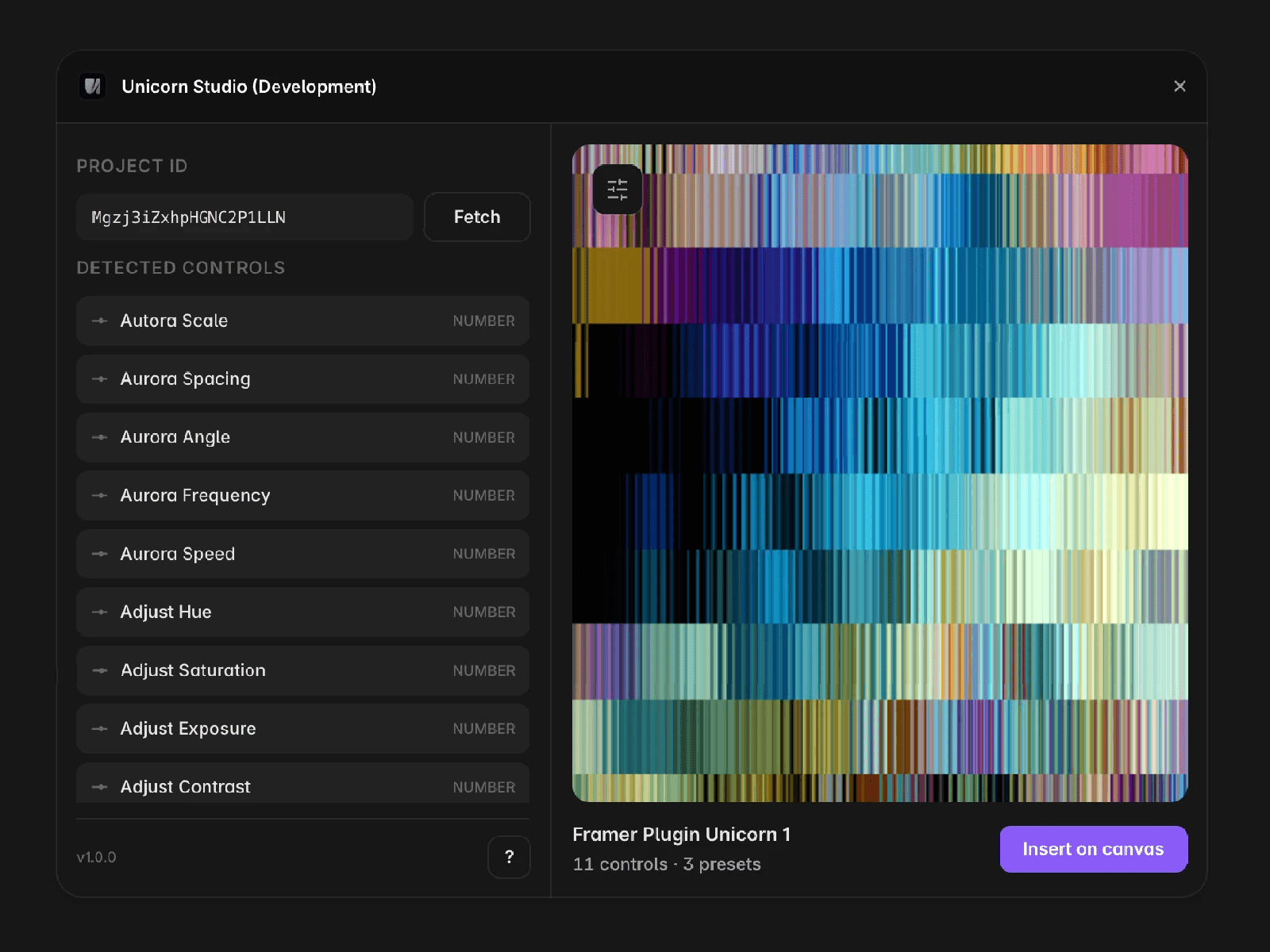
Paste a project ID and the plugin fetches your scene, previews it live with its presets, and inserts it as a Framer component.
Variables
Every variable in the scene becomes a real property control: colors, numbers in the scene's own units, toggles, images, vectors. No embed code, no iframe.
Presets
Set a different preset on each Framer variant and the scene tweens between those states using the transition on the component, so a hover or a scroll can drive the shader itself.
Licence
The plugin is free to use. Scenes come from your own Unicorn Studio account, so your Unicorn plan is what applies.
How it works
1. Build and publish a scene in Unicorn Studio.
2. Copy its project ID from the embed code.
3. Paste it in and press Fetch.
4. Pick a preset (if any), then insert.