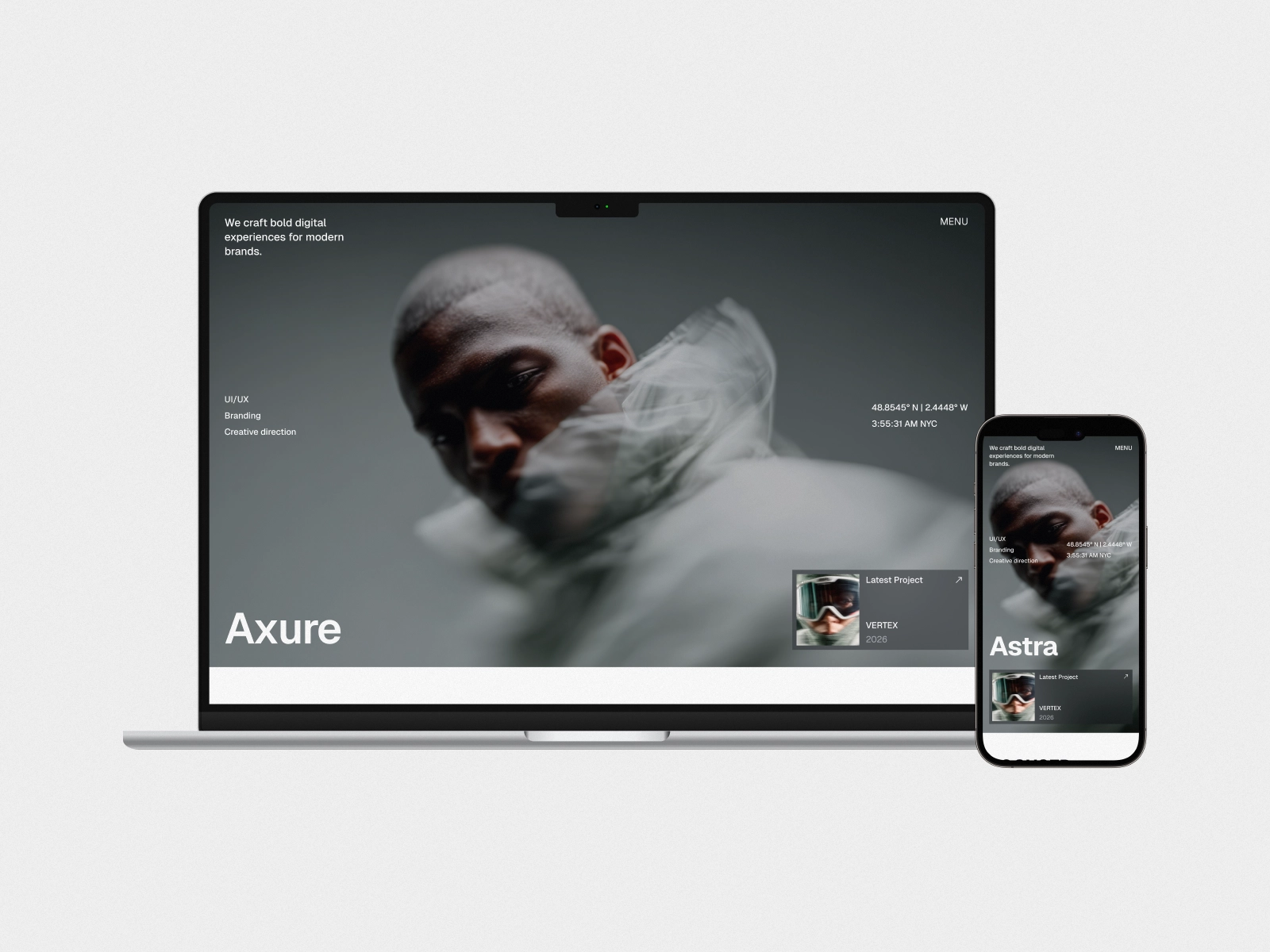
About Axure
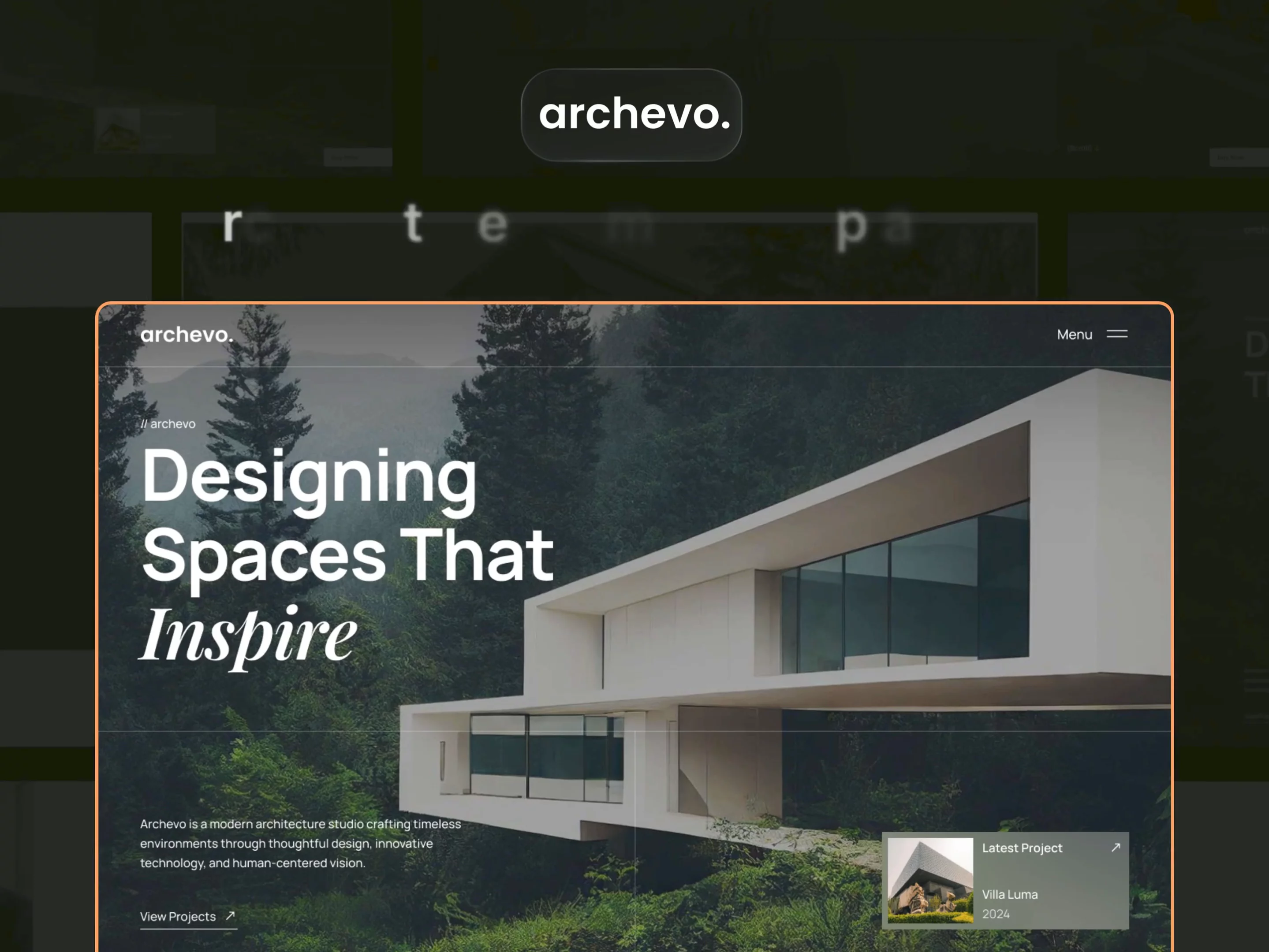
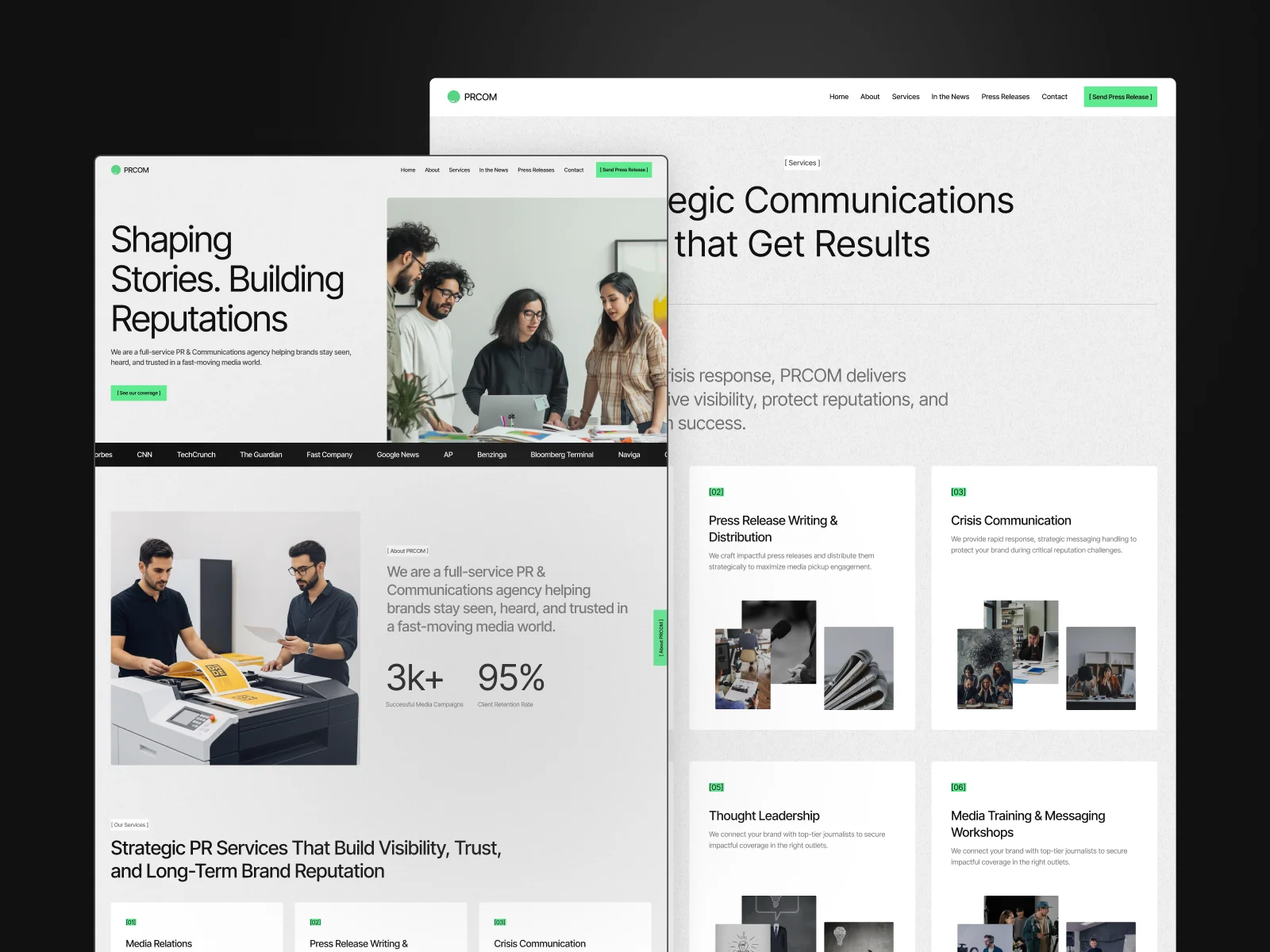
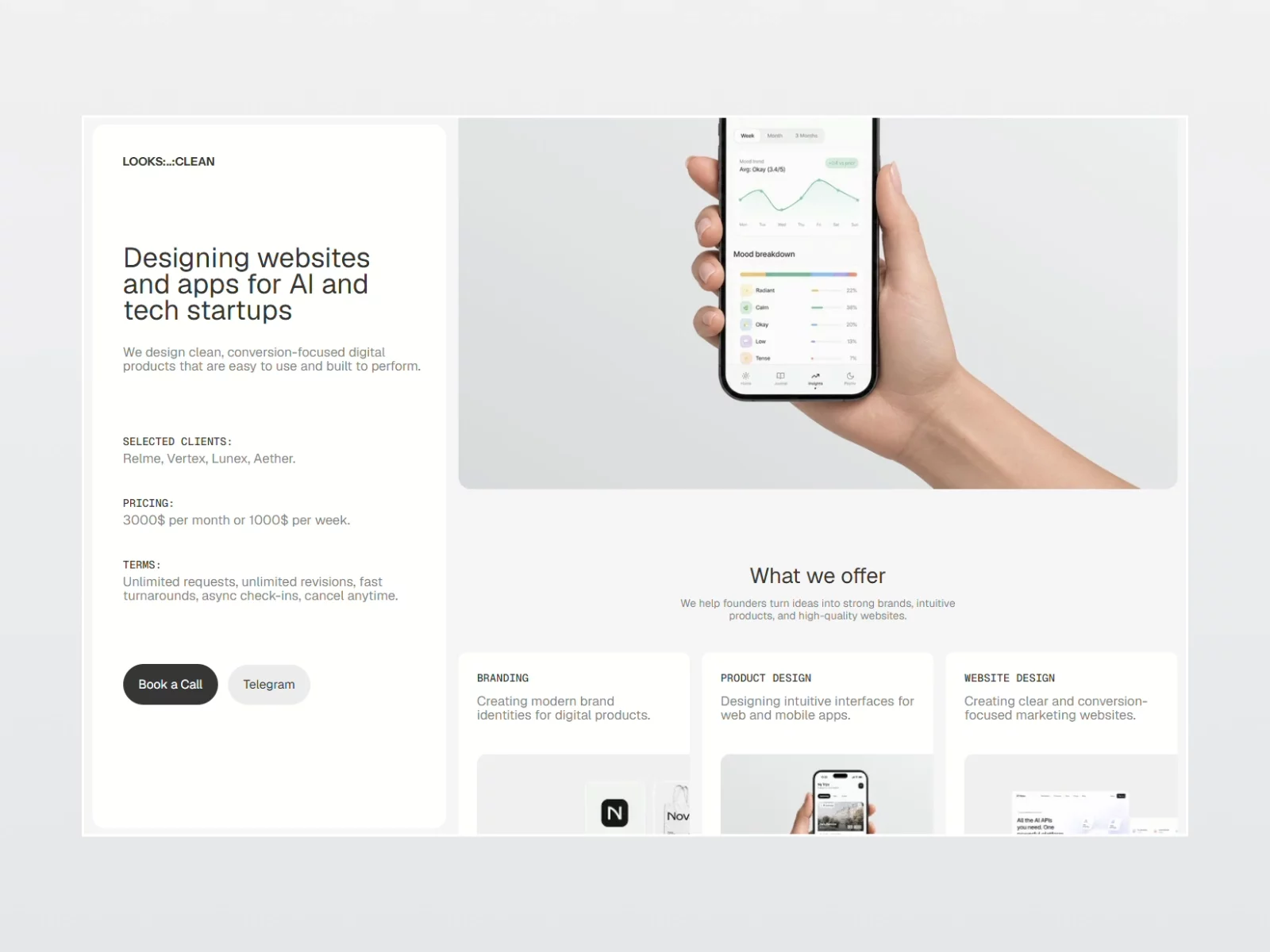
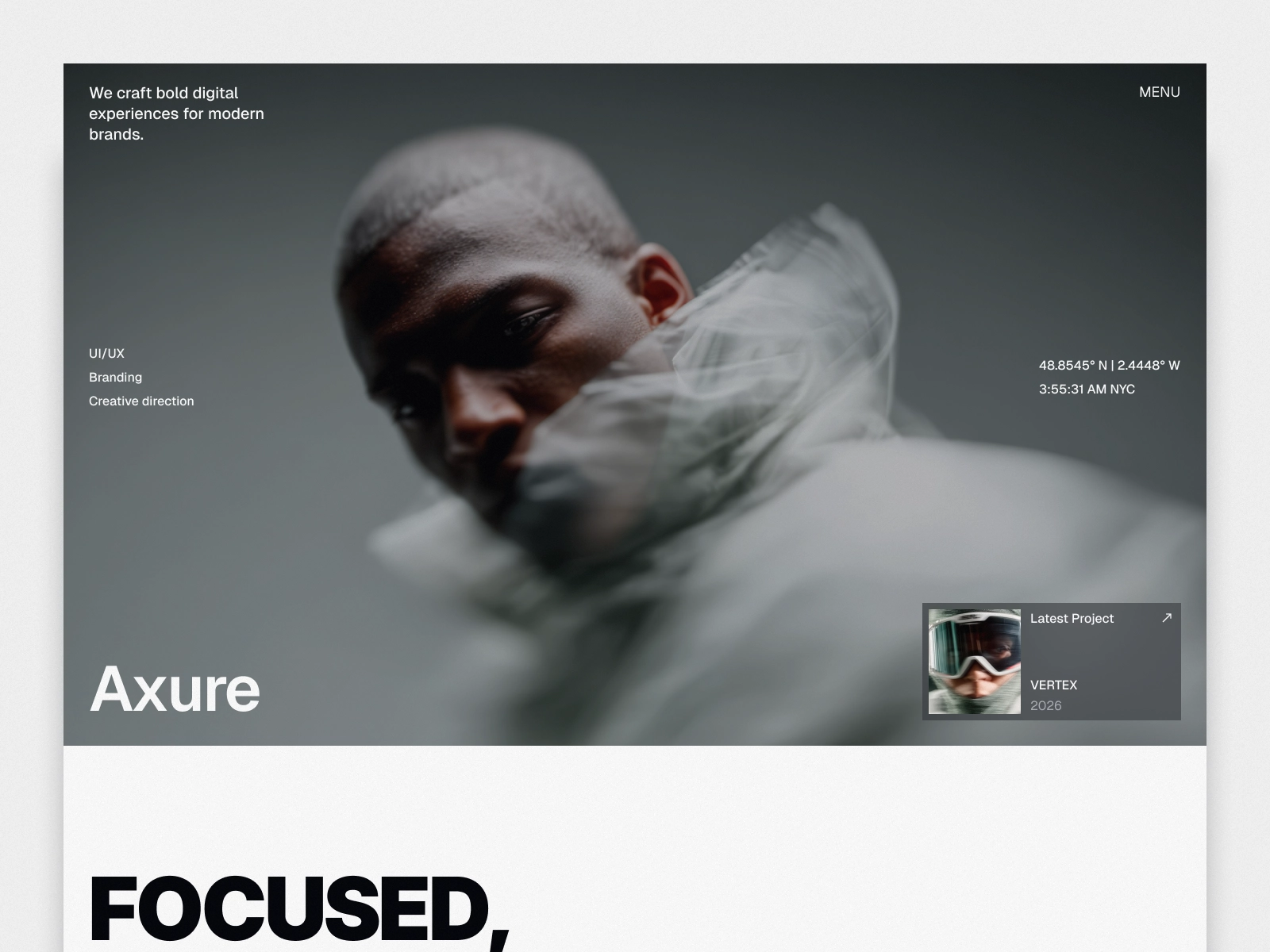
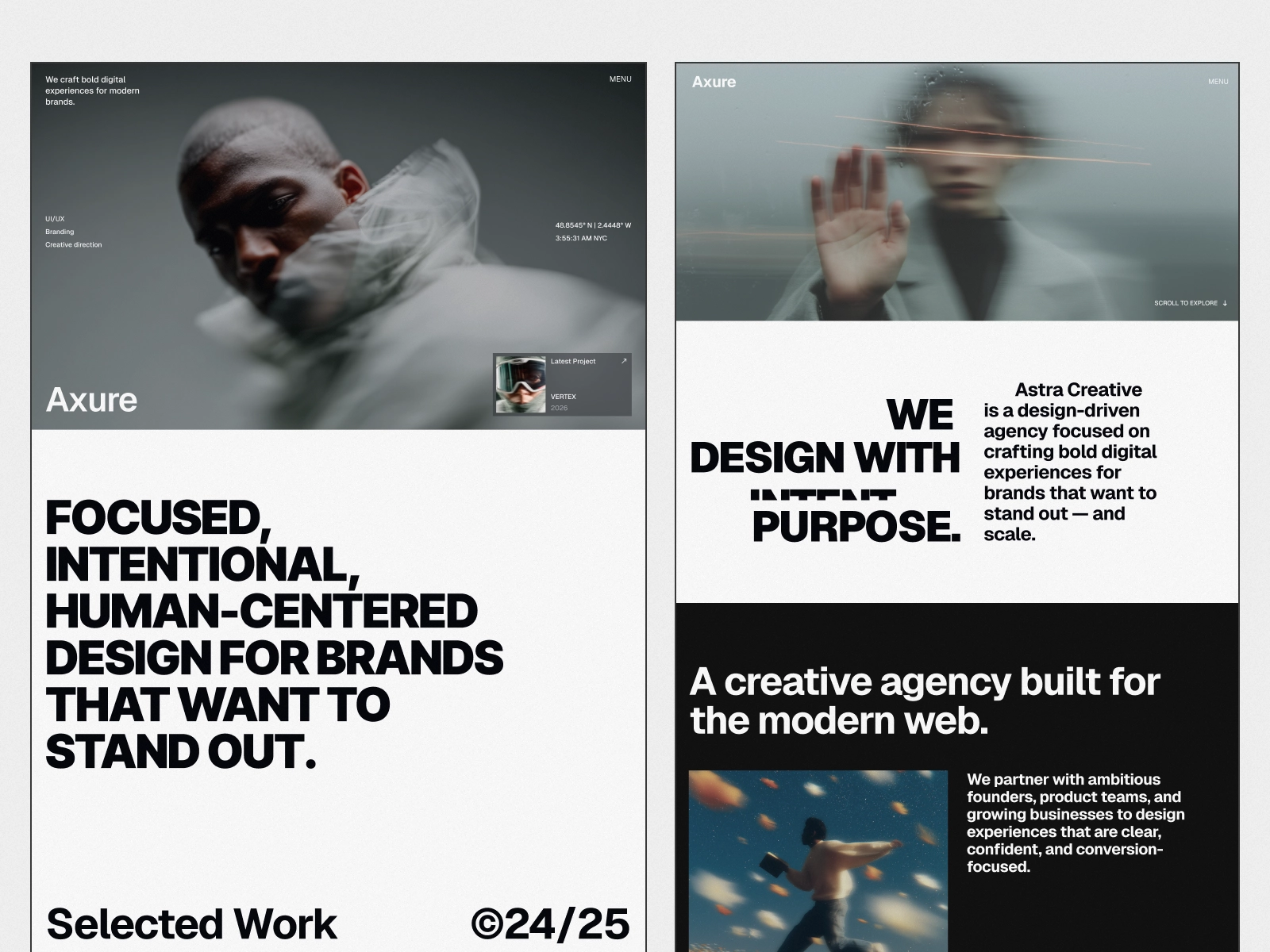
Design studios are hired on the work and on how they think. Axure is a design portfolio website template built in Framer that gives both room: a work collection with a page per project, and a dedicated process page explaining how a project actually runs.
At a glance
Pages: 12 total (7 static, 3 CMS collections, 1 folder)
CMS collections: blog, blog category and work
Online store: no
Contact form: yes
Responsive: desktop, tablet and phone
Built with: Framer, no code
Pages included
Home, About, Blog, Contact, Our Process, Works Grid and Works List, plus template pages for blog, blog category and work, and 404.
What it does not do
It presents the studio and its work. It does not gate case studies behind a login, run client review or approval rounds, host files, or handle proposals and contracts. There is no online store, so selling templates, presets or courses needs a shop alongside it.
Who it is for
Axure works best as a design portfolio website template for:
Product and UX design studios presenting selected work
Brand and digital agencies that win on process as much as portfolio
Independent designers with a small number of deep case studies
FAQ
What is the difference between Works Grid and Works List? They present the same work collection in two layouts. Grid suits image-led work, list suits systems and product work with more to explain. Keep one and delete the other.
Can I password-protect client work? Not in this build. Framer can password-protect a site, but per-client gating is something you would set up yourself.
How do I add a project? Add an entry to the work collection. It appears in both portfolio layouts automatically.
Is there a blog? Yes, with categories, held in separate CMS collections.
Customizing it
We can customize this design portfolio website template for you, from color and content through to new pages. Request a quote or see our Framer customization service. Support and updates are included.