Hey everyone 👋
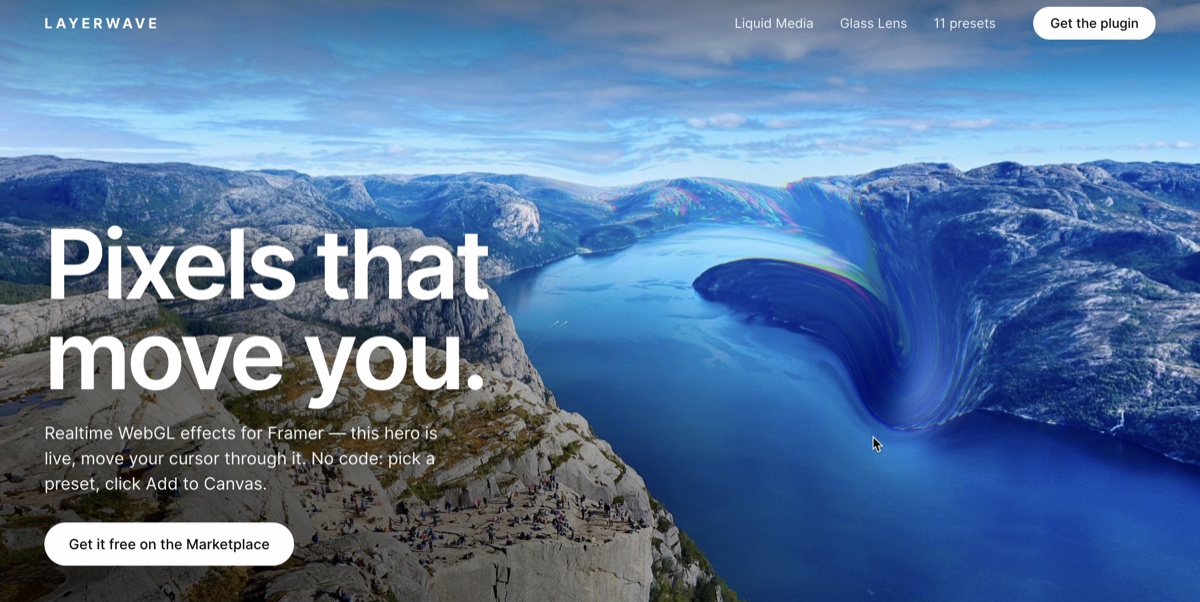
New in Layerwave: scroll-driven effects 🌊
Just shipped an update that adds scroll as an input alongside the cursor — which means the effects now animate on phones and tablets too, where there's no pointer to follow.
Two new presets:
Scroll Current (Liquid Media) — the image liquefies as the section travels past
Reading Glass (Glass Lens) — the lens holds its place on screen while the media scrolls beneath it
Two new sliders, available on any preset:
Scroll Influence on Liquid Media
Scroll Follow on Glass Lens
Both default to off, so your existing setups look exactly as they did — turn them up on any instance when you want scroll to drive it.
To get the update: open the plugin and insert an effect once. That rewrites the component file in your project (you'll get a "component updated" notice), and every existing instance picks up the new code. You can delete the throwaway instance afterwards — the updated code file stays. Instances you inserted as Custom keep their frozen values, by design.
👉 Get it via my profile
🌊 Try it live in your browser: